Passer la navigation

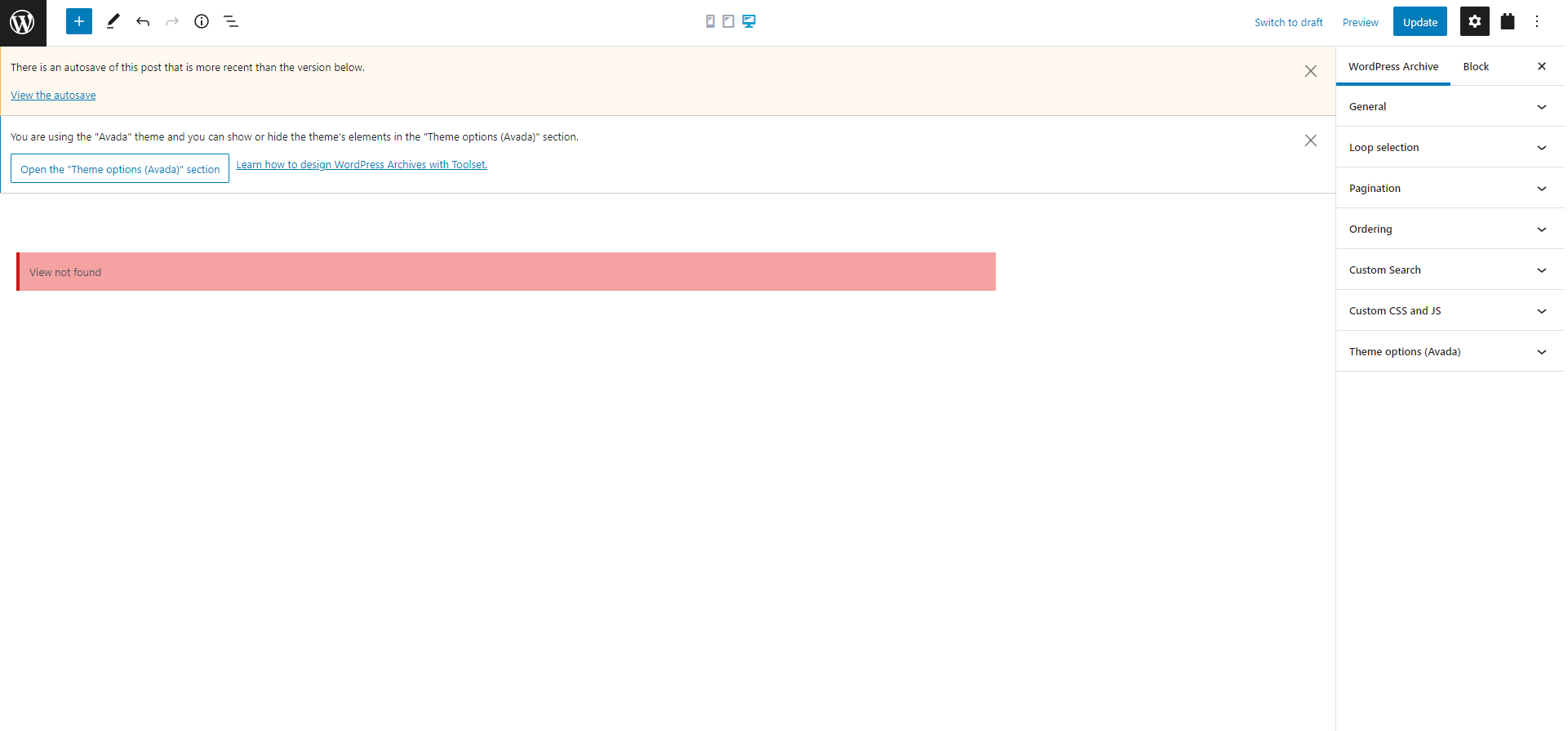
[Résolu] I get a message "view not found" when I am trying to edit the archive of "domes"

This support ticket is created Il y a 4 years, 1 month. There's a good chance that you are reading advice that it now obsolete.

This is the technical support forum for Toolset - a suite of plugins for developing WordPress sites without writing PHP.

Everyone can read this forum, but only Toolset clients can post in it. Toolset support works 6 days per week, 19 hours per day.

Sun Mon Tue Wed Thu Fri Sat
- 9:00 – 12:00 9:00 – 12:00 9:00 – 12:00 9:00 – 12:00 9:00 – 12:00 -
- 13:00 – 18:00 13:00 – 18:00 13:00 – 18:00 14:00 – 18:00 13:00 – 18:00 -

Fuseau horaire du supporter : America/Jamaica (GMT-05:00)

Ce sujet contient 1 reply, a 2 voix.

Dernière mise à jour par Shane Il y a 4 years, 1 month.

Assisté par: Shane.

Auteur
Publications
#2362767
viewnotfound.png

Tell us what you are trying to do?
I want to edit archive page but I get the message "view not found" ( link: lien caché )
Is there any documentation that you are following?

Is there a similar example that we can see?

What is the link to your site?
lien caché

#2362809

Shane
Supporter

Les langues: Anglais (English )

Fuseau horaire: America/Jamaica (GMT-05:00)

Hello,

Thank you for getting in touch.

Based on the message that is being displayed here it appears that you're trying to load a view that doesn't exist anymore.

Can you remove this view block ? Also to check if the view is indeed deleted you can go to Toolset -> Views and check if you see your view.

If this menu item doesn't show up please enable the classic view editor.
If the classic view hasn't been enabled you can enable it by going to Toolset -> Settings and scrolling to Editing Experience. From there I recommend that you select " Show both the legacy and Blocks interface and let me choose which to use for each item I build".

This will allow you to have access to the classic editor as well as the block editor. From there refresh the page and go to Toolset -> Views.

Thanks,
Shane