Hello,
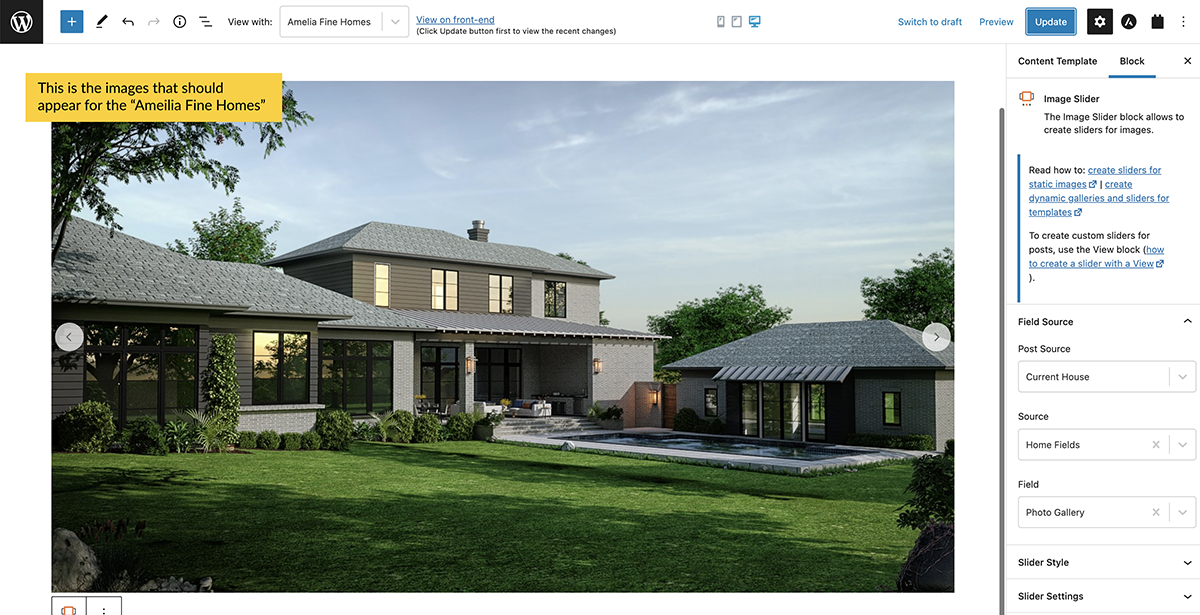
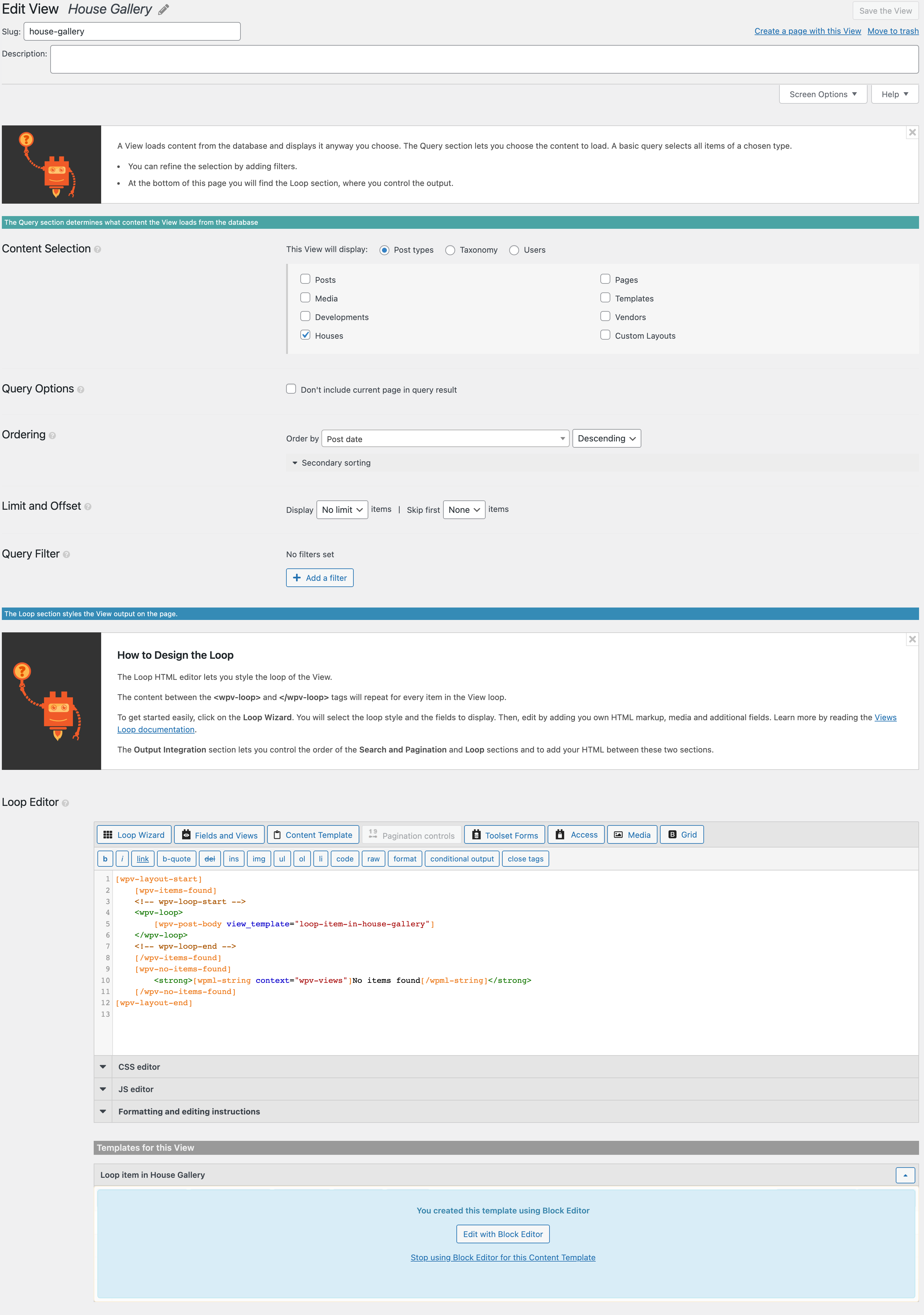
We're trying to insert the Toolset Image Slider into our Content Template that is built with Beaver Builder. First ,we setup a new view ("House Gallery"). Within this view we have connected a Loop Content Template (built using the Block Editor). The Loop Item contains the Image Slider block. Within our Beaver Builder Content Template for Single Houses we've added the shortcode to display the "House Gallery" view.
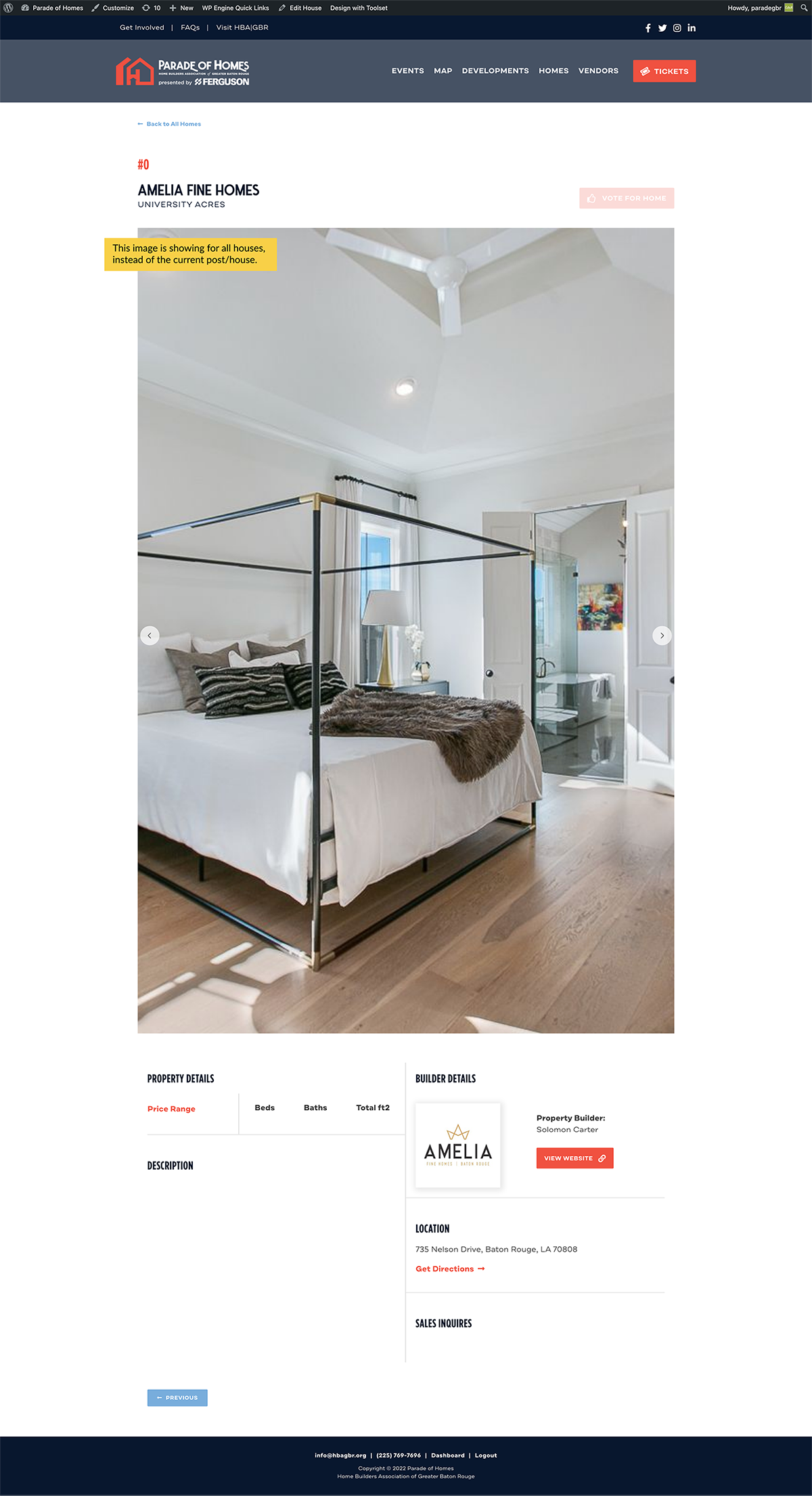
When we're editing the Loop Item we can see that it is pulling the correct images for the house we're previewing. But when we view an actual house listing (single content template) we are seeing the same images across all listings - not the ones assigned to the current post.
I've attached screenshots of the settings we have in place for our View and the Loop Content Item. Can you help us understand what we're missing in our settings that is preventing the Image Slider from showing the current post/house?
Hi Karen,
Thank you for getting in touch.
This is due to the view not having a query filter to tell it to only show the items for the current post.
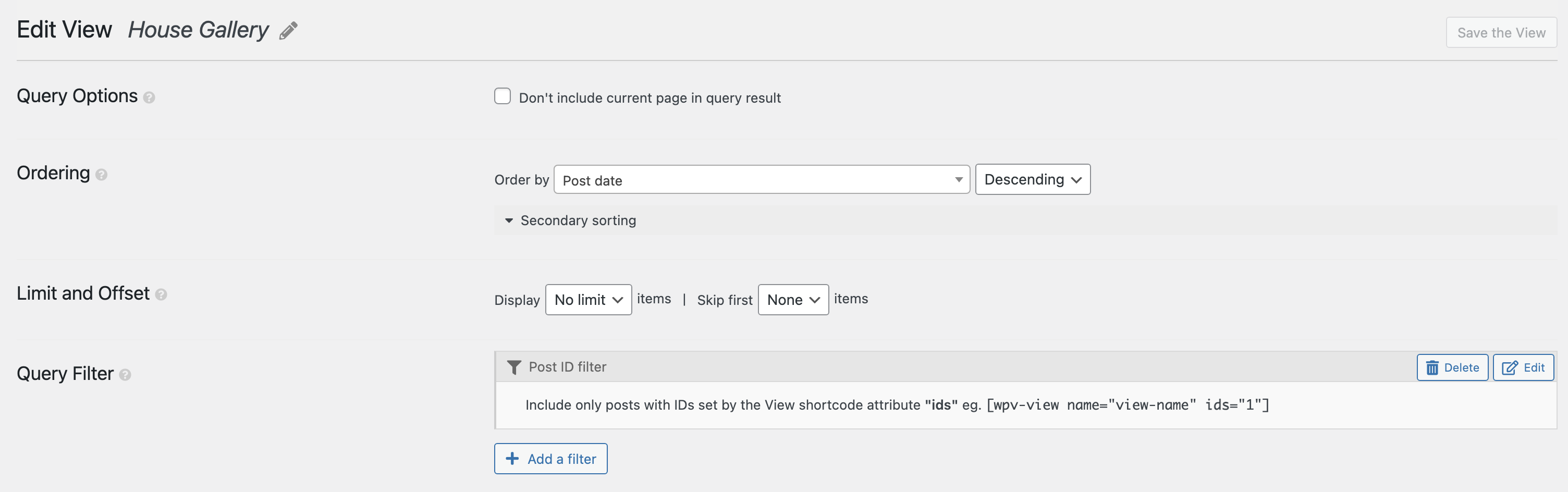
On you views setting page in your screenshot you should see the section called Query Filter, click add a filter and then add one for the post id.
From there select the option "Posts with IDs set by the View shortcode attribute:"
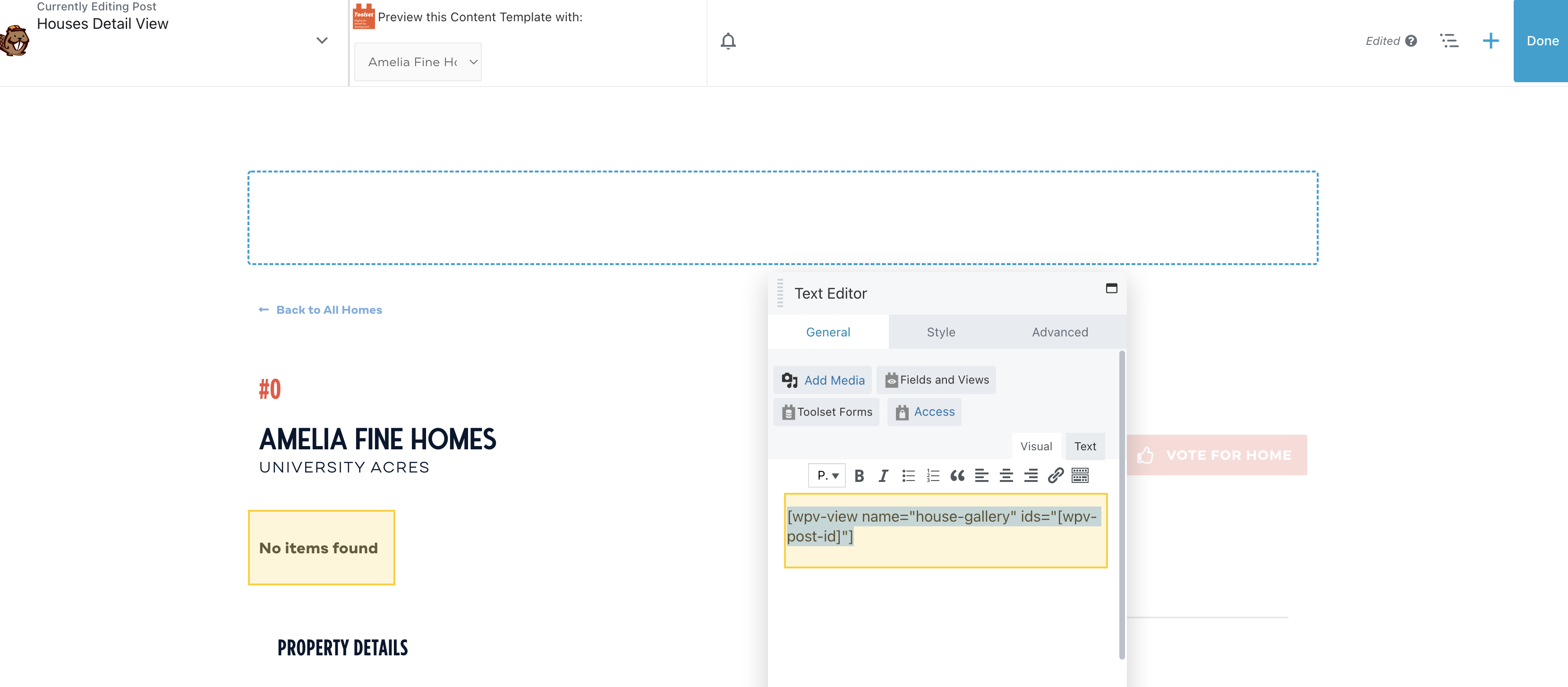
Finally just add your view to the template using the shortcode like below.
[wpv-view name="my-view" ids="[wpv-post-id]"]
Where my-view is the slug of your actual view.
Please let me know if this helps.
Thanks,
Shane
Hello,
I followed the instructions above to add the Query Filter (See screenshot). I then updated the Shortcode in my Content Template (See Screenshot). But now it says "No Items Found" for the Slider. I'm not sure what's missing or incorrect.
Hi Karen,
Based on what I see it should be working as intended.
Would you mind allowing me to have admin access to the website so that I can have a more detailed look at this for you ?
Please where applicable please provide me with a link to an example page where I can see the issue.
I've enabled the private fields for your next response.
Thanks,
Shane
Hi Karen,
Thank you for the login details.
The reason for this behaviour in the view was because your post was set to draft. By default our view will only display posts with published status.
To work around this i've added a post status query filter and set it to display both draft and published posts.
Your gallery should be showing now.
Thanks,
Shane
My issue is resolved now. Thank you!