Tell us what you are trying to do?
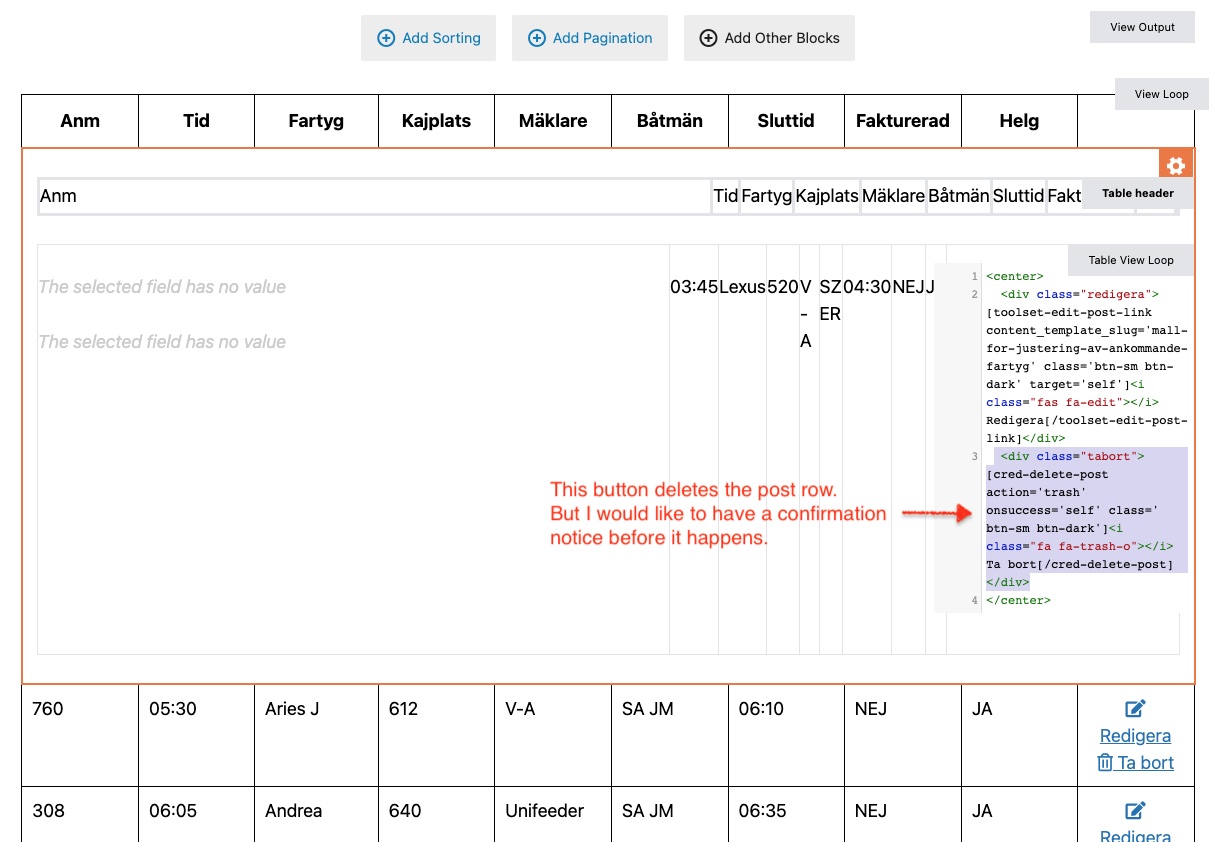
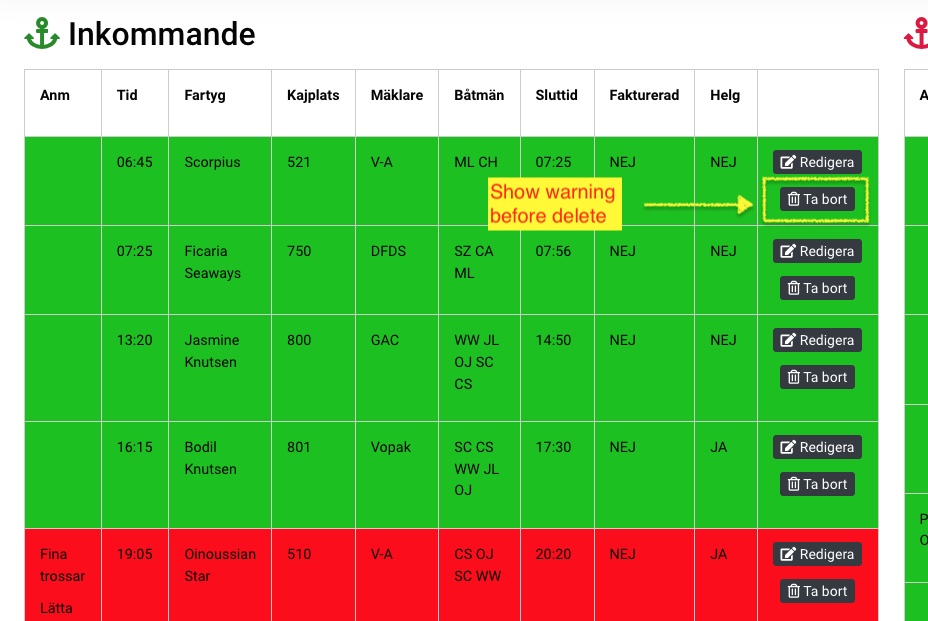
I have a button inserted (it's actually a form button that deletes the post in a particular row.
Now I want to show a confirmation notice before the post is being deleted.
How can I achieve this?
This is the delete button being used in that view
<div class="tabort">[cred-delete-post action='trash' onsuccess='self' class=' btn-sm btn-dark']<i class="fa fa-trash-o"> Ta bort[/cred-delete-post]</div>
Hi Pierre,
Thank you for getting in touch.
You will definitely need to use custom coding in order to do this. You will perhaps need to intercept the onclick event to add the warning before the item is deleted.
If you're familiar with Javascript then you can use the tutorial below to craft a solution for this.
lien caché
Please let know if this helps.
Thanks,
Shane
Thanks for the tip Shane,
In my case, where do I put the script for this particular button (The JS section for that view?)?
Also. In the example code (
<input type="button" value="Delete" onclick="delete();" />
) they are referring to value="Delete", but in my shortcode it says: action='trash'.
[cred-delete-post action='trash' onsuccess='self' class=' btn-sm btn-dark']
. How to interpret this?
Thanks!
Hi Pierre,
Yes that is correct, it will be added to the JS section of the view.
My recommendation here is to add an additional class to the delete button class=' btn-sm btn-dark' such as "delete-notice"
Then you should be able to reference it by
var btn = jQuery(".delete-notice");
Also replace each instance of $ with jQuery.
<input type="button" value="Delete" onclick="delete();" />
This code can essentially be ignored because its an example of a button that would be on the page.
Please let me know if this helps.
Thanks,
Shane
Thanks Shane,
I added the script and the warning dialog appears.
I thought everything was fine, but when I click "Cancel", the post is still being deleted?
See here: lien caché
The button widh included class (delete-notice):
[cred-delete-post action='trash' onsuccess='self' class=' btn-sm btn-dark delete-notice']
This is the code available in the JS-field for the view:
var btn = jQuery(".delete-notice");
btn.data("funcToCall", btn.attr("onclick"));
jQuery(".delete-notice").removeAttr("onclick");
jQuery(".delete-notice").bind("click", function(e){
    if(confirm("Are you sure you want to delete this row?")){
        var func = jQuery(this).data("funcToCall");
        eval(func);
    }
});
Hi Pierre,
You may need to look at the eventlisteners for this delete action button. Unfortunately I cannot check from my end since I dont have access to the site.
Can you provide this so that I can have a look to see what are the delete action listeners that are on this button? Perhaps its not as simple as an onclick action that is at play here.
Thanks,
Shane
Hi Pierre,
I spoke with another supporter on this to see if they were aware of the correct function to unbind.
Turns out that the shortcode supports confirmation messages. Given that this is an old shortcode then the documentation for it doesn't exist anymore. However try the following and let me know if it helps.
[cred_delete_post_link action="delete" text="Delete %TITLE%" message_after="Post deleted" message="Are you sure you want to delete this post?" message_show="1"]
Thanks,
Shane
I see,
Well it almost work.
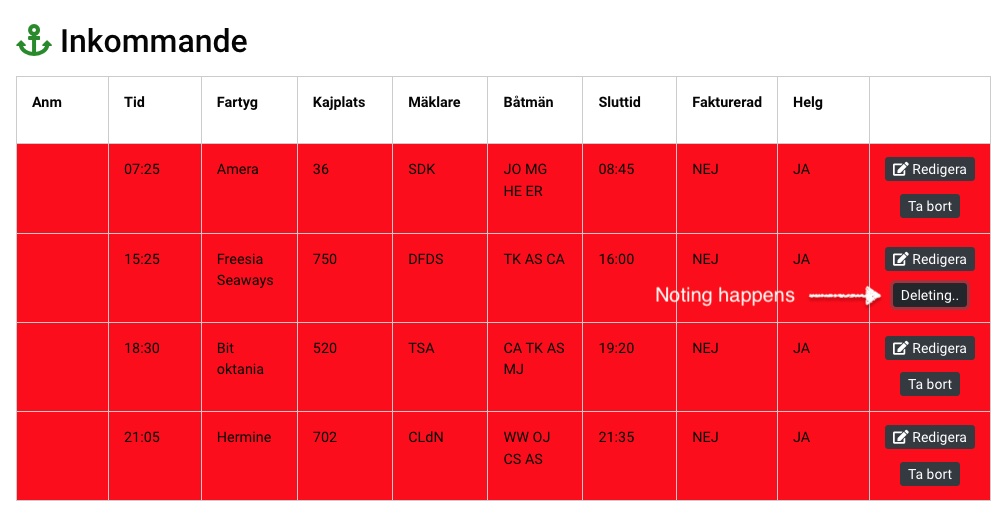
It does delete the post but only if I refresh the page manually.
This is what I use now:
[cred_delete_post_link action="delete" text="Ta bort" message_after="Post deleted" message="Är du säker på att du vill radera raden?" message_show="1" class="btn-sm btn-dark"]
.
You can try it out yourself as logged in.
Hi Pierre,
This is an old shortcode and is possibly deprecated given that the documentation for it doesn't exist.
Can you try adding this attribute to the shortcode as well message_after="deleted."
Let me know if this message shows after you've clicked on the delete button.
Apart from this my assistance here is quite limited since the new shortcode doesn't provide this functionality.
Thanks,
Shane
Hi Shane,
That parameter was already included before, but said "Post deleted".
The message is shown in the dialogue box right after I have clicked OK. But in my table row, the text "deleting..." is still shown and the row is not deleted until I have refreshed the whole page.
Could it be possible to do some kind of workaround here with the js-script you sent me at the beginning of this thread?
I'm thinking that maybe it's possible to send a "refresh" right after the OK button has been clicked?
Hi Pierre,
You can bind the reload function to the button click so when the user clicks the delete button and confirms then it reloads the page.
lien caché
This should allow you to workaround the problem.
Thanks,
Shane
My issue is resolved now.
I managed to solve this by using this delete button:
[cred-delete-post action='trash' onsuccess='self' class=' btn-sm btn-dark delete-notice']
Alert message script
I had to add else {return false;}, otherwise the post still got deleted even though I pressed Cancel in the alert window:
//Alert notice
var btn = jQuery(".delete-notice");
btn.data("funcToCall", btn.attr("onclick"));
jQuery(".delete-notice").removeAttr("onclick");
jQuery(".delete-notice").bind("click", function(e){
    if(confirm("Are you sure?")){
        var func = jQuery(this).data("funcToCall");
        eval(func);
    } else {
	    return false;
    }
});