Accueil › Toolset Professional Support › [Résolu] hide the blog title only for that page
This is the technical support forum for Toolset - a suite of plugins for developing WordPress sites without writing PHP.
Everyone can read this forum, but only Toolset clients can post in it. Toolset support works 6 days per week, 19 hours per day.
Ce sujet contient 1 reply, a 1 voix.
Dernière mise à jour par Christopher Amirian Il y a 2 weeks, 5 days.
Assisté par: Christopher Amirian.

Hello,
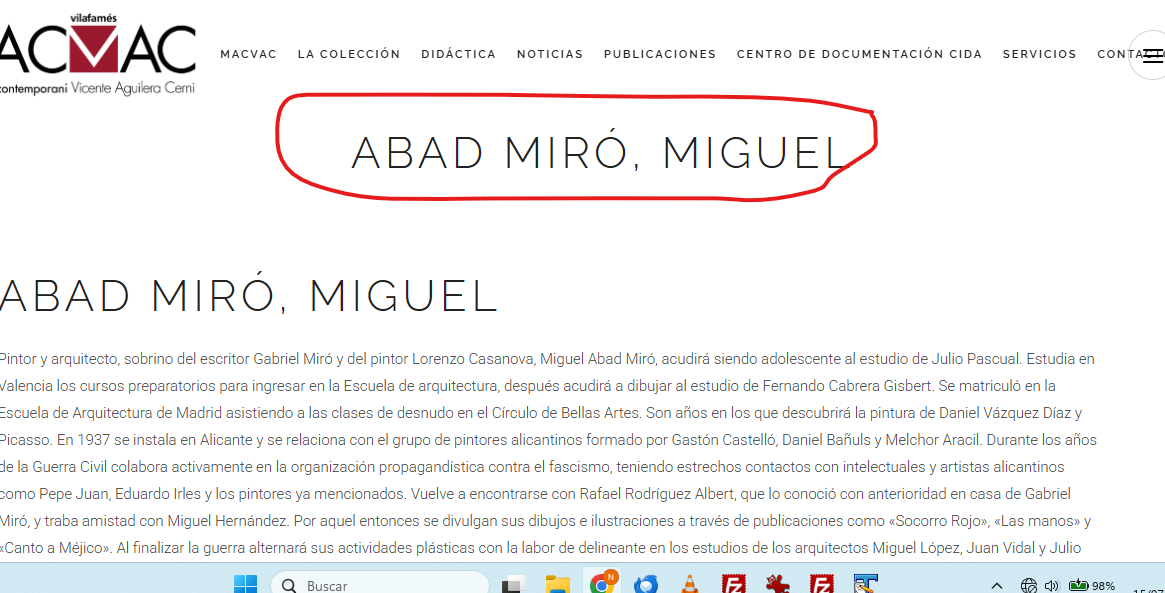
I want to hide the blog title only for the page that I am using Toolset. If I hide all the post title with this:
.title_subtitle_holder {
display: none;
I cannot see the title for my post blog.
Please, how can I hide the title only for these pages creates with Toolset?
The page are lien caché
I attached you and screenshot.
Best regards,
Nuria Benaches
Hi,
Welcome to Toolset support. If you want to hide the title only for that specific page, please add this CSS code to your theme:
body.postid-3093 .title_subtitle_holder {
display: none;
}
But if you want to hide the title for all Artista post type single post entries, use this CSS code:
body.single-artista .title_subtitle_holder {
display: none;
}
Thanks.