Passer la navigation

[Résolu] GenerateBlocks Pro and Toolset WordPress Archive

This support ticket is created Il y a 2 years. There's a good chance that you are reading advice that it now obsolete.

This is the technical support forum for Toolset - a suite of plugins for developing WordPress sites without writing PHP.

Everyone can read this forum, but only Toolset clients can post in it. Toolset support works 6 days per week, 19 hours per day.

Sun Mon Tue Wed Thu Fri Sat
- 10:00 – 13:00 10:00 – 13:00 10:00 – 13:00 10:00 – 13:00 10:00 – 13:00 -
- 14:00 – 18:00 14:00 – 18:00 14:00 – 18:00 14:00 – 18:00 14:00 – 18:00 -

Fuseau horaire du supporter : Asia/Kolkata (GMT+05:30)

Ce sujet contient 5 réponses, a 2 voix.

Dernière mise à jour par kasiaK Il y a 2 years.

Assisté par: Minesh.

Auteur
Publications
#2701273
generateblock issue.jpg

Tell us what you are trying to do?

I am trying to use GenerateBlocks for advanced styling in a WordPress Archive Loop

Is there any documentation that you are following?

https://toolset.com/errata/generateblocks-styles-lost-on-front-end-when-using-content-templates/#comment-615511

The link above would seem to fix my problem but it is not working. I tried substituting "cpt-1", with "donor-story" and put the entire snippet of code into my functions.php file. Not sure where I am going wrong. This work around is not working for me

What is the link to your site?

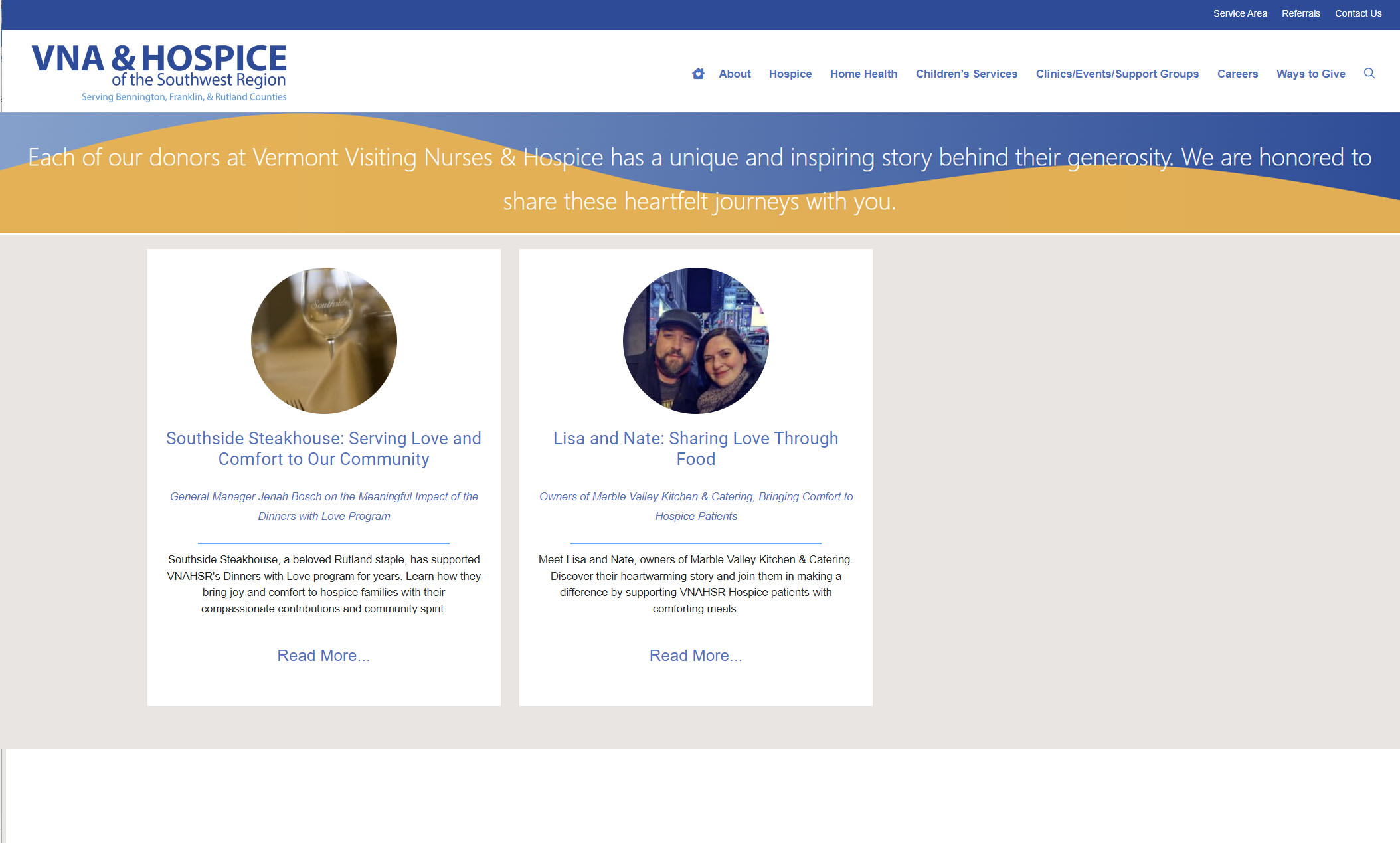
This is where the problem is:
lien caché

I included a screen shot of what it should look like (currently.... this is in design phase) and I do see the generate block in the Toolset Block Archive editor, just not on the front end.

#2701349

Minesh
Supporter

Les langues: Anglais (English )

Fuseau horaire: Asia/Kolkata (GMT+05:30)

Hello. Thank you for contacting the Toolset support.

Can you please share admin access details and tell me what archive you created and let me review your current settings.

*** Please make a FULL BACKUP of your database and website.***
I would also eventually need to request temporary access (WP-Admin and FTP) to your site. Preferably to a test site where the problem has been replicated if possible in order to be of better help and check if some configurations might need to be changed.

I have set the next reply to private which means only you and I have access to it.

#2701875

Minesh
Supporter

Les langues: Anglais (English )

Fuseau horaire: Asia/Kolkata (GMT+05:30)

There is a known issue to us and we have already internal ticket for that but there is no ETA on that yet when the fix will be made available.

The possible workaround would be instead of archive you will have to create a page and use that page and add required blocks and to list posts you should add view to it and check if that help you to resolve the issue.

#2701891

Ok Thank you. I hope to hear back if this is ever resolved. I will try the page route. Should I create a view of the archive and then insert that into my Page?

#2701894

Minesh
Supporter

Les langues: Anglais (English )

Fuseau horaire: Asia/Kolkata (GMT+05:30)

Yes - definitely when I see any update on it, I will get in touch with you here and update you here.

You can create a brand-new view by adding a view block and configure its loop output etc..etc. and save the page.

#2701895

Thank you for the help!

#2701896

Thank you again.








