Passer la navigation

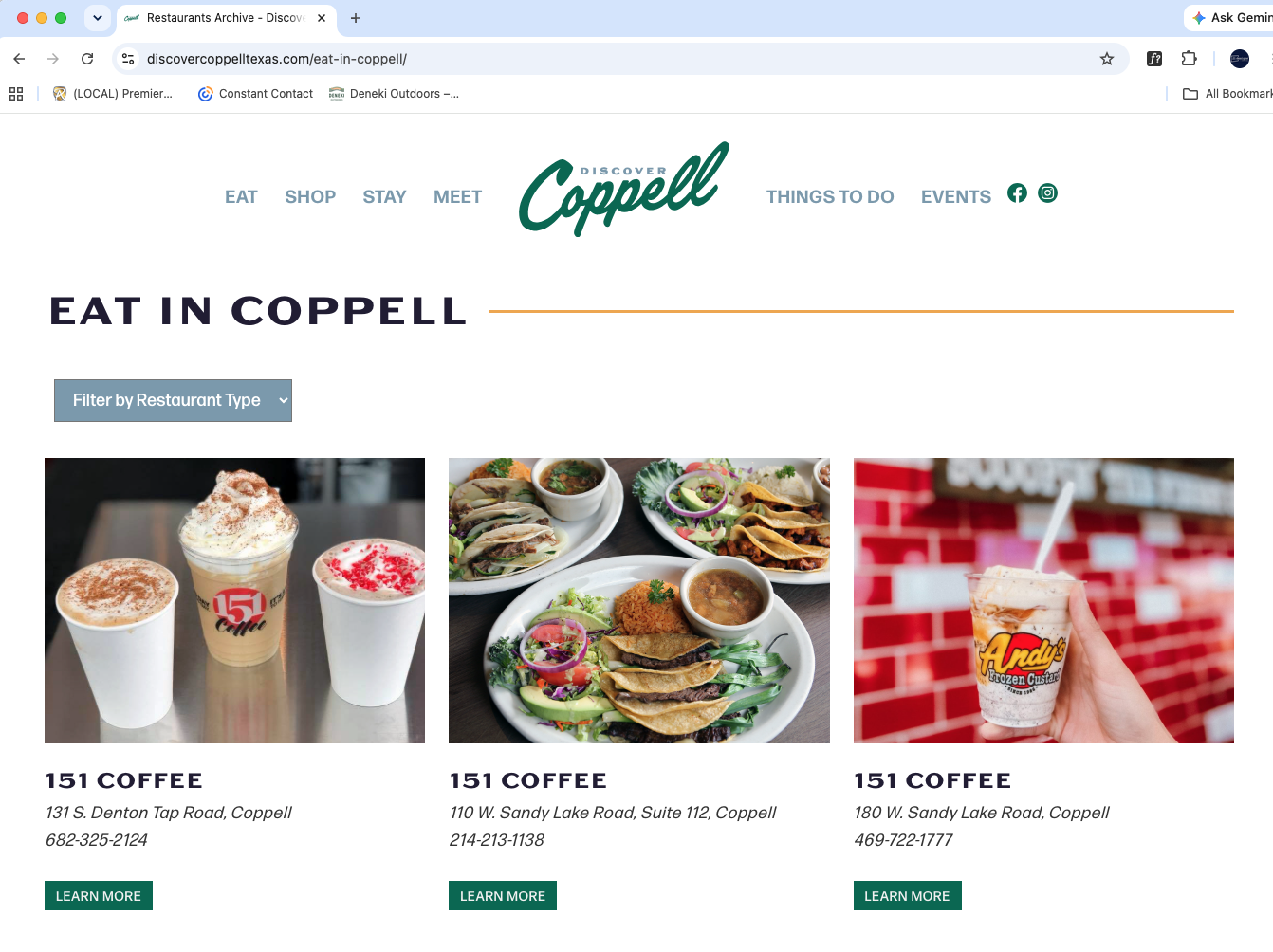
[Résolu] first custom post name on archive is populating every post name

This support ticket is created Il y a 1 month. There's a good chance that you are reading advice that it now obsolete.

This is the technical support forum for Toolset - a suite of plugins for developing WordPress sites without writing PHP.

Everyone can read this forum, but only Toolset clients can post in it. Toolset support works 6 days per week, 19 hours per day.

Sun Mon Tue Wed Thu Fri Sat
- 10:00 – 13:00 10:00 – 13:00 10:00 – 13:00 10:00 – 13:00 10:00 – 13:00 -
- 14:00 – 18:00 14:00 – 18:00 14:00 – 18:00 14:00 – 18:00 14:00 – 18:00 -

Fuseau horaire du supporter : Asia/Kolkata (GMT+05:30)

Ce sujet contient 7 réponses, a 1 voix.

Dernière mise à jour par cynthiaA Il y a 1 month.

Assisté par: Minesh.

Auteur
Publications
#2866120
Screenshot 2026-06-23 at 11.32.58 AM.png

lien caché
lien caché
lien caché
lien caché
lien caché

It has been working fine for years until today.

#2866232

Minesh
Supporter

Les langues: Anglais (English )

Fuseau horaire: Asia/Kolkata (GMT+05:30)

Hello. Thank you for contacting the Toolset support.

I just checked with the brand new sandbox site I've created where I've installed the latest Toolset plugins. Here is the sandbox site and you can auto-login to it using the following link:
- lien caché

When I checked the post type archive:
- lien caché

And taxonomy archive:
- lien caché

I can see it does display the correct post title not the identicale post title which you experince.

Do you able to reproduce the issue with the above sandbox site I've shared? if yes:
- Can you please share exact steps that should help me to reproduce the issue.

Otherwise - you will have to check with minimum installation where only Toolset plugins active and default theme in order to see if there is any possible plugin/theme conflict.

#2866318

Minesh
Supporter

Les langues: Anglais (English )

Fuseau horaire: Asia/Kolkata (GMT+05:30)

Ok I can see the issue with your site.

is it possible for you to send me duplicator copy of your site?
- https://toolset.com/faq/provide-supporters-copy-site/

Alternatively - you can also send "All in one WP migration" package:
- https://wordpress.org/plugins/all-in-one-wp-migration/

I have set the next reply to private which means only you and I have access to it.

#2866320

All-in-One WP Migration is installed. With the admin login I provided you should be able to export as you wish.

#2866404

Minesh
Supporter

Les langues: Anglais (English )

Fuseau horaire: Asia/Kolkata (GMT+05:30)

When I try to downlaod the All in One WP migration packagte it's showing message "Download is not possible as backups directory is not accessible". Can you please grant required permissions so that I can download it and start troubleshooting further.

#2866436

Minesh
Supporter

Les langues: Anglais (English )

Fuseau horaire: Asia/Kolkata (GMT+05:30)

The issue is reported in front of our Devs, please hold on for further updates.

#2866437

Minesh
Supporter

Les langues: Anglais (English )

Fuseau horaire: Asia/Kolkata (GMT+05:30)

Can you please check now: lien caché

I've uploaded the hotfix version of Toolset Blocks plugin and I can see it fixed the issue and works as expected.

We are going to release the fix with new version by today, I will update you when its available to downlaod on your account's Download page.

#2866465

Minesh
Supporter

Les langues: Anglais (English )

Fuseau horaire: Asia/Kolkata (GMT+05:30)

Another good news.

The new hotfix version are available to download on your account's plugins page:
- https://toolset.com/download/toolset-blocks/#changelog
- https://toolset.com/download/toolset-views/#changelog

- If you use Toolset Blocks then download and install Toolset Blocks.
- If you use Toolset Views then download and install Toolset Views.

#2866477

Thank you!! I've installed the update and everything looks great. You guys are awesome!








