Hi Christopher,
Thank you for the troubleshooting steps. I have identified the other plugin, and this is still a bug in Toolset WooCommerce Blocks (woocommerce-views). It is not a general “something on your site” problem.
Confirmed isolation result
- With Bit Flows Pro (bit-pi-pro) active, wp-admin/admin.php?page=toolset-settings fatals.
- With Bit Flows Pro deactivated, the same Toolset Settings page loads normally.
- Toolset plugins, WooCommerce, and the theme were not the variable. Only that one plugin was.
Fatal
E_ERROR: Uncaught Error: Call to undefined function Illuminate\Events\array_wrap()
File: wp-content/plugins/woocommerce-views/vendor/illuminate/events/Dispatcher.php:234
URL: /wp-admin/admin.php?page=toolset-settings
Relevant stack:
woocommerce-views/vendor/illuminate/view/Factory.php(136): tap()
bit-pi-pro/vendor/illuminate/support/helpers.php(320)
woocommerce-views/vendor/illuminate/events/Dispatcher.php(234): array_wrap()
woocommerce-views/application/Frontend/Blade_Renderer.php
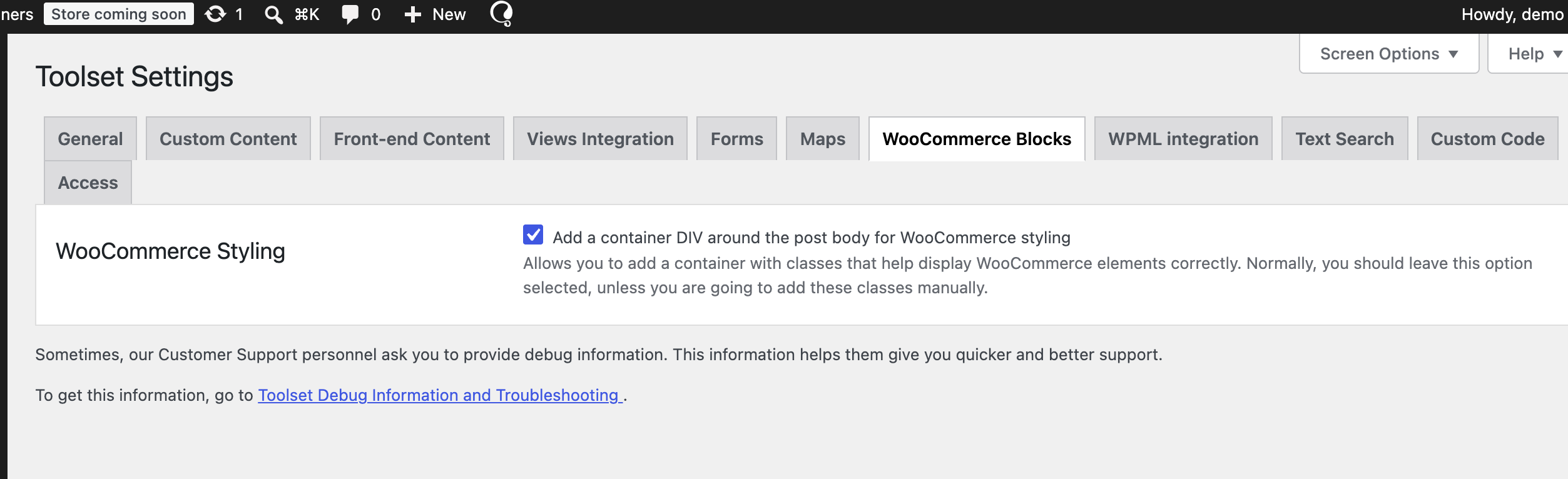
woocommerce-views/application/Settings/Sections/WC_Styling.php
toolset-common/.../toolset.settings.screen.class.php
Why you could not reproduce it on a clean install
WooCommerce Views 3.1.6 vendors Illuminate 5.4. Dispatcher::parseEventAndPayload() still calls the global helper array_wrap(). That helper was removed in Laravel 6 (2019). Your own vendor/illuminate/support/helpers.php defines it, but Composer’s files autoload uses a process-wide id for that file:
72579e7bd17821bb1321b87411366eae → illuminate/support/helpers.php
Bit Flows Pro also vendors illuminate/support and loads first (bit-pi-pro before woocommerce-views). Its newer helpers.php still defines tap() (see frame #4) but does not define array_wrap(). Composer then skips WooCommerce Views’ helpers.php because that file id is already marked loaded. When Toolset Settings renders the WooCommerce Styling section via Blade, tap() comes from Bit Flows Pro and array_wrap() does not exist → fatal.
Any plugin that autoloads a Laravel 6+ illuminate/support/helpers.php will trigger the same crash. Bit Flows Pro is just the one on this site.
How to reproduce on your side
1. Clean site with Toolset Types, Toolset Blocks, WooCommerce, and Toolset WooCommerce Blocks 3.1.6.
2. Install and activate Bit Flows (bit-pi) and Bit Flows Pro (bit-pi-pro), or any other plugin that vendors current illuminate/support with Composer files autoload of helpers.php.
3. Open /wp-admin/admin.php?page=toolset-settings.
You should get the same array_wrap() fatal.
What we need from Toolset
Please treat this as a WooCommerce Views packaging/compat bug, not a site-specific conflict.
A real fix would be one or more of:
- Stop calling removed global helpers (array_wrap()); use Illuminate\Support\Arr::wrap() (or equivalent) in Dispatcher.php.
Isolate vendored Illuminate so another plugin’s Composer autoloader cannot steal helpers.php (unique file hashes and/or prefixed vendor).
- Fail safely on the settings screen instead of a white-screen E_ERROR.
Deactivating Bit Flows Pro is only a workaround. We need both plugins active.
Thank you!