Tell us what you are trying to do? Trying to edit an existing view on its master page that worked fine before
Is there any documentation that you are following? Just my normal way of working with the site
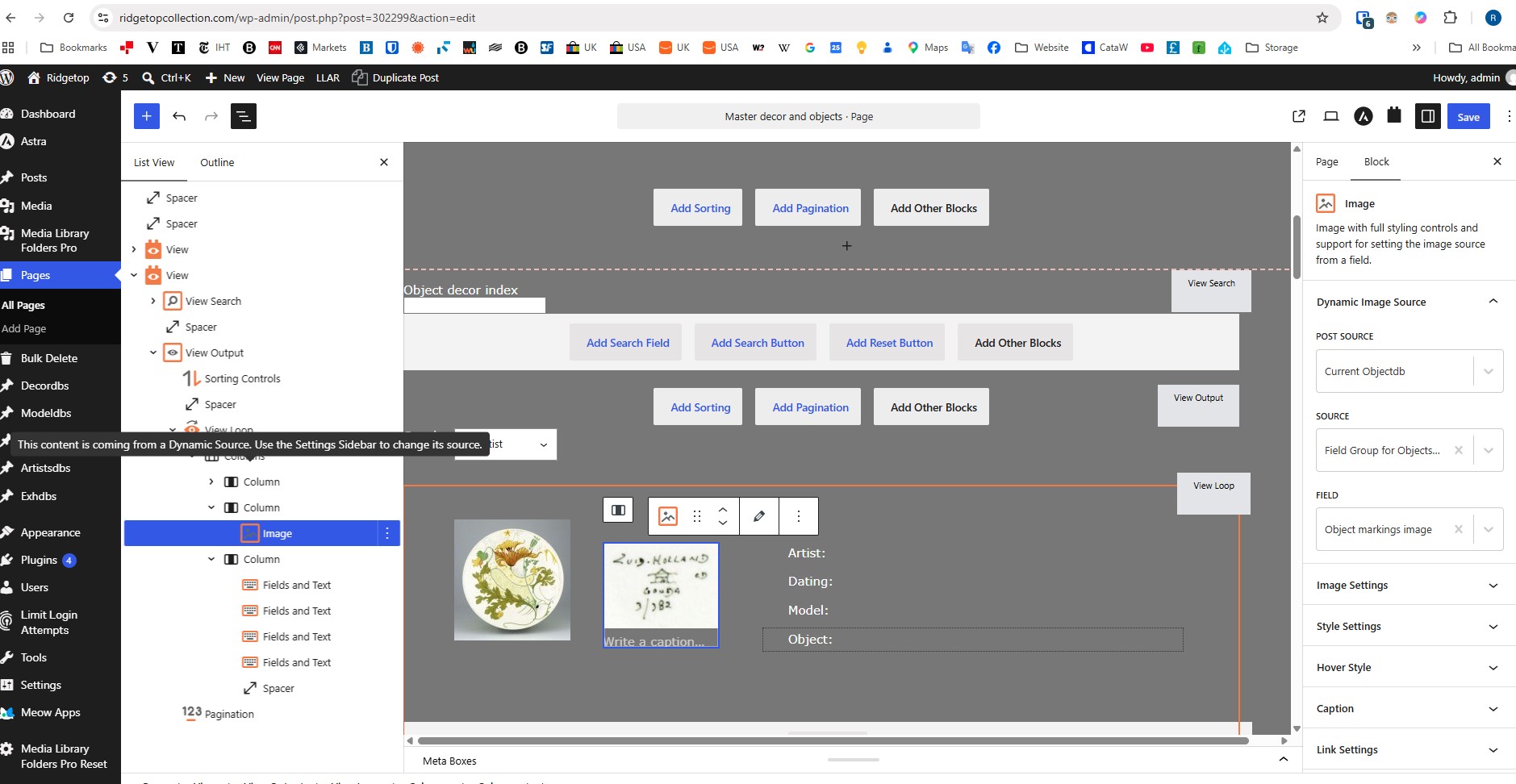
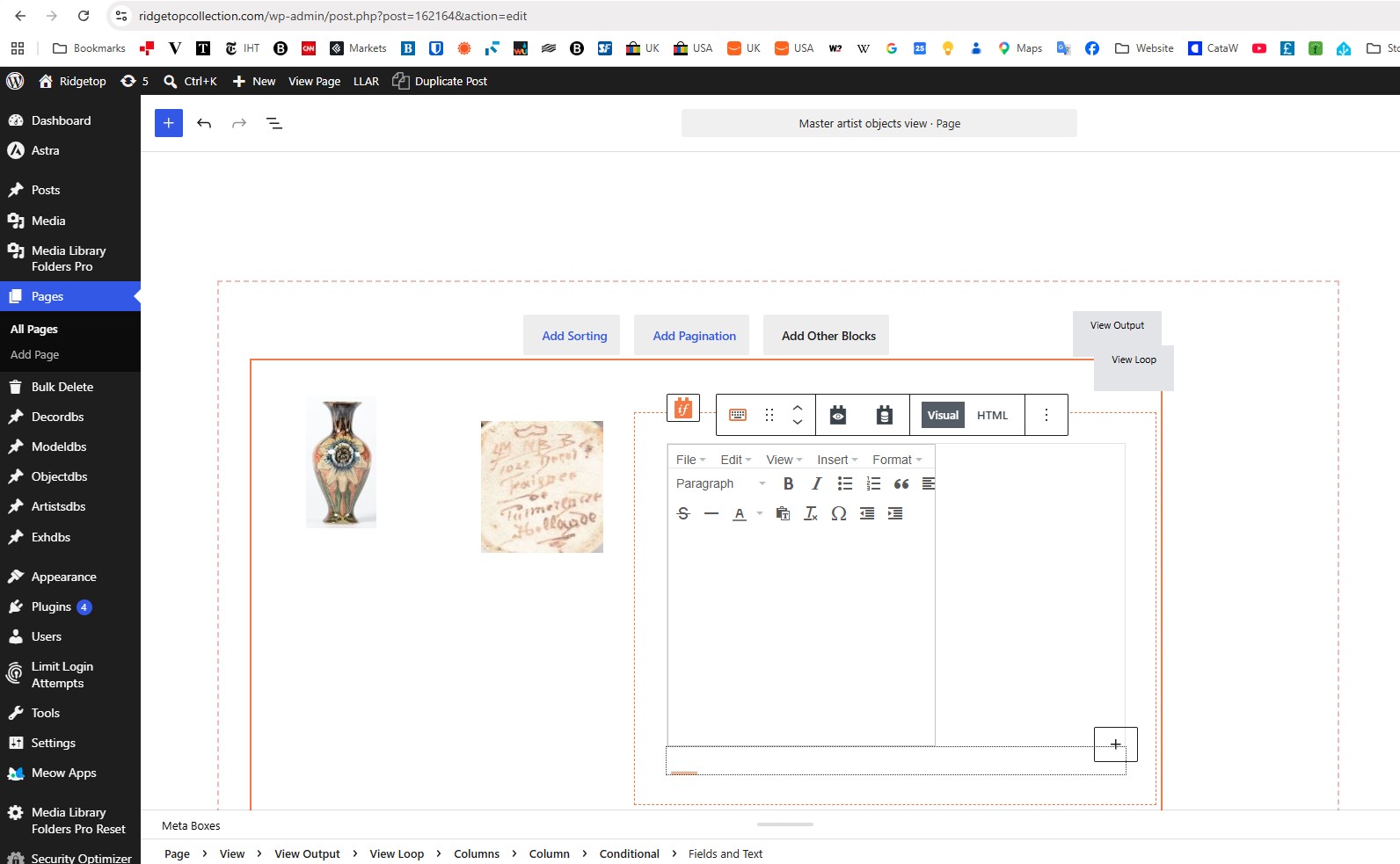
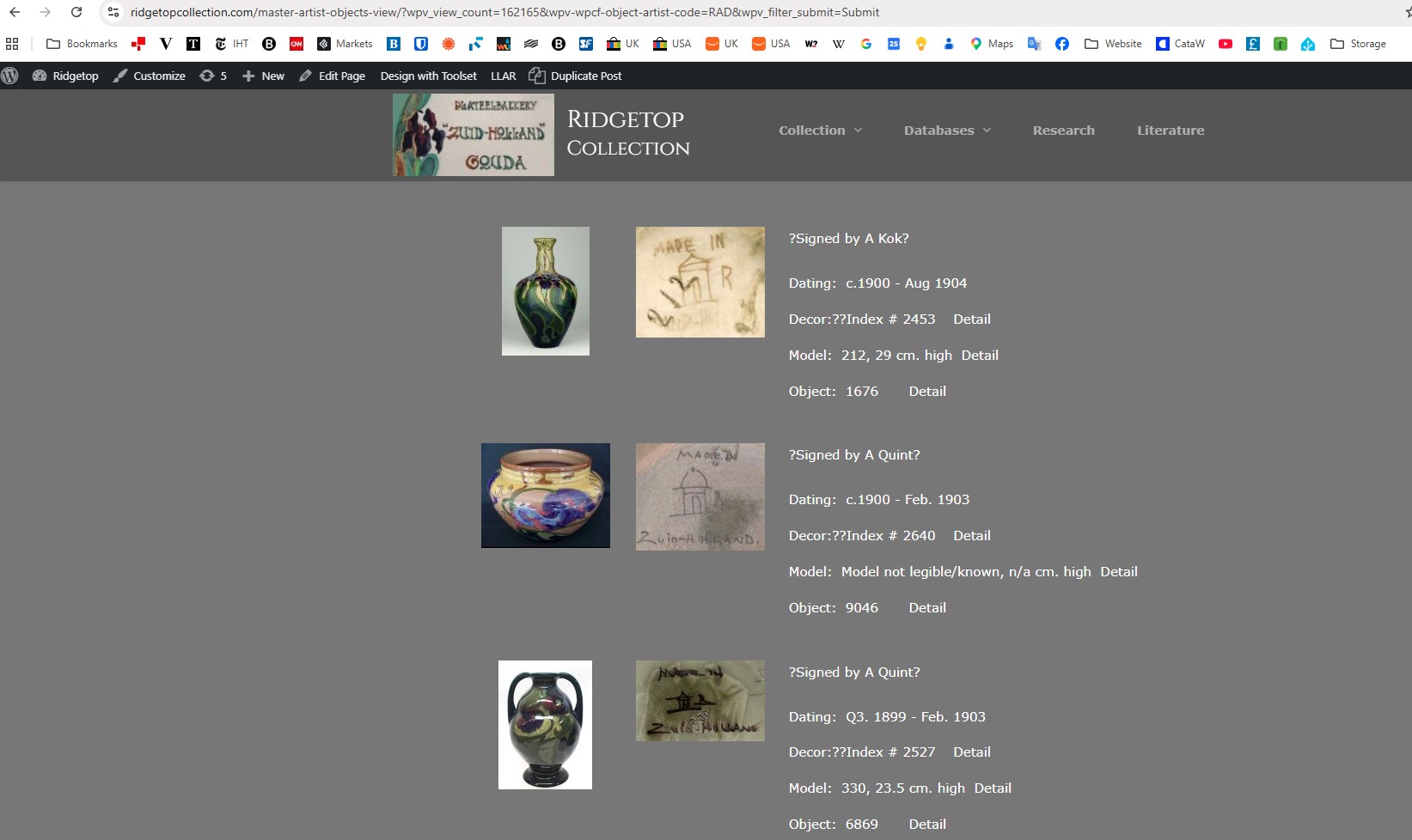
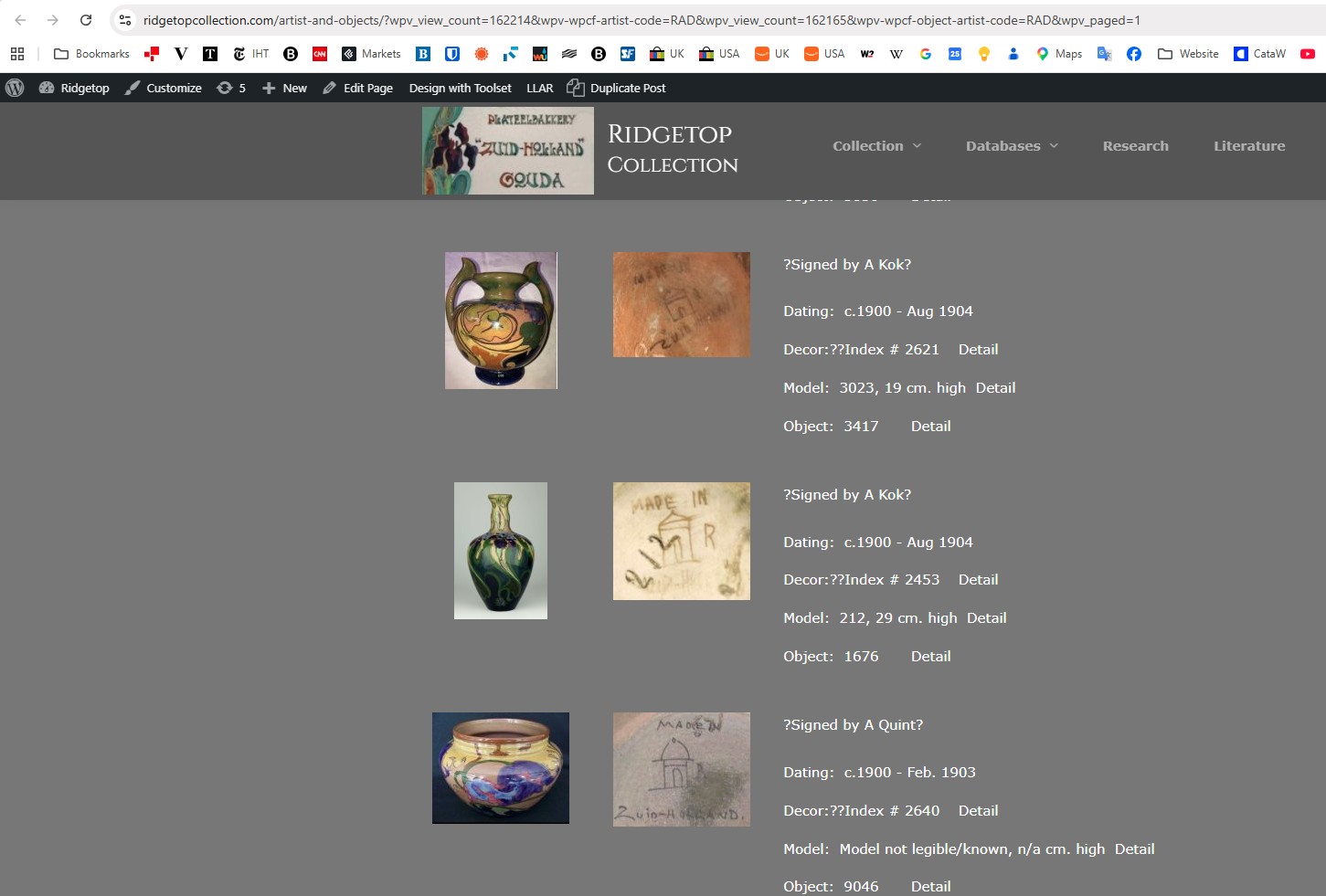
Is there a similar example that we can see? I enclose screenshots. TS 1 is the view on the site page, TS2 is the view on it's master page (where I edit the view), TS 3 is what happens when I press Edit Page , TS 4 is the normal display when I edit another page. I had just updated to WP 7.1, could this have anything to do with that and what do I do to correct it? For now I have installed a backup before update to WP 7.1 which solved the issue and selected Update Skipped on my host. But not sure how long I can hold that back
Hello. Thank you for contacting the Toolset support.
As we are not sure yet the issue is due to Toolset or Theme or WordPress update.
*** Please make a FULL BACKUP of your database and website.***
I would suggest you to create a test/staging or local site where you install only Toolset plugins and theme you use and see if you able to reproduce the issue when only Toolset plugins active and if you able to reproduce the issue test with latest WordPress release or try to downgrade the WordPress in order to ensure that the issue is from Toolset or its theme/plugin/WordPress conflict.
I followed your instructions (on the main site, was easier) and deactivated all plugins except the four Toolset ones. The page on screenshot TS1 and TS2 showed normal , also in Edit mode. I then updated to WP 7.1 on the host site and the page again was displayed as in screenshot TS3. It is not an urgent issue for me and it might be something that needs to be fixed in WP 7.1, but let me know if there is a work around or an estimate when it will be fixed. Thanks, Rudoph
Hi Minesh, that question is impossible for me to answer! It is more than likely that the change to WP 7.1 triggered the issue I cannot tell if this needs to be resolved through an update of WP 7.1 OR a change in Toolset so that TS will work as before with the latest WP version. But as I said it is not super urgent so why do we not wait for the WP 7.1.1 or whatever next fix of 7.1 will be called and see if WP has resolved it. If it is still a problem then you might have to either tell WP about the issue or fix it in the next release of TS.