Passer la navigation

[Résolu] Edit Content Template shows empty page

This support ticket is created Il y a 4 years, 12 months. There's a good chance that you are reading advice that it now obsolete.

This is the technical support forum for Toolset - a suite of plugins for developing WordPress sites without writing PHP.

Everyone can read this forum, but only Toolset clients can post in it. Toolset support works 6 days per week, 19 hours per day.

Sun Mon Tue Wed Thu Fri Sat
- 9:00 – 12:00 9:00 – 12:00 9:00 – 12:00 9:00 – 12:00 9:00 – 12:00 -
- 13:00 – 18:00 13:00 – 18:00 13:00 – 18:00 14:00 – 18:00 13:00 – 18:00 -

Fuseau horaire du supporter : America/Jamaica (GMT-05:00)

Ce sujet contient 5 réponses, a 2 voix.

Dernière mise à jour par Shane Il y a 4 years, 12 months.

Assisté par: Shane.

Auteur
Publications
#2103897
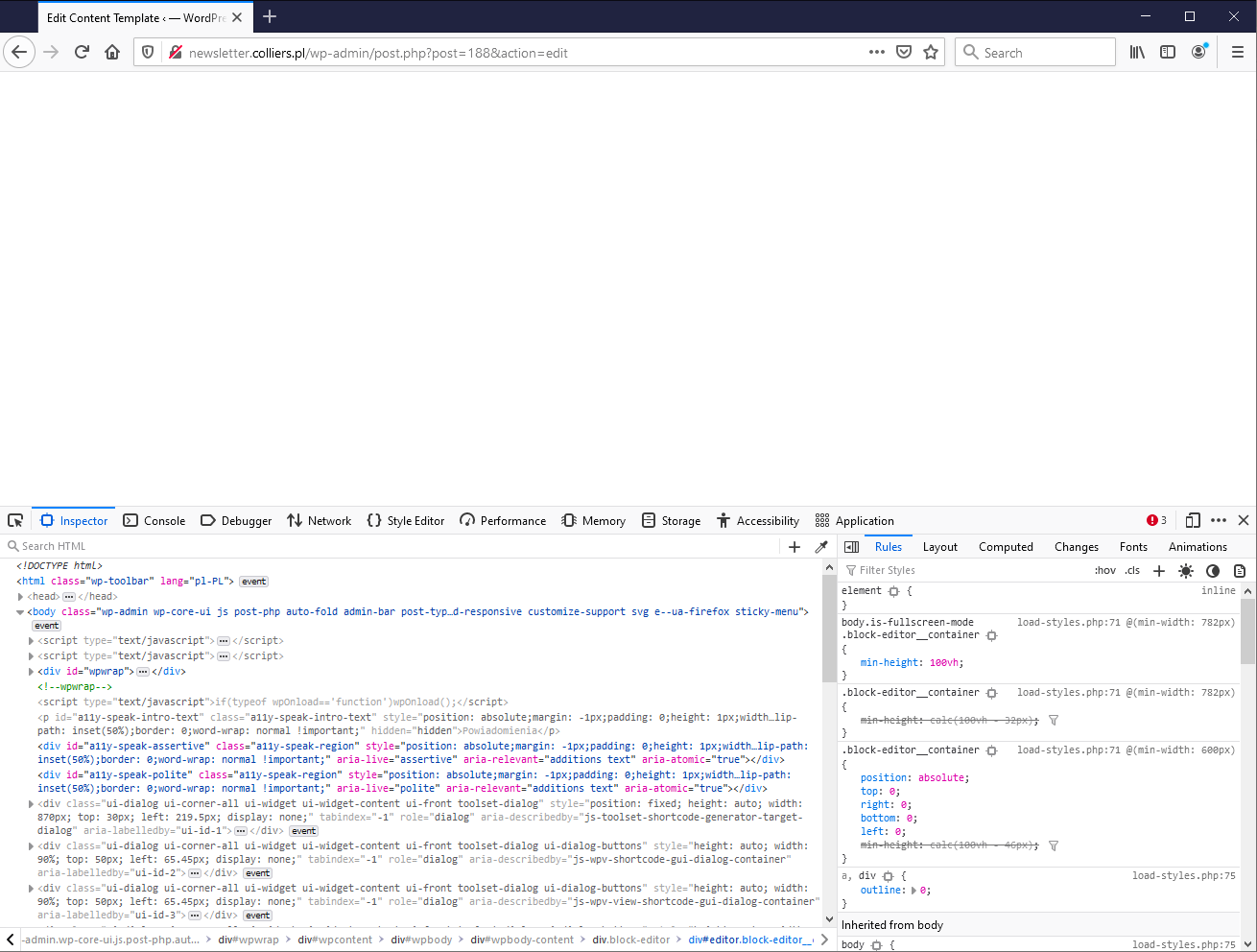
2021-07-01 15_43_36-Window.png

I am trying to:
Edit Content Template

Link to a page where the issue can be seen:
lien caché

I expected to see:
Template edit page

Instead, I got:
Empty screen

#2103913

Shane
Supporter

Les langues: Anglais (English )

Fuseau horaire: America/Jamaica (GMT-05:00)

Hi Marta,

Thank you for getting in touch.

It would appear to me here that your site is throwing an error 500, which is resulting in the white screen.

Can you follow the instructions in the link below and enable the wordpress debugging to let me know what exactly the error is ?
lien caché.

Thanks,
Shane

#2103957

Hi Shane,

Thanks for your reply. I have added the following lines to wp-config.php:

define('WP_DEBUG', true);
define( 'WP_DEBUG_LOG', true );

I see no errors and the debug.log file remains empty. At the same time I am able to create and edit a new Content Template, but the crashed one does not display, even if duplicated.

Thanks
Marta

#2103965

Shane
Supporter

Les langues: Anglais (English )

Fuseau horaire: America/Jamaica (GMT-05:00)

Hi Marta,

Thank you for the information.

Would you mind allowing me to have admin access to the website ?

Please let me know the content template that is giving the issue .

Thanks,
Shane

#2103979

The Content Template name is Template for Powierzchnie biurowe.

Thanks

#2104039

Shane
Supporter

Les langues: Anglais (English )

Fuseau horaire: America/Jamaica (GMT-05:00)

Hi Marta,

The issue here is that the content template may have become corrupted.

I did try however to restore as much of the template that I could but some of the elements will need to be rebuilt as i've removed them from the content template through the database.

This should however get your content template working again.

Thanks,
Shane