Tell us what you are trying to do?
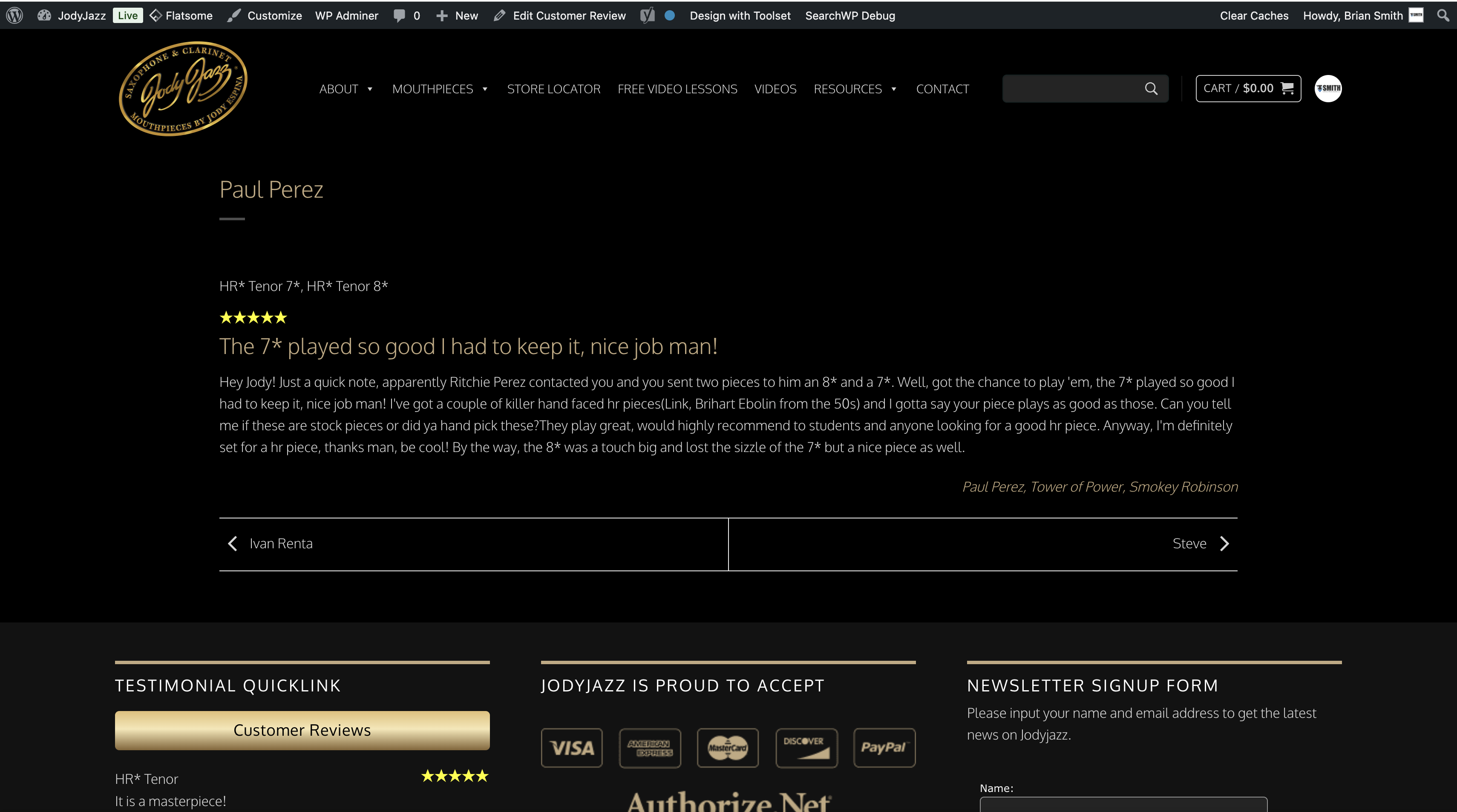
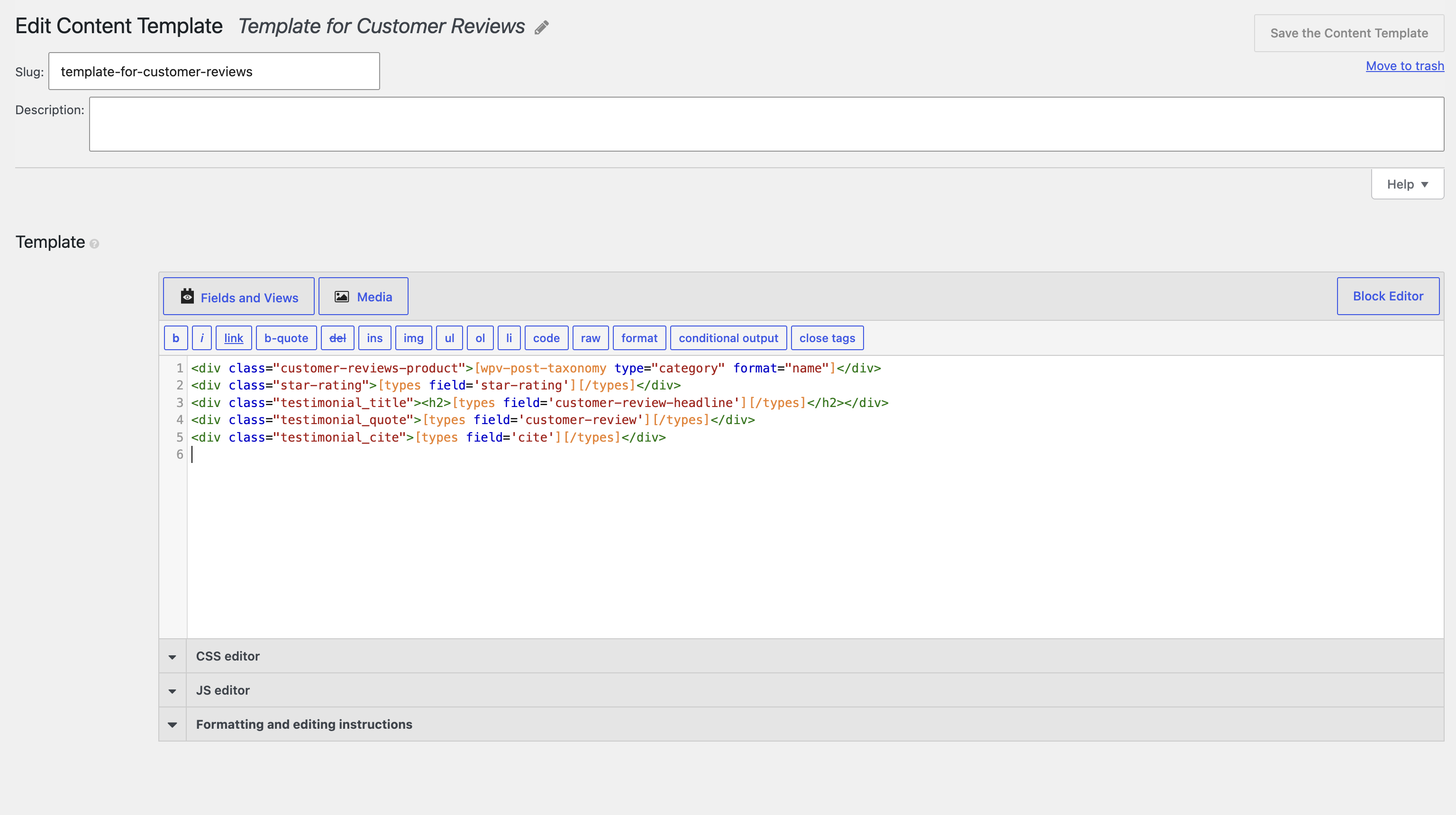
I use SearchWP and it shows that we have 2 posts from a client "Paul Perez" SearchWP list both but when we go to view the Customer Review, I want to be able to see both these reviews in the Template. I have 3 images i uploaded
Is there any documentation that you are following?
Is there a similar example that we can see? lien caché lien caché
Hello. Thank you for contacting the Toolset support.
I would like to know - how the custom reviews are setup. Is there a post-relationship?
Can you plese share admin access details, once I review your strucre, I will be able to guide you in the right direction.
*** Please make a FULL BACKUP of your database and website.***
I would also eventually need to request temporary access (WP-Admin and FTP) to your site. Preferably to a test site where the problem has been replicated if possible in order to be of better help and check if some configurations might need to be changed.
I have set the next reply to private which means only you and I have access to it.
Do you mean when you search with the text "Paul Perez" with the search box:
=> lien caché
It shows the aboe results as shown with the above link.
If I'm wrong please tell me where it shows multiple results for the "Paul Perez" and you want that the results should be group by post author or what should be considered that at this time we need to show multiple results on customer review single post.
They are looking for the person that wrote the review to show up here:
lien caché
As you know, Paul Perez has 2 reviews, but this review only shows 1. In the search bar, if you type the name in and select "Enter," I do see multiple Reviews.
There is something you do not understand correctly or do not configured correctly or you have your own custom requirement.
The thing is that - you are on single post of post type "Customer Review", for example:
- lien caché
So, it will display single post.
Now, when I search for the " Paul Perez" - it has two posts (two reviews) available, but keep in mind that those are different post.
See here:
- lien caché
If you visit the single post for those posts, one is:
- lien caché
And another one is this:
- lien caché
I want to know that customer reviews connect to what entiry? To product?
Lets say, if we are on the following single post:
- lien caché
How to know/identify that on above post we need to display two reviews? Do you want me to search for the post title that is "Paul Perez" and if there is another post with the same post title display it?
Let me get more information on this, it seems that the SearchWP Plugin we use for Search is linking correctly to the Single Review. So maybe we are good in that area, i will get back to you on this. Thank you.