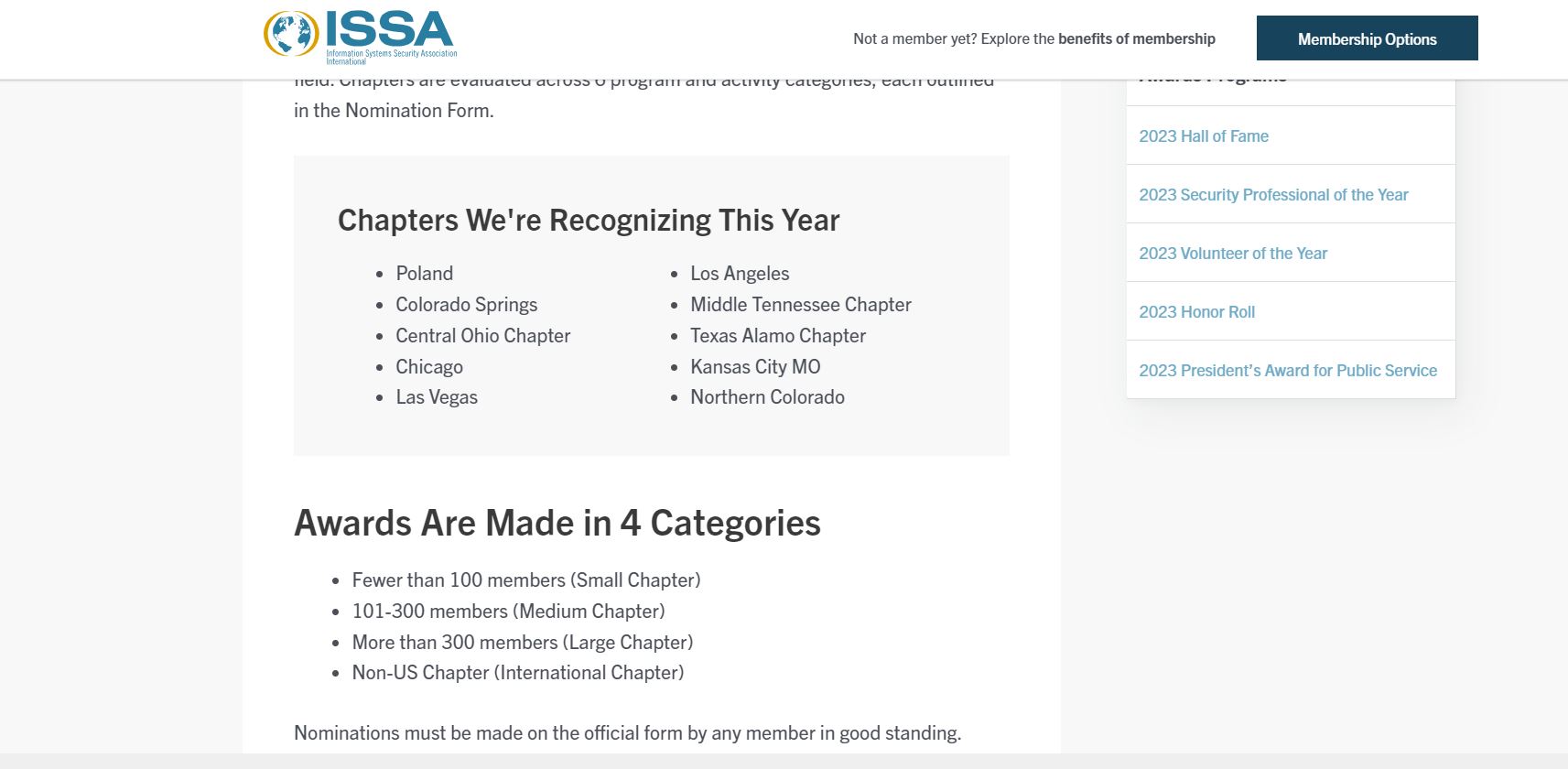
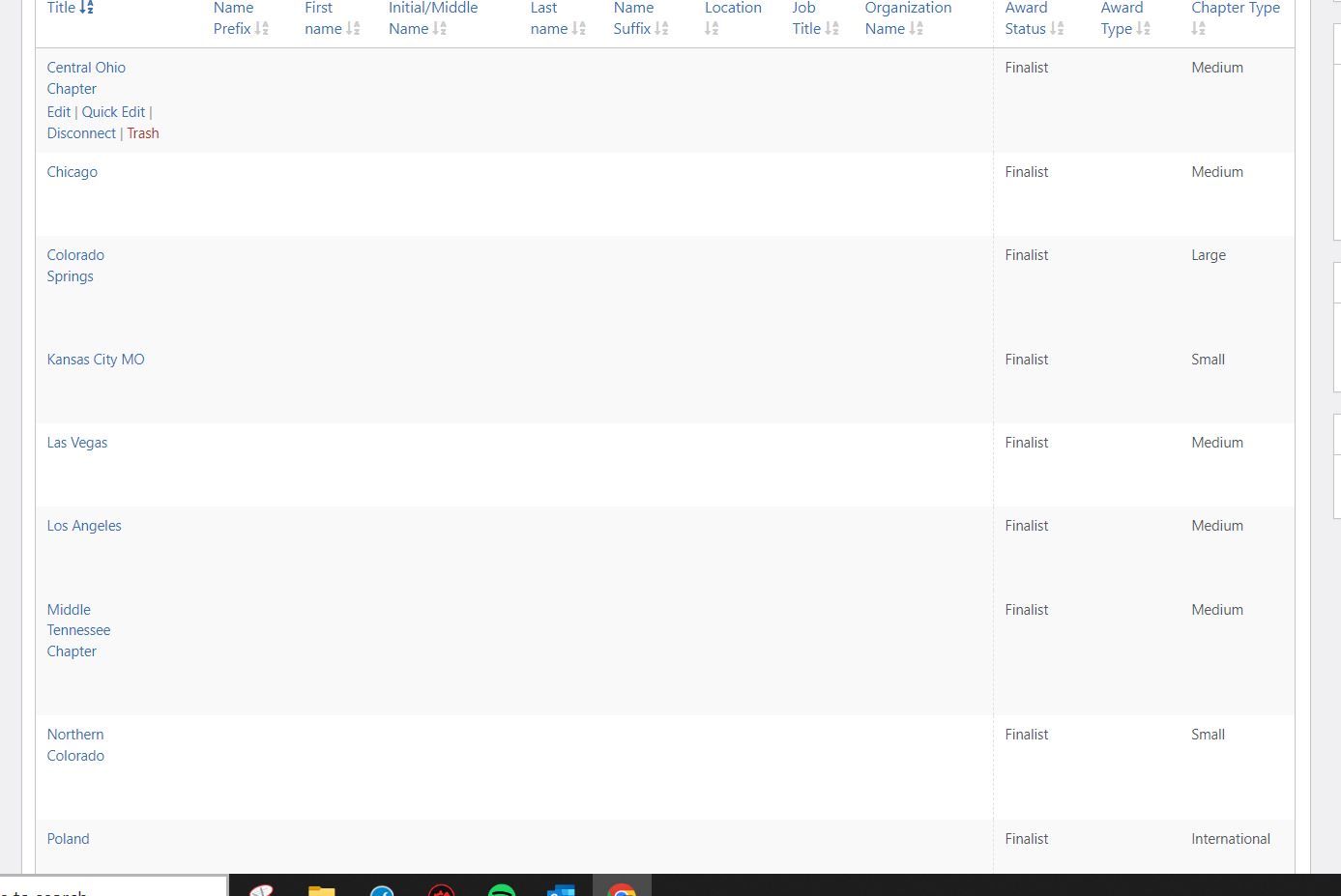
I've been working on this over the course of the weekend and it looks like the shortcode attribute based on the custom field in the post relationship has no effect.
I removed the attribute and now the related posts do appear.
But I am unable to get the shortcode attribute to work on another post where I need to display related posts filtered by a shortcode attribute.
Here's a link to an example (and the staging environment:
lien caché
The custom posts are:
- Award Programs
- Profiles
I have set up a many-to-many relationship between them with the following custom field in the relationship: Chapter Type.
There are four options for chapter type: Small, Medium, Large, and International.
I have a view for chapter profiles with the content selection set to Profiles.
There are two query filters:
One is for post relationship (currently set to any relationship for the post where the view is shown, but I have tried others, with no success).
The other is for the Awards Profiles relationship custom field (Chapter type). It's set to use a shortcode attribute (in this case chaptertype).
The loop editor uses just [wpv-post-title]. I have tried item=@ options with no success.
I've got the shortcodes embedded in a content template for Award Programs and, in the example provided in this post, the first two chapter types (Small and Medium) simply use the view shortcode (no attribute). The other two (large and international use the with with the shortcode attribute - e.g.,
[wpv-view name="chapter-profile" chaptertype="Large"]
The post itself does have all of the chapters along with the custom fields for Chapter type set correctly.
But, as you can see, the chapter types without the shortcode attribute output everything (all chapter types) and the chapter types without the shortcode attribute output nothing.
Please advise.
Thanks
Dawson