Ce fil est résolu. Voici une description du problème et la solution proposée.
Problem:
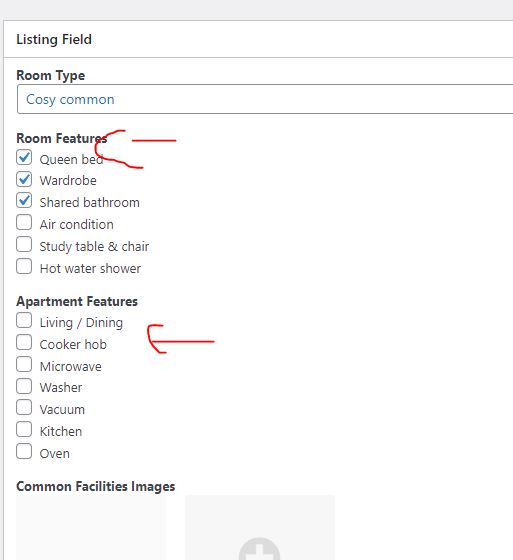
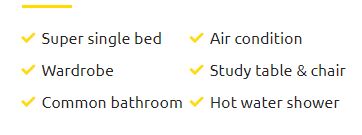
Design multiple value for checkboxes field selected options
Solution:
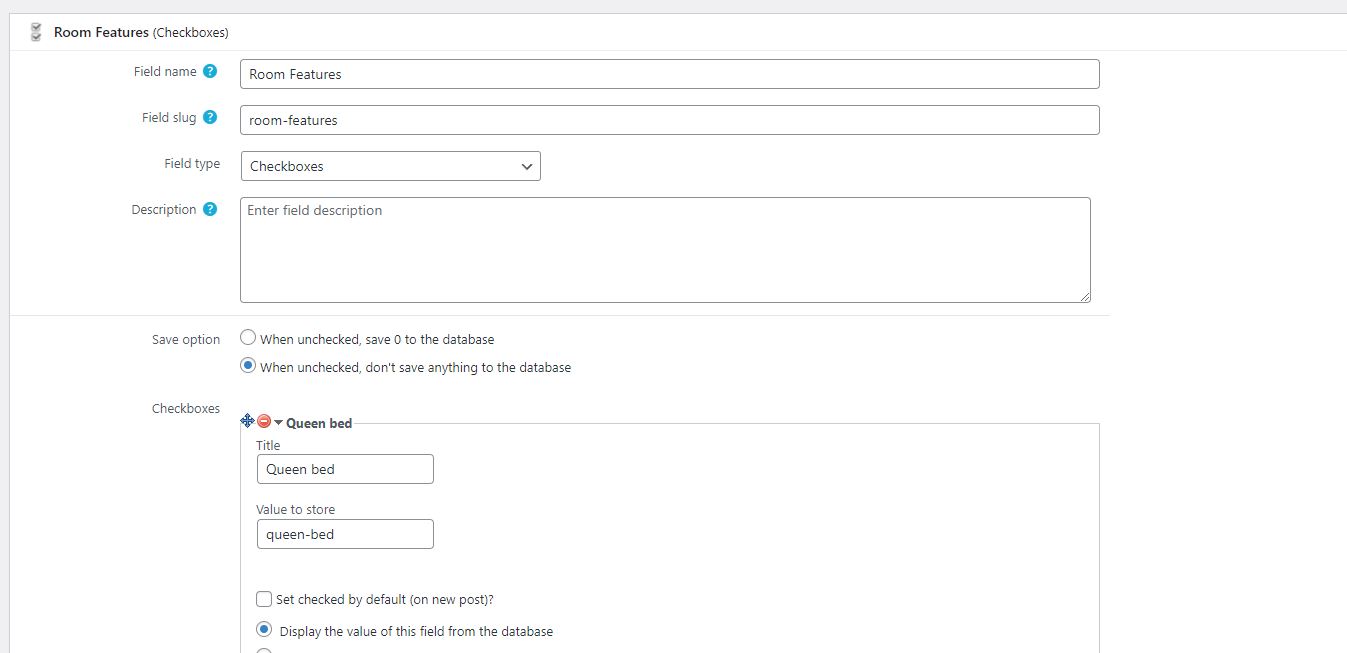
When you add your field using single field block and select your checkboxes field, with the "Field settings" tab you will have option to set what to display when checkboxes field option is checked, you can configure what to display there
You can find proposed solution in this case with the following reply:
https://toolset.com/forums/topic/design-multiple-value/#post-2317187
Relevant Documentation:
This is the technical support forum for Toolset - a suite of plugins for developing WordPress sites without writing PHP.
Everyone can read this forum, but only Toolset clients can post in it. Toolset support works 6 days per week, 19 hours per day.
| Sun | Mon | Tue | Wed | Thu | Fri | Sat |
|---|---|---|---|---|---|---|
| - | 10:00 – 13:00 | 10:00 – 13:00 | 10:00 – 13:00 | 10:00 – 13:00 | 10:00 – 13:00 | - |
| - | 14:00 – 18:00 | 14:00 – 18:00 | 14:00 – 18:00 | 14:00 – 18:00 | 14:00 – 18:00 | - |
Fuseau horaire du supporter : Asia/Kolkata (GMT+05:30)
Ce sujet contient 2 réponses, a 2 voix.
Dernière mise à jour par - Il y a 4 years, 7 months.
Assisté par: Minesh.