Tell us what you are trying to do?
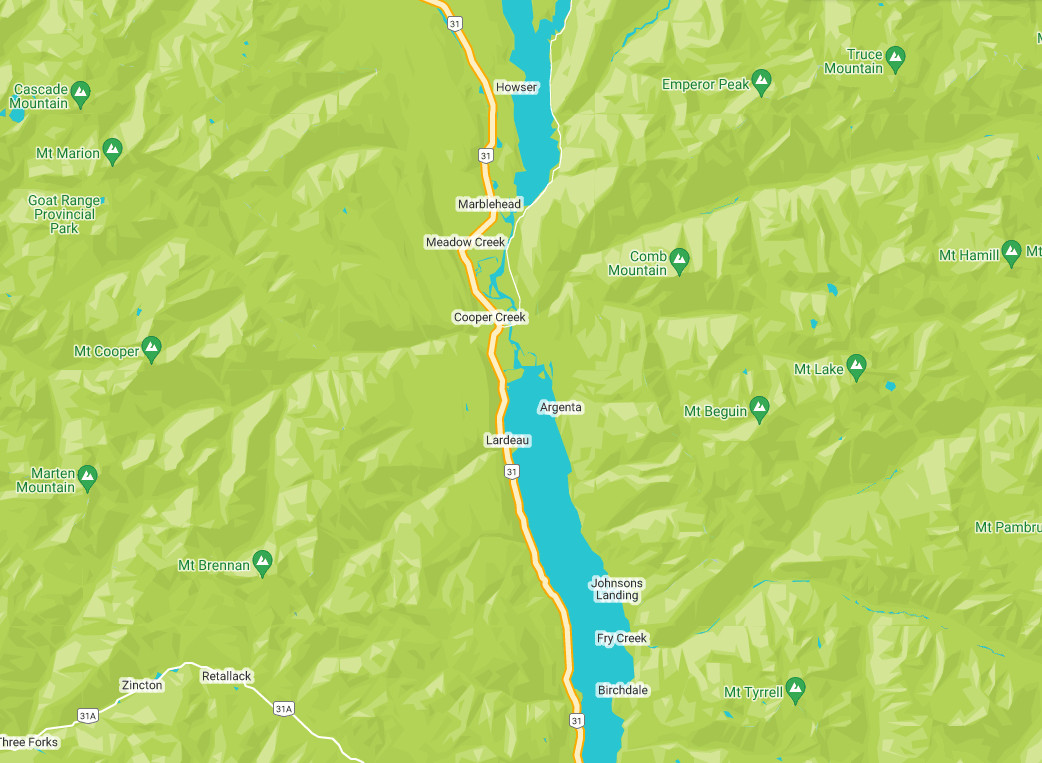
I had added a custom JSON Google Map style file, which was working with the map here: lien caché. The styling is no longer visible on the site, but the style is still applied to the map in Toolset settings. Image of styled map attached.
Is there any documentation that you are following?
Yes
If yes, Can you please make sure you are using latest Toolset plugins and you can download the latest Toolset plugins from your account's page:
- https://toolset.com/account/downloads/
If your issue is still persists can you try to downgrade the Toolset Maps plugin and see with what version it used to work, you can download any Toolset Maps plugin from the following link:
- https://toolset.com/download/toolset-maps/#changelog
If any of the above step does not help, what if you try to check with minimum setup:
Could you please try to resolve your issue by deactivating all third-party plugins as well as the default theme to check for any possible conflicts with any of the plugins or themes?
- Do you see any difference?
This is a new WordPress install and a development site. I have followed all instructions and all plugins are up-to-date. The feature was working upon set-up but stopped working suddenly. I didn't update theme or plugins that would have resulted in halting the functionality.
I think the issue has to do with an API and server-side conflict, possibly because I am using a temp domain. I have creared a work around by using SnazzyMaps to use the custom style.