Passer la navigation

[Résolu] Creating a required CRED form field inserts default value of "1"

This support ticket is created Il y a 3 years, 3 months. There's a good chance that you are reading advice that it now obsolete.

This is the technical support forum for Toolset - a suite of plugins for developing WordPress sites without writing PHP.

Everyone can read this forum, but only Toolset clients can post in it. Toolset support works 6 days per week, 19 hours per day.

Sun Mon Tue Wed Thu Fri Sat
- 10:00 – 13:00 10:00 – 13:00 10:00 – 13:00 10:00 – 13:00 10:00 – 13:00 -
- 14:00 – 18:00 14:00 – 18:00 14:00 – 18:00 14:00 – 18:00 14:00 – 18:00 -

Fuseau horaire du supporter : Asia/Kolkata (GMT+05:30)

Ce sujet contient 2 réponses, a 2 voix.

Dernière mise à jour par Saul Baizman Il y a 3 years, 3 months.

Assisté par: Minesh.

Auteur
Publications
#2562511
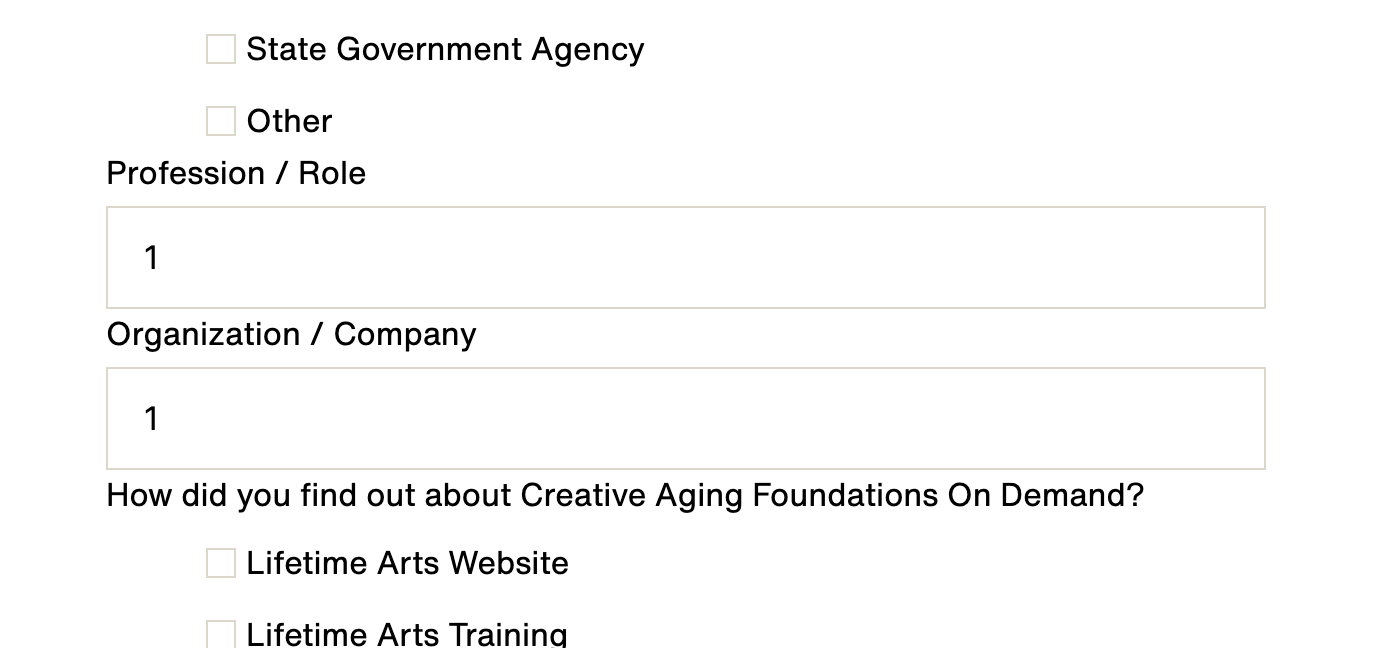
screenshot 2023-02-27 at 13.55.07.png
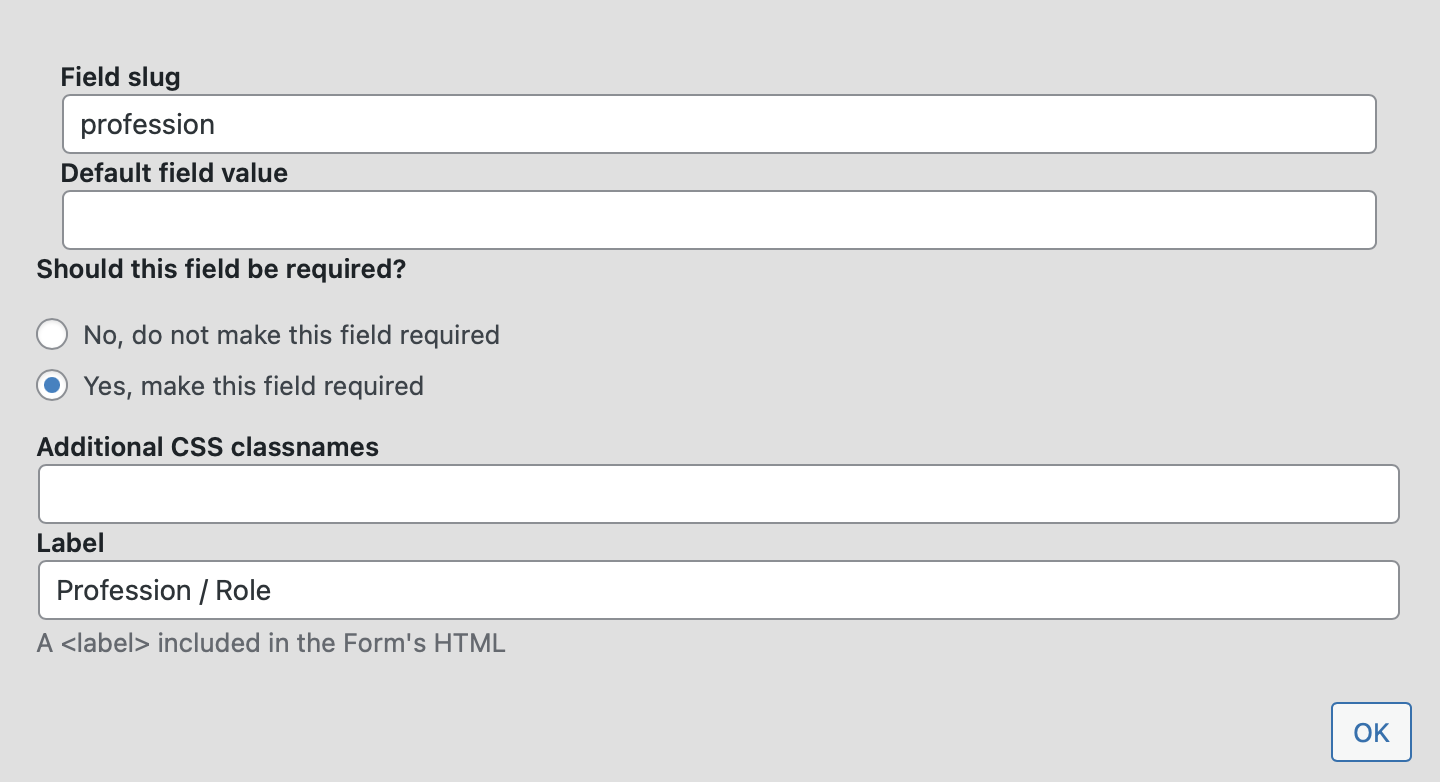
screenshot 2023-02-27 at 13.55.21.png

Hi there,

I've created a CRED User form. It includes a single line input field (generic field). I've marked the field as required (see screenshot). When loading the form on the front-end, a "1" appears in the field (see screenshot). In the advanced mode of the form editor, I can see the issue:

[cred_generic_field type='textfield' field='profession']
{
"required":1,
"default":"1"
}
[/cred_generic_field]

For whatever reason, the "default" property is set to "1." The only way to fix this is to switch to advanced mode, which I would prefer to avoid, if possible.

Thanks.

Saul

#2563113

Minesh
Supporter

Les langues: Anglais (English )

Fuseau horaire: Asia/Kolkata (GMT+05:30)

Hello. Thank you for contacting the Toolset support.

This is a known issue to us and as the workaround is easy I suggest you should just delete the 1 added to default attribute from the expert mode.

The fix will be shipped with the future release but there is no ETA on it.

#2563117

My issue is resolved now. Thank you!