Hi,
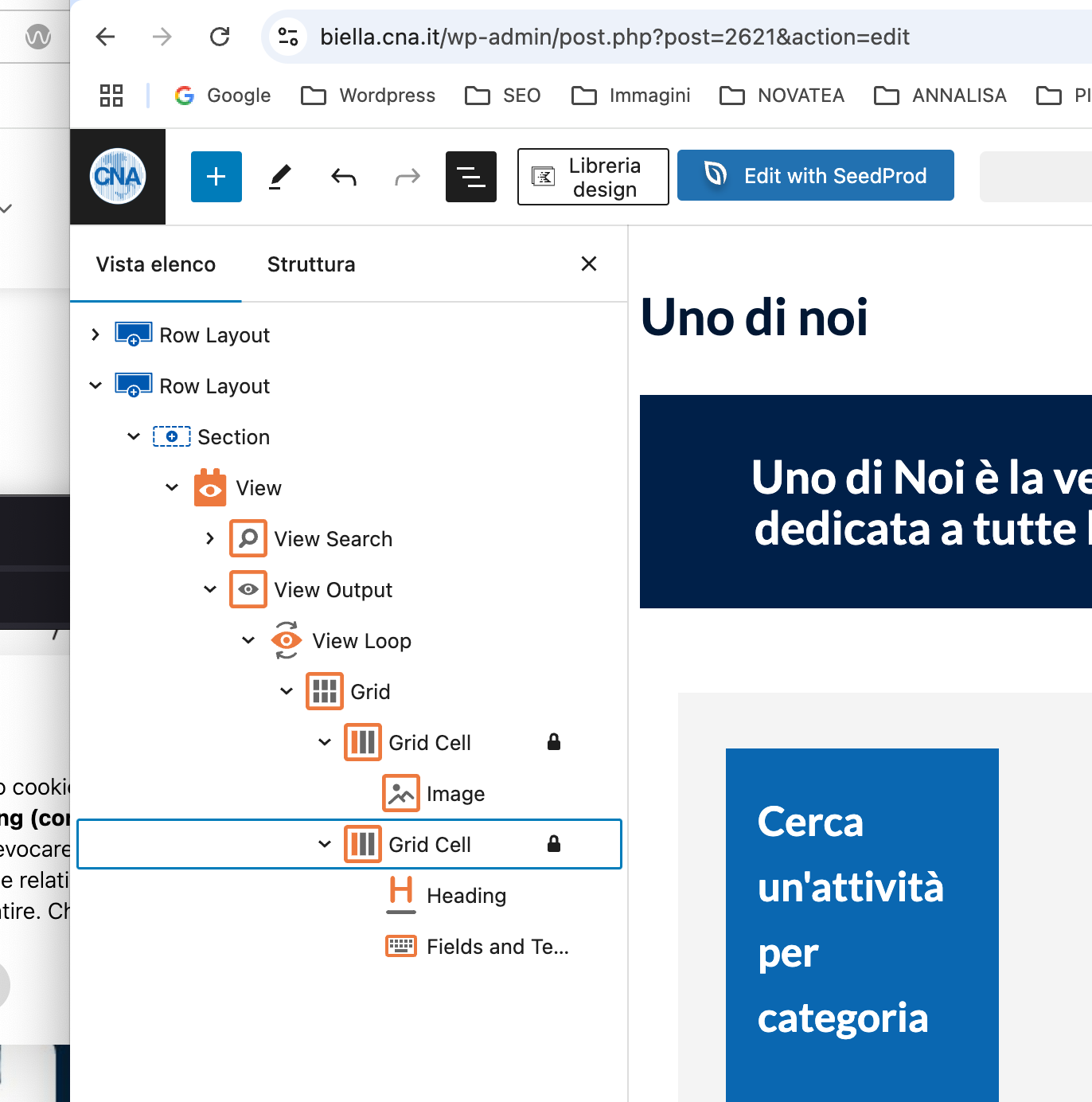
I have a page with a view built using Toolset blocks: lien caché
Here's the issue: If you filter by category, for example "Commercio", click on one of the results ex. "Barbera Sandro" and from here you click on the category again (either from the breadcrumbs or from the blue link under the post title), you end up on the category page but this time the post titles and content are all the same. Only the image changes.
I tried recreating the Toolset heading block. Nothing changes.
I tried disabling the caching plugin, but no luck there either.
Would you please look into this?
Here's access to the website (please hide this): access link removed
thank you for your help
Hello. Thank you for contacting the Toolset support.
Yes - I can see the issue and what you mean. I can see that the images displayed on taxonomy archive is correct but other content like post title with link and other fields are not correct.
In order to miminize the cause of the issue and to ensure there is no conflict with the third-party plugin/theme you use:
Could you please try to resolve your issue by deactivating all third-party plugins as well as the default theme to check for any possible conflicts with any of the plugins or themes?
- Do you see any difference?
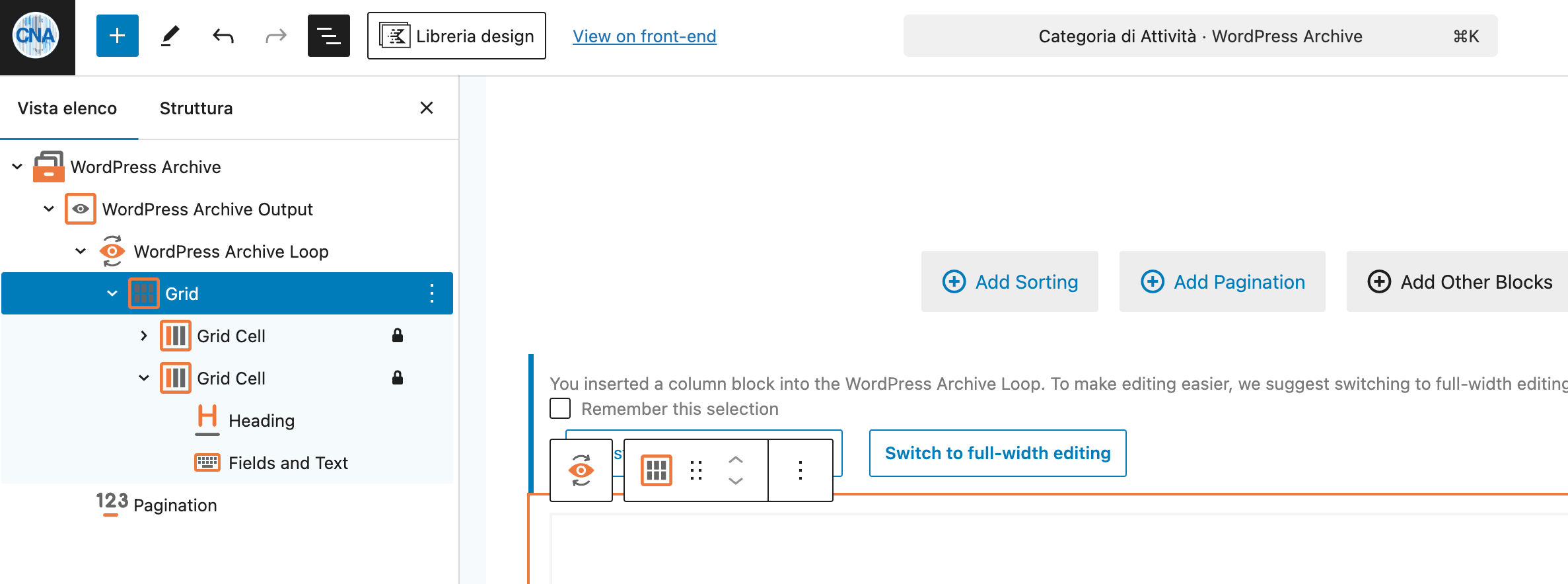
To fix this I suggest you can use the Grid block to display two column layout and remove the block Row Layout and section blocks you added withing your block view's loop.
Hi Minesh,
thank you for your help.
I've done as you suggested. The problem is everything looks fine on the back end but front end is showing content in one column, despite the layout features two columns (see screenshots) and not displaying the border. Page: lien caché Same thing goes for the category page. Example of category: lien caché (I see the issue on different browsers)
What is that due to?
Please access here: access removed
It does, thank you. But It would be better if it was possible to exclude toolset js from the combination rather than disabling it altogether.
Thank you for your time