Ce fil est résolu. Voici une description du problème et la solution proposée.
Problem:
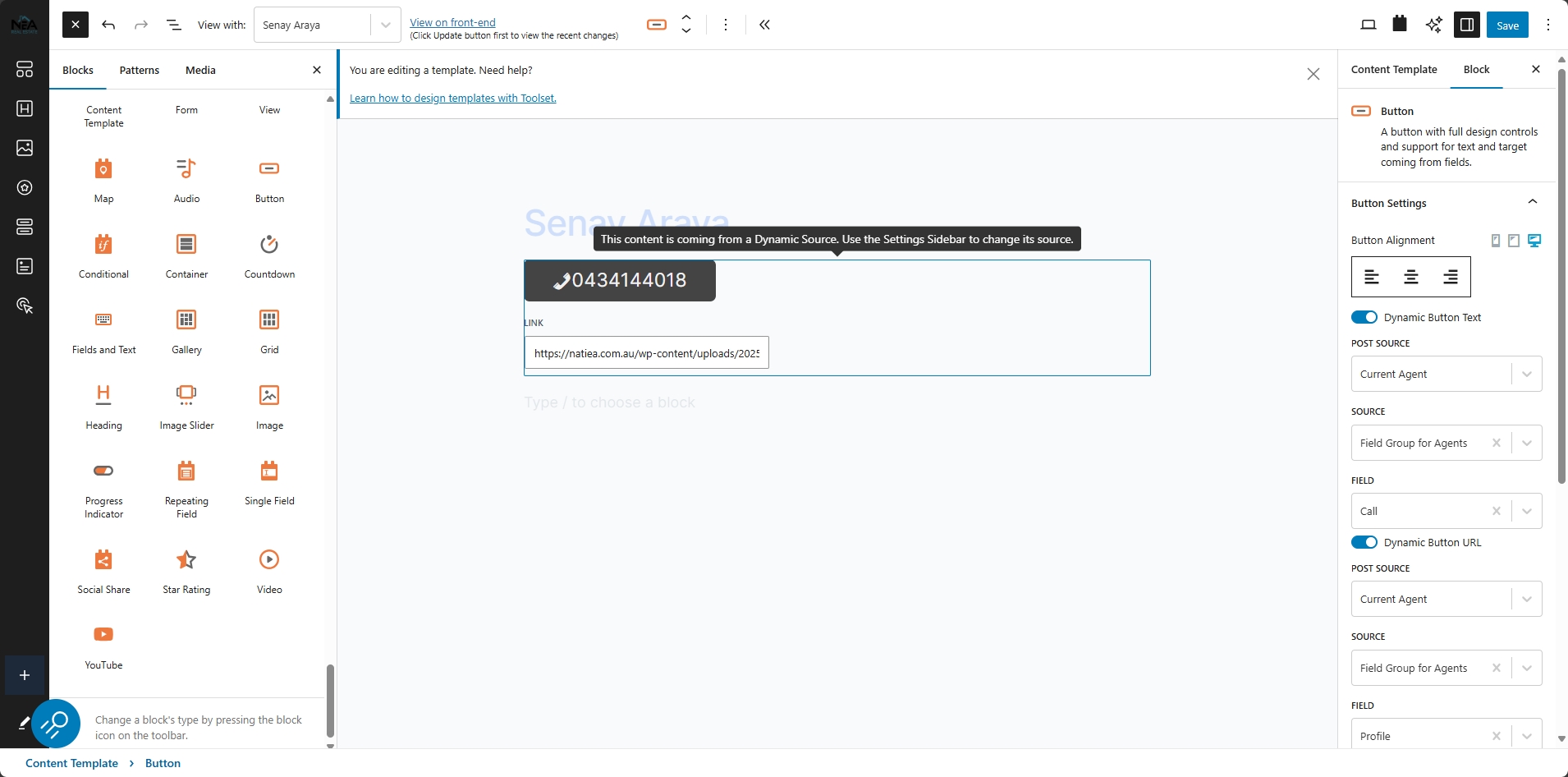
I want to use a phone number stored in a custom field as a dynamic button link so that when clicked, it dials the number (e.g., tel:+1234567890). However, the Toolset Button block does not support phone links.
Solution:
Use an HTML block instead of the Button block and insert the following custom code:
<a href="tel:[types field='phone-number' output='raw'][/types]" class="call-button">Call Now</a>
Replace 'phone-number' with the actual field name. This will generate a dynamic link that users can click to call the number directly from their mobile device.
Relevant Documentation:
https://toolset.com/forums/topic/display-a-phone-in-a-directory-website/
This is the technical support forum for Toolset - a suite of plugins for developing WordPress sites without writing PHP.
Everyone can read this forum, but only Toolset clients can post in it. Toolset support works 6 days per week, 19 hours per day.
Ce sujet contient 1 reply, a 1 voix.
Dernière mise à jour par - Il y a 1 year, 7 months.
Assisté par: Christopher Amirian.