Hello. Thank you for contacting the Toolset support.
There is no master setting available to change how Repeating Field Groups are displayed. I think it should be added and for that I suggest you should raise your voice by filing a new feature request using the following link:
=> https://toolset.com/home/contact-us/suggest-a-new-feature-for-toolset/
However - I think I am able to find a workaround that will help you to resolve your issue.
Can you please try to add the following filter code to your theme's functions.php file:
add_filter('admin_url','func_display_rfg_horizontal_by_default');
function func_display_rfg_horizontal_by_default( $link ) {
    global $post_type;

  //// replace your post type slug
  $list_of_post_types = array('student','post','page');

    if(in_array( $post_type, $list_of_post_types )) {
        $params['rgview'] = 'horizontal';
        $link = add_query_arg( $params, $link );
}
    return $link;

}
I'm not sure if your function works...
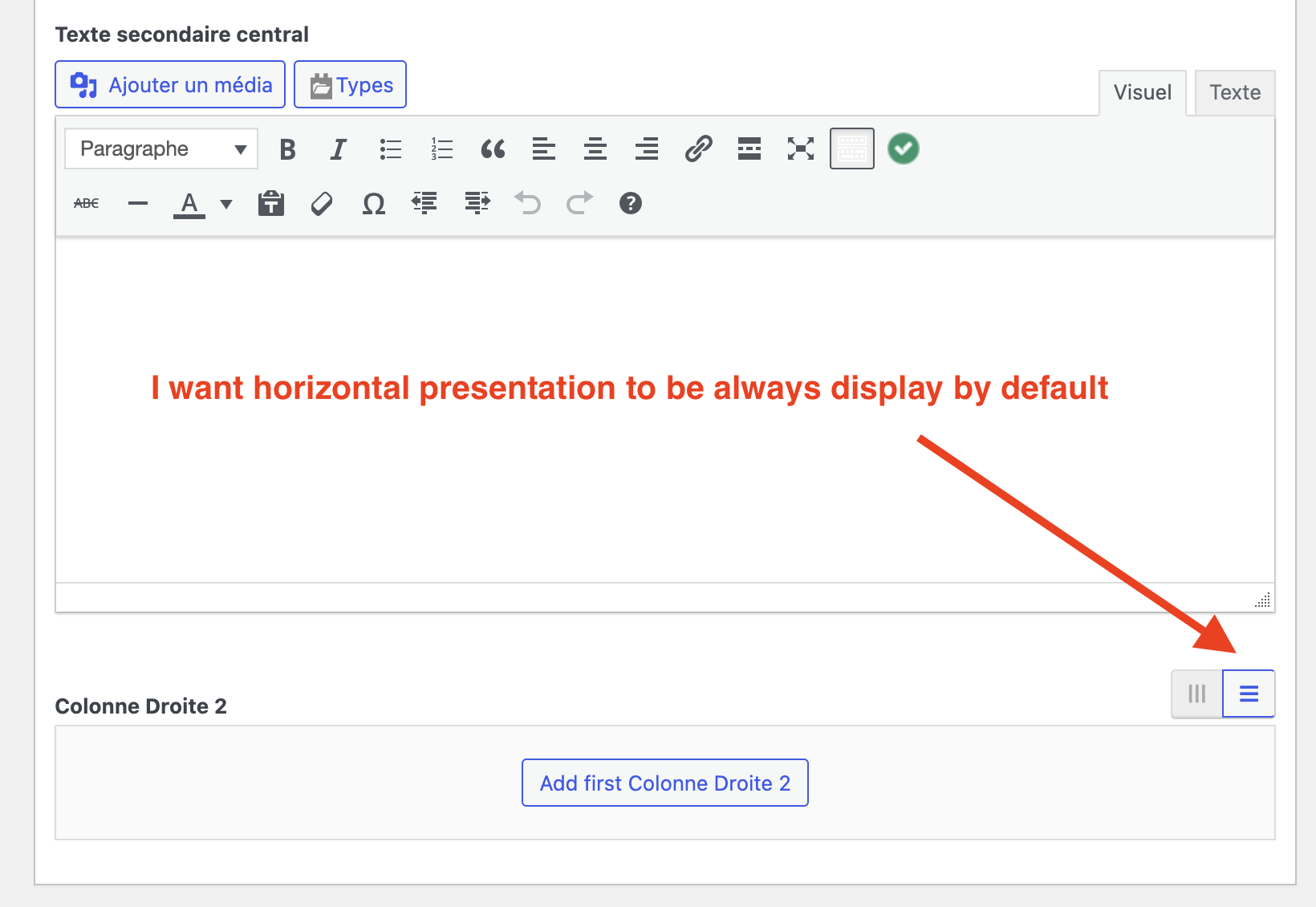
When I added a new page, or a new article, by default the field was always in vertical mode.
On the other hand, once I've clicked on the horizontal display button (burger) for this new article, if I ask again for the creation of a new article, it opens in horizontal mode, but this may be due to the fact that I had just specified this horizontal view.
To sum up, I don't think the function manages to systematically apply the default Horizontal view mode to the consultation/creation of a new page.