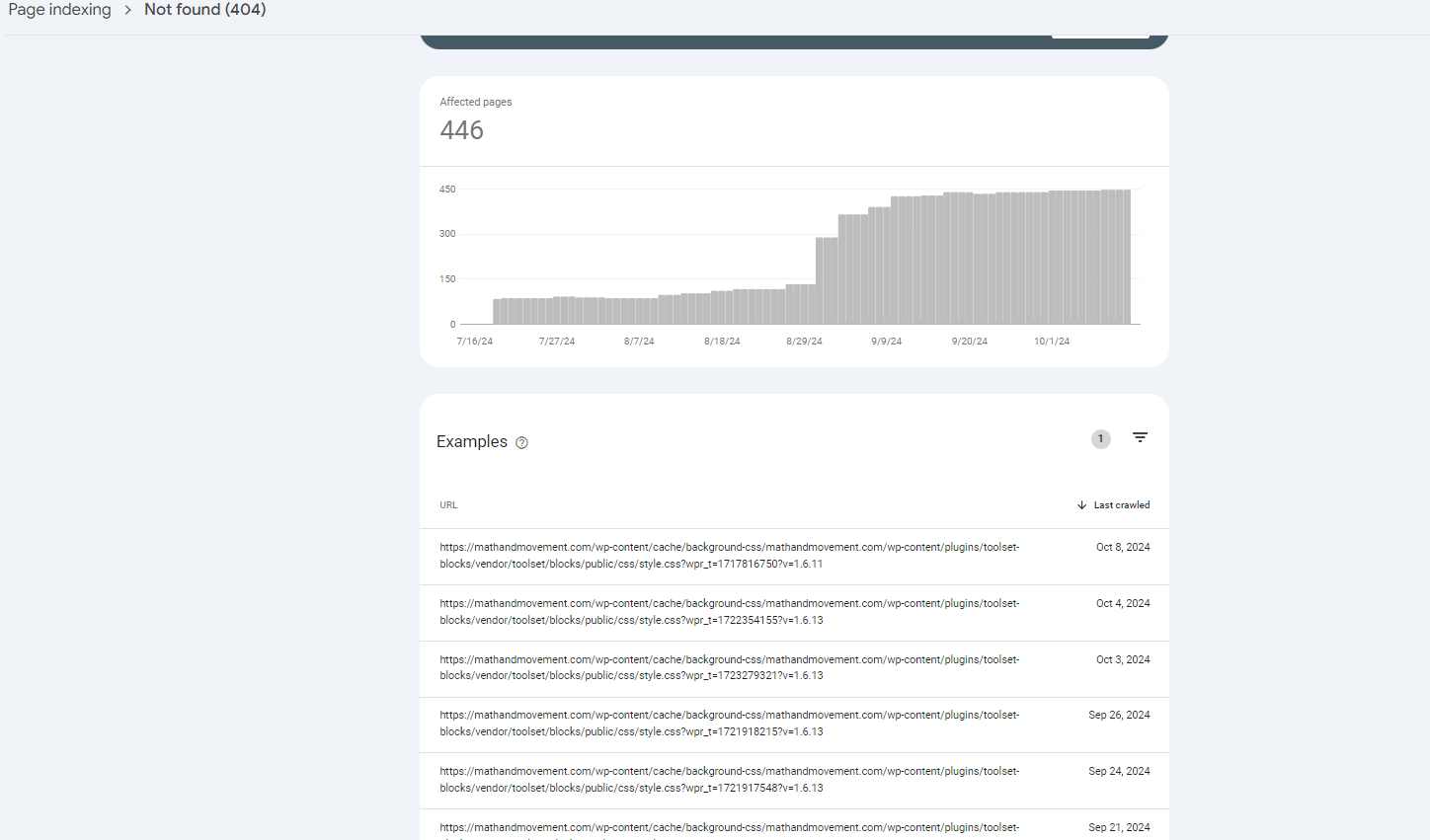
There are 446 pages with 404 errors from toolset pages on our website. This is showing up in our google search console. This is a very big issue as it is impacting our SEO. Why are we getting this error?
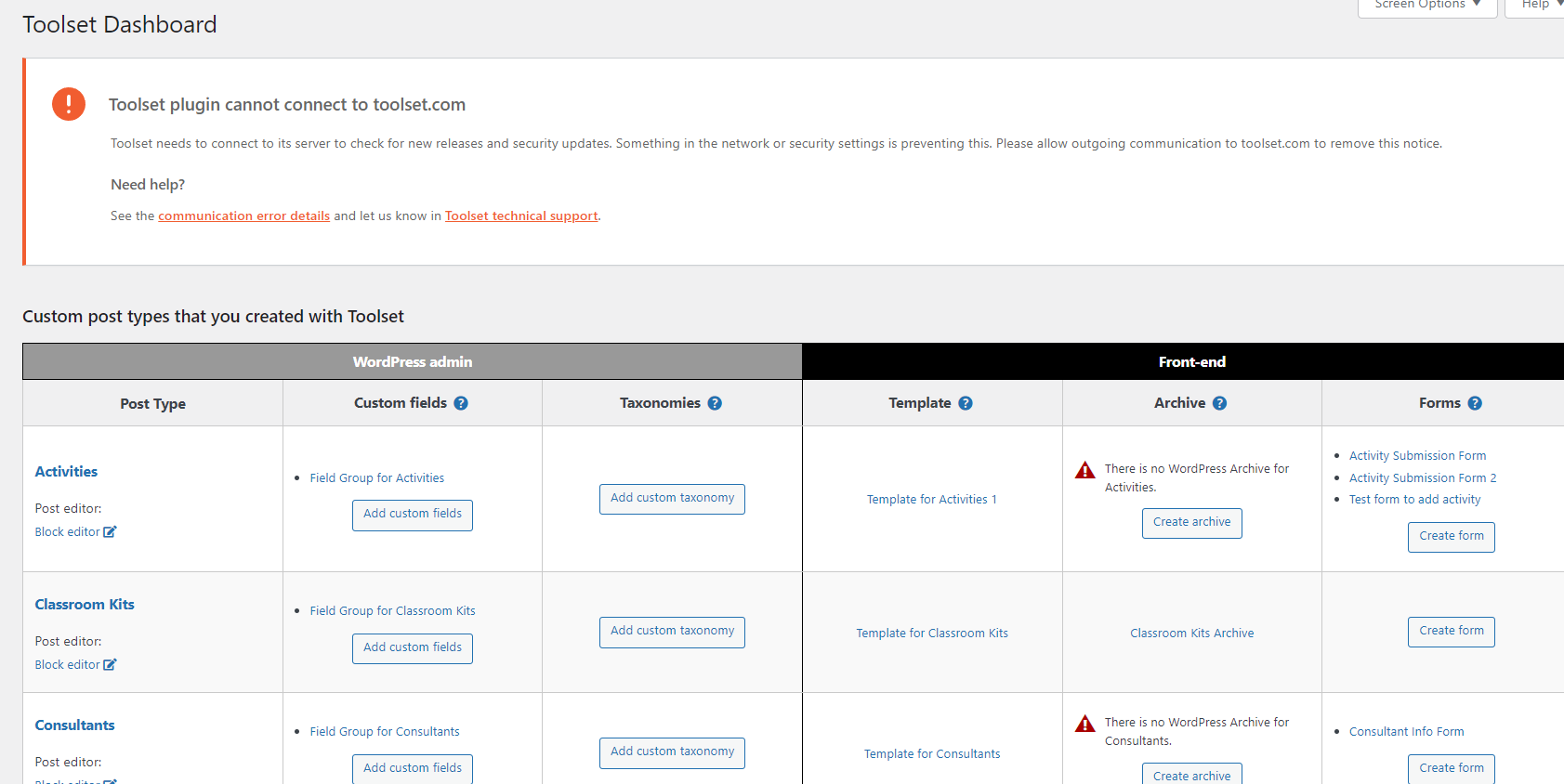
There is also this connection error on WP but everything is set up the same as it was before and we do not know why we now have this error.
Hello. Thank you for contacting the Toolset support.
The URLs mentioned with the screenshots you shared, those are very odd URLs. If Google crawls the site and finds those links then they must be in a sitemap or those links must exist somewhere on pages or posts, I believe.
Maybe the URL parameter for instance "wpr_t" at the end of every URL give a clue as to how they were generated? are you using such plugin that uses the URL param "wpr_t"?
I dont thing so the error "Toolset plugins can not connect to Toolset.com" has anything to do with search engine.
As shared before:
The URLs mentioned with the screenshots you shared, those are very odd URLs. If Google crawls the site and finds those links then they must be in a sitemap or those links must exist somewhere on pages or posts, I believe.
Maybe the URL parameter for instance "wpr_t" at the end of every URL give a clue as to how they were generated? are you using such plugin that uses the URL param "wpr_t"?
So you should try to find out what plugin/theme uses this URL param "wpr_t" and add such URLs.