Hi there,
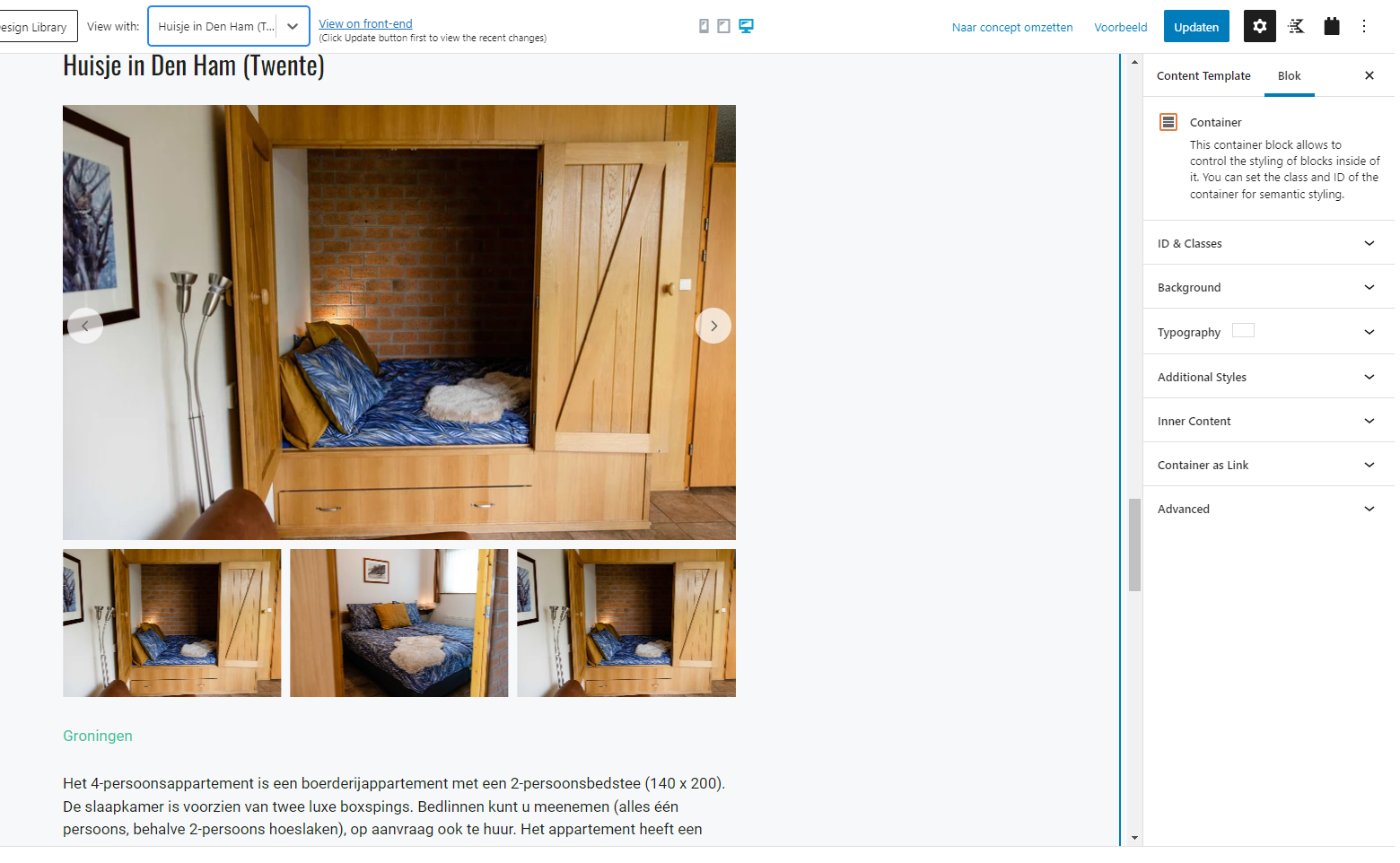
How can I use embedded images for image/gallery/image slider.
I can't select the images when I what to make a image/gallery/image slider, only if I upload the images as embedded and then change the type Field to image. But this doesn't seem right to me.
Hi Michel,
Thank you for getting in touch.
Is it that your images are stored in an embedded custom field and not an image field?
Can you provide some additional details on this one for me ?
Thanks,
Shane
Hi Shane,
I am using an embedded custom field.
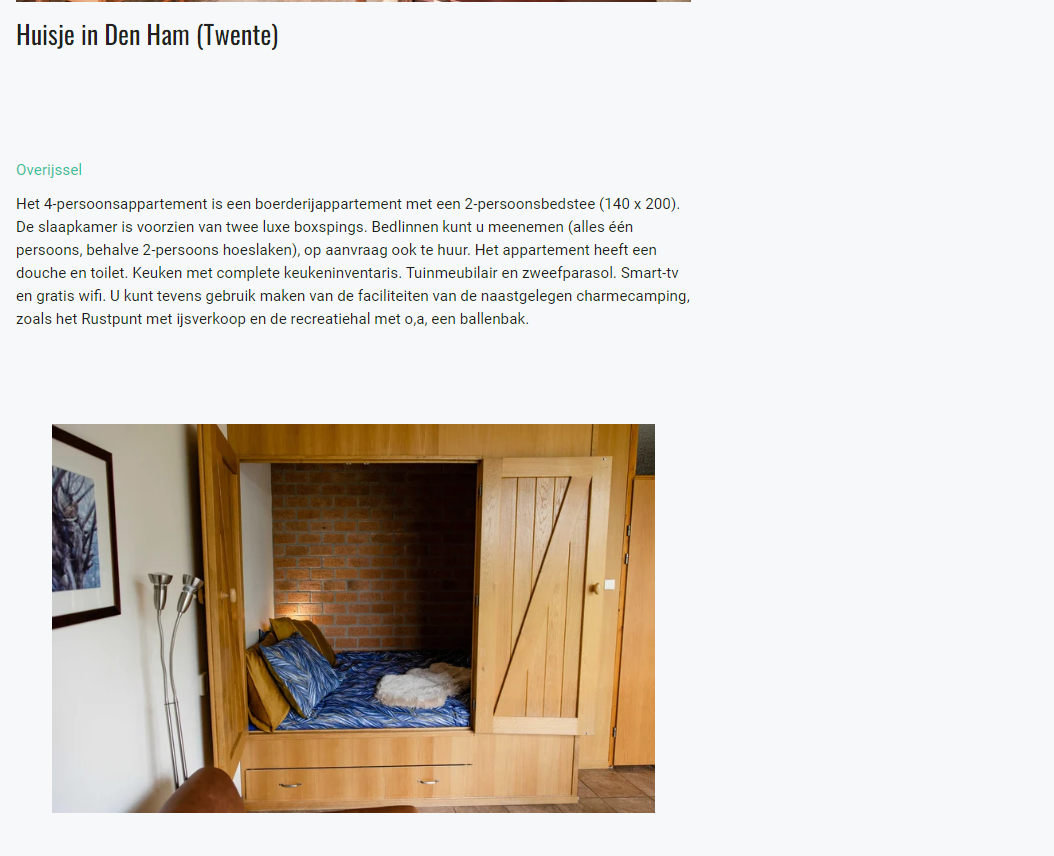
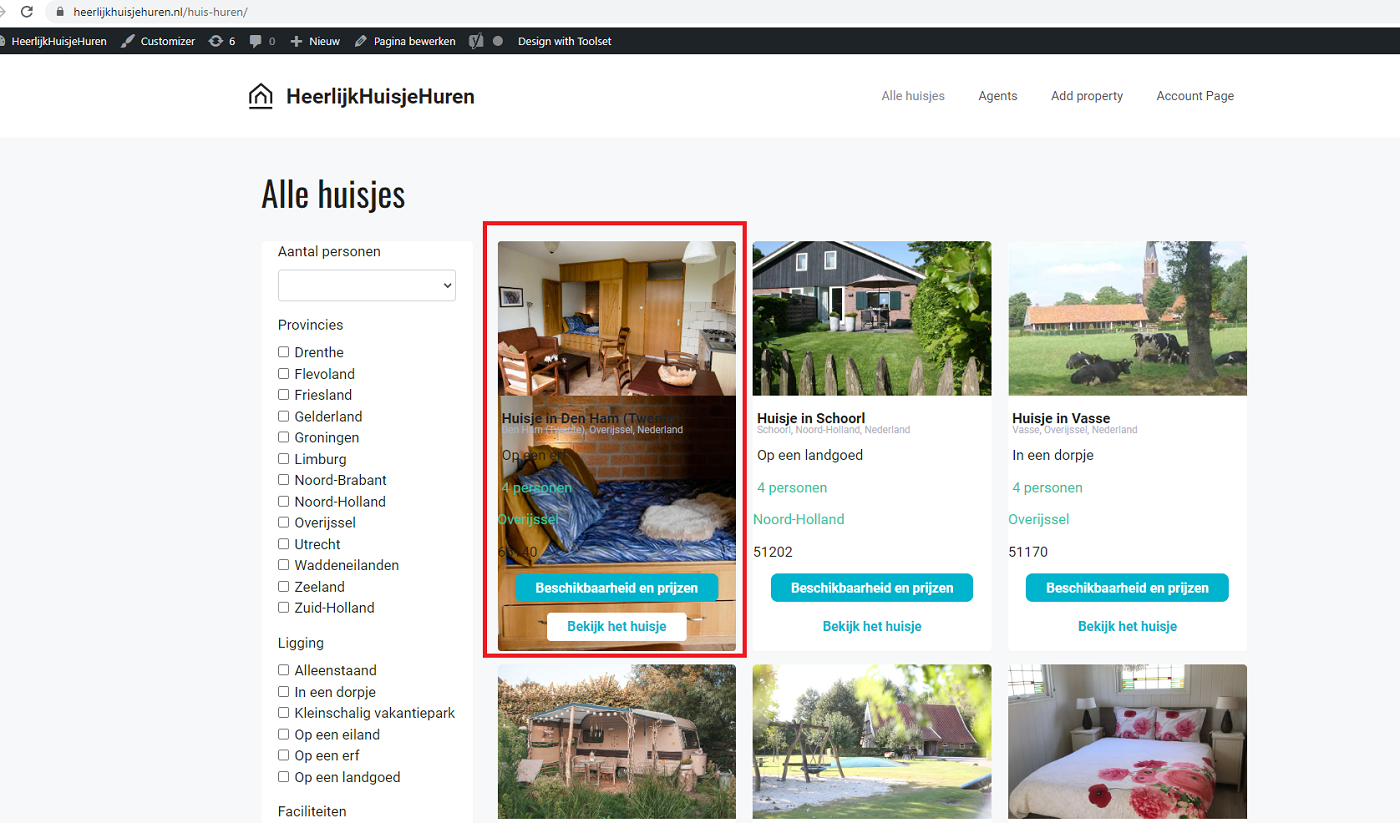
In the toolset edit content template of Properties is showing the Image Slider with the images correct but the stange thing is that it change the view page (lien caché) and not the Propertie page.
I am using the theme GeneratePress or could this be a setting?
Hi Michel,
Would you mind allowing me to have admin access to the website so that I can have a more detailed look at this for you ?
Please where applicable please provide me with a link to an example page where I can see the issue.
I've enabled the private fields for your next response.
Thanks,
Shane
Hi Michel,
The main problem here is that you're using the embedded field to provide the images.
When I also check the field that you're using it is the Product URL field which doesn't have an image.
Given that its also a repeatable field then you wont be able to use the image block to do this. Your best option here is to construct the image output manually using the Types shortcodes to trigger the output of your embedded fields.
Please let me know if you would like to proceed with this method.
Thanks,
Shane
Hi Shane,
And when you use the trigger it will work fine when I put the url in the embedded media field?
If yes, please proceed this method.
Hi Michel,
You will need to make use of our wpv-for-each shortcode.
[wpv-for-each field="wpcf-my-field"]

<img src="[types field='my-field' output='raw'][/types]" >


[/wpv-for-each]
Now all you need to replace my-field with the slug of your embedded field. This can be added to the Classic Editor in the block editor.
Please let me know if this helps.
Thanks,
Shane
Hi Shane,
Can you do this for the fields attached?
This will also fix the problem on lien caché?
See the display of the first image.
Hi Michel,
Yes this should, however it will be displaying all the items in the field.
So if your embedded field has 3 images then 3 images will be displayed.
Thanks,
Shane
Hi Shane,
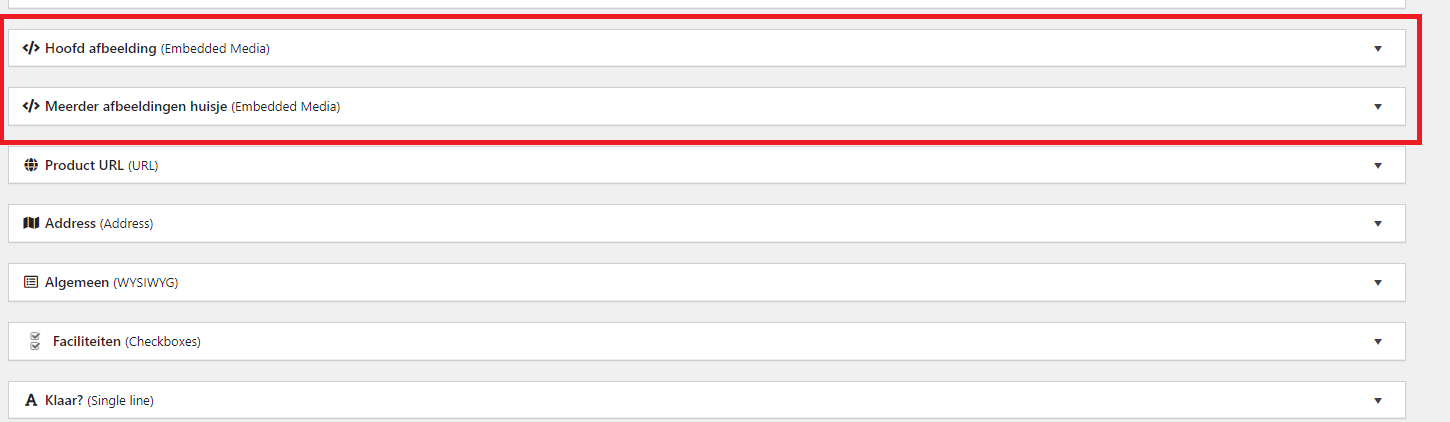
It's not possible to use embedded field with the slug 'hoofd afbeelding' for one image.
And use embedded field with the slug 'meerdere afbeeldingen huisje' for a image slider?
Hi Michel,
If its a case you want to use the hoofd afbeelding field for the single image then you would construct it like this.
<img src="[types field='my-field' output='raw'][/types]" >
For the multiple images it would be.
[wpv-for-each field="wpcf-my-field"]

<img src="[types field='my-field' output='raw'][/types]" >


[/wpv-for-each]
In both cases you will replace the my-field with the appropriate embedded field slug.
Thanks,
Shane
Hi Shane,
Can you arrange this for me?
Hi Michel,
Where do you want me to place the one with the 3 images?
Given that we're doing it like this the 3 images will just be displayed as is and not as a slider since the image slider field doesn't support the embedded fields to provide the information.
Thanks,
Shane
Hi Shane,
Okay clear, I made single embedded fields so one for every image.
Now is it possible to select them segregated in the Template Properties?
Hi Michel,
The fundamental issue here is that you're using the Image block to pull data from an embedded field. This won't work because they are different field types.
If you want the image block to display your images as a slider then you must use an image field.
The only workaround here is the solution i've provided in my previous post. Changing the field from a repeating field to individual fields won't solve this issue as the field type is still an embedded field.
I hope I was able to provide a bit more clarity on why this isn't possible.
Thanks,
Shane