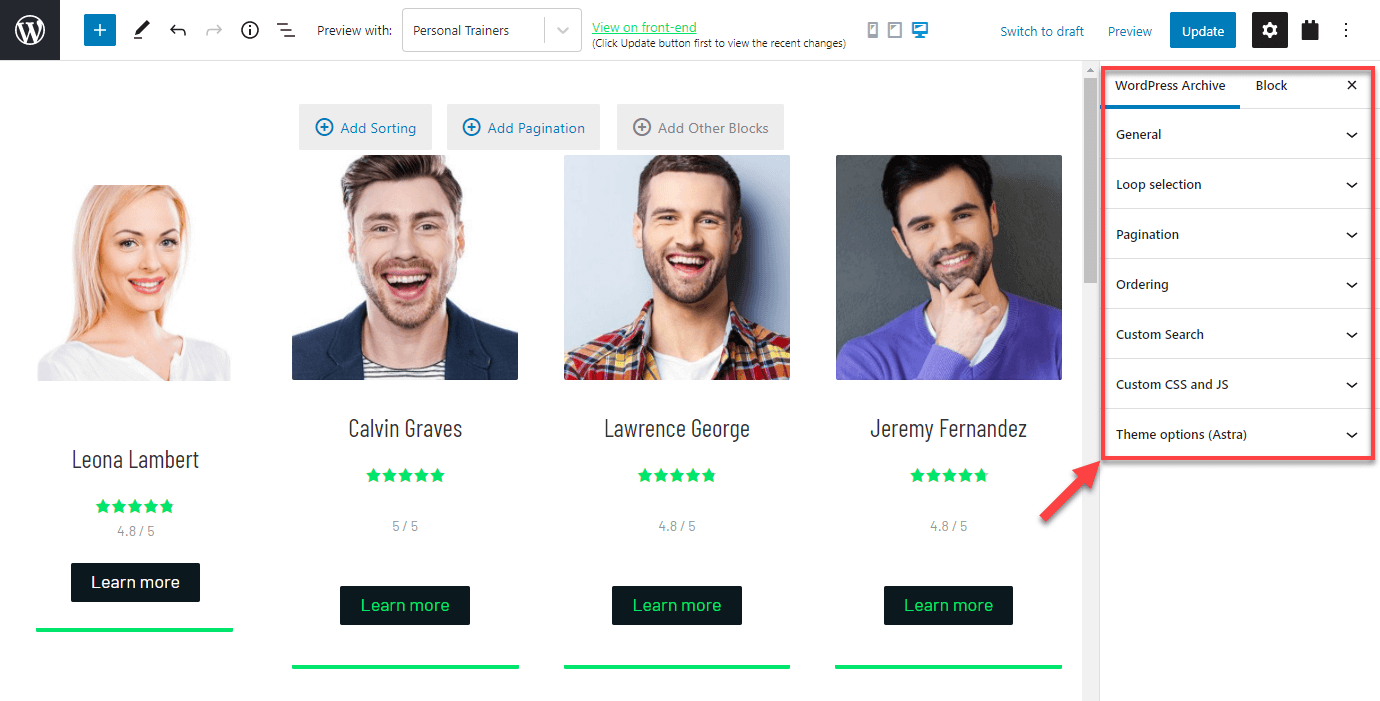
how do I save a archive page I designed into a view?
I don't want to restart building the view.
Thanks
I'm sorry, but that's an unexpected workflow, and isn't supported.
I did check on my own site if it might be possible to switch the archive display mode to the code editor and to, at least, copy the markup for the output section to a View block that had also been switched to the code editor, but I didn't manage to get it to work.
You could try the same, taking a more granular approach to parts of the output, but I'm not confident it will work as it is not supported.
So does this mean I have to restart to create a view?
Hello,
If you need to design a WordPress Archive page, please follow our document to setup the Toolset WordPress Archive:
https://toolset.com/course-lesson/creating-a-custom-archive-page/
If you need to display posts in some specific pages/posts, please try view block:
https://toolset.com/course-lesson/creating-a-view/
They are different UI and function, you will need to setup them each manually.
I think we are misunderstanding each other.
I created an archive page using archive loop, instead of creating a view.
I then realized that we can create views, to apply to multiple archive pages.
Now I have my archive loop page set up.
How can I convert that into a view, or how can I reuse that design on other archive pages?
versteckter Link
Thanks
No, it is not recommended to convert the WordPress Archive into post view, it will conduct unexpected results.
As I mentioned above:
For WordPress Archive page, please follow our document to setup the Toolset WordPress Archive:
https://toolset.com/course-lesson/creating-a-custom-archive-page/
You can apply same Toolset WordPress Archive to multiple archive pages, see below screenshot:
https://toolset.com/wp-content/uploads/2021/04/toolset-wordpress-archive-general-options.png
click "Loop selection"
Hi
I want to convert my Toolset Archive into a Toolset view.
I don't have the option you show since I'm not using that theme.
So that's why I was thinking of saving it as view.
How can I save my current Toolset Archive and use it on another archive?
Where do I see my set of save views and save archive designs?
Thanks
You can apply one Toolset WordPress Archive to multiple archive pages:
see below screenshot:
https://toolset.com/wp-content/uploads/2021/04/toolset-wordpress-archive-general-options.png
click "Loop selection"
If you need assistance for it, if you need more assistance for it, please provide a test site with the same problem, fill below private message box with test site credentials, I can setup a demo for you.
My issue is resolved now. Thank you!