I am trying to:
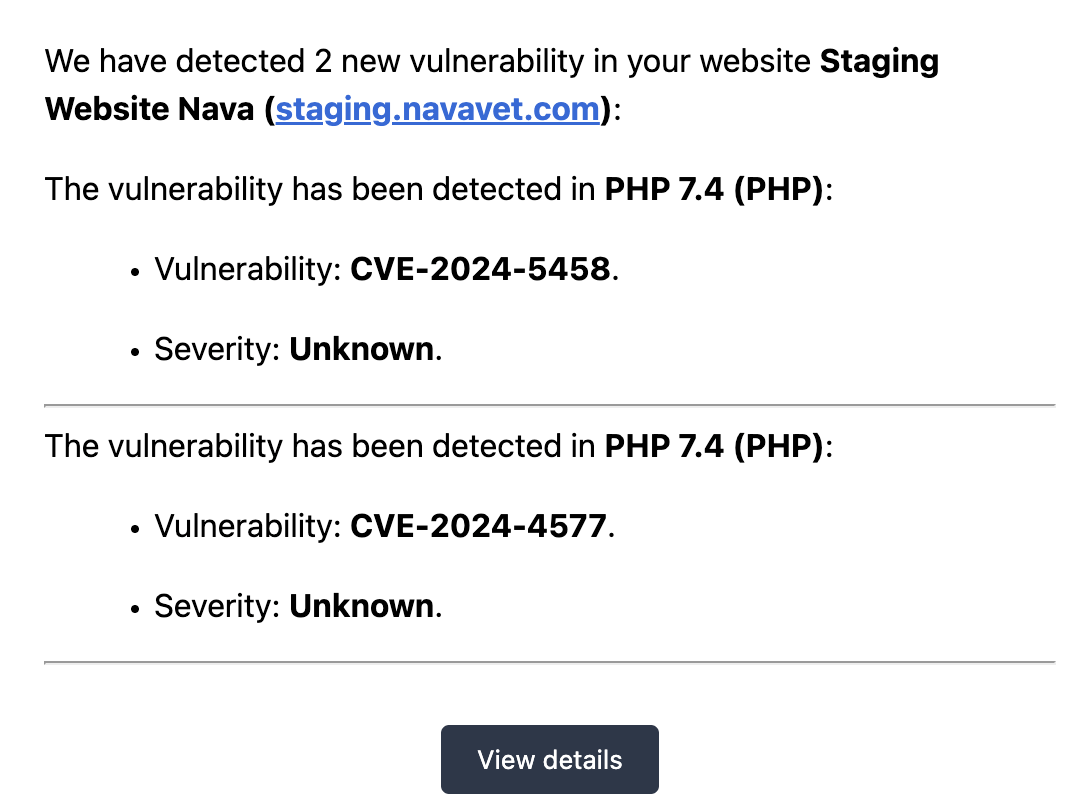
Update this site from PHP 7.4 to PHP 8 but when I do the site crashes with a critical error. Changing it back to 7.4 and the critical error goes away
There are vulnerablities in PHP 7.4 so I'm surprised WPMLwont' work on PHP 8
I Googled it and apparently WPML should work with PHP 8+ but it's crashing this site

Minesh
Unterstützer
Sprachen:
Englisch (English )
Zeitzone:
Asia/Kolkata (GMT+05:30)
Hello. Thank you for contacting the Toolset support.
Toolset and WPM both can run with PHP 8. We also recomond that you should run your site with latest PHP version.
If you check with blogpost article:
=> https://toolset.com/2024/05/toolset-1-6-15-updates-for-wordpress-6-5/
You will see a sectino "Compatibility with PHP 8.1 and 8.2":
I'm not sure why your site is crashed and what is the reason. To know the reason - please first setup a test/staging site and update the PHP version to PHP 8.x there and check if site crashed. If you see site is crashed - please send me admin and FTP access details.
*** Please make a FULL BACKUP of your database and website.***
I would also eventually need to request temporary access (WP-Admin and FTP) to your site. Preferably to a test site where the problem has been replicated if possible in order to be of better help and check if some configurations might need to be changed.
I have set the next reply to private which means only you and I have access to it.
It is a staging site but it's a fully built out site ready to be pushed live. If I update to PHP8 you can't access the site because it crashes
Please provide the private reply option and I can give you admin access to the site but only with it running PHP 7.4 because upgrading to PHP8 and above crashes teh site
You should update the site to PHP 8 and then send me stating site admin and FTP access details.
*** Please make a FULL BACKUP of your database and website.***
I would also eventually need to request temporary access (WP-Admin and FTP) to your site. Preferably to a test site where the problem has been replicated if possible in order to be of better help and check if some configurations might need to be changed.
I have set the next reply to private which means only you and I have access to it.
With the site you shared - I do not see you are using Toolset plugins. Are you?
I see you are using WPML plugin - thats fine. You should update to PHP 8 so that we know what is the error and what we need to do in order to fix this and to verify that is the error coming from Toolset (if you are using it) or WPML or any other third party plugin or theme.
Can you please update the PHP version and let me know.
I'm sorry -- yes, this site is using WMPL but that's part of Toolset plugins.
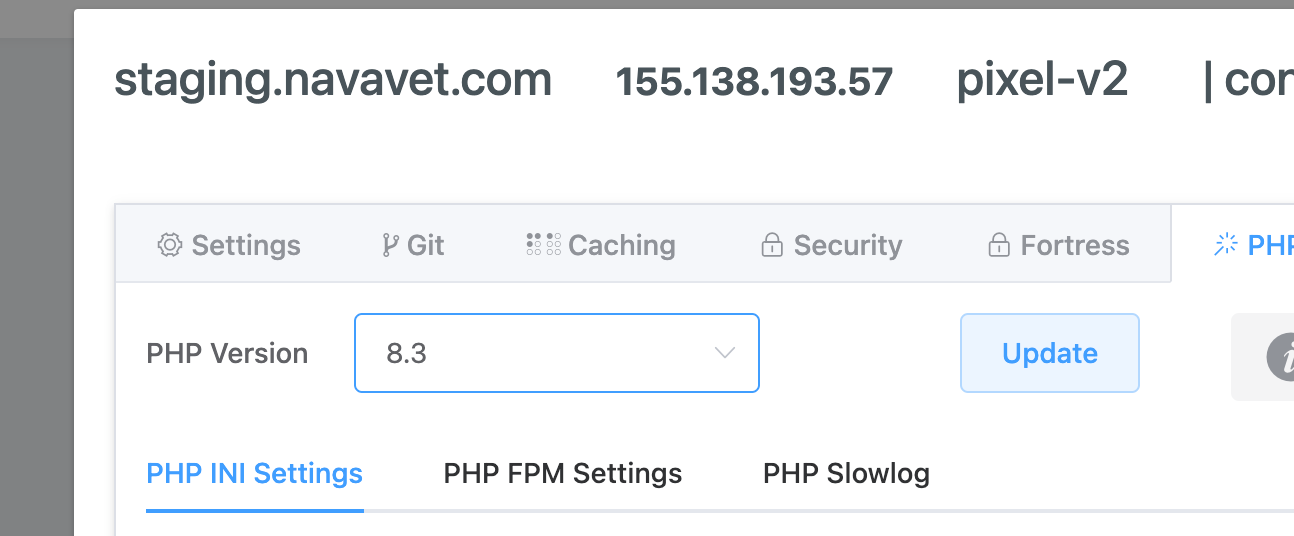
The PHP version is currently 7.4. When i upgrade to 8 and above the site crashes.
I've just updated to 8.3
Are you working on this, because the site is still down with the critical error from updating to PHP 8.3
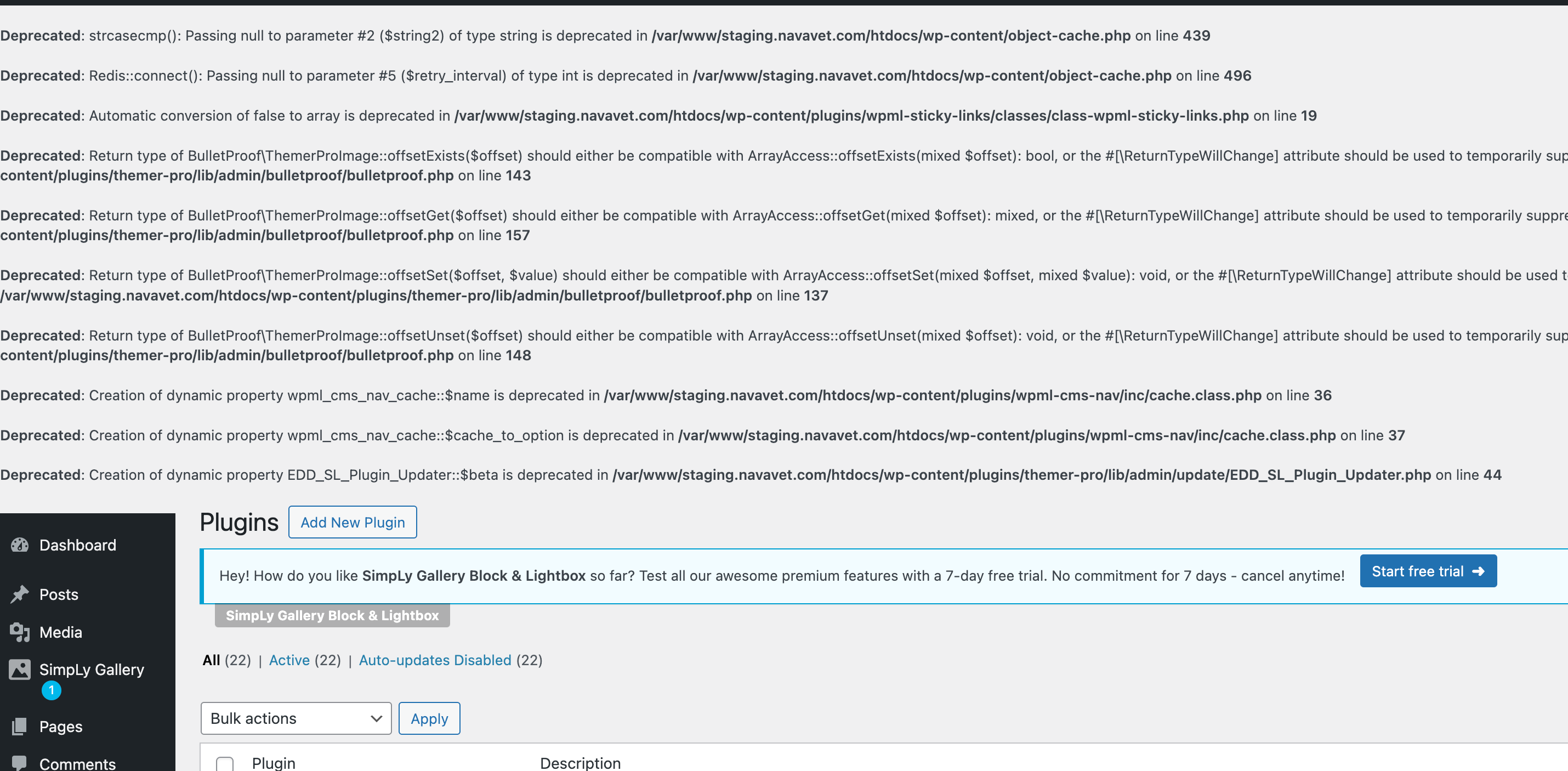
I've enable the WP_DEBUG and I can see the issue is from the theme file:
I can see the following fatal error:
=> versteckter Link
Fatal error: Uncaught Error: Call to undefined function create_function() in /var/www/staging.navavet.com/htdocs/wp-content/themes/nava-oren/functions.php:57 Stack trace: #0 /var/www/staging.navavet.com/htdocs/wp-settings.php(672): include() #1 /var/www/staging.navavet.com/wp-config.php(137): require_once('...') #2 /var/www/staging.navavet.com/htdocs/wp-load.php(55): require_once('...') #3 /var/www/staging.navavet.com/htdocs/wp-login.php(12): require('...') #4 {main} thrown in /var/www/staging.navavet.com/htdocs/wp-content/themes/nava-oren/functions.php on line 57
As you can see the fatal error is coming from the theme:
themes/nava-oren/functions.php on line 57
Can you please try to switch the theme for a moment and check if that help you to at least site loading without any issues.
What is on line 57 is related to a fix used for WPML
// Fix Translation view issue
add_filter( 'wp_default_editor', create_function( '', 'return "html";' ) );
I have commented it out which does allow me to upgrade to PHP 8.3 (thank you!) however, do I need this code snippet that must have been provided by your support at some time in the past?
Also can you please turn off whatever you activated that is showing errors.
What if you try to replace that existing line of code:
add_filter( 'wp_default_editor', create_function( '', 'return "html";' ) );
With the following lines:
add_filter( 'wp_default_editor',function(){
return "html";
});
I've also disable the WP_DEBUG from wp-config.php.
Yes, that works. Thank you so much, Minesh.
If you can just deactivate the errors showing on the site -- it looks like you enabled WP debug and I can't turn it off -- that would be great 🙂