Tell us what you are trying to do?
I have created a custom post type, then a custom post template, which all seems to work. However, the custom post template won’t display on the front end. I have watched and rewatched the relevant support video but I cannot seem to locate what is stopping it from being displayed on the front end.
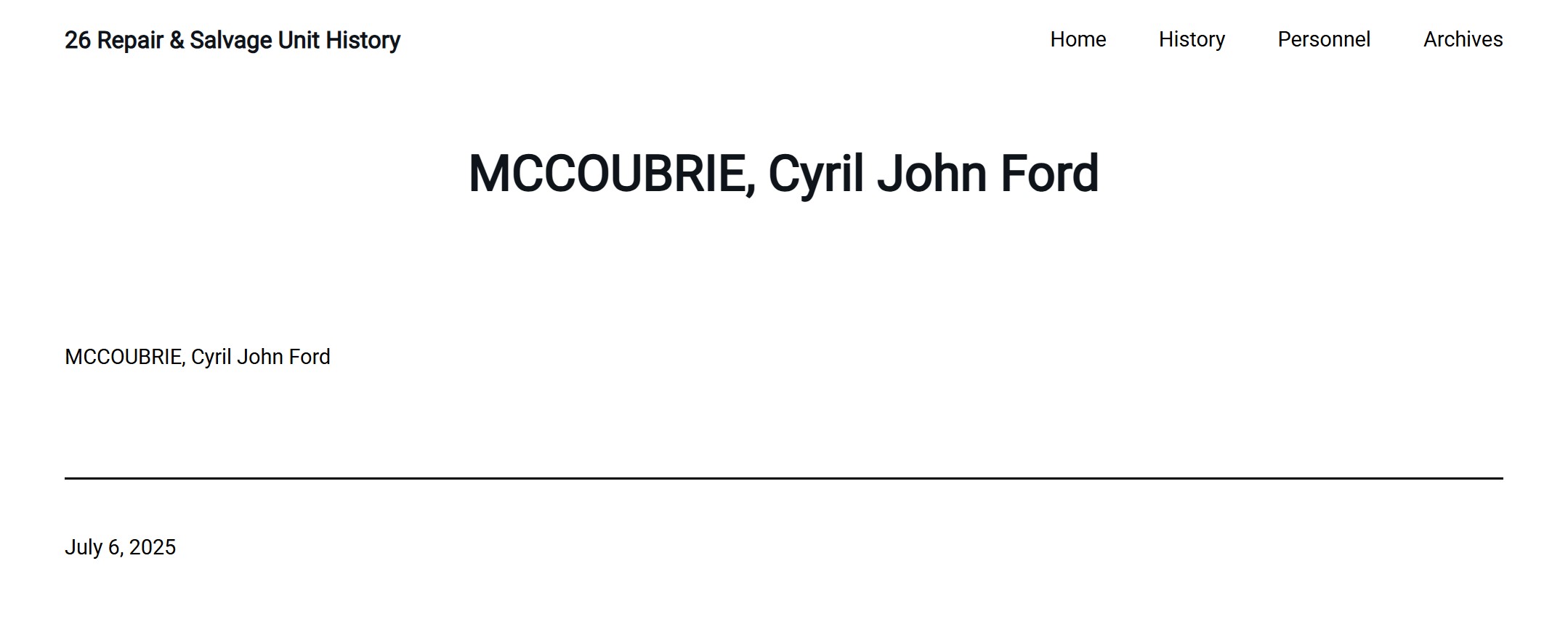
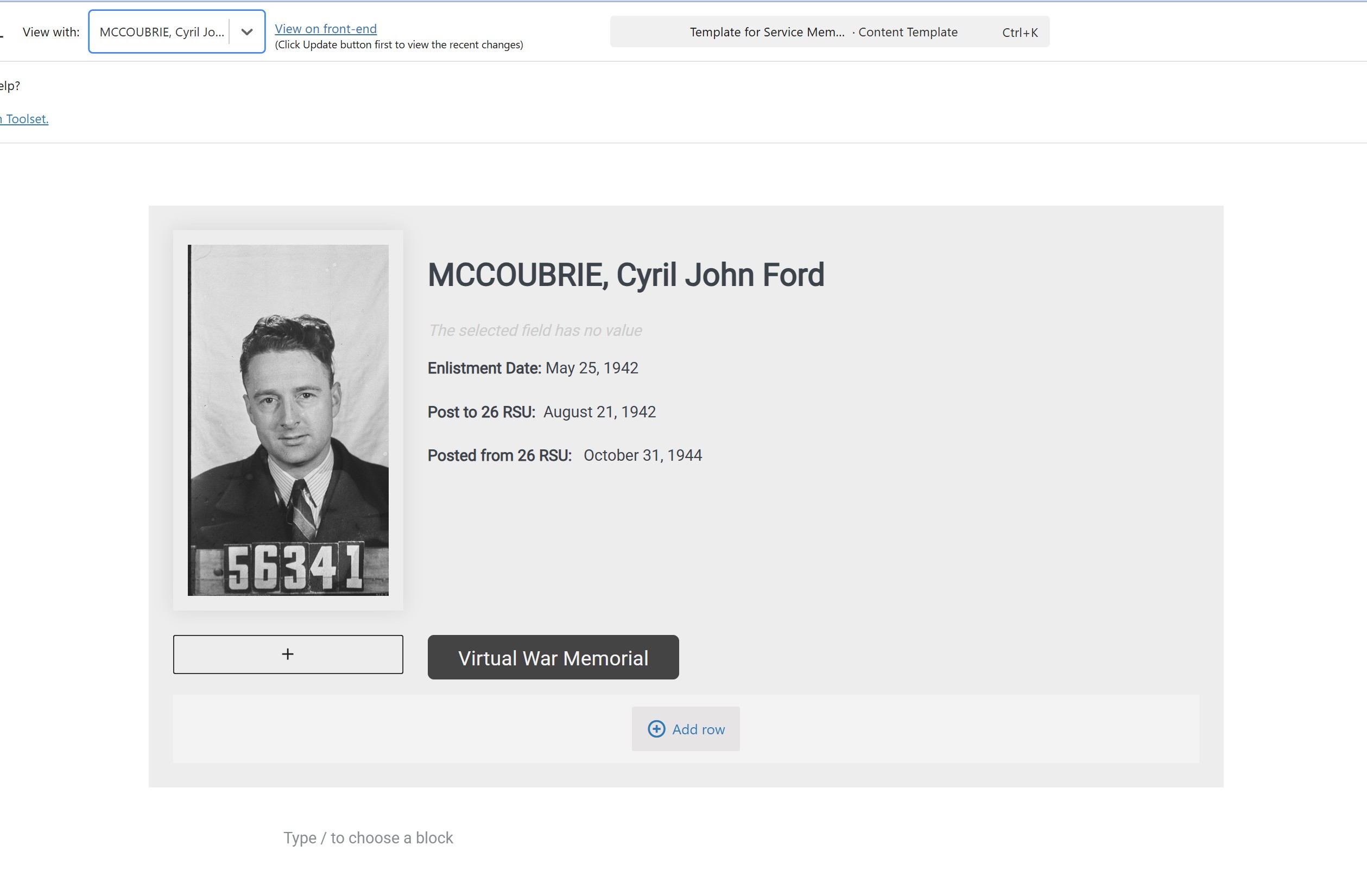
When I edit the template I created, (called 'Template for Service Members',) everything seems to work as advertised and I can toggle different service members (people) by using the 'View with' drop-down at the top of the page. It will show me all the different Service Members (a custom post type) However, if I click 'View on front end', it shows me nothing except the page title.
Is there any documentation that you are following?
yes, the support video you have for classifieds
Is there a similar example that we can see?
im not sure what you are after here sorry
What is the link to your site?
the actual sitre url is versteckter Link by its not showing there
Hello. Thank you for contacting the Toolset support.
It can be a theme issue or any other possible issue.
Can you please share problem URL and admin access detials and let me check whats going wrong with your setup.
*** Please make a FULL BACKUP of your database and website.***
I would also eventually need to request temporary access (WP-Admin and FTP) to your site. Preferably to a test site where the problem has been replicated if possible in order to be of better help and check if some configurations might need to be changed.
I have set the next reply to private which means only you and I have access to it.
I've installed and activated the default twentytwentyone theme(that is non FSE) theme and I can see the content tempalte you created for single service member works as expected.
- versteckter Link
thankyou so much! sorry - I was not aware of the FSE limitation ( i didnt even know what an FSE theme was so had to google lol). appreciate getting this fixed for me. cheers