Hi, there is a problem with the author box on custom post types when Accesso is active. See attachment.
Hi Umberto,
Thank you for getting in touch.
Can you let me know if this is with the classic editor so that I can perform a similar test on my end.
Thanks,
Shane
Yes, it is the classic editor.
Hi Umberto,
Thank you for the clarity. Unfortunately i'm not able to replicate the issue on a fresh installations . See Screenshot
Does the issue still occur if you only have toolset access alone enabled ?
It's quite possible that there is another plugin that is conflicting with access and causing this issue. Also can you check the website console if there are any errors present?
Thanks,
Shane
Hi Shane, I've tested it deactivating all the plugins, only Types and Access active and the default theme.
I removed Access and then re-install it.
I'm getting the same problem.
I also checke Chrome inspector console, but there aren't any error.
cheers
Well, I found a solution. I set permission for Posts with Access and then I set "Use same settings as Posts" for my custom post type and now the Author dropdown works fine...
Hi Umberto,
Can you recall if there were any specific permissions being applied to the custom post type where the author section wasn't showing ?
However i'm happy that you were able to resolve the issue.
Given that copying the settings of your default post type work then it would be an indication of some access permissions being set on the post type itself.
Thanks,
Shane
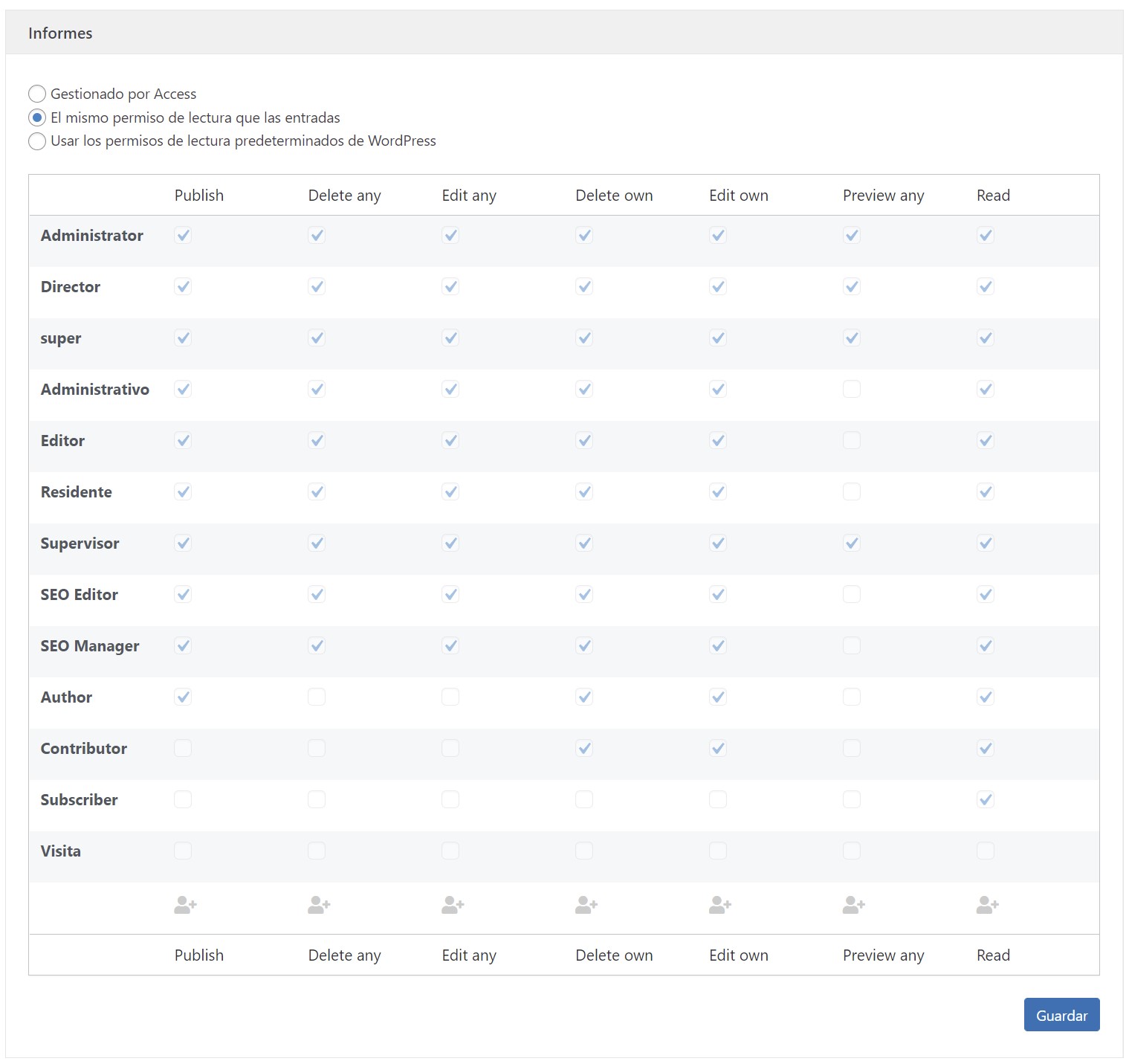
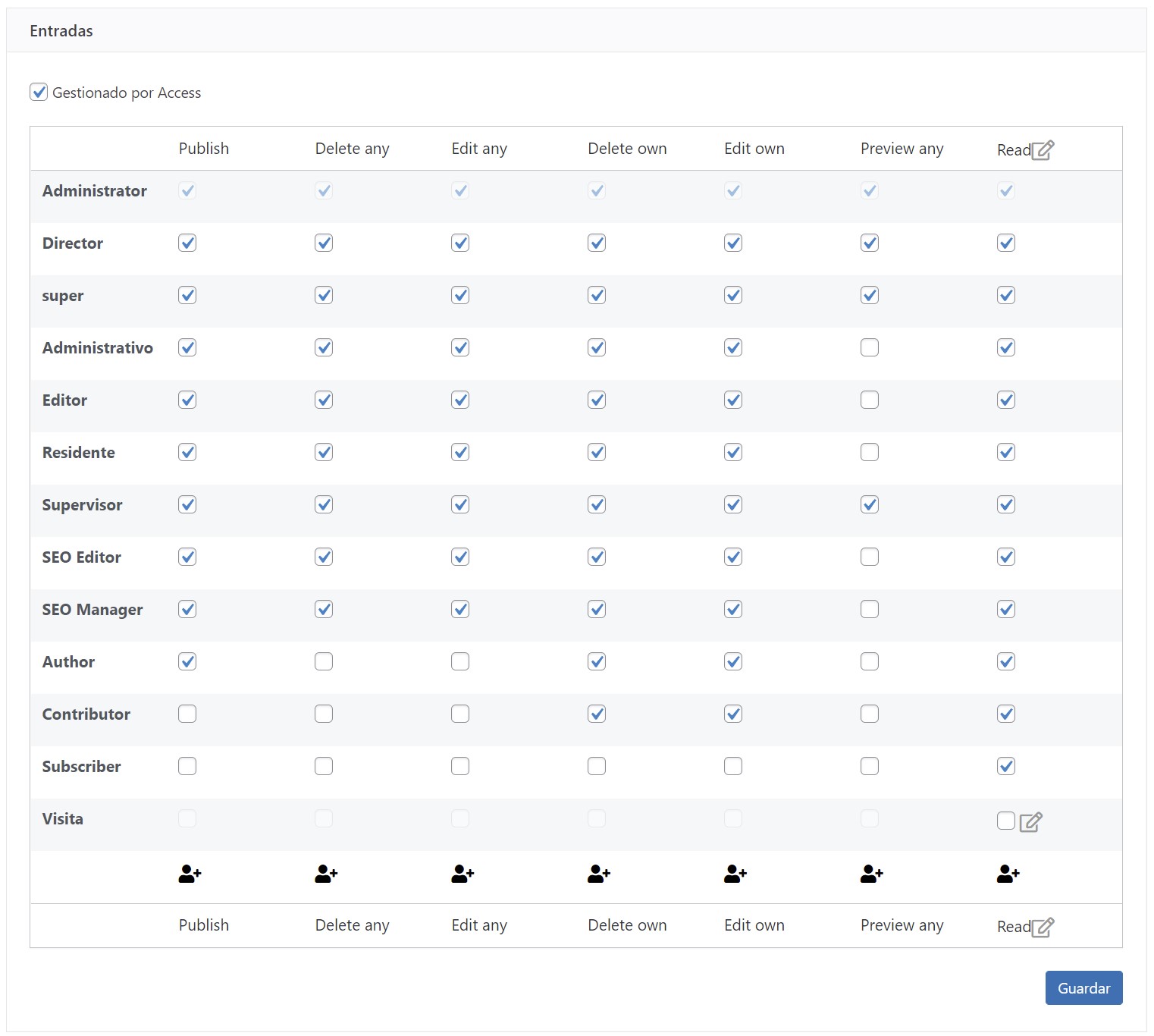
Hi, I've set exactly the same permissions for both Posts and the CPT (see images). If I activate the Access control on the CPT, the author dropdown doesn't work. If I set "Use same settings as Posts", it works.
Hi Umberto,
Would you mind allowing me to have admin access to the website so that I can have a more detailed look at this for you ?
I've enabled the private fields for your next response.
I may need to grab a copy of the website to test here locally.
Thanks,
Shane
Please, try to go to the homepage and click Sign In.
Hi Umberto,
Unfortunately i'm getting the same error as with the admin login page.
Thanks,
Shane
Please, try again, we have just added your IP to the white list.
cheers
Hi Umberto,
My IP has changed.
Are you able to unblock by regions ? If so can you unblock Jamaica as my IP is dynamic and will likely change again.
Thanks,
Shane
Hi, it is done, now Jamaica is unblocked.
cheers
Hi Umberto,
Thank you, I was now able to access the site and verified a few things.
It turns out that this issue is caused by wordpress 5.9 and our team has created an erratas page for this issue.
https://toolset.com/errata/cannot-set-post-author-when-post-type-managed-by-access/
Currently we have written up a workaround but our team will be investigating further to see if we can create a fix.
Thanks,
Shane