Navigation überspringen

[Gelöst] WooCommerce checkout page not resizing for mobile-view

This support ticket is created vor 3 years, 10 months. There's a good chance that you are reading advice that it now obsolete.

This is the technical support forum for Toolset - a suite of plugins for developing WordPress sites without writing PHP.

Everyone can read this forum, but only Toolset clients can post in it. Toolset support works 6 days per week, 19 hours per day.

Sun Mon Tue Wed Thu Fri Sat
- 9:00 – 12:00 9:00 – 12:00 9:00 – 12:00 9:00 – 12:00 9:00 – 12:00 -
- 13:00 – 18:00 13:00 – 18:00 13:00 – 18:00 14:00 – 18:00 13:00 – 18:00 -

Zeitzone des Unterstützers: America/Jamaica (GMT-05:00)

Dieses Thema enthält 2 Antworten, hat 2 Stimmen.

Zuletzt aktualisiert von albertA-2 vor 3 years, 9 months.

Assistiert von: Shane.

Author
Artikel
#2429765
Screenshot_4.jpg
Screenshot_3.jpg

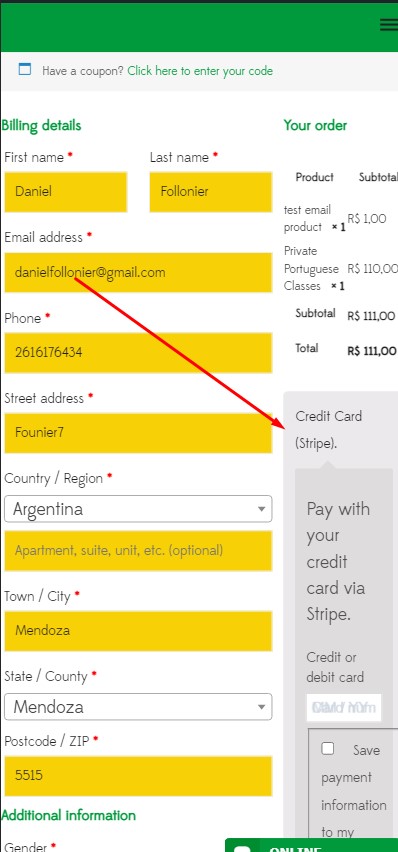
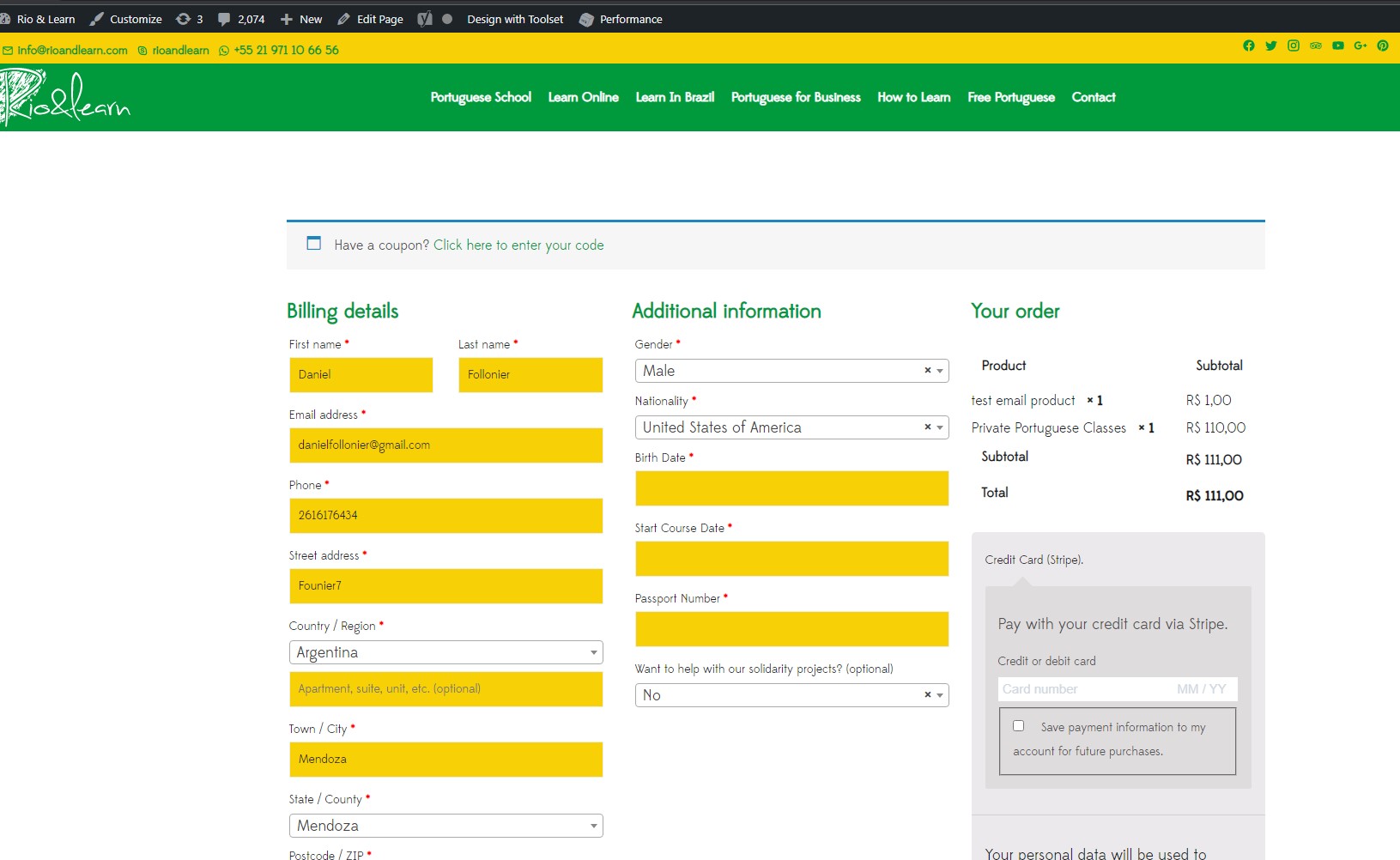
Tell us what you are trying to do? to make responsive that page. (mobile)

There are only 2 columns in my checkout table (1 for product name and 1 for subtotal). When checking out on mobile view, the subtotal column is so small it wraps the table data onto 2 lines. (“Subtotal” broken up in 2 lines as “Subt” + “otal” Is there any fix for this? Any help is greatly appreciated!

versteckter Link

#2429795

Shane
Unterstützer

Sprachen: Englisch (English )

Zeitzone: America/Jamaica (GMT-05:00)

Hi Albert,

Thank you for getting in touch.

Unfortunately we don't have the ability customize this checkout page as it is generated by woocommerce itself.

So I wouldn't be able to provide much assistance here, however I can recommend that you disable all your non-toolset plugins and check to see if the issue remains as this could be caused by another plugin.

Thanks,
Shane

#2431515

My issue is resolved now. Thank you!