Navigation überspringen

[Gelöst] Weird behavior in infinite scroll: scrolling up removes a div

Dieser Thread wurde gelöst. Hier ist eine Beschreibung des Problems und der Lösung.

Problem:

When the pagination is set to infinite scroll (I set 15 results per page), going to the second page and scrolling back to the first result shows a weird behavior: in the first result, the output from the child view is not shown.

Solution:

It is an issue of infinite scroll effect, you can use "wpv_filter_wpv_get_pagination_settings" to fix it, for example:

https://toolset.com/forums/topic/weird-behavior-in-infinite-scroll-scrolling-up-removes-a-div/#post-2338635

Relevant Documentation:

This support ticket is created vor 4 years, 2 months. There's a good chance that you are reading advice that it now obsolete.

This is the technical support forum for Toolset - a suite of plugins for developing WordPress sites without writing PHP.

Everyone can read this forum, but only Toolset clients can post in it. Toolset support works 6 days per week, 19 hours per day.

Sun Mon Tue Wed Thu Fri Sat
- 9:00 – 13:00 9:00 – 13:00 9:00 – 13:00 9:00 – 13:00 9:00 – 13:00 -
- 14:00 – 18:00 14:00 – 18:00 14:00 – 18:00 14:00 – 18:00 14:00 – 18:00 -

Zeitzone des Unterstützers: Asia/Hong_Kong (GMT+08:00)

Dieses Thema enthält 2 Antworten, hat 2 Stimmen.

Zuletzt aktualisiert von Roberto Miguez vor 4 years, 1 month.

Assistiert von: Luo Yang.

Author
Artikel
#2337655
inspector.png
results-2.jpg
results-1.jpg
loop-editor.jpg
inserted-view.jpg
content-template.jpg

Hello,

Page: versteckter Link

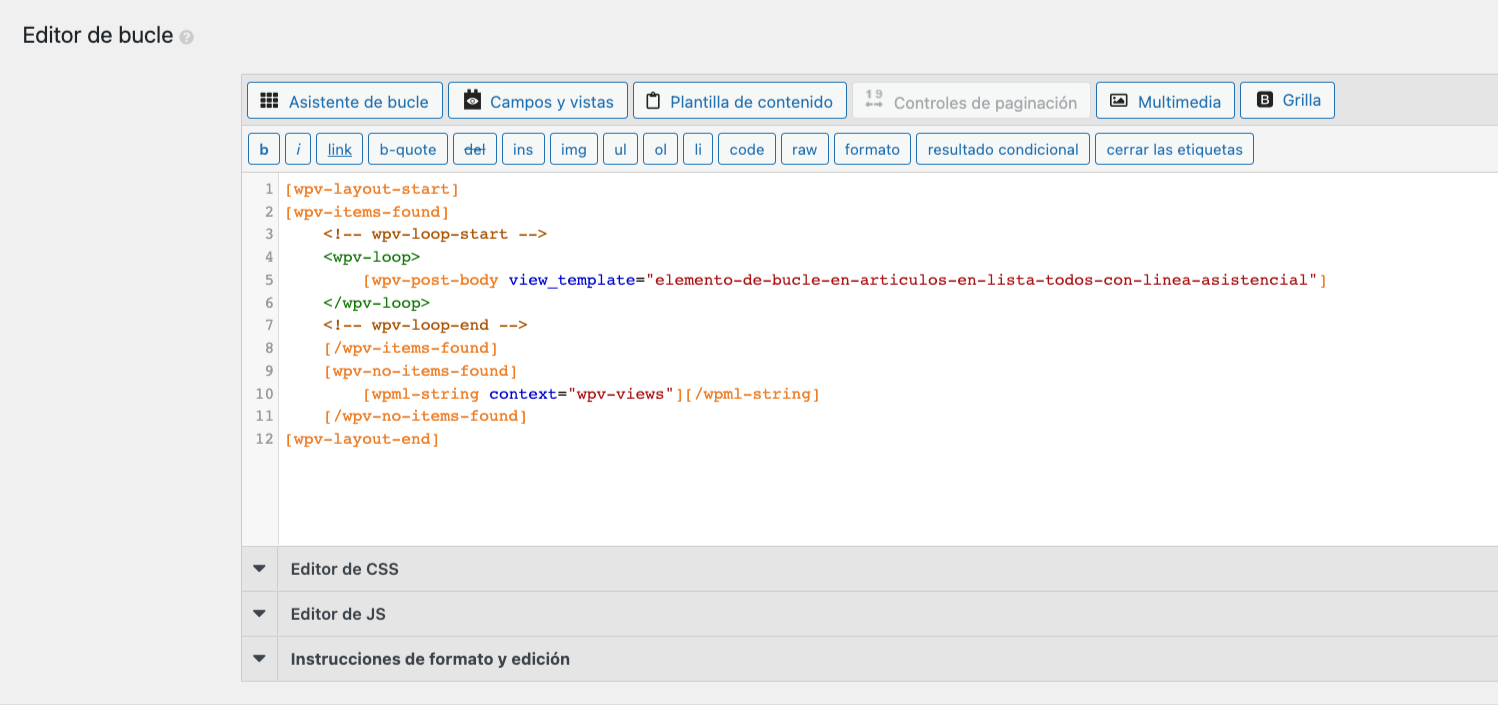
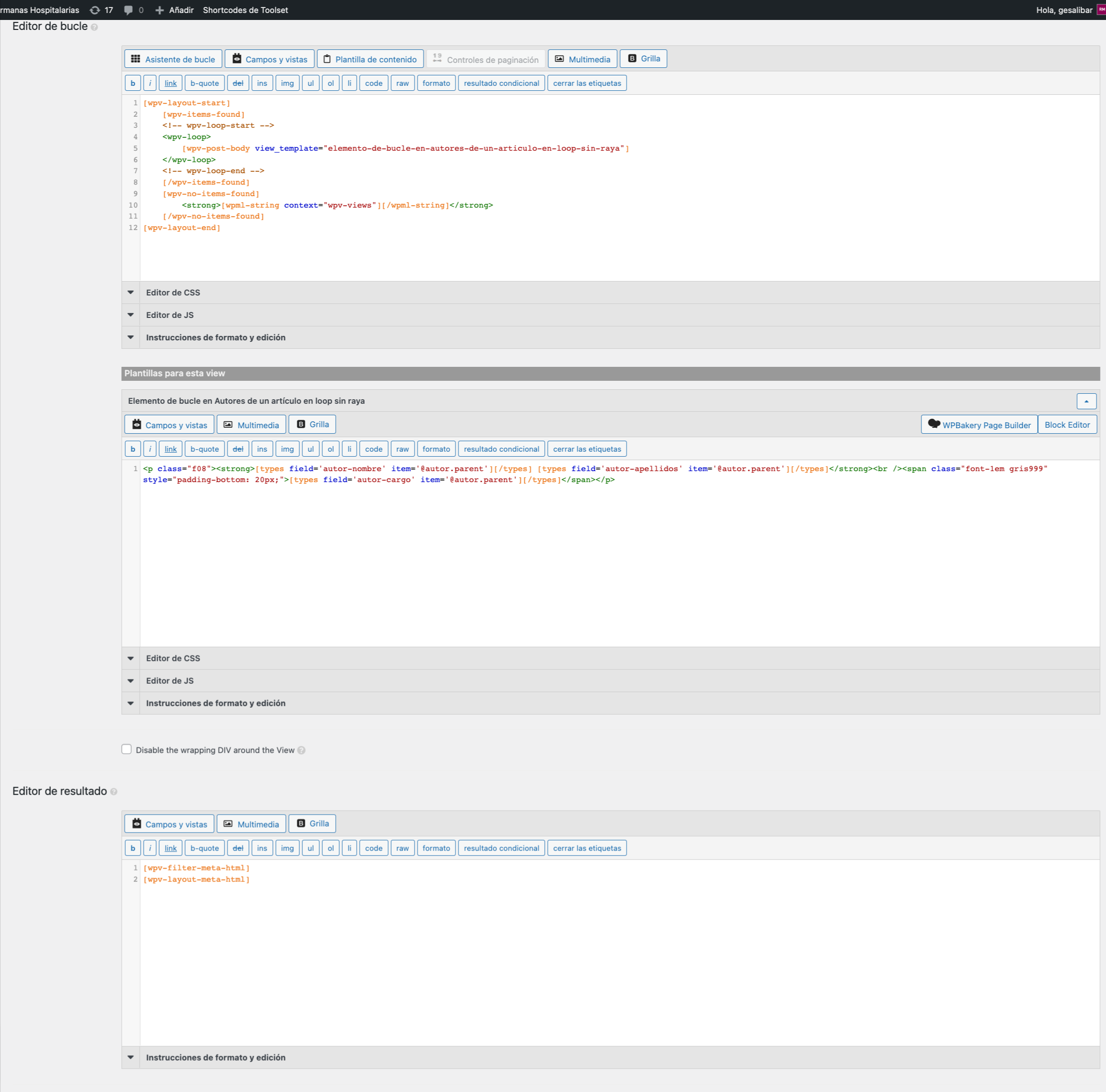
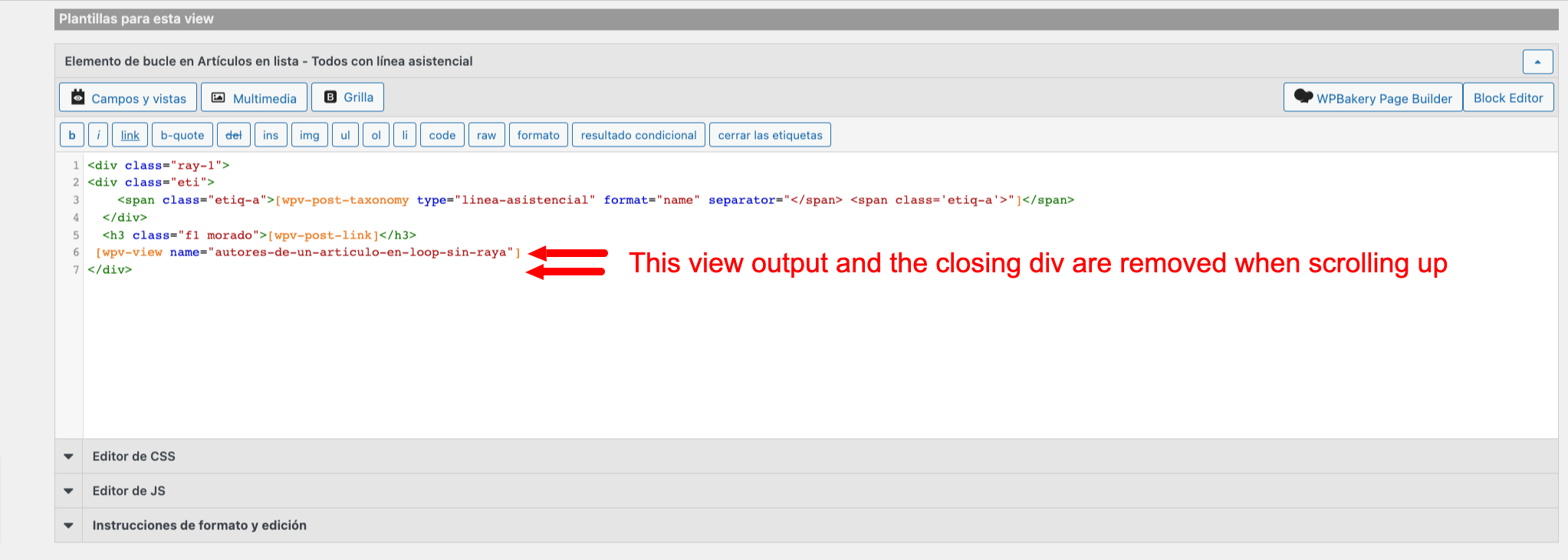
I have a view that shows articles ordered by date. The content template shows the subject (taxonomy), the title and an inserted view that retrieves the author(s) of each article.

Any pagination setting works fine but infinite scroll does not.

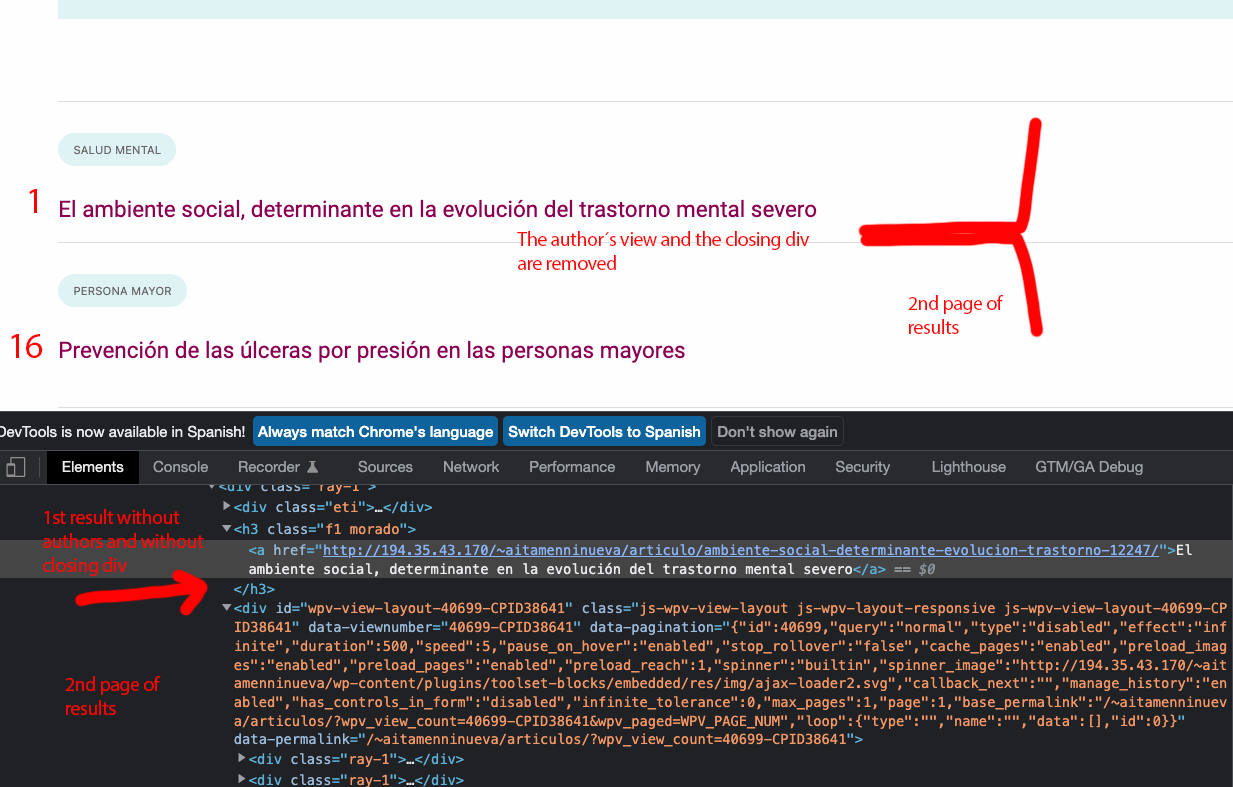
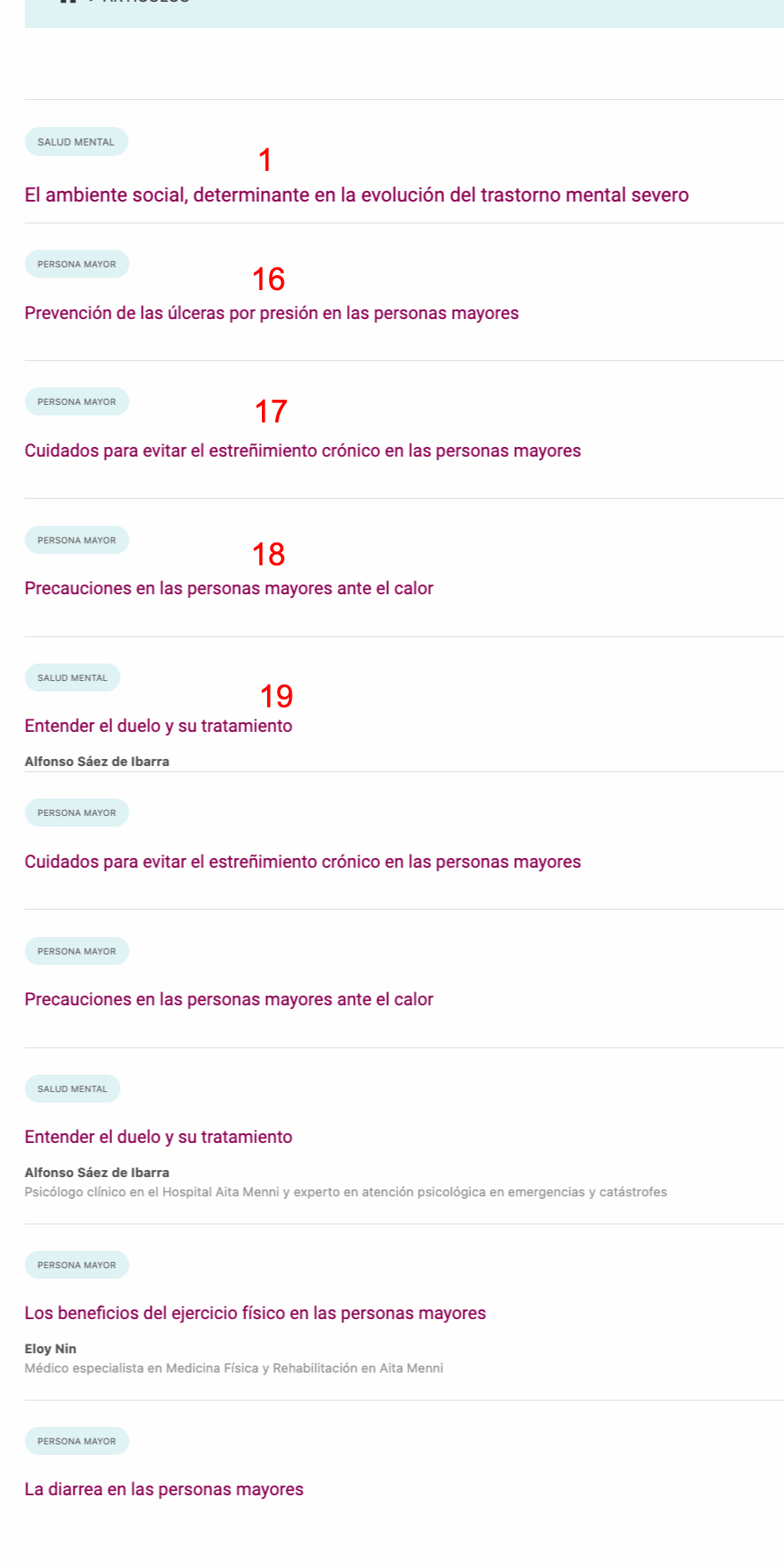
When the pagination is set to infinite scroll (I set 15 results per page), going to the second page and scrolling back to the first result shows a weird behavior: in the first result, the output from the inserted view (authors) is not shown and the last <div> of the content template is removed.

This leads to a list of results headed by result #1 without its authors, followed by results #16, #17, #18, #19... instead of the 15 first results that belong to the first page.

NOTE FOR IMAGES: Please note that not all the articles have authors. Some don´t. But the first one "El ambiente social, determinante en la evolución del trastorno mental severo" has authors. It´s just there, in the view that shows the authors, where the problem is, I think.

#2338635

Hello,

Thanks for the details, I can see the problem in your website, it is an issue of infinite scroll effect, I have done below modifications in your website:
Dashboard-> Toolset-> Settings-> Custom codes, add one item: "nested-infinite-views"
with below codes:

add_filter('wpv_filter_wpv_get_pagination_settings', function($args, $view_settings){
  	if($view_settings['view_id'] == 40699){
      	$args['effect'] = '';
    }
	return $args;
}, 99, 2);

Please test again, check if it is fixed, thanks

#2338805

Works flawlessly.

Thank you very much for your help, Luo!