Navigation überspringen

[Gelöst] View not match the page where it is located

This support ticket is created vor 3 years, 5 months. There's a good chance that you are reading advice that it now obsolete.

This is the technical support forum for Toolset - a suite of plugins for developing WordPress sites without writing PHP.

Everyone can read this forum, but only Toolset clients can post in it. Toolset support works 6 days per week, 19 hours per day.

Dieses Thema enthält 2 Antworten, hat 2 Stimmen.

Zuletzt aktualisiert von michelL vor 3 years, 5 months.

Assistiert von: Christopher Amirian.
Author
Artikel
#2517847
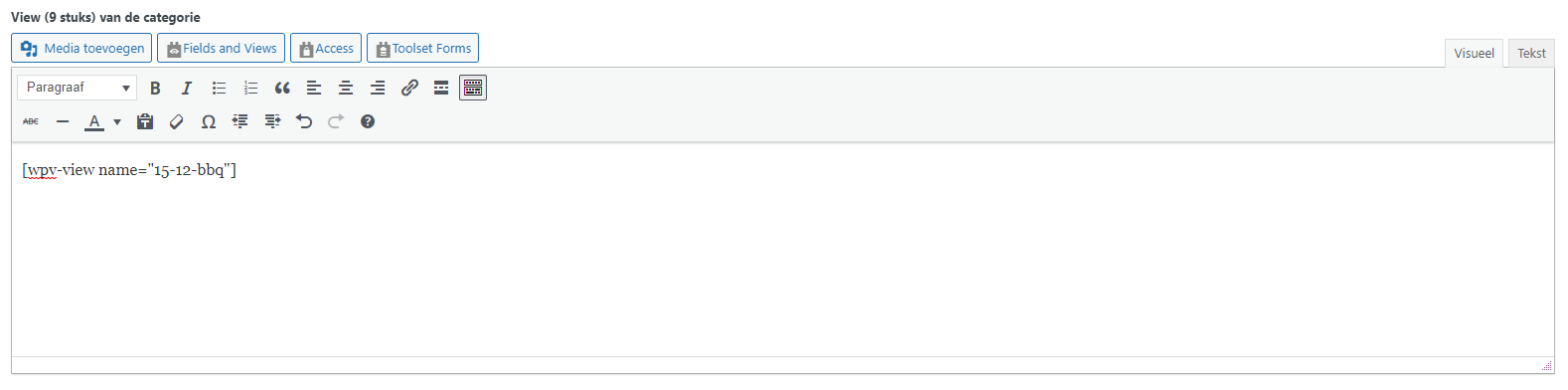
Add a view to the post.PNG
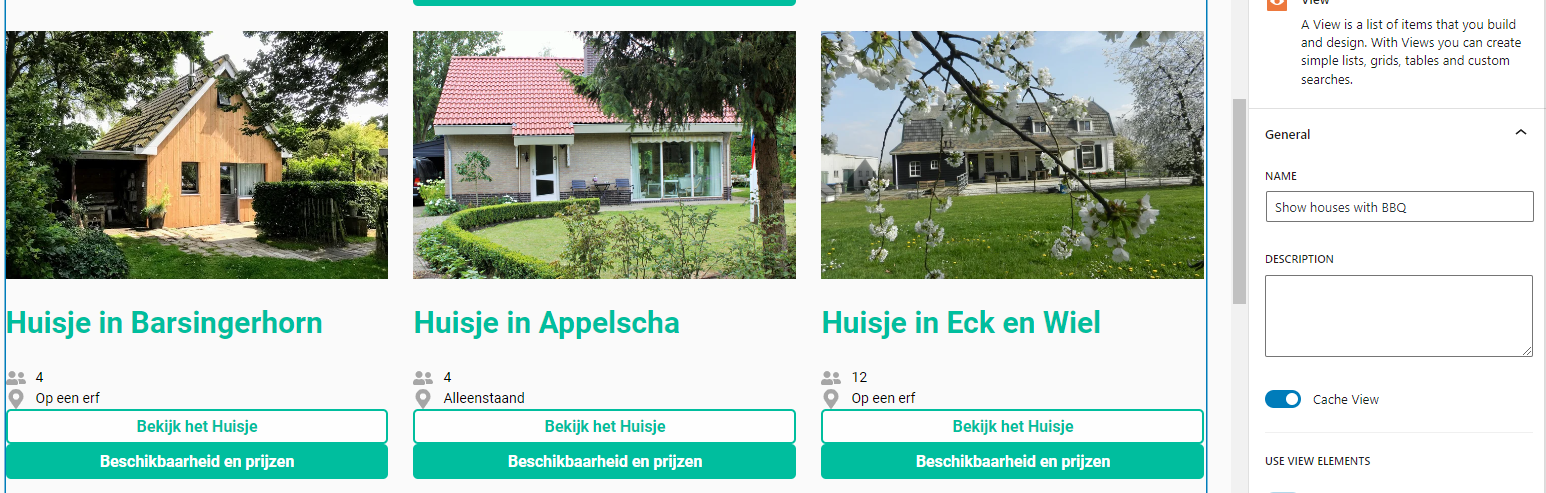
View-show houses with BBQ.PNG

Hi there,

I have the view <View-show houses with BBQ> I want to show this view exactly the same on: versteckter Link
I use the Custom fields and then add the view.

So for example the view now has 1 colum but it must be 3.
How can I ensure that the design/settings match?

#2518233

Christopher Amirian
Unterstützer

Sprachen: Englisch (English )

Hi there,

I am not sure where you add the view in, it seems to be a custom option or field and that might be the issue.

Would you please test:

- IMPORTANT STEP! Create a backup of your website.
- Switch to the default theme such as "TwentyTwenty" by going to "WordPress Dashboard > Appearance > themes".
- Add a new page
- Add the view there directly to block editor via Views block or add by shortcode
- See if the issue is fixed.
- If yes then it might be the way you want to add the view or the theme tries to interfere.

Thanks.

#2524473

My issue is resolved now. Thank you!