Tell us what you are trying to do? This site uses version 2.2.14. It stopped working. How do I upgrade to current version?
Is there any documentation that you are following?
Is there a similar example that we can see?
What is the link to your site? versteckter Link
Hey there,
Thank you for getting in touch with our support.
Please make sure to make a full back up of the site before proceeding.
Given that you're trying to update from version 2.2 of our Types plugin, you won't be able to perform an automatic update. You will need to perform a manual update by downloading the plugin from the link below and then uploading the newer version of Types to your site.
https://toolset.com/account/downloads/
Once this plugin is updated then you should be able to update the other Toolset plugins through the installer for Toolset.
Please give it a try and tell us if it fixed the issue you're facing.
Thanks,
Mateus
Mateus:
Do I need to delete the earlier plugin first before I upload the new version?
Hello there,
Only the Types plugin.
Remove the old version, get a new one from the downloads page and install it.
After that you'll be able to just update the other plugins without having to manually replace them.
Please give it a try tell us how that goes.
Mateus
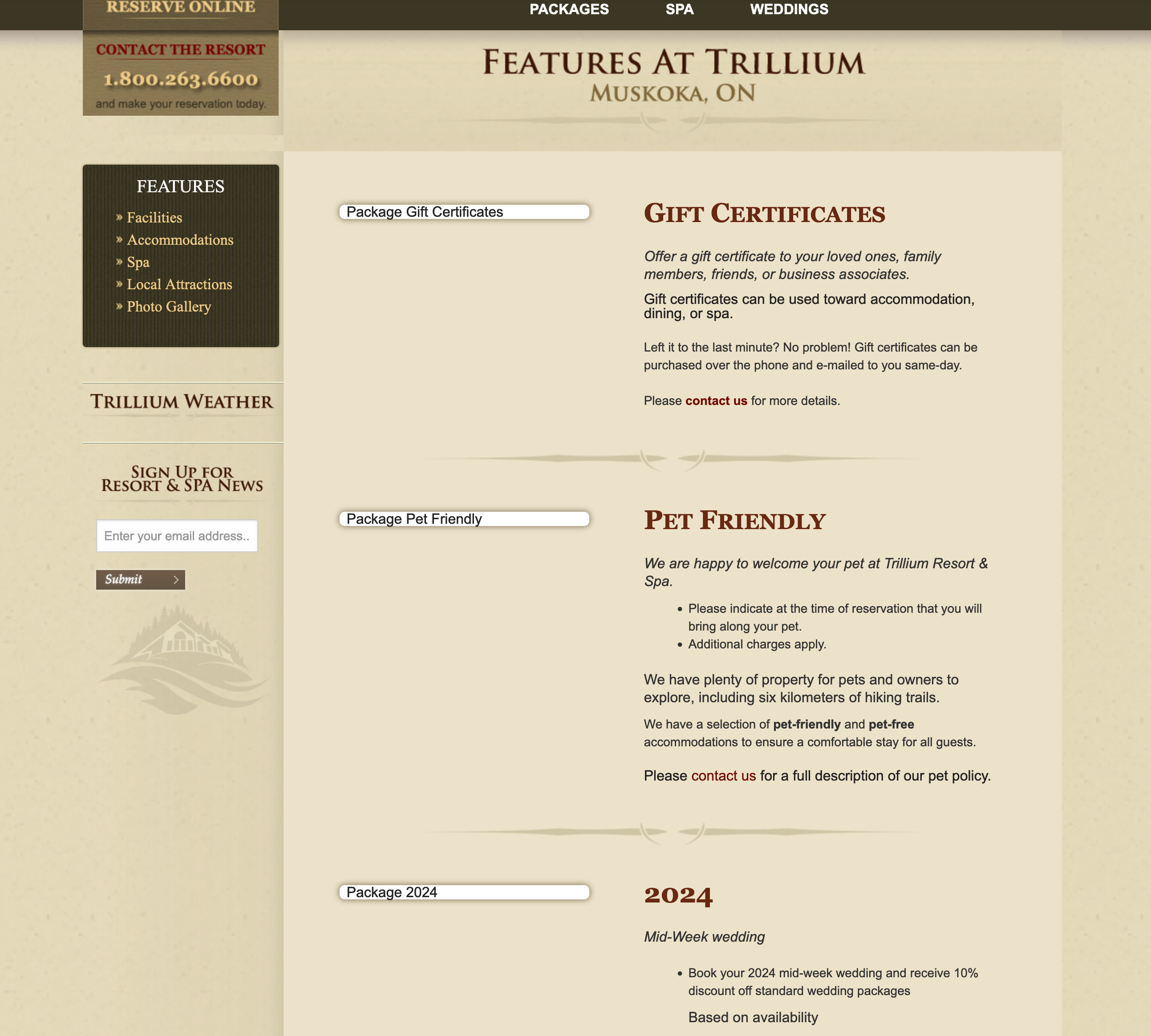
I have completed the upgrade. All seems to be well accept that the images setup in Edit Post Field Group for 'features' page are not showing up.
versteckter Link
This was created by the previous site developer, and I'm not sure how to resolve.
Thanks...
Hello,
I would like to request temporary access (wp-admin and FTP) to your site to take better look at the issue. You will find the needed fields for this below the comment area when you log in to leave your next reply. The information you will enter is private which means only you and I can see and have access to it.
Our Debugging Procedures
I will be checking various settings in the backend to see if the issue can be resolved. Although I won't be making changes that affect the live site, it is still good practice to backup the site before providing us access. In the event that we do need to debug the site further, I will duplicate the site and work in a separate, local development environment to avoid affecting the live site.
Privacy and Security Policy
We have strict policies regarding privacy and access to your information. Please see:
https://toolset.com/purchase/support-policy/privacy-and-security-when-providing-debug-information-for-support/
**IMPORTANT**
- Please make a backup of site files and database before providing us access.
- If you do not see the wp-admin/FTP fields this means your post & website login details will be made PUBLIC. DO NOT post your website details unless you see the required wp-admin/FTP fields. If you do not, please ask me to enable the private box. The private box looks like this: versteckter Link
Please, let me know if you need any additional details. Have a nice day.
Hey there,
I checked it and the page Features was using the content template wp-content/themes/trillium/page-templates/content-left-widget-2.php.
The issue was not related to Toolset, but rather with a PHP function used to extract the image url from the output using 'do_shortcode'.
It was a simple issue, in the function, it was looking for the URL of the image starting with http and it wasn't finding it because the site now loads over https.
I replaced the code :
$img  = do_shortcode('[types field="image_1" alt="Package Stay N\' Play" title="package-1-img" size="custom-thumb-size" align="none"][/types]');


                      $starturl = strstr($img, "<em><u>versteckter Link</u></em>");

                      $endurl_pos = strpos($starturl, '"');
With this:
$img  = do_shortcode('[types field="image_1" alt="Package Stay N\' Play" title="package-1-img" size="custom-thumb-size" align="none"][/types]');


                      $starturl = strstr($img, "<em><u>versteckter Link</u></em>");

                      $endurl_pos = strpos($starturl, '"');
I basically replaced the http with https in the str function of the $starturl variable.
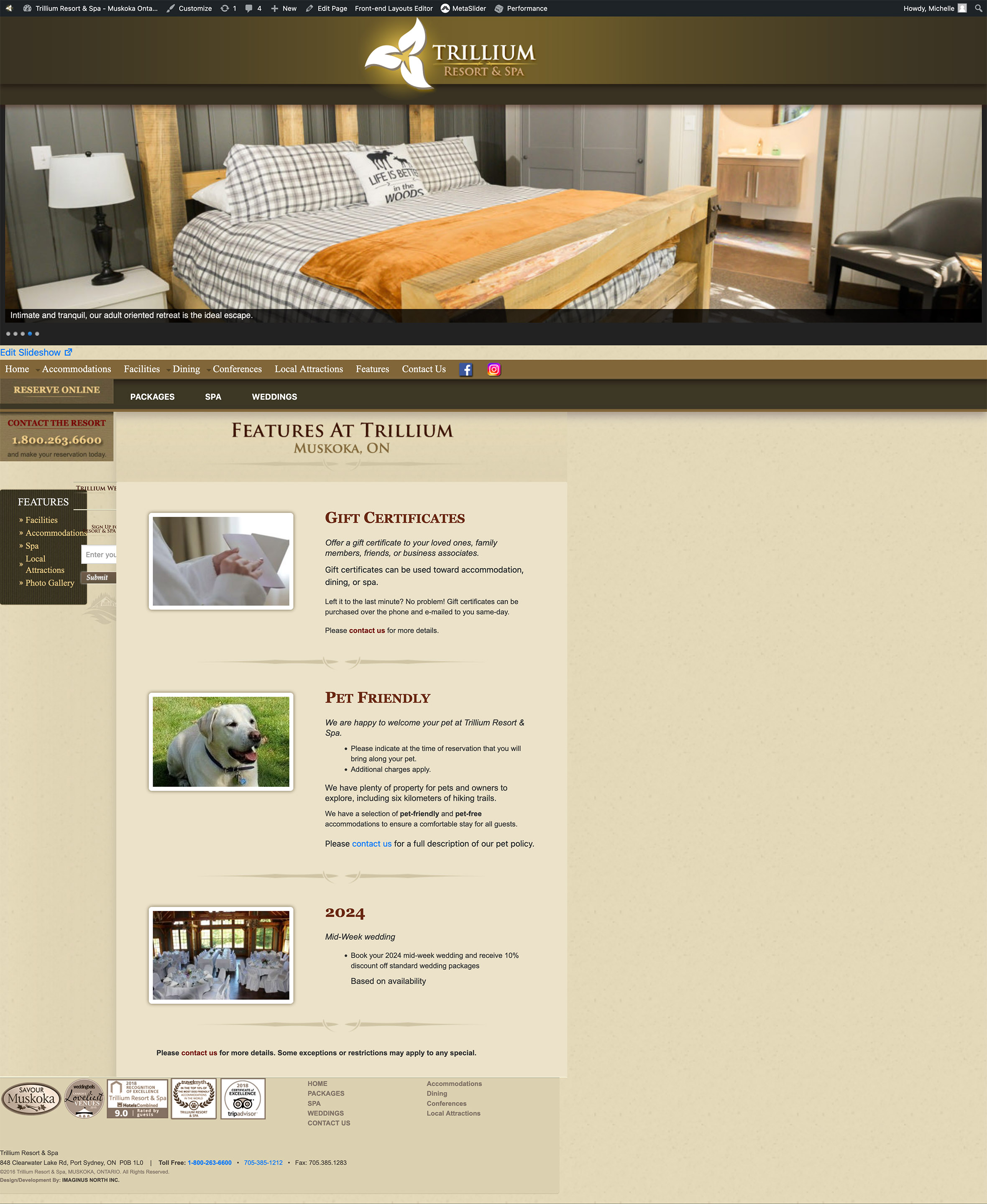
After doing it I checked it and the page features is loading the images just fine again.
Thank you.
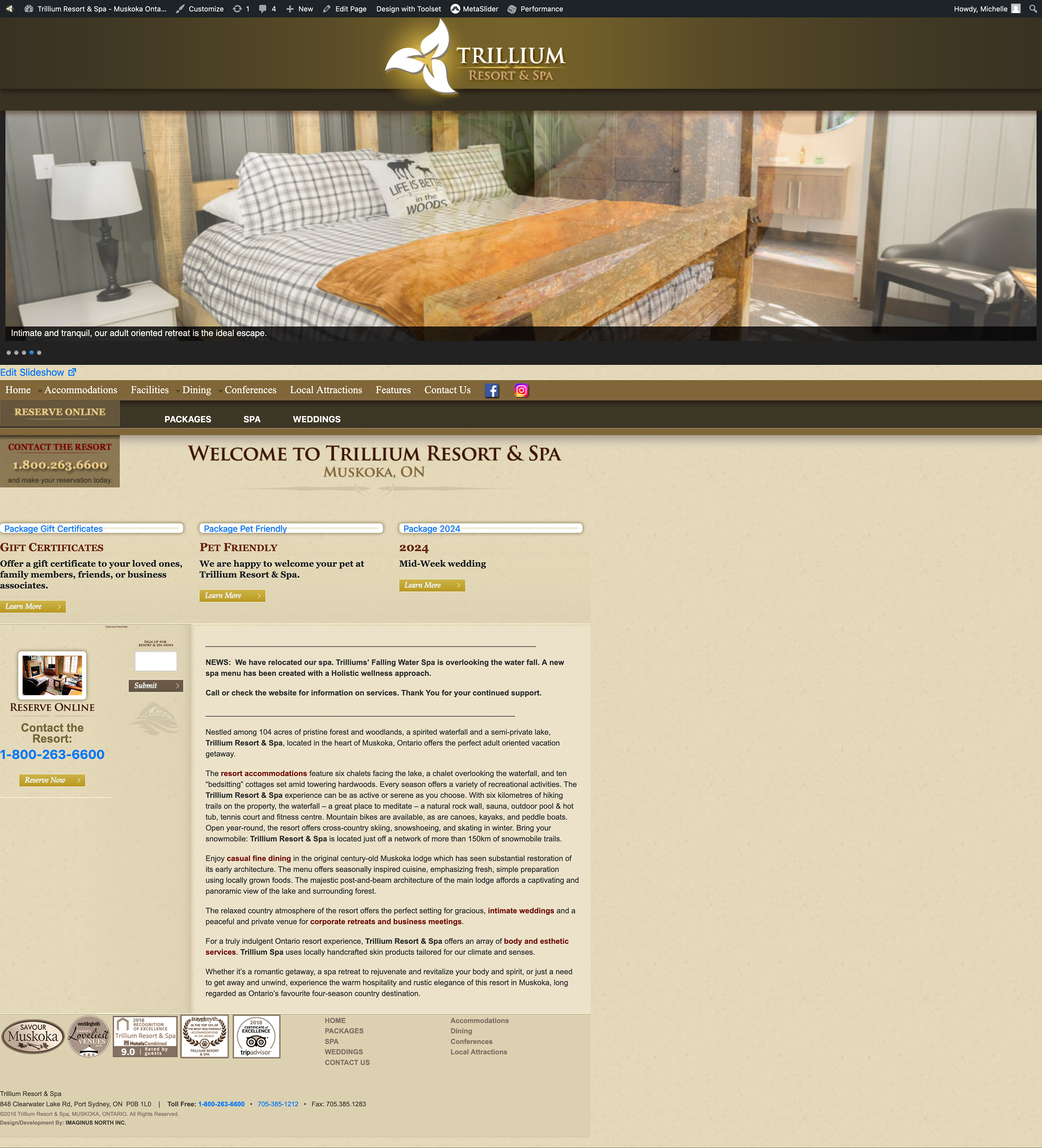
I appreciate your attempt, but the content is now out of skew and not centred. All the elements along the left side are jumbled together. Also the images on the features page are not showing up on the home page.
I had to restore from backup or the site is unusable.
Please help...
Hello again,
I tried to connect to the site to take another look but it seems like the password has changed.
Can you please review this info for me to take another look?
If my changes cause any change to the layout of the site I'll promptly revert them.
I'm enabling the private field for you to share the login information again.
Thank you, please let us know.
Try again with the previous access info. Should work now.
Hey there,
It seems like what caused the issues with the layout was me activating the other up-to-date plugins.
I left the unused plugins disabled as they were and repeated the procedure above updating the image url in the theme's code from http to https and now all the images seem to load fine.
I also double-checked that my changed didn't cause any issues to the site's layout.
Can you please test it again and confirm everything is looking OK now on your end?
Thank you, please let us know.
Great! So the fix is replacing the http with https as noted previously...and finding the plugin causing the conflict?
Yes, that's correct.
The plugins I enabled were the Toolset ones. I activated all the disabled Toolset plugins in your plugins list in bulk, and after that the issues you reported started happening.
Letting them deactivated and keeping enabled only the essentials for your site didn't cause any issues based on my tests.
Thank you,
Mateus
Thanks so much.
I appreciate your assistance.
Regards..
Hello Mark,
No problem.
I hope we are good to close here.
Feel free to contact us any time if you need assistance with our products.
Kind regards