I am trying to: Make "Title And Description" showing website URL
Link to a page where the issue can be seen: (Custom Toolset Post Type)
versteckter Link
I expected to see: (Theme Standard Post Type "Teams"
versteckter Link
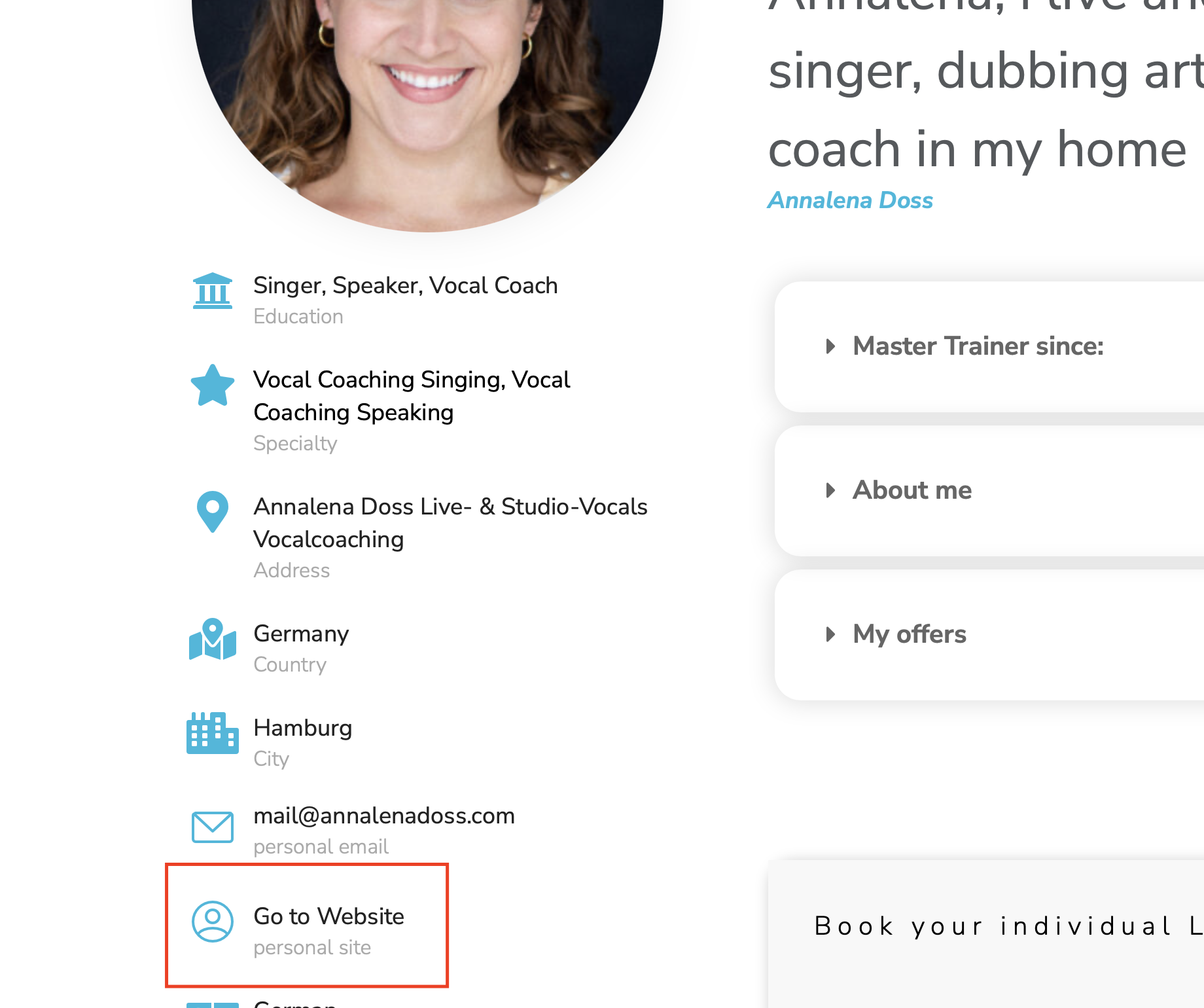
Instead, I got: No URL, so as work around I put "Open" there for now.
Video:
versteckter Link
Hi Stephanie,
I'm not sure I understand the issue correctly. I was able to log into the site using some previous credentials that you provided. However i'm not sure how long the session will last.
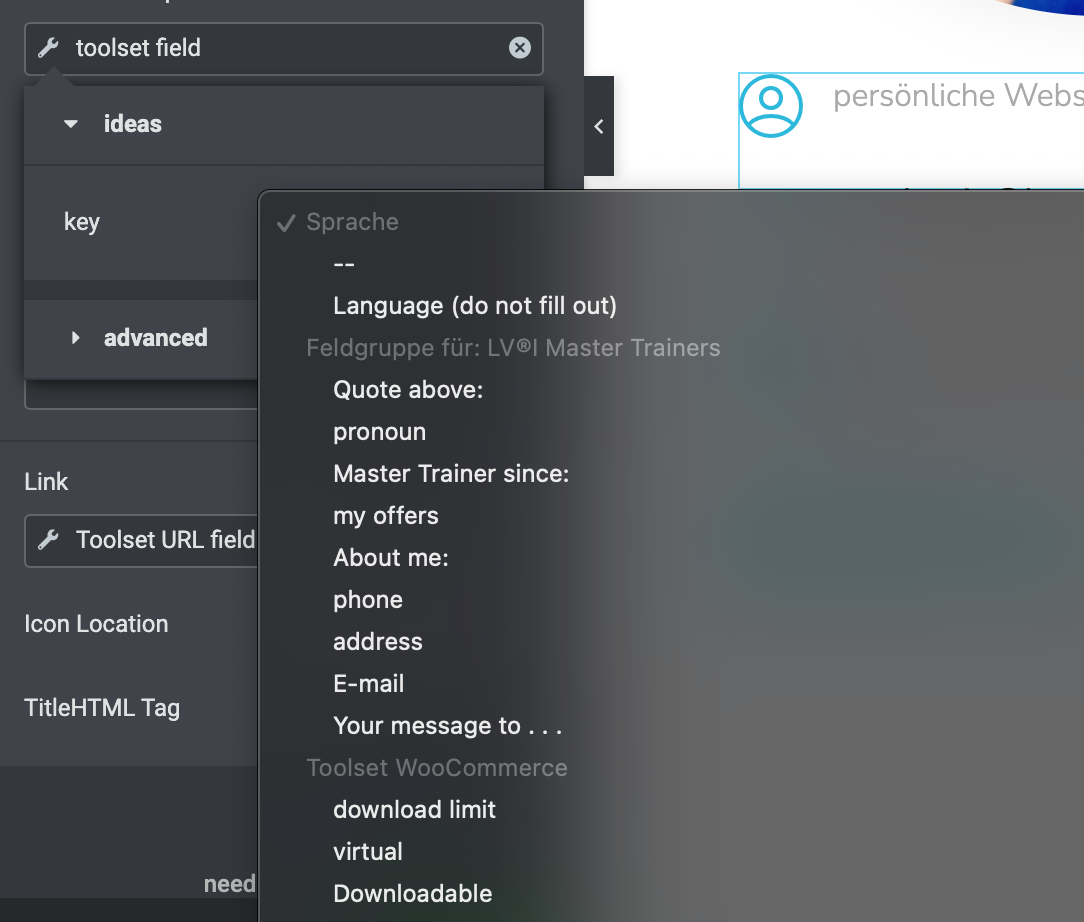
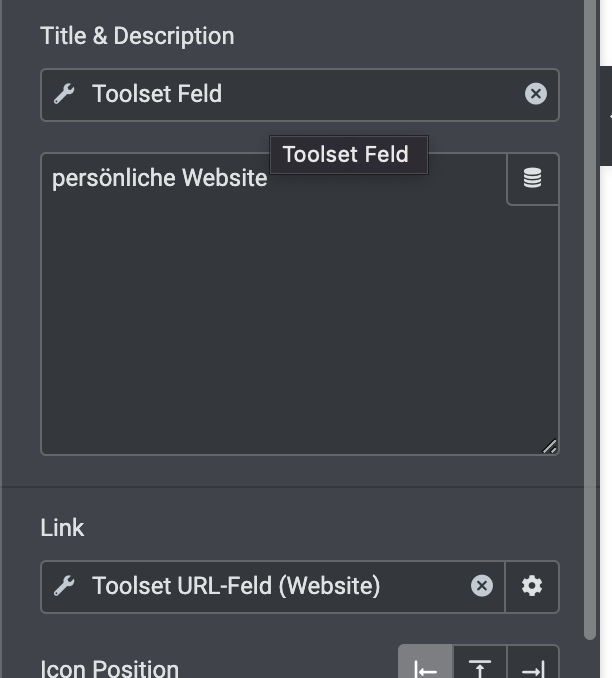
I did check on the template for you and it would appear that you're not selecting any text for the URL to be added to. See Screenshot.
I'm assuming here that you're adding some dynamic content and then adding the URL field to that dynamic text.
Please let me know.
Thanks,
Shane
Hey Shane
thank you so much for your ideas.
Explanation video of the problem:
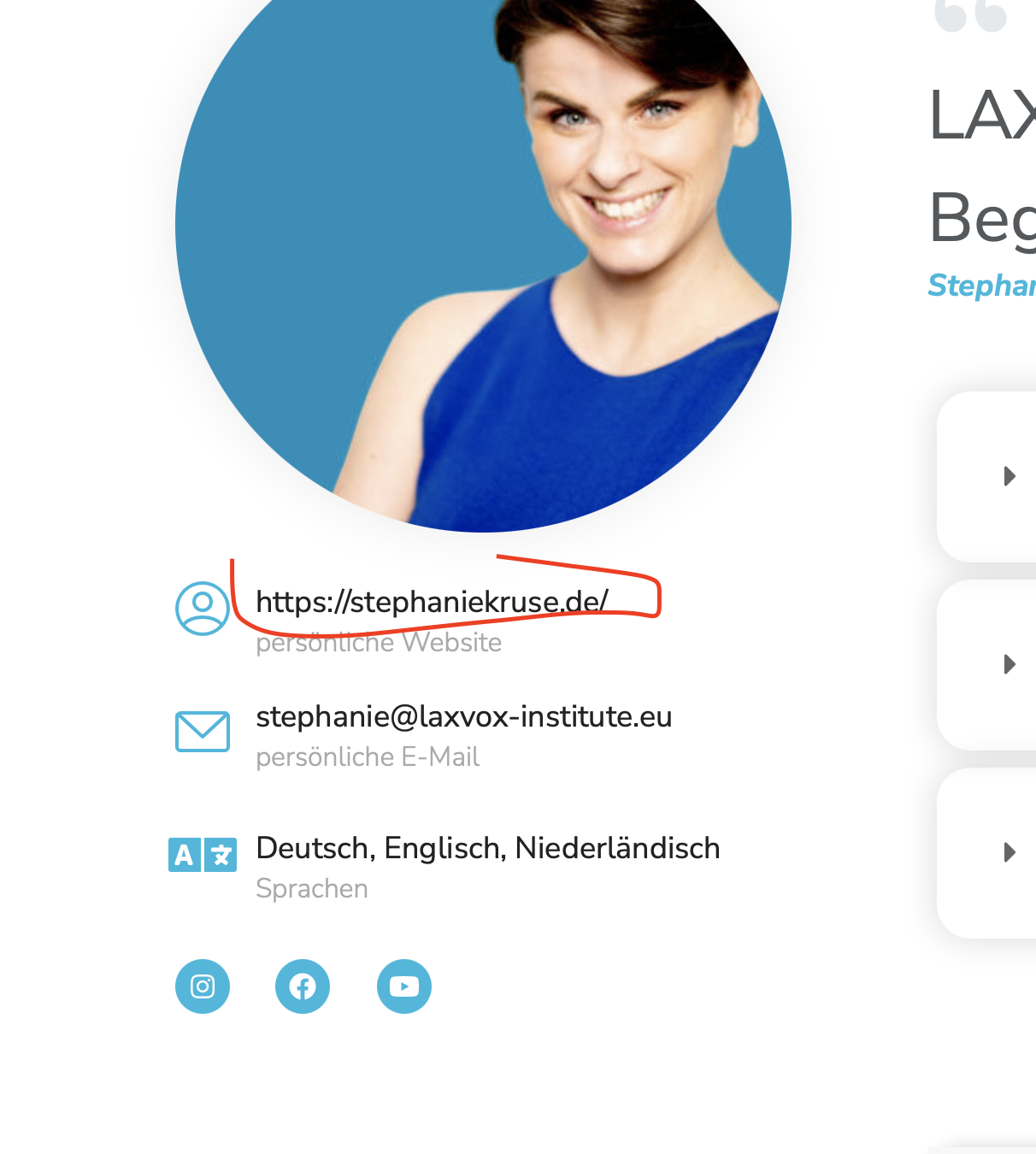
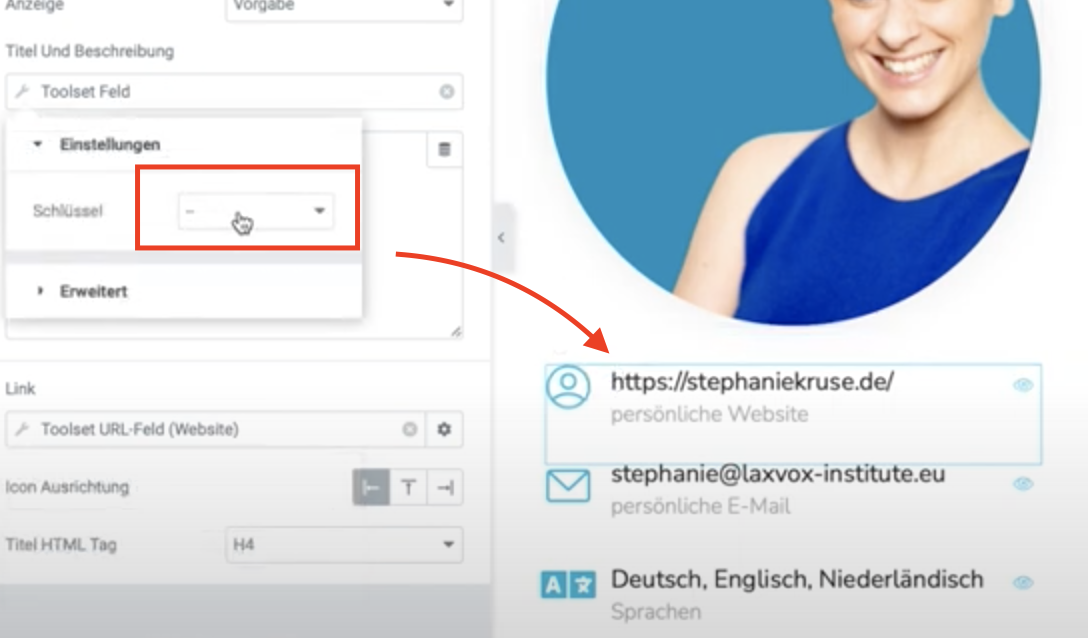
- The Title "URL" is showing up on my team page
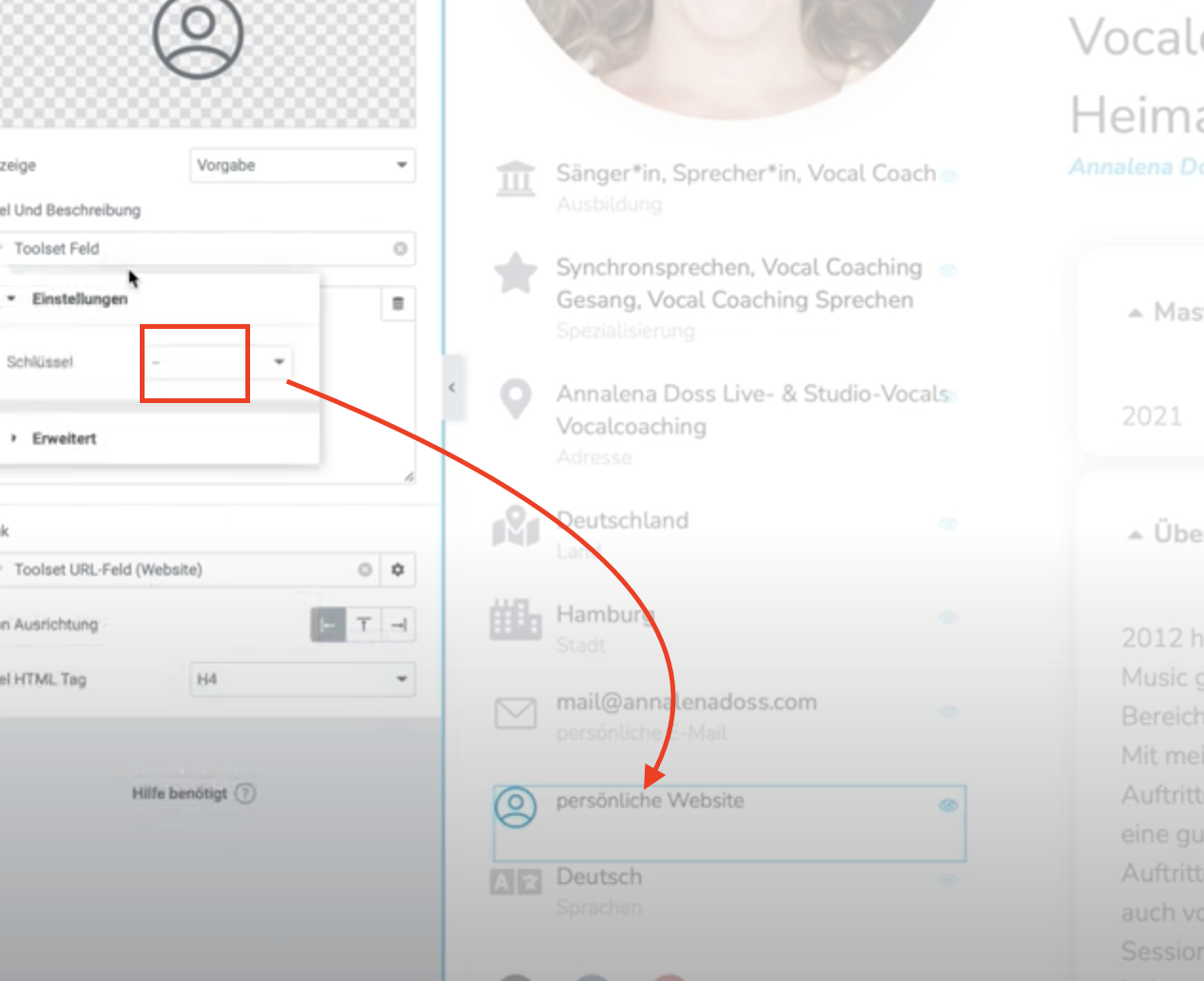
- The Title "URL" is *not* showing up in my custom post type
I would like to show here the "URL" as title as well.
hope that helps!
I updated the login. Please activate the PM again.
Hi Stephanie,
The Title "URL" is showing up on my team page
Are you referring to the URL in the custom field for the user's website? Essentially you're wrapping the Title custom field as a link and that link is coming from our Toolset Custom field correct?
I've enabled the private fields for your next response.
Thanks,
Shane
Hi Shane,
yes the URL should appear there with its link, correct.
I did not have a private reply here, could you check? Thank you so much! Otherwise ask Nigel, he is looking for another issue.
My best 🙂
Hi Stephanie here are the private fields.
Hi Stephanie,
Based on what I see, the only difference is that there isn't any TITLE being displayed. See Screenshot.
With this I assume that given that there isn't any title to bind the link to then the link won't appear. Also under Title & Description no Toolset field is selected to display as the title.
Thanks,
Shane
Hey Shane,
this is correct yes, "Title & Description" have to show the URL custom field.
I choose "-" on both sides, the "team" page shows the url:
versteckter Link
But with the same setting "-", toolset custom post does not show it, because there is not a URL field to choose from:
versteckter Link
As workaround I put "Go to website" there, which is fine for now, but is there a way to show "URL" there as well, even the "title & description" is not a Toolset url field?
I would like to understand, why the "team" type shows url but toolset not :-))
my best and have a great and awesome week ahead!
Hi Stephanie,
I'm not sure I understand the inner workings of elementor, however based on what you're describing it would appear to be a missing configuration or setting.
As workaround I put "Go to website" there, which is fine for now, but is there a way to shoe "URL" there as well, even the "title & description" is not a Toolset url field?
If there is a way to show the URL as well then i'm not aware of how to do this but you will need to contact the elementor support team for them to provide the exact detail on how to do this.
would like to understand, why the "team" type shows url but toolset not :-))
my best and have a great and awesome week ahead!
For this I would recommend that you get the Elementor team to look at this for you because they are the ones who build and maintain this dynamic content system but I fully understand what you want to achieve but my knowledge on elementor is quite limited.
Thanks,
Shane
My issue is resolved now. Thank you!