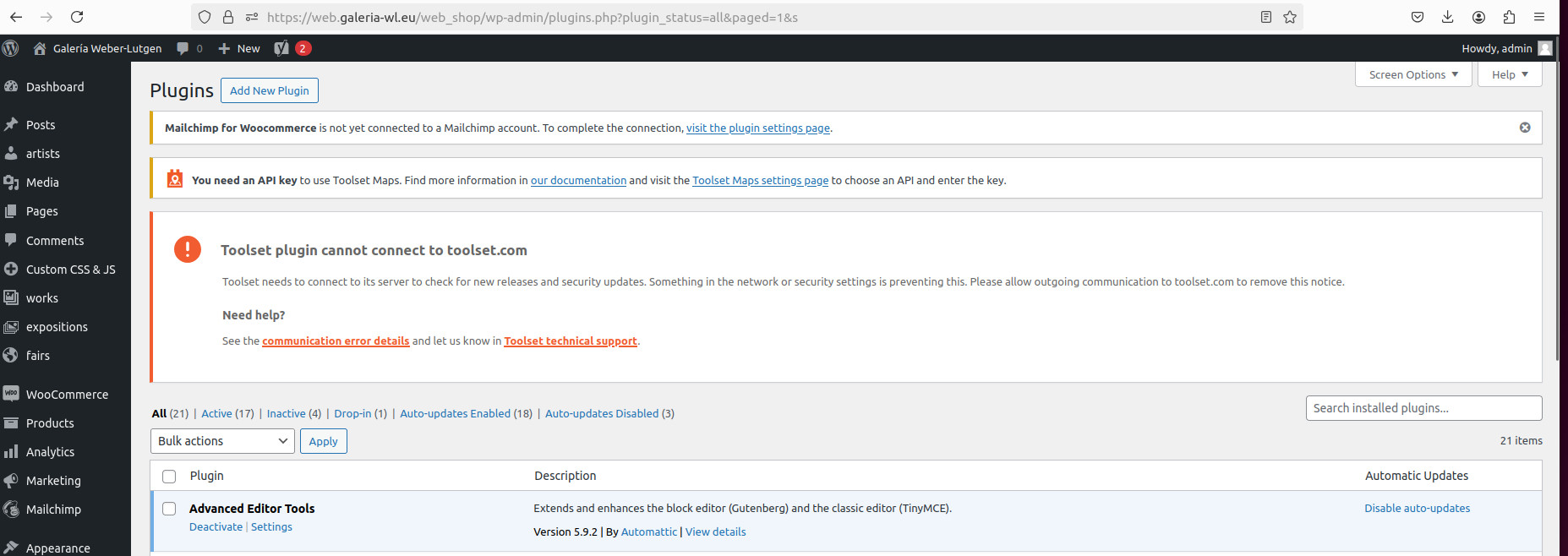
Tell us what you are trying to do?
connect site to toolset.com
Is there any documentation that you are following?
Is there a similar example that we can see?
What is the link to your site?
Hi there
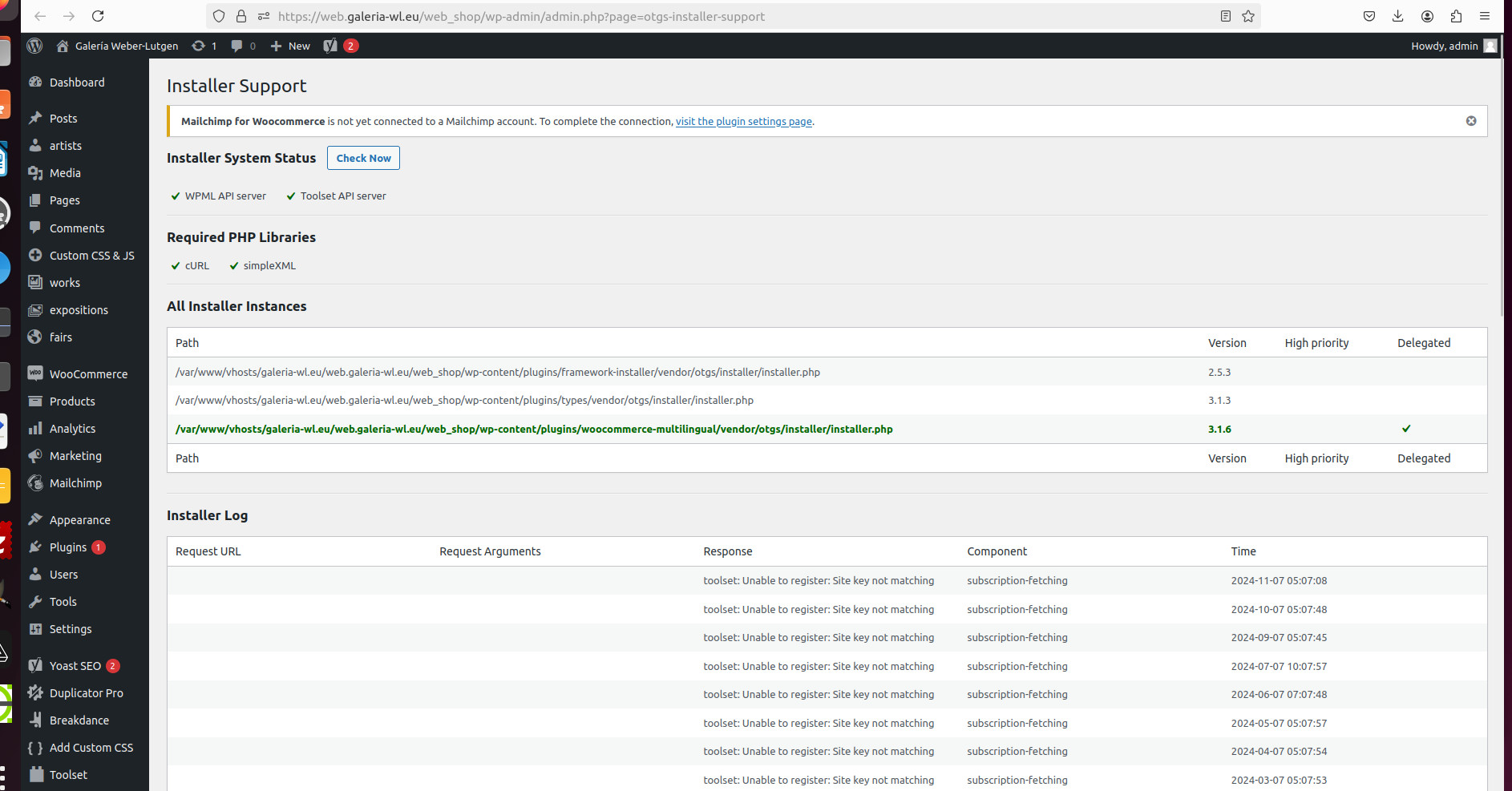
According to the installer log from your screenshot the site key is wrong.
Site keys are based on an exact match of the full URL of your site.
I suggest you go to the custom installer page at /wp-admin/plugin-install.php?tab=commercial unregister the site. Then click the button to Register Toolset, and use the link "Get a key for this site" to generate the correct key for this site's URL. (See this link for a guide, if needed: https://toolset.com/faq/how-to-install-and-register-toolset/#automatic-installation-once-you-have-otgs-installer-plugin-installed)
You may need to delete unwanted sites from your account page.
Hi there,
I removed the login information as this is a public forum.
You can set the next reply as private to provide the login info.
I checked and can not see the connection error anymore. So it might be some miscommunication with our server but it seems to be working now.
Thanks.
sorry a phonecall impeded/distracted me to comunicate this:
I solved the problem deleting completely the OTGS installer and re installing it.
That solved the problem.
thanks to all