I am trying to:
The image problem has been repeated several times.
It's also work to ask for support, so I try to solve it by myself if possible.
There was an image problem, and it was not solved, so I reset and reinstalled the site I was developing, but this time it didn't work before the reset.I don't want the same thing to happen.
1. I made a video of the problem occurrence process.
versteckter Link
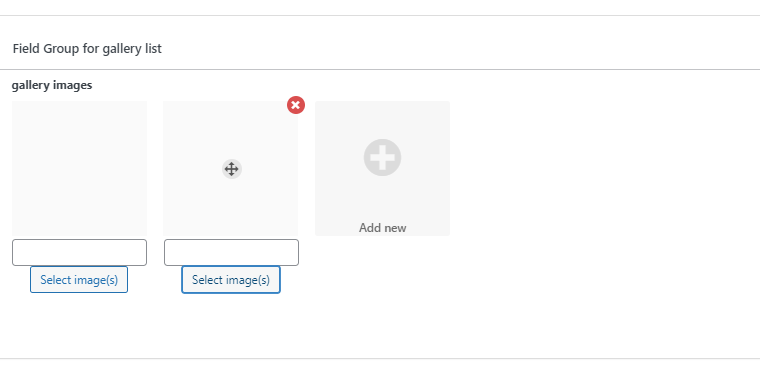
2. I create a post type, and I tried to enter an image in admin, but the image was not registered.
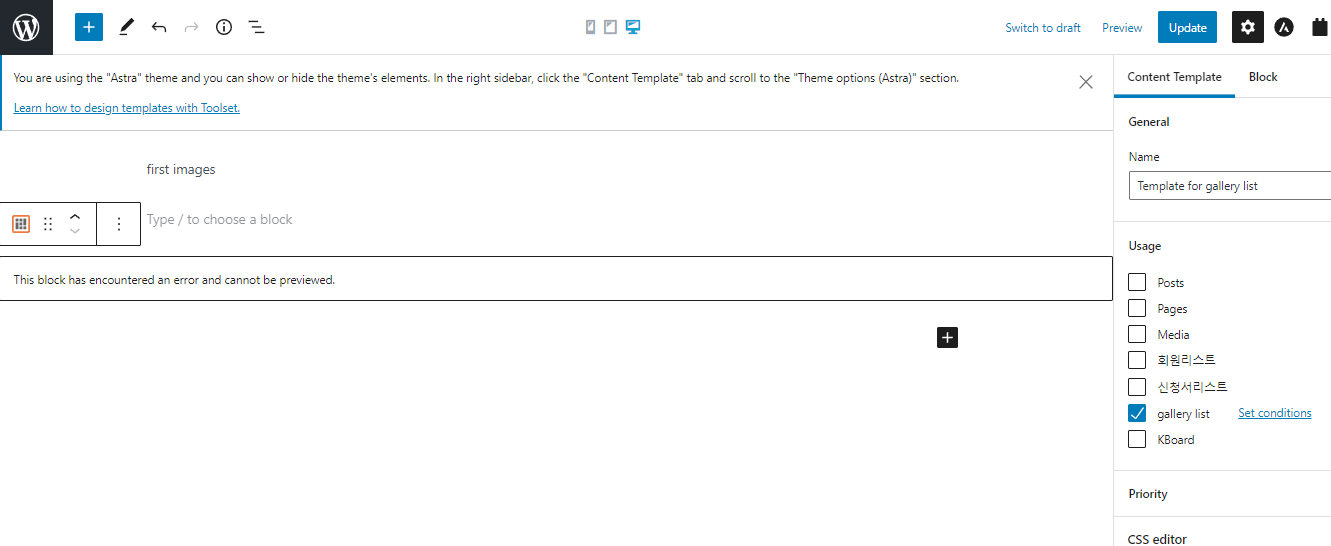
3. I made an add form and registered the image. To show this image list, I used the gallery block in the content template.
But the gallery block is not working.
Link to a page where the issue can be seen:
versteckter Link
I expected to see:
Instead, I got:
Hello and thank you for contacting the Toolset support.
I logged into your website but I got confused by two subsites, one of them does not appear on the list of subsites, and I could not access the provided url versteckter Link
The subsites are:
- versteckter Link
- versteckter Link
Notice an "e" at the end of the last one. This subsite, I could not access it.
So, I recorded a screencast on the first subsite, you check it here versteckter Link
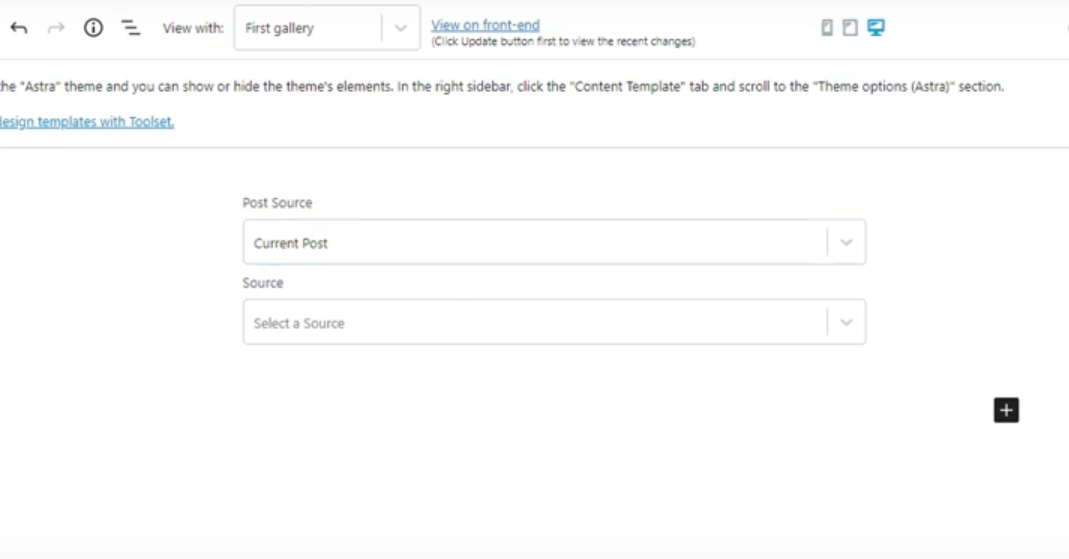
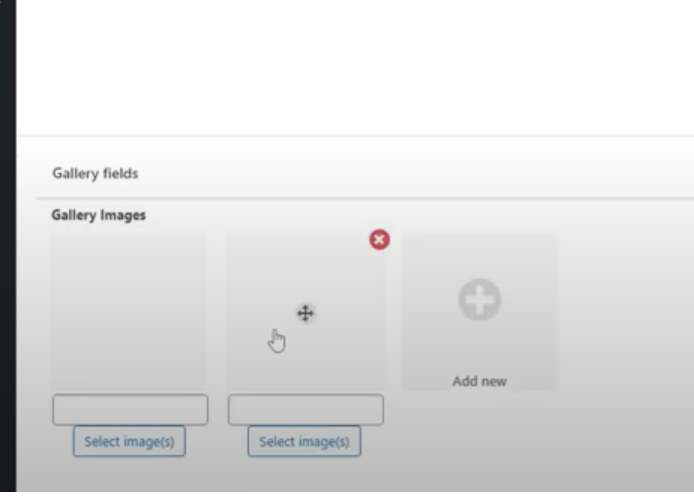
I created a post type, custom fields, and a post. Then I created a content template and used the grid block on it without issues.
If you are stuck at some point can you elaborate more? Maybe share direct URLs
There is no versteckter Link.
The site shown by accessing the above site is versteckter Link.
If you connect to an unmade sub-directory, you will see the same screen. versteckter Link
The problem occurs at "versteckter Link".
versteckter Link. and
versteckter Link site shows the same screen.
It is also connected to versteckter Link and also to https:/~~~~~~.
Check ID and password. (sohae21 3lz157727791!)
The video was done by" versteckter Link".There's nothing wrong with the site.
The problem is occurring at versteckter Link
Unlike the screen of the video, images cannot be registered.
1105-1.png , 1105-3.PNG
And unlike the video, the jelly block doesn't work.
1105-2.png , 1105-4.png
It's been solved.
After deleting the Internet usage records (cookies, etc.), everyone goes back to normal.
I have little basic knowledge, so I struggled and made a supporter job.
Thank you for your hard work.
My issue is resolved now. Thank you!