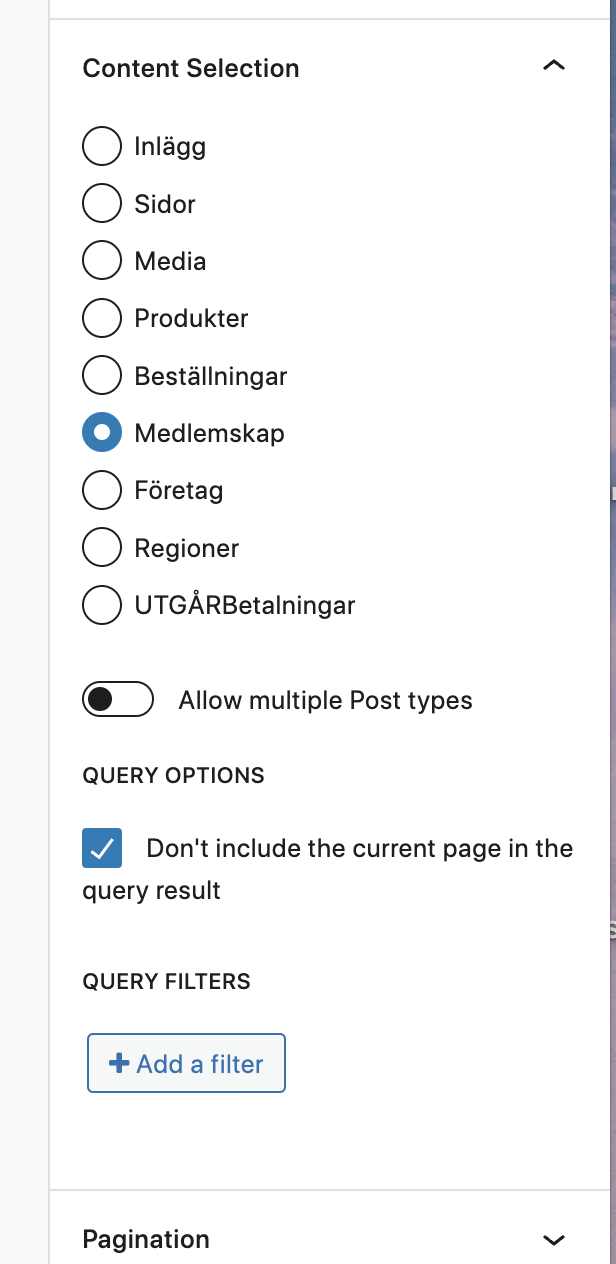
I am trying to: Creating a simple page with a View with a content selection where I add a query filter. The query filter seems to be added correctly but when refreshing the page the filter has disappeared from the UI (yes, I save the query before updating the page). In fact it shows up for a second before being removed. This happens on several Views on this site. This particular view has just a form in the loop section.
Link to a page where the issue can be seen: versteckter Link
I expected to see: The query filter staying after being added (in my case the query filter is just a postid from the querystring postid which will result in 1 post).
Thanks for the quick reply.
Yes, that's how it's supposed to look. However on my side the "filtered" link as well as the query filter details are hidden. I'm using the Chrome browser but tested it on Safari as well were I get the same result.
Btw, I took over the page when testing but it's OK to take it back if you need more testing.
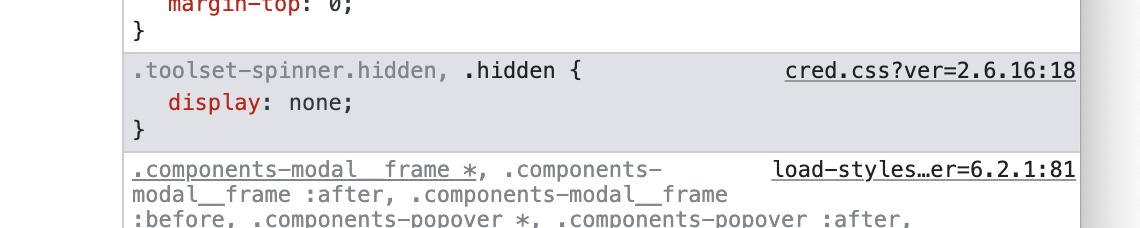
I tried cleaning cache as well but no change. When inspected I can see the "display:none" in CSS (see image). When I changed it to "display:block" I can actually see the query filter and access (edit) it. But the question is of course why it's hidden in the first place?
As much as I love Toolset most of my problems nowadays with it is related to bugs in Views. Sometimes, for more complicated views, I can't save my changes (update button is stuck and not clickable), I also have problems when using multiple customised search fields and now these disappearing filters. I didn't see these problems a couple of versions back so, I think, it's something that's been introduced lately or some kind of conflict with the plugins/theme I use.
If its a conflict then when I logged in to your site it should not work for me as well.
Still, you may try to run compatibility test in order to minimize the cause of the issue:
Could you please try to resolve your issue by deactivating all third-party plugins as well as the default theme to check for any possible conflicts with any of the plugins or themes?
- Do you see any difference?
I do not any solution to offer as its working fine for me when I loggedin to your site. If you think Toolset Blocks causing too many issues for you then you may switch to use classic views instead of block based views.