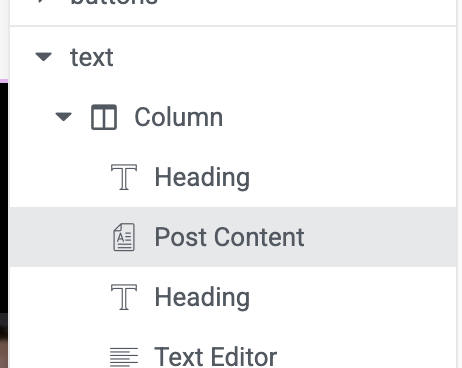
I have a template built through Elementor. It is pulling all the views perfectly except the basic post content. Instead of the content it's pulling a random page.
For example this page versteckter Link
Should have content like this page does: versteckter Link
I did have a /podcast page slug on accident. I removed that, but still the issue persists. Any ways to fix this?
Hello. Thank you for contacting the Toolset support.
Can you please try to re-save the permalinks from:
=> Settings => Permalinks
Does that help you to resolve the issue? if no:
*** Please make a FULL BACKUP of your database and website.***
I would also eventually need to request temporary access (WP-Admin and FTP) to your site. Preferably to a test site where the problem has been replicated if possible in order to be of better help and check if some configurations might need to be changed.
I have set the next reply to private which means only you and I have access to it.
This is resolved. I found out the issue was that when I imported the content from another domain to this one, it made them into Elementor posts. With Elementor support for basic posts, they called this out on the posts it was happening to.
So for here, I activate Elementor for the CPT and that's when I could see they are Elementor. I have to go in and make them back to Worpdress and now they are viewing correctly.