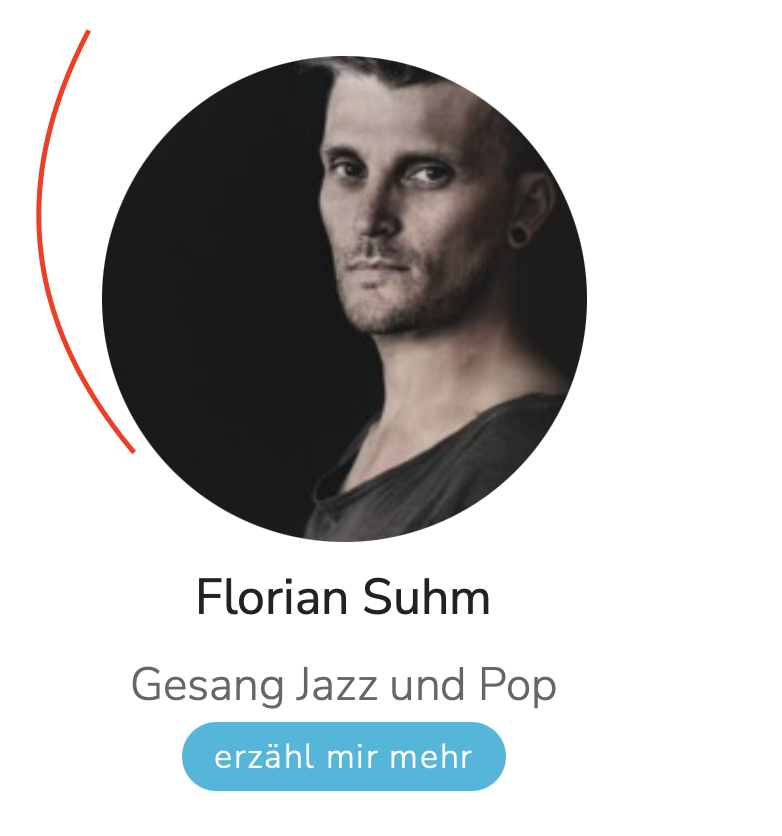
Sure, could you retry again with the provided info?
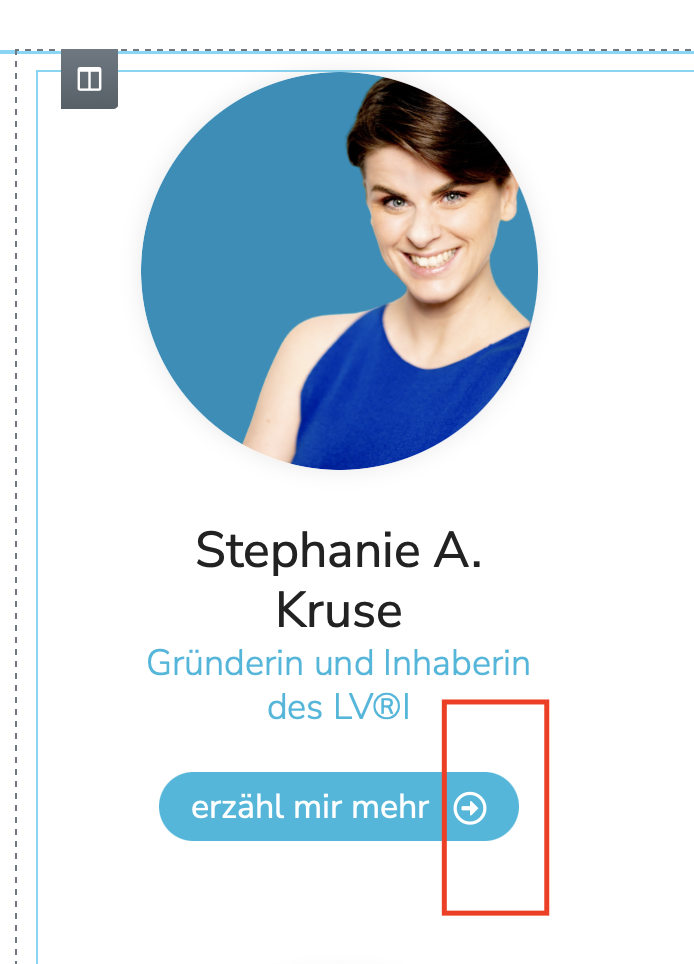
The result should be similar in it's design like here:
versteckter Link
thank you so much!
I can login into your website, will update here if find anything
I have done below modifications in your website:
1) Dashboard-> Toolset-> Settings-> General, in section "Bootstrap loading", enable option "Toolset should load Bootstrap 4"
2) Edit post view "Master Trainer Suche!":
versteckter Link
in section "Loop Editor", setup each column's CSS class name as: col-md-4 justify-content-center text-center
for example:
<div class="col-md-4 justify-content-center text-center">[wpv-post-body view_template="loop-item-in-master-trainer-suche"]</div>
Test it in frontend:
versteckter Link
It works fine.
More help:
versteckter Link
Hey Luo
thanks for a helping hand and your explanation, my learning curve worked 🙂
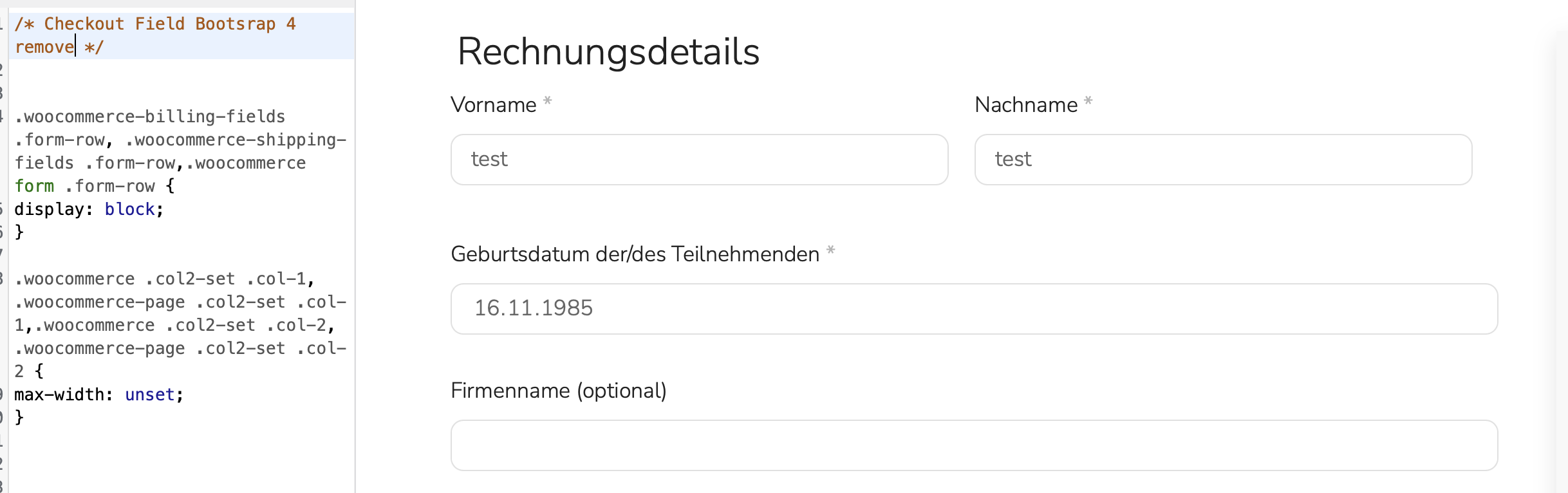
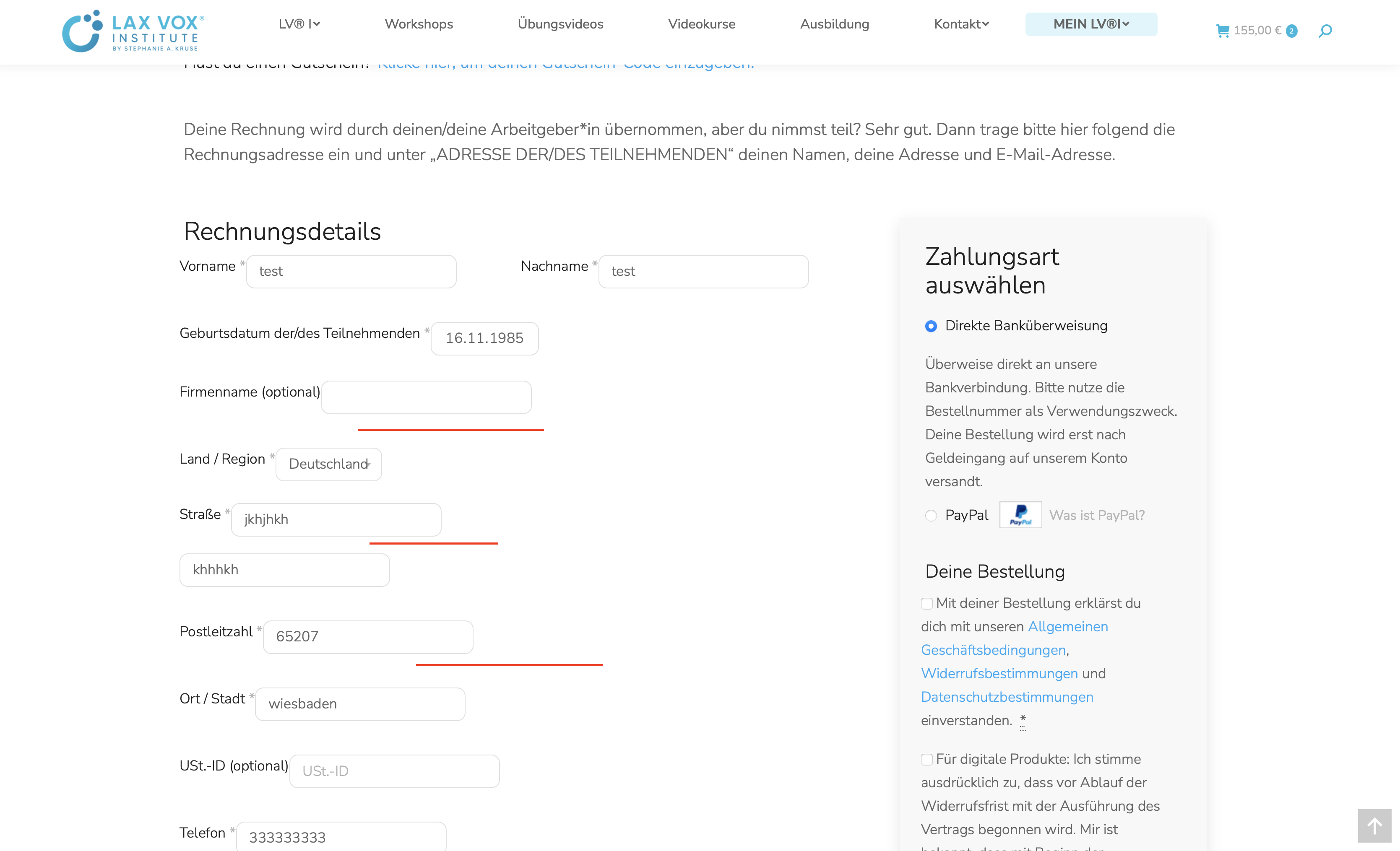
Activating bootstrap 4 will influence the checkout page row -ids. WooCommerce is using the col-1 & col-2 css class, Bootstrap sets the width to 8.3333333%.
I found a reply that you could de-queue Bootstrap on check-out page using a code snippet like this one, does that make sense?
With some themes such as Divi there are stylesheet conflicts with the Bootstrap styles normally loaded by Toolset. You can update the settings so that Toolset doesn’t load Bootstrap, but this may not be an option if you rely on it on certain pages, e.g. where you add CRED forms.
You can selectively remove Bootstrap on particular pages.</I>
.woocommerce-billing-fields .form-row, .woocommerce-shipping-fields .form-row,.woocommerce form .form-row {
display: block;
}

.woocommerce .col2-set .col-1, .woocommerce-page .col2-set .col-1,.woocommerce .col2-set .col-2, .woocommerce-page .col2-set .col-2 {
max-width: unset;
}
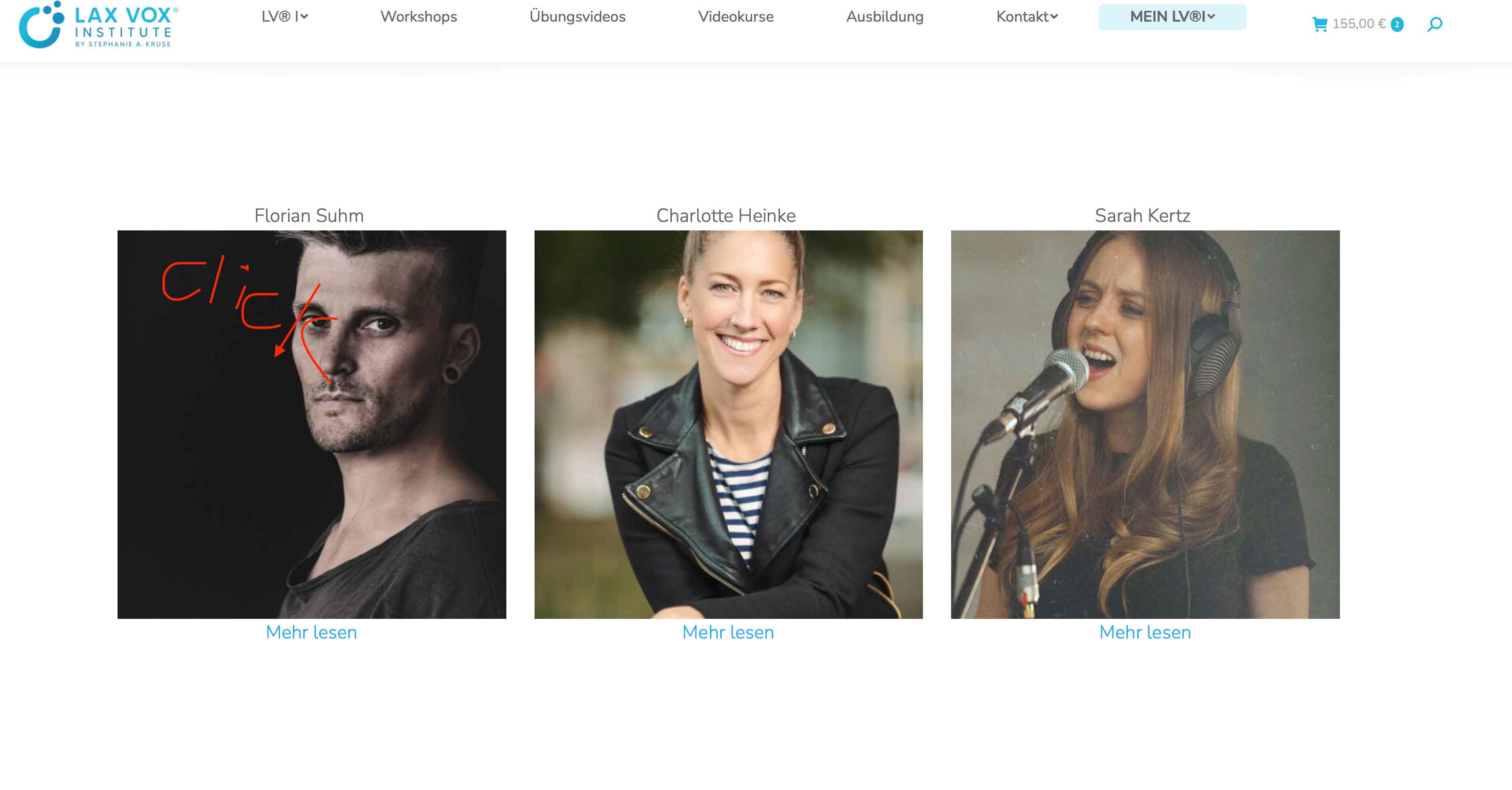
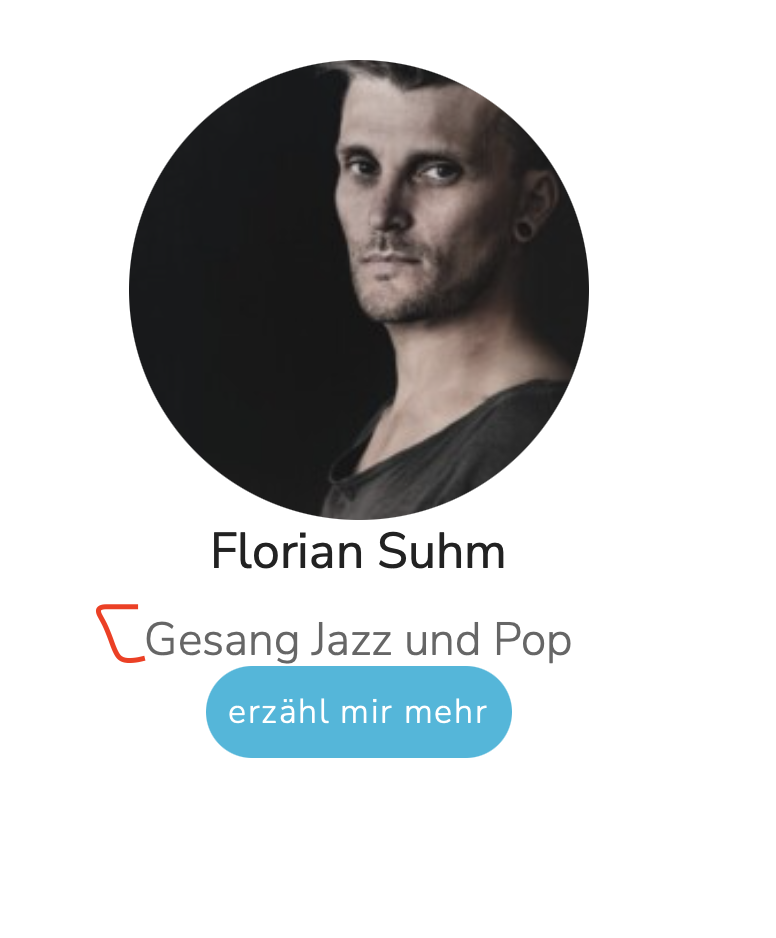
and #2: how could we add a "link" on the picture so it's clickable like the "read more" text"?
#3 if I change the value form 500 to 300, the pictures are off again
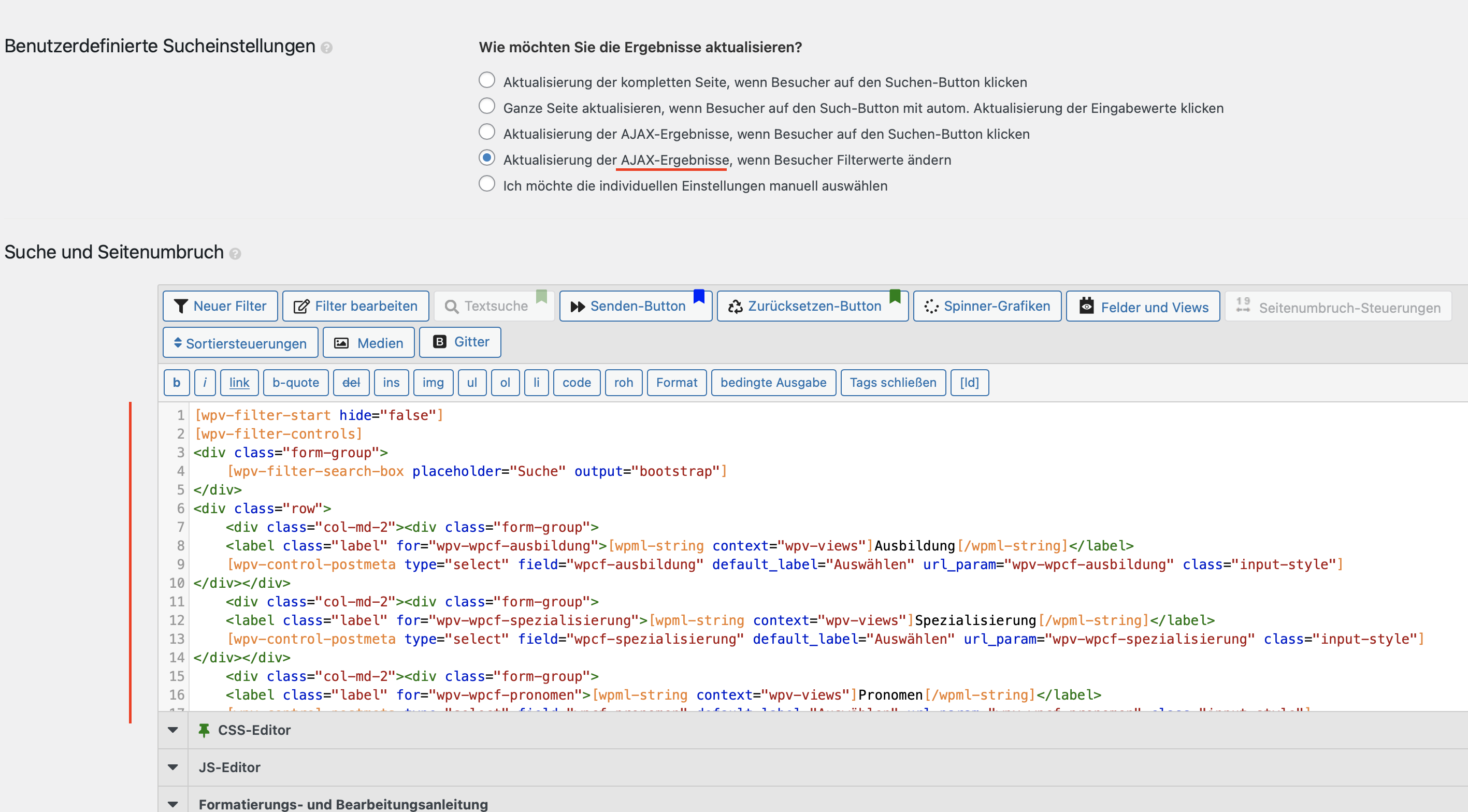
#4 I am missing this code here, I would like to place it into the template for filtering;
[wpv-filter-start hide="false"]
[wpv-filter-controls]
<div class="form-group">
	[wpv-filter-search-box placeholder="Suche" output="bootstrap"]
</div>
<div class="row">
	<div class="col-md-2"><div class="form-group">
	<label class="label" for="wpv-wpcf-ausbildung">[wpml-string context="wpv-views"]Ausbildung[/wpml-string]</label>
	[wpv-control-postmeta type="select" field="wpcf-ausbildung" default_label="Auswählen" url_param="wpv-wpcf-ausbildung" class="input-style"]
</div></div>
	<div class="col-md-2"><div class="form-group">
	<label class="label" for="wpv-wpcf-spezialisierung">[wpml-string context="wpv-views"]Spezialisierung[/wpml-string]</label>
	[wpv-control-postmeta type="select" field="wpcf-spezialisierung" default_label="Auswählen" url_param="wpv-wpcf-spezialisierung" class="input-style"]
</div></div>
	<div class="col-md-2"><div class="form-group">
	<label class="label" for="wpv-wpcf-pronomen">[wpml-string context="wpv-views"]Pronomen[/wpml-string]</label>
	[wpv-control-postmeta type="select" field="wpcf-pronomen" default_label="Auswählen" url_param="wpv-wpcf-pronomen" class="input-style"]
</div></div>
	<div class="col-md-2"><div class="form-group">
	<label class="label" for="wpv-wpcf-stadt">[wpml-string context="wpv-views"]Stadt[/wpml-string]</label>
	[wpv-control-postmeta type="select" field="wpcf-stadt" default_label="Auswählen" url_param="wpv-wpcf-stadt" class="input-style"]
</div></div>
	<div class="col-md-2"><div class="form-group">
	<label class="label" for="wpv-wpcf-land">[wpml-string context="wpv-views"]Land[/wpml-string]</label>
	[wpv-control-postmeta type="select" field="wpcf-land" default_label="Auswählen" url_param="wpv-wpcf-land" class="input-style"]
</div></div><div class="form-group">
	<label class="label" for="wpv-wpcf-sprachen">[wpml-string context="wpv-views" class="form-group"]Sprache[/wpml-string]</label>
	[wpv-control-postmeta type="select" field="wpcf-sprachen" default_label="Auswählen" url_param="wpv-wpcf-sprachen"]
</div>

	<div class="col-md-2">[wpv-filter-reset type="button" output="bootstrap" class="reset-button"]</div>
</div>
[/wpv-filter-controls]
[wpv-filter-end]
<br><br><br>
Update: Image and text is entered now.
left:
#1 I can't make work image size for example 300px or change post title font to "400" weight
#2 where to add my custom search filter code in this view (see last message)
#3 can't find option to add "click on image with link (like read more link)"
UPDATE: I could solve most of the issues.
These are still left:
#1 I can't make work image size for example 300px or change post title font to "400" weight with a class
#2 can't find option to add "click on image with link (like read more link)"
#3 I can't change "read more" text under the image
Thank you for looking into this
versteckter Link
Q1) can't make work image size for example 300px or change post title font to "400" weight with a class
You can change the featured image shortcode to:
[wpv-post-featured-image size="custom" width="300" height="300" crop="true" class="rounded-circle"]
More help:
https://toolset.com/documentation/user-guides/views-shortcodes/#wpv-post-featured-image
You can use CSS code to customize the post title, for example:
.my-title {
	font-weight: 400;
}
versteckter Link
Q2) can't find option to add "click on image with link (like read more link)"
You need to setup the link HTML manually, for example:
<em><u>versteckter Link</u></em>
versteckter Link
Q3) I can't change "read more" text under the image
You can follow our document to setup "read more" text, for example:
[wpv-post-read-more class="read-more" label="Continue reading"]
https://toolset.com/documentation/programmer-reference/views/views-shortcodes/#vf-1222971
thank you so much for your kind explanation!
#Q4
I added
[types field='spezialisierung' class="specialty"][/types]
and a class
.specialty {
    color: #1db8dd !important;
    font-size: 16px;
    font-weight: 300;
    line-height: 1,2em;
}
but the font is not changing. could you provide help?
Q5)
I still need assistance.
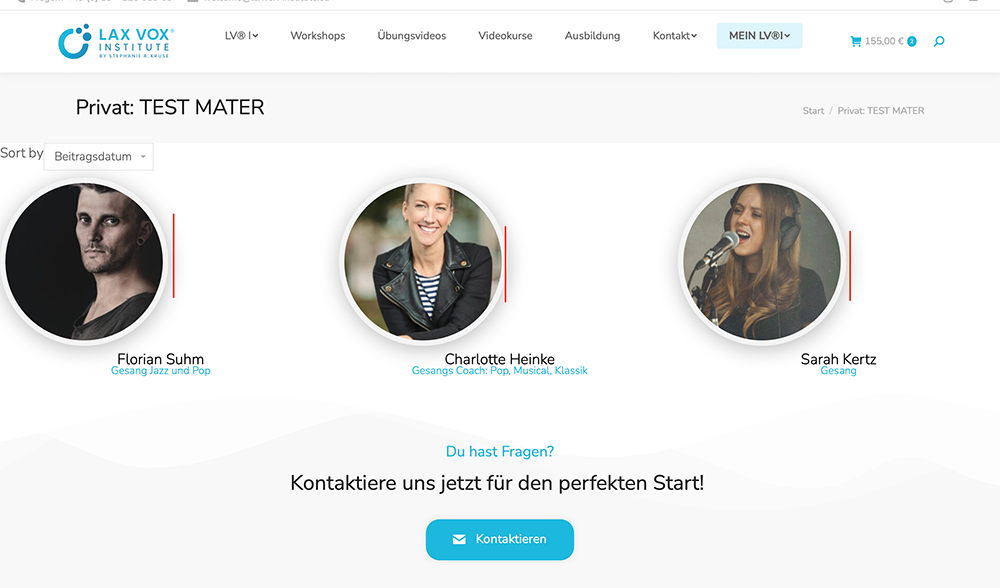
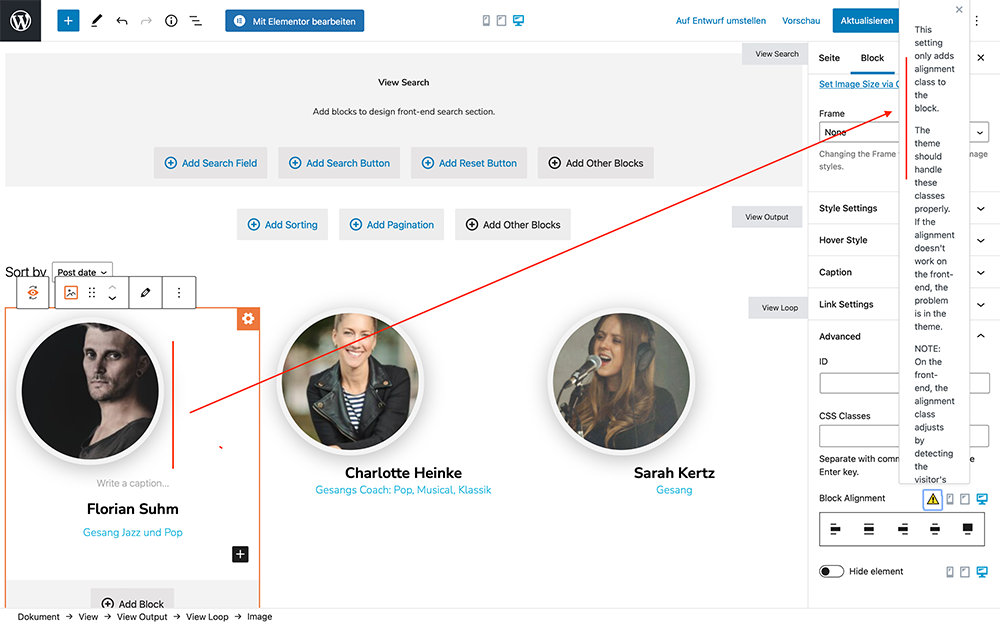
I created a second test field to debug my alignment issue here with elementor.
versteckter Link (private page)
It seems the frontend is not showing the image/row as center aligned. Could you provide a css to force it aligned to the res?
It would be awesome to get this worked, its so much easier than writing code. Thank you so much for your kind help!
Q6
also could you provide the correct code to make the image with a shadow?
thank you so much!
[wpv-post-featured-image size="custom" width="200" height="200" crop="true" class="rounded-circle"]
 .test {
    box-shadow: 1px 5px 32px 0 rgba( 119, 119, 119, 0.5 );
    border-radius: 200px;
    border: 8px solid rgba( 243, 243, 243, 1 );
}
Q7)
could you provide information how to insert Font Awesome Icon? (arrow)
Thanks for your guidance!
Q8) It seems the image is low resolution with 200x200.
could we add to the image shortcode something for a higher version, same size? Thank you for the help!