Navigation überspringen

[Gelöst] Posts will not display on the map

This support ticket is created vor 3 years, 10 months. There's a good chance that you are reading advice that it now obsolete.

This is the technical support forum for Toolset - a suite of plugins for developing WordPress sites without writing PHP.

Everyone can read this forum, but only Toolset clients can post in it. Toolset support works 6 days per week, 19 hours per day.

Sun Mon Tue Wed Thu Fri Sat
- 9:00 – 12:00 9:00 – 12:00 9:00 – 12:00 9:00 – 12:00 9:00 – 12:00 -
- 13:00 – 18:00 13:00 – 18:00 13:00 – 18:00 14:00 – 18:00 13:00 – 18:00 -

Zeitzone des Unterstützers: America/Jamaica (GMT-05:00)

Dieses Thema enthält 4 Antworten, hat 2 Stimmen.

Zuletzt aktualisiert von Shane vor 3 years, 10 months.

Assistiert von: Shane.

Author
Artikel
#2430417
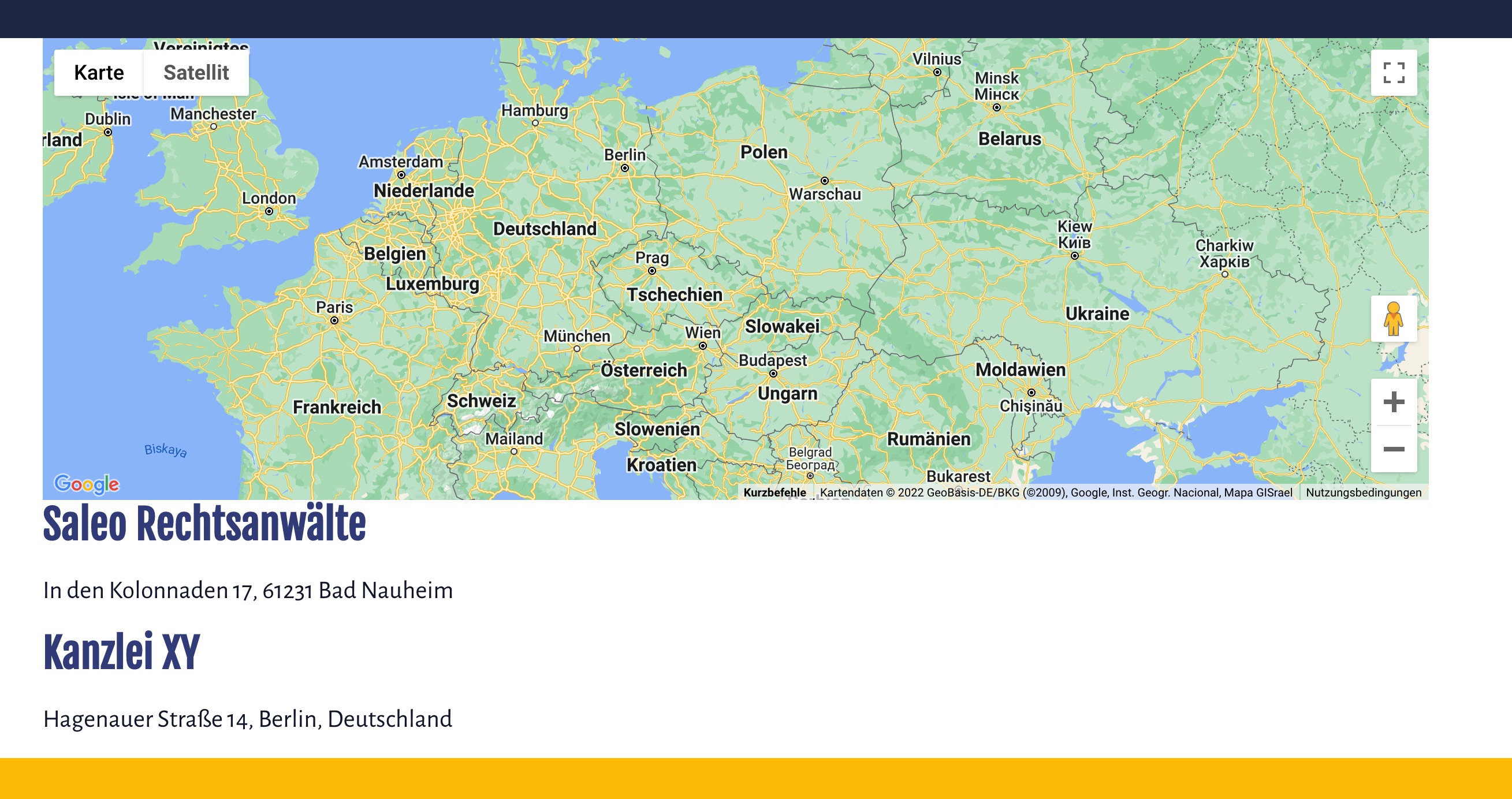
Bildschirmfoto 2022-08-03 um 15.49.33.jpeg

Im trying to display a map with all posts from the Custom Post Type "kanzleien" which uses the toolset adress field.
Single Markers will be shown, but when i choose the posts like in your tutorial they will not be displayed:
https://toolset.com/course-lesson/displaying-a-list-of-posts-on-a-map/

Here ist the dev site: versteckter Link
password: ap2022

#2430439
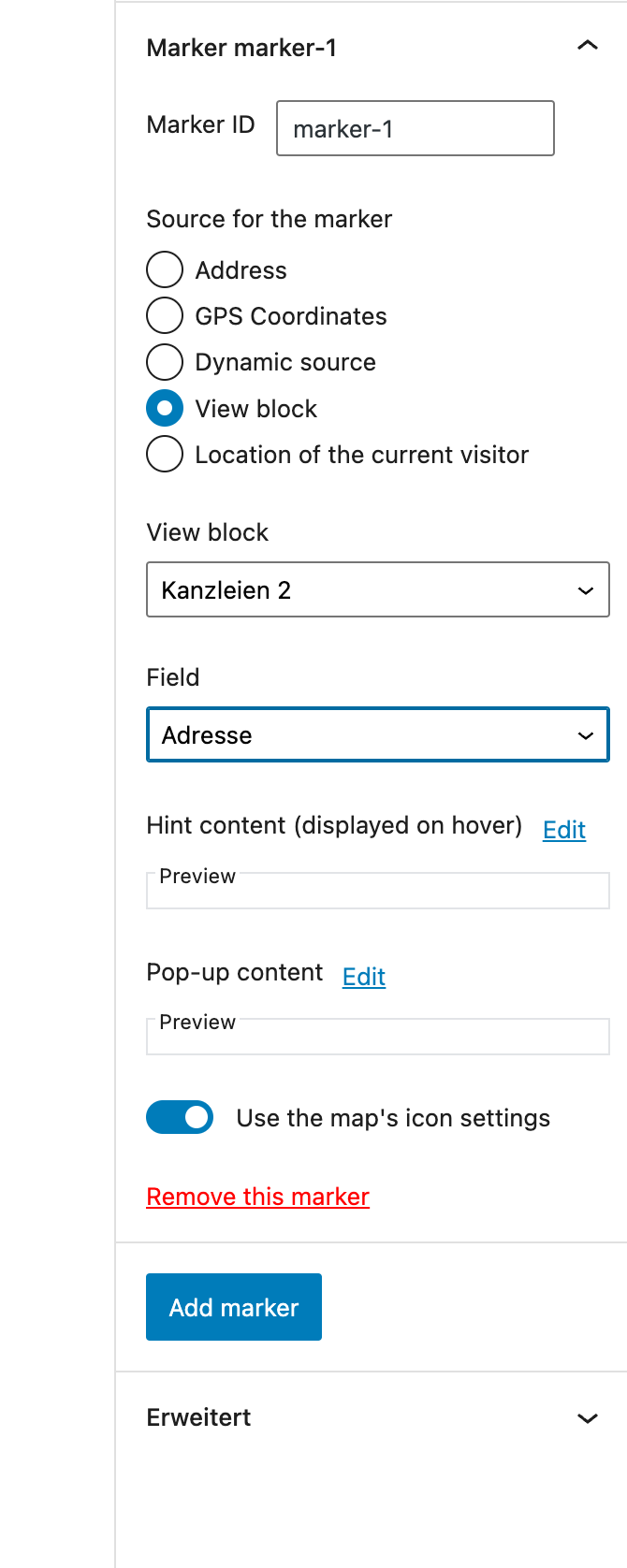
Bildschirmfoto 2022-08-03 um 16.04.26.png

Here the map settings

#2430521

Shane
Unterstützer

Sprachen: Englisch (English )

Zeitzone: America/Jamaica (GMT-05:00)

Hello,

Thank you for the information.

I've taken a look at your screenshots and this appears to be setup correctly.

However would you mind allowing me to have admin access to the website so that I can have a more detailed look at this for you ?

I've enabled the private fields for your next response.

Thanks,
Shane

#2430529

Shane
Unterstützer

Sprachen: Englisch (English )

Zeitzone: America/Jamaica (GMT-05:00)

Private fields

#2431255

Shane
Unterstützer

Sprachen: Englisch (English )

Zeitzone: America/Jamaica (GMT-05:00)

Hi Jochen,

Thank you for the login details.

I had a look at the page and found no issue with the setup. This leads me to believe that there is possibly some plugin conflict.
In a case like this when the plugins are not functioning as intended we recommended that you disable the non-toolset plugins.

What this means is that you will need to go through your list of plugins and disable each of your plugins one at a time while checking to see if the issue still remains.

Thanks,
Shane