[Gelöst] Only display search filters options that create a result
Dieser Thread wurde gelöst. Hier ist eine Beschreibung des Problems und der Lösung.
Problem:
Only display search filters options that create a result using view
Solution:
With your view - under the section "Custom Search Settings" I've selected the option "Let me choose individual settings manually" and further selected the option "Show only available options for each input.
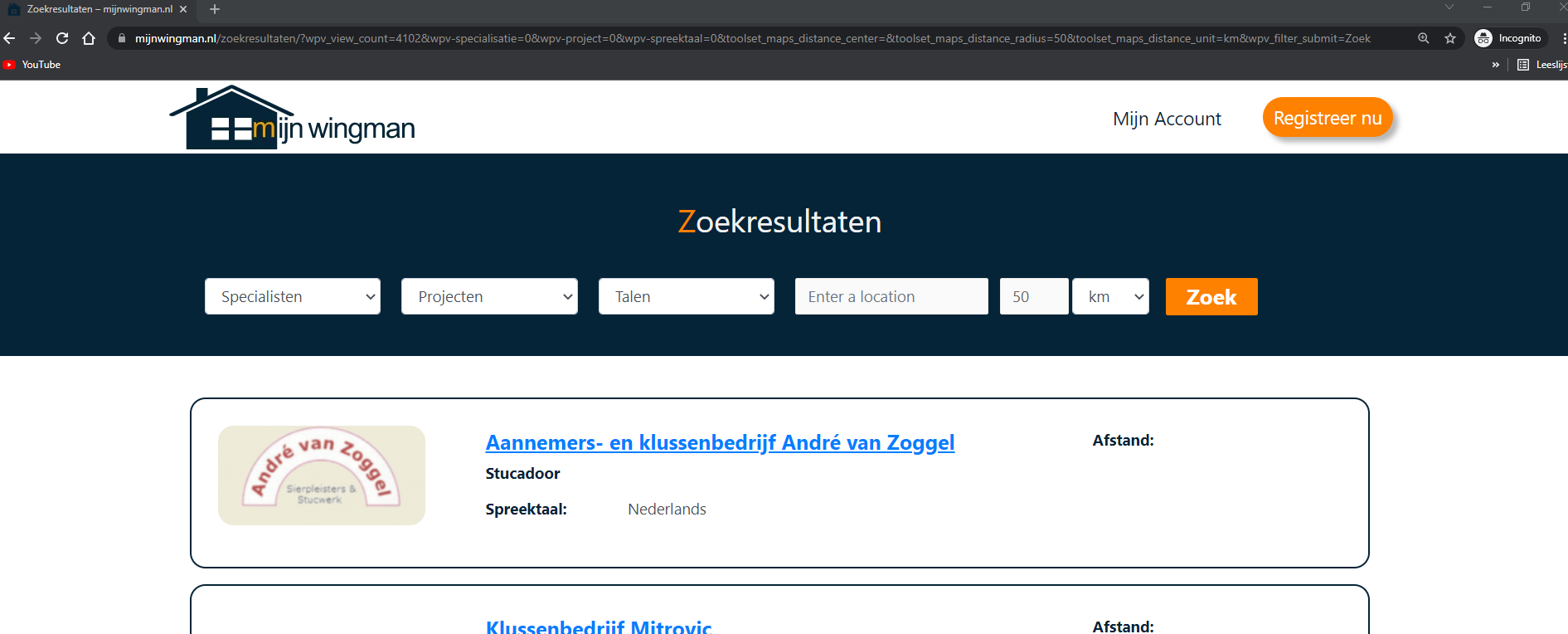
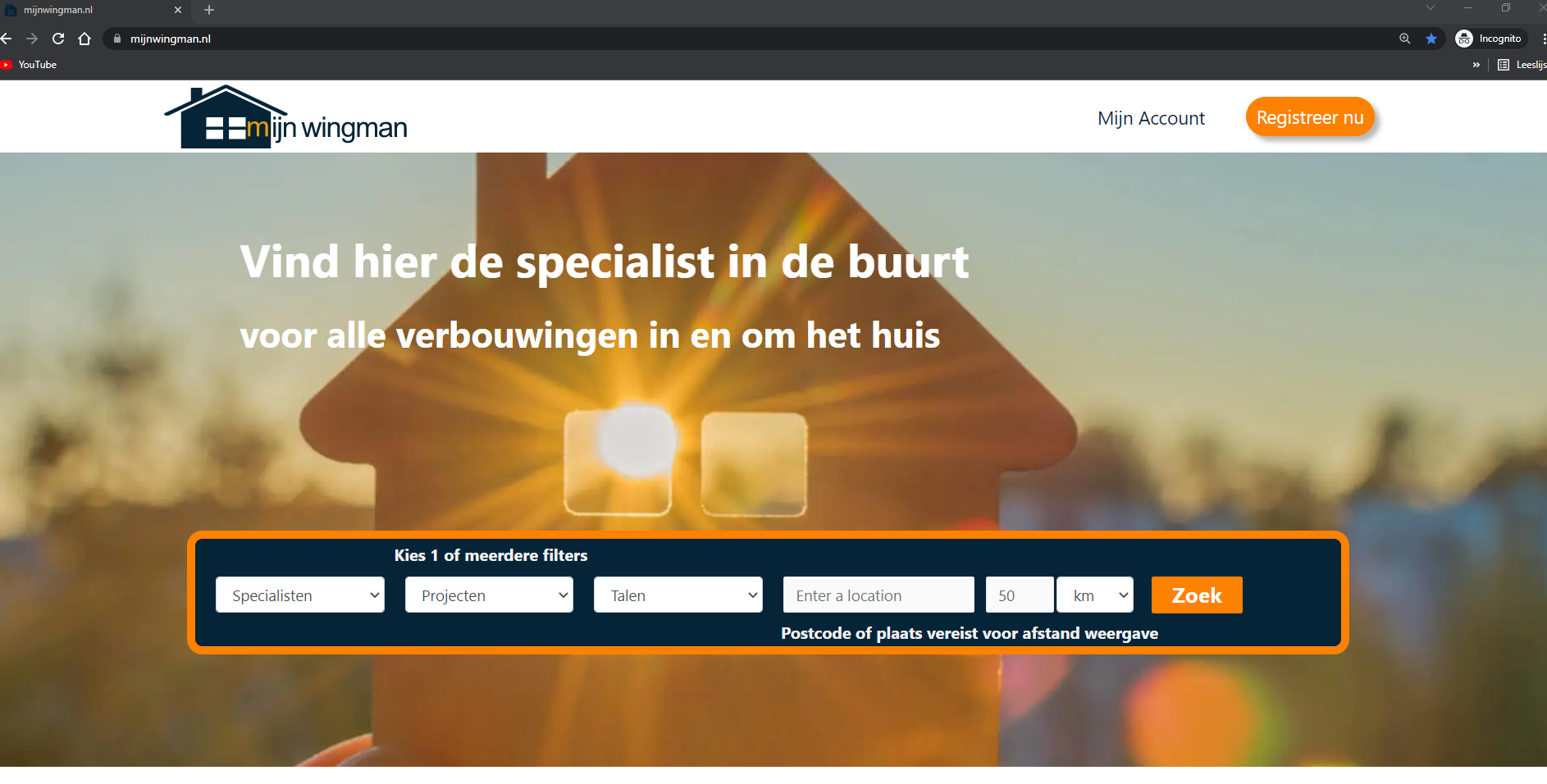
Currently the search filters show all available options.
However i only want the ones shown that the users have selected on their profile.
I know toolset offers this option (have seen it before), but so far haven't been able to find the exact course that describes what settings to change to get this done.
Can someone please point me in the right direction?
Hello. Thank you for contacting the Toolset support.
By default, the view display the options for the filter for the available results only. I'm not sure what is your current view setting and what kind of view you are using.
If you can share more details and what is your expected results with few screenshots and share admin access details and problem URL where you added your view I would be happy to review your current setup and check whats going wrong there.
*** Please make a FULL BACKUP of your database and website.***
I would also eventually need to request temporary access (WP-Admin and FTP) to your site. Preferably to a test site where the problem has been replicated if possible in order to be of better help and check if some configurations might need to be changed.
I have set the next reply to private which means only you and I have access to it.
I've added the view on the following pages: versteckter Link versteckter Link
==>
I've visited both of the above pages and I do not see any view is added on above pages. The only thing I can see is the search textbox.
Please check the following screenshot:
=> versteckter Link
Ok - I can see the view on frontend when I visit the page as Guest user. As I was logged-in, it was not displaying the view so that sorted out.
With your view - under the section "Custom Search Settings" I've selected the option "Let me choose individual settings manually" and further selected the option "Show only available options for each input":
=> versteckter Link
Please check the following screenshot:
=> versteckter Link