Navigation überspringen

[Gelöst] Form is not showing the charge information

This support ticket is created vor 4 years, 2 months. There's a good chance that you are reading advice that it now obsolete.

This is the technical support forum for Toolset - a suite of plugins for developing WordPress sites without writing PHP.

Everyone can read this forum, but only Toolset clients can post in it. Toolset support works 6 days per week, 19 hours per day.

Sun Mon Tue Wed Thu Fri Sat
- 10:00 – 13:00 10:00 – 13:00 10:00 – 13:00 10:00 – 13:00 10:00 – 13:00 -
- 14:00 – 18:00 14:00 – 18:00 14:00 – 18:00 14:00 – 18:00 14:00 – 18:00 -

Zeitzone des Unterstützers: Asia/Kolkata (GMT+05:30)

Dieses Thema enthält 11 Antworten, hat 2 Stimmen.

Zuletzt aktualisiert von garyP-5 vor 4 years, 2 months.

Assistiert von: Minesh.

Author
Artikel
#2330375
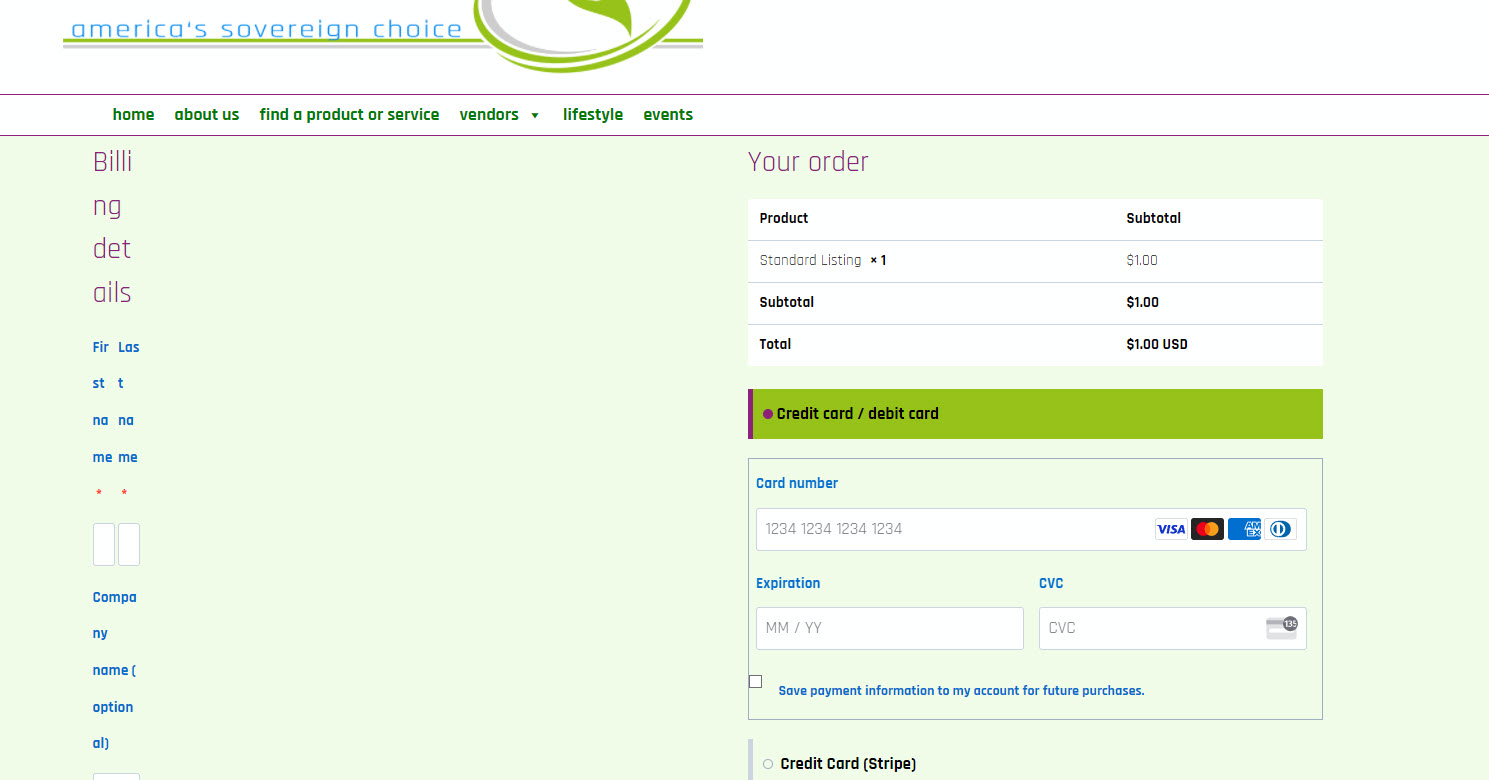
nochargingonform.jpg

Tell us what you are trying to do?
I have turned on TOOLSET FORMS COMMERCE
I have configured woocommerce with a product called "standard listing"
I have connected the product to the form.
The charging info does not show up on the form... See attached...

Is there any documentation that you are following?
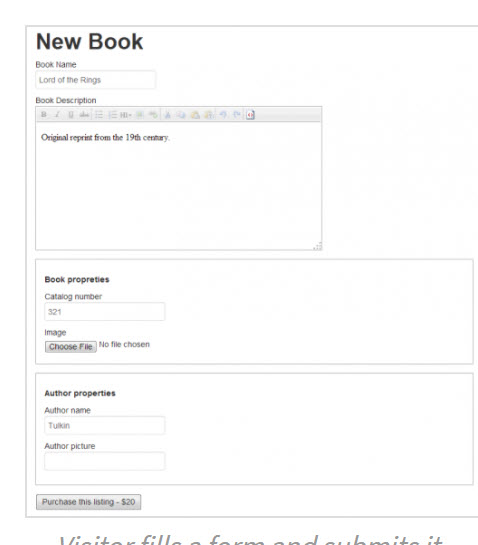
I followed: https://toolset.com/course-lesson/charge-users-for-submitting-content/
Is there a similar example that we can see?
versteckter Link
requires you to register an account.

What is the link to your site?
versteckter Link

temp administrative account:
versteckter Link
user tempadmin
password gQXhk8jkhLIgwZjPnJpl(ceU%qdmin

#2330451

Please note that the example link in the above message has been change to:
versteckter Link

#2330563

Minesh
Unterstützer

Sprachen: Englisch (English )

Zeitzone: Asia/Kolkata (GMT+05:30)

Hello. Thank you for contacting the Toolset support.

I checked your form and I found that you did not set the form setting "After visitors submit this form:" to "Go to Checkout" page. I've set the form setting to go to checkout page once form is submitted.
=> versteckter Link

On checkout page, you will see all charge information. Can you please check.

#2330941
charge-forms-`.jpg
charge-forms-2.jpg

I see that it is now redirecting to a checkout page. However, there are still two issues.

1) The documentation shows that the pricing information is on the form that the user fills out. That is still not there. See attached file.

2) The formatting of the checkout screen is quite skewed and I'm not sure where I would go to fix that. See attached file.

#2331095

I solved point number 2 above. I still don't have an answer for number 1

#2331503

Minesh
Unterstützer

Sprachen: Englisch (English )

Zeitzone: Asia/Kolkata (GMT+05:30)

1) The documentation shows that the pricing information is on the form that the user fills out. That is still not there. See attached file.
==>
What you mean by the pricing information can you be specific what exactly you want to display and at what part?
- On checkout page or on the page where you display the form?

#2331797
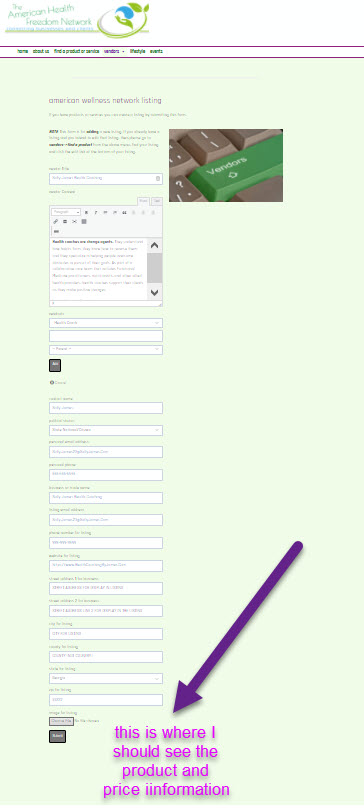
product and pricing info missing.jpg

I want the pricing to be shown to the user while on the form that they are paying for.....

See attached.

#2331873

Minesh
Unterstützer

Sprachen: Englisch (English )

Zeitzone: Asia/Kolkata (GMT+05:30)

I've edited your form in expert mode:
=> versteckter Link

And added the following shortcodes at bottom of the form editor that displays the product title and price just above the submit button:

<div class="form-group">
		Title: [wpv-post-title item="7859"]
  		Price: [wpv-post-field name="_price" item="7859"]
	</div>

You can adjust it as required. Your purchase product ID is "7859" so you will have to pass the ID to view's shortcode as given above.

If you can see now it does display the product title and price: versteckter Link

#2331937

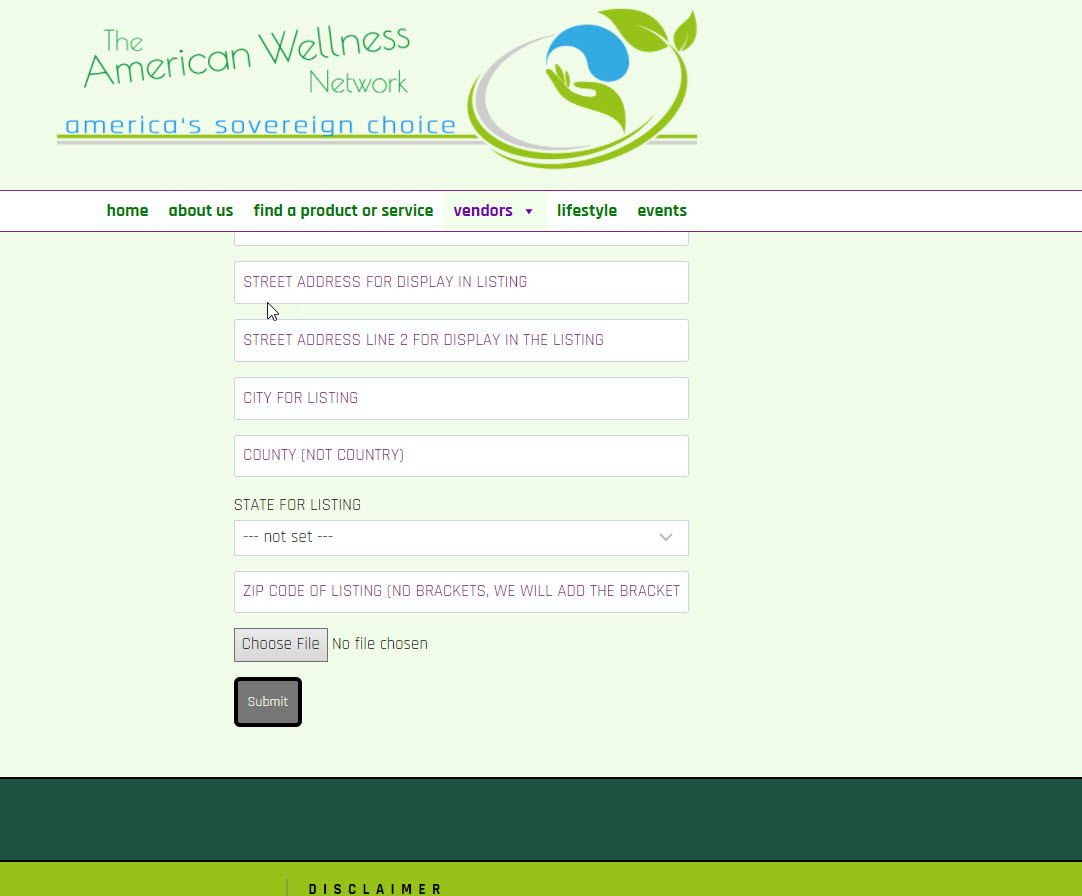
The wpv-post-title and post-field does not show up on the Fields and Views button. Where do these come from and what other related wpv fields are available?

#2331953

Minesh
Unterstützer

Sprachen: Englisch (English )

Zeitzone: Asia/Kolkata (GMT+05:30)

I'm not sure why you did not see the [wpv-post-title] field. Here is the screenshot: versteckter Link

When you click on "Fields and Views" button you will see the post title button using which you can add the post title.

You can add the Woocommerce hidden fields from: Toolset => Settings => Front-end content => Hidden custom fields section
=> versteckter Link

Once you activate those hidden fields from there, you can use "post field" button to add the [wpv-post-field] shortcode.

[wpv-post-field name="_price" item="7859"]
#2331959

Actually I was really looking for the _price. I just assumed the other wasn't there. Silly, cause I've used it before.

#2332263

My issue is resolved now. Thank you!