Navigation überspringen

[Gelöst] Fatal Error Accessing Toolset Settings Page with WooCommerce Blocks

Dieser Thread wurde gelöst. Hier ist eine Beschreibung des Problems und der Lösung.

Problem:
The Toolset Settings page crashed when Bit Flows Pro and Toolset WooCommerce Blocks were active because their bundled Illuminate dependencies conflicted, leaving the legacy array_wrap() helper undefined.

Solution:
Add an MU plugin or code snippet that defines array_wrap() when it does not already exist, reproducing its Laravel 5.4 behavior before regular plugins load. This unsupported workaround resolved the fatal error, but it should be tested on staging because other removed Illuminate helpers could also cause conflicts.

This support ticket is created vor 3 Wochen, 2 Tagen. There's a good chance that you are reading advice that it now obsolete.

This is the technical support forum for Toolset - a suite of plugins for developing WordPress sites without writing PHP.

Everyone can read this forum, but only Toolset clients can post in it. Toolset support works 6 days per week, 19 hours per day.

Dieses Thema enthält 5 Antworten, hat 1 Stimme.

Zuletzt aktualisiert von - vor 2 Wochen, 4 Tagen.

Assistiert von: Christopher Amirian.

Author
Artikel
#2878059

I am trying to:
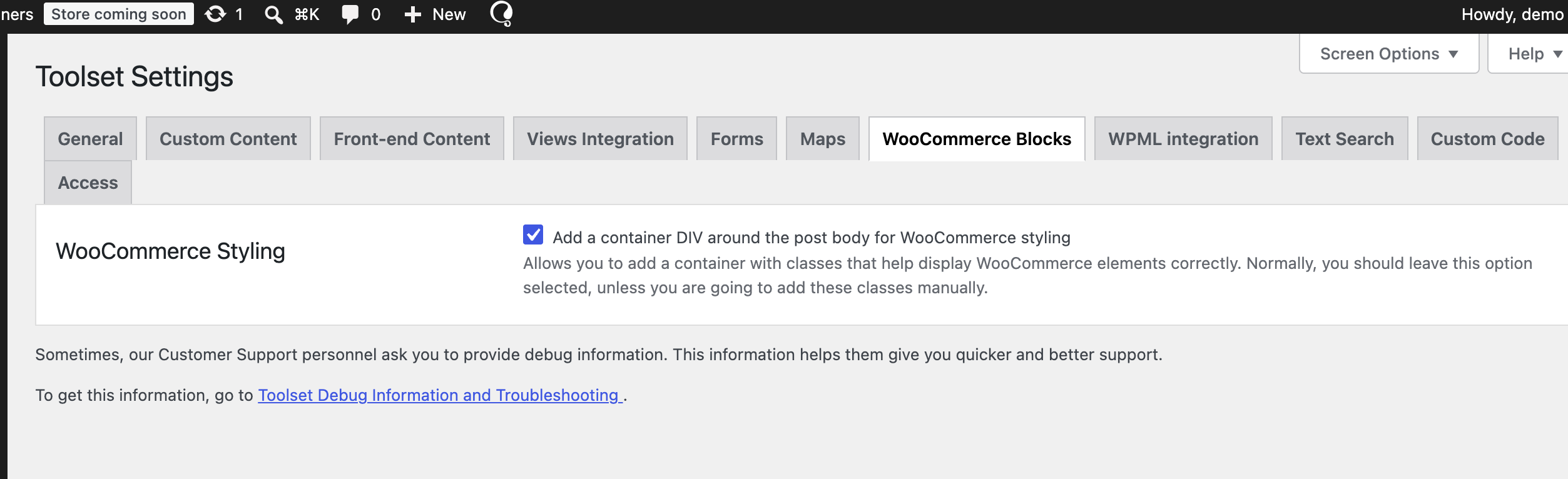
Access the Toolset settings page in the WordPress admin.

Link to a page where the issue can be seen:
wp-admin > Toolset > Settings (WC Styling section) — [insert your site URL here]

I expected to see:
The Toolset settings page loading normally.

Instead, I got:
A fatal PHP error that crashes the settings page entirely. Full error details below:

Error Details
=============
An error of type E_ERROR was caused in line 234 of the file /home/emedia/public_html/wp-content/plugins/woocommerce-views/vendor/illuminate/events/Dispatcher.php. Error message: Uncaught Error: Call to undefined function Illuminate\Events\array_wrap() in /home/emedia/public_html/wp-content/plugins/woocommerce-views/vendor/illuminate/events/Dispatcher.php:234
Stack trace:
#0 /home/emedia/public_html/wp-content/plugins/woocommerce-views/vendor/illuminate/events/Dispatcher.php(188): Illuminate\Events\Dispatcher->parseEventAndPayload()
#1 /home/emedia/public_html/wp-content/plugins/woocommerce-views/vendor/illuminate/events/Dispatcher.php(172): Illuminate\Events\Dispatcher->dispatch()
#2 /home/emedia/public_html/wp-content/plugins/woocommerce-views/vendor/illuminate/view/Concerns/ManagesEvents.php(190): Illuminate\Events\Dispatcher->fire()
#3 /home/emedia/public_html/wp-content/plugins/woocommerce-views/vendor/illuminate/view/Factory.php(137): Illuminate\View\Factory->callCreator()
#4 /home/emedia/public_html/wp-content/plugins/bit-pi-pro/vendor/illuminate/support/helpers.php(320): Illuminate\View\Factory->Illuminate\View\{closure}()
#5 /home/emedia/public_html/wp-content/plugins/woocommerce-views/vendor/illuminate/view/Factory.php(136): tap()
#6 /home/emedia/public_html/wp-content/plugins/woocommerce-views/vendor/jenssegers/blade/src/Blade.php(79): Illuminate\View\Factory->make()
#7 /home/emedia/public_html/wp-content/plugins/woocommerce-views/application/Frontend/Blade_Renderer.php(37): Jenssegers\Blade\Blade->render()
#8 /home/emedia/public_html/wp-content/plugins/woocommerce-views/application/Settings/Sections/WC_Styling.php(52): WooViews\Frontend\Blade_Renderer->render()
#9 /home/emedia/public_html/wp-content/plugins/woocommerce-views/application/Settings/Sections/ASection.php(65): WooViews\Settings\Sections\WC_Styling->render()
#10 /home/emedia/public_html/wp-includes/class-wp-hook.php(353): WooViews\Settings\Sections\ASection->register()
#11 /home/emedia/public_html/wp-includes/plugin.php(206): WP_Hook->apply_filters()
#12 /home/emedia/public_html/wp-content/plugins/toolset-blocks/vendor/toolset/toolset-common/inc/toolset.settings.screen.class.php(99): apply_filters()
#13 /home/emedia/public_html/wp-includes/class-wp-hook.php(353): Toolset_Settings_Screen->settings_page()
#14 /home/emedia/public_html/wp-includes/class-wp-hook.php(377): WP_Hook->apply_filters()
#15 /home/emedia/public_html/wp-includes/plugin.php(523): WP_Hook->do_action()
#16 /home/emedia/public_html/wp-admin/admin.php(264): do_action()
#17 {main}
thrown

This appears to stem from a missing/undefined function (Illuminate\Events\array_wrap) in the bundled Illuminate/Laravel components within the woocommerce-views (Toolset Blocks / Toolset WooCommerce Blocks) plugin, possibly due to a PHP version incompatibility (array_wrap was removed in newer Laravel/Illuminate component versions).

Plugin(s) involved: Toolset WooCommerce Blocks 3.1.6 (woocommerce-views), Toolset Blocks (toolset-blocks)
PHP version: 8.3
WooCommerce version: 11.1.0
WordPress version: 7.1

#2878820

Christopher Amirian
Unterstützer

Sprachen: Englisch (English )

Screenshot 2026-09-13 at 12.01.14 PM.png

Hi,

Welcome to Toolset Support. I checked my installation, but I could not reproduce the error you mentioned.

Therefore, the issue might be related to your installation. Let's check it by following these steps:

- IMPORTANT STEP! Create a backup of your website. An even better approach would be to test this on a copy/staging version of the website to avoid disrupting the live website.
- Go to "WordPress Dashboard > Plugins > Add New > Commercial (tab)."
- Click the "Check for Updates" button.
- Update Toolset and its add-ons there.

After that, follow these steps:

- IMPORTANT STEP! Create a backup of your website. An even better approach would be to test this on a copy/staging version of the website to avoid disrupting the live website.
- Switch to a default theme such as Twenty Twenty by going to "WordPress Dashboard > Appearance > Themes."
- Go to "WordPress Dashboard > Plugins" and deactivate all plugins except:
- Toolset Types
- Toolset Blocks
- WooCommerce
- WooCommerce Blocks
- Check whether you can still reproduce the issue.
- If not, reactivate your plugins one by one and check for the issue each time to identify the plugin causing the problem.

Thanks.

#2879371

Hi Christopher,

Thank you for the troubleshooting steps. I have identified the other plugin, and this is still a bug in Toolset WooCommerce Blocks (woocommerce-views). It is not a general “something on your site” problem.

Confirmed isolation result
- With Bit Flows Pro (bit-pi-pro) active, wp-admin/admin.php?page=toolset-settings fatals.
- With Bit Flows Pro deactivated, the same Toolset Settings page loads normally.
- Toolset plugins, WooCommerce, and the theme were not the variable. Only that one plugin was.

Fatal

E_ERROR: Uncaught Error: Call to undefined function Illuminate\Events\array_wrap()
File: wp-content/plugins/woocommerce-views/vendor/illuminate/events/Dispatcher.php:234
URL: /wp-admin/admin.php?page=toolset-settings

Relevant stack:

woocommerce-views/vendor/illuminate/view/Factory.php(136): tap()
bit-pi-pro/vendor/illuminate/support/helpers.php(320)
woocommerce-views/vendor/illuminate/events/Dispatcher.php(234): array_wrap()
woocommerce-views/application/Frontend/Blade_Renderer.php
woocommerce-views/application/Settings/Sections/WC_Styling.php
toolset-common/.../toolset.settings.screen.class.php

Why you could not reproduce it on a clean install

WooCommerce Views 3.1.6 vendors Illuminate 5.4. Dispatcher::parseEventAndPayload() still calls the global helper array_wrap(). That helper was removed in Laravel 6 (2019). Your own vendor/illuminate/support/helpers.php defines it, but Composer’s files autoload uses a process-wide id for that file:

72579e7bd17821bb1321b87411366eae → illuminate/support/helpers.php

Bit Flows Pro also vendors illuminate/support and loads first (bit-pi-pro before woocommerce-views). Its newer helpers.php still defines tap() (see frame #4) but does not define array_wrap(). Composer then skips WooCommerce Views’ helpers.php because that file id is already marked loaded. When Toolset Settings renders the WooCommerce Styling section via Blade, tap() comes from Bit Flows Pro and array_wrap() does not exist → fatal.

Any plugin that autoloads a Laravel 6+ illuminate/support/helpers.php will trigger the same crash. Bit Flows Pro is just the one on this site.

How to reproduce on your side

1. Clean site with Toolset Types, Toolset Blocks, WooCommerce, and Toolset WooCommerce Blocks 3.1.6.
2. Install and activate Bit Flows (bit-pi) and Bit Flows Pro (bit-pi-pro), or any other plugin that vendors current illuminate/support with Composer files autoload of helpers.php.
3. Open /wp-admin/admin.php?page=toolset-settings.

You should get the same array_wrap() fatal.

What we need from Toolset

Please treat this as a WooCommerce Views packaging/compat bug, not a site-specific conflict.

A real fix would be one or more of:

- Stop calling removed global helpers (array_wrap()); use Illuminate\Support\Arr::wrap() (or equivalent) in Dispatcher.php.
Isolate vendored Illuminate so another plugin’s Composer autoloader cannot steal helpers.php (unique file hashes and/or prefixed vendor).
- Fail safely on the settings screen instead of a white-screen E_ERROR.

Deactivating Bit Flows Pro is only a workaround. We need both plugins active.

Thank you!

#2879469

Christopher Amirian
Unterstützer

Hi,

Thank you for the report. Please note that we do not have official compatibility with the Bit Flows plugin, so we cannot provide support for this conflict.

From what I understand, the core issue is that the plugin loads the Composer package without scoping it. Most likely, because of the naming and load order, it loads before Toolset and causes the issue.

One possible workaround is to add an MU plugin here:

wp-content/mu-plugins/illuminate-helper-shim.php

Inside the illuminate-helper-shim.php file, add:

<?php
if ( ! function_exists( 'array_wrap' ) ) {
	function array_wrap( $value ) {
		if ( is_null( $value ) ) {
			return array();
		}
		return is_array( $value ) ? $value : array( $value );
	}
}

Must-use plugins load before regular plugins, so this defines the function before the Blade render. It reproduces the Laravel 5.4 behavior.

There are two caveats: array_wrap() is the helper exposed by your trace, but other helpers removed in Laravel 6 might appear elsewhere in the same code path. Also, this is an unsupported workaround rather than an official fix from us. Please test it on a staging website first.

Thanks.

#2879789

The mu-plugin you suggested did solve the issue! (or adding it as a code snippet). Thank you!

Would it be a good idea to permanently fix this in Toolset WooCommerce Blocks so that this fatal error wouldn't occur if plugins such as Bit Flows Pro are used?

#2879823

Christopher Amirian
Unterstützer

Hi,

We will check wth our dev team. But it will not be a priority as it is caused by a third-party plugin. I'm glad that the snippet worked or you.

Thanks.