Tell us what you are trying to do?
We used to have a template for job openings, it hasn't worked for the last few months. I tried updating toolset and wordpress, which did not solve the issue.
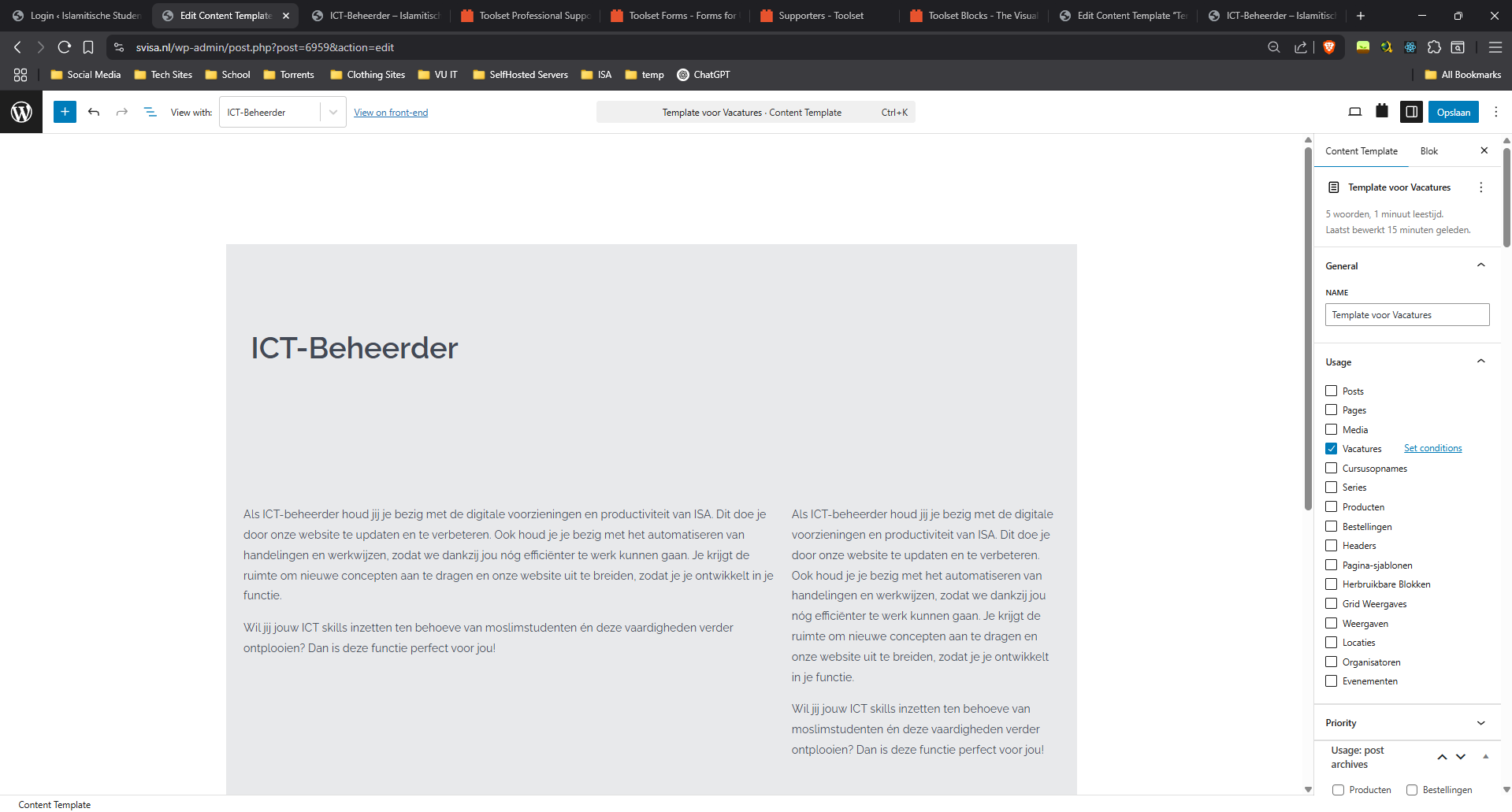
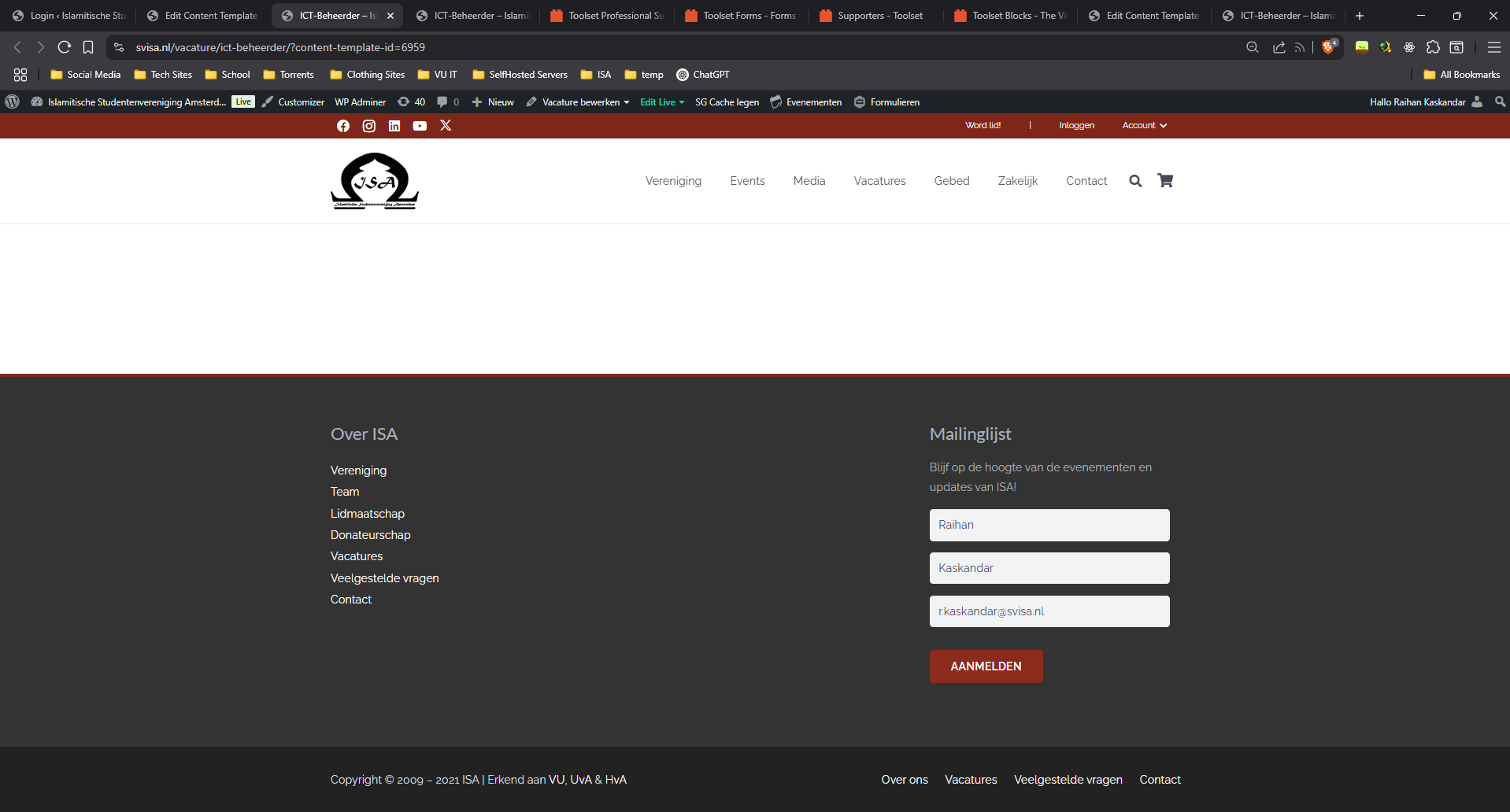
I tried to delete the template and start over. In the template editor, I see the fields added but when I preview the result it is still blank.
Is there any documentation that you are following?
I dont think so
Is there a similar example that we can see?
I'll upload screenshots. As you can see in the editor, it should display some of the blocks. When i press save "Opslaan" and then press "view on front-end" it is still blank.
What is the link to your site? versteckter Link specifically versteckter Link
Hello. Thank you for contacting the Toolset support.
Can you please send me admin access details with details about what content template you want me to check against what post/page.
*** Please make a FULL BACKUP of your database and website.***
I would also eventually need to request temporary access (WP-Admin and FTP) to your site. Preferably to a test site where the problem has been replicated if possible in order to be of better help and check if some configurations might need to be changed.
I have set the next reply to private which means only you and I have access to it.
I see you are using number of third-party plugins as well as most of the plugins are outdated I can see that on your plugins page.
*** Please make a FULL BACKUP of your database and website.***
On your staging site - can you first update all plugins/theme to latest version. Once all plugins are updated.
Could you please try to resolve your issue by deactivating all third-party plugins as well as the default theme to check for any possible conflicts with any of the plugins or themes?
- Do you see any difference?