Navigation überspringen

[Gelöst] Dynamic sources show correctly when editing a templete but no show in front-end

Dieser Thread wurde gelöst. Hier ist eine Beschreibung des Problems und der Lösung.

Problem:

Toolset image block does show image in frontend.

Solution:

There is a known issue when you use Non Latin characters in custom field group name, Currently, please avoid to use Non Latin characters in custom field group name.

Relevant Documentation:

This support ticket is created vor 4 years, 1 month. There's a good chance that you are reading advice that it now obsolete.

This is the technical support forum for Toolset - a suite of plugins for developing WordPress sites without writing PHP.

Everyone can read this forum, but only Toolset clients can post in it. Toolset support works 6 days per week, 19 hours per day.

Sun Mon Tue Wed Thu Fri Sat
- 9:00 – 13:00 9:00 – 13:00 9:00 – 13:00 9:00 – 13:00 9:00 – 13:00 -
- 14:00 – 18:00 14:00 – 18:00 14:00 – 18:00 14:00 – 18:00 14:00 – 18:00 -

Zeitzone des Unterstützers: Asia/Hong_Kong (GMT+08:00)

Dieses Thema enthält 2 Antworten, hat 2 Stimmen.

Zuletzt aktualisiert von yang-anL vor 4 years, 1 month.

Assistiert von: Luo Yang.

Author
Artikel
#2344053
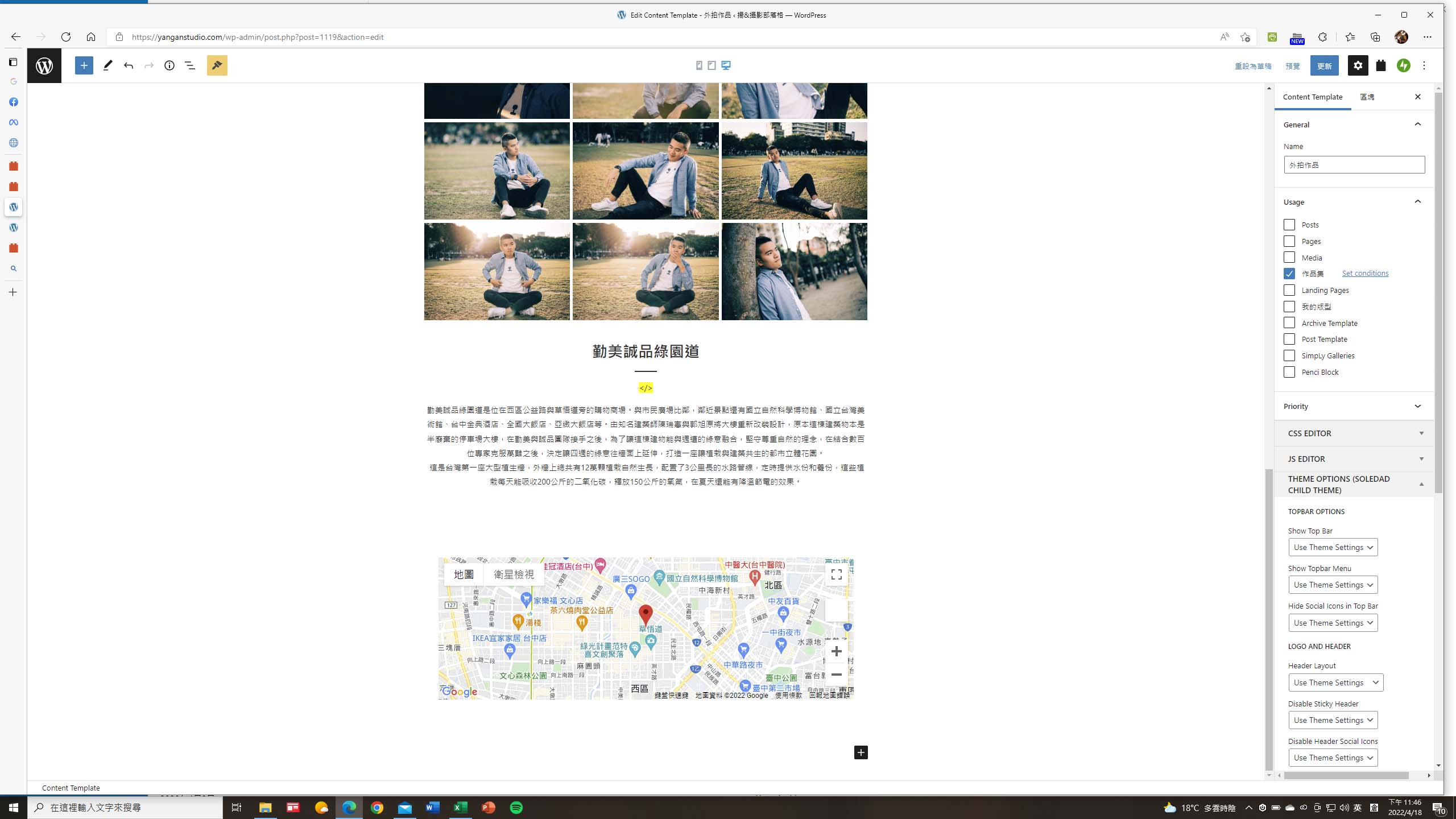
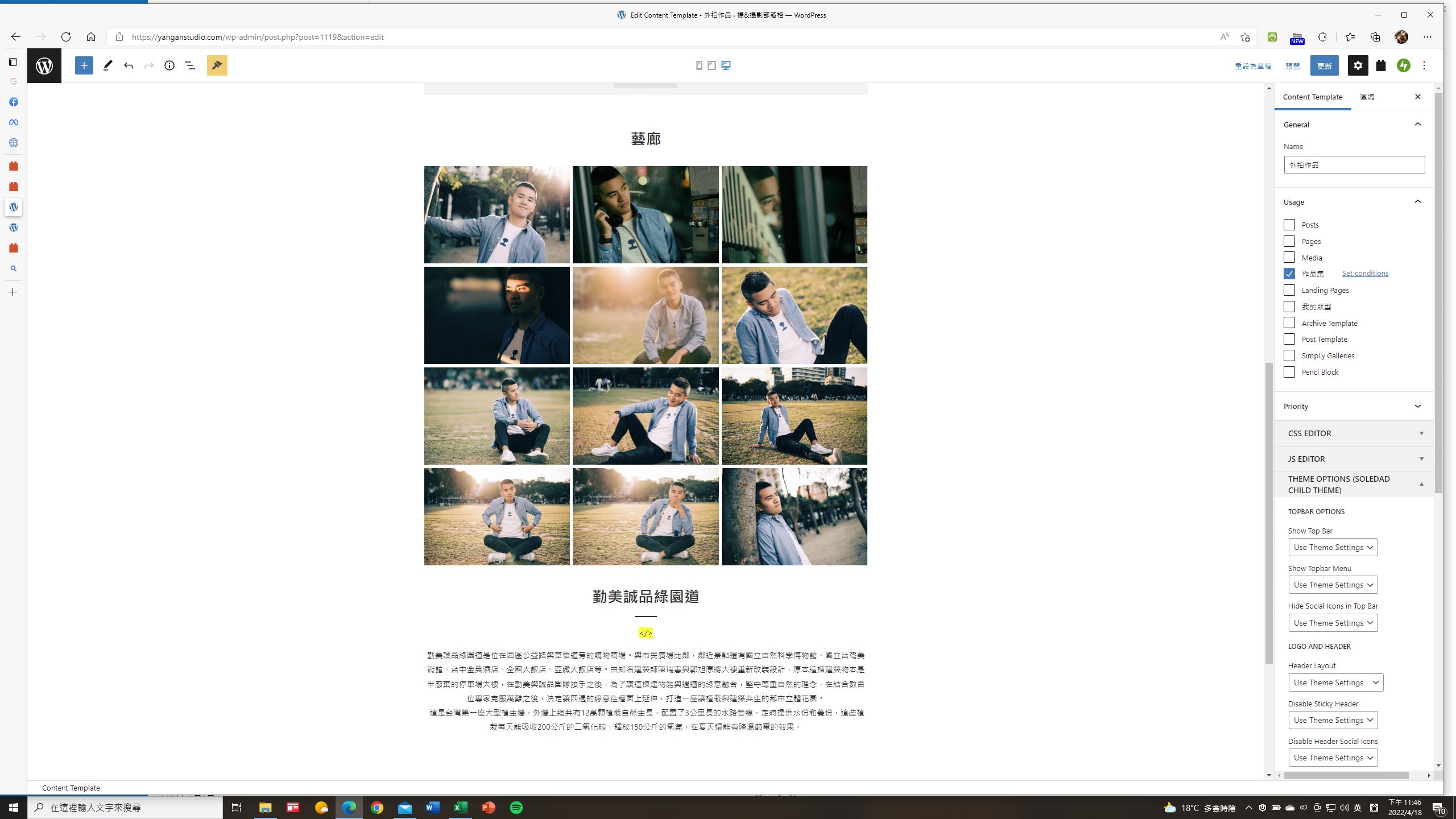
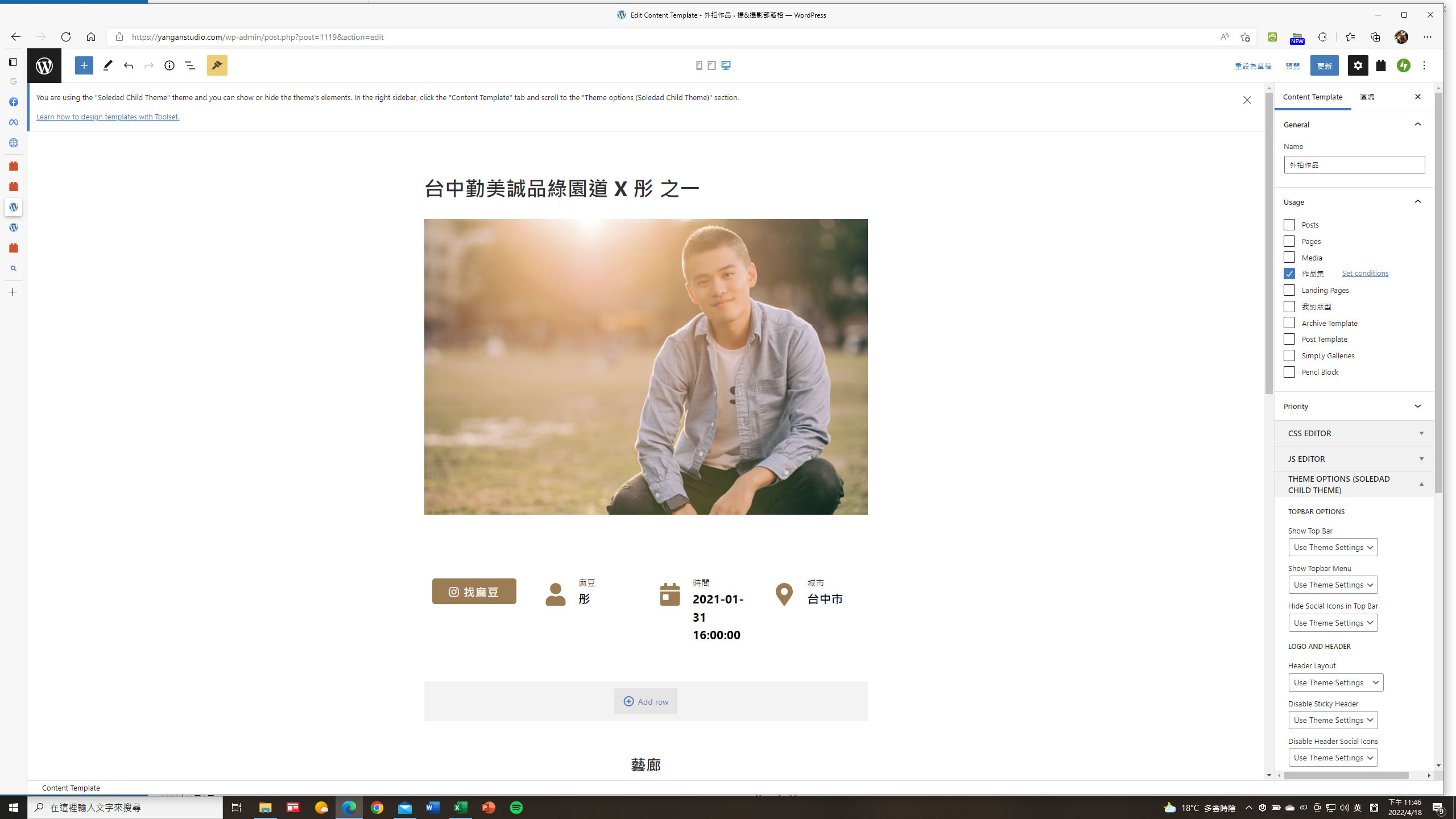
template-editing3.jpg
template-editing2.jpg
template-editing1.jpg
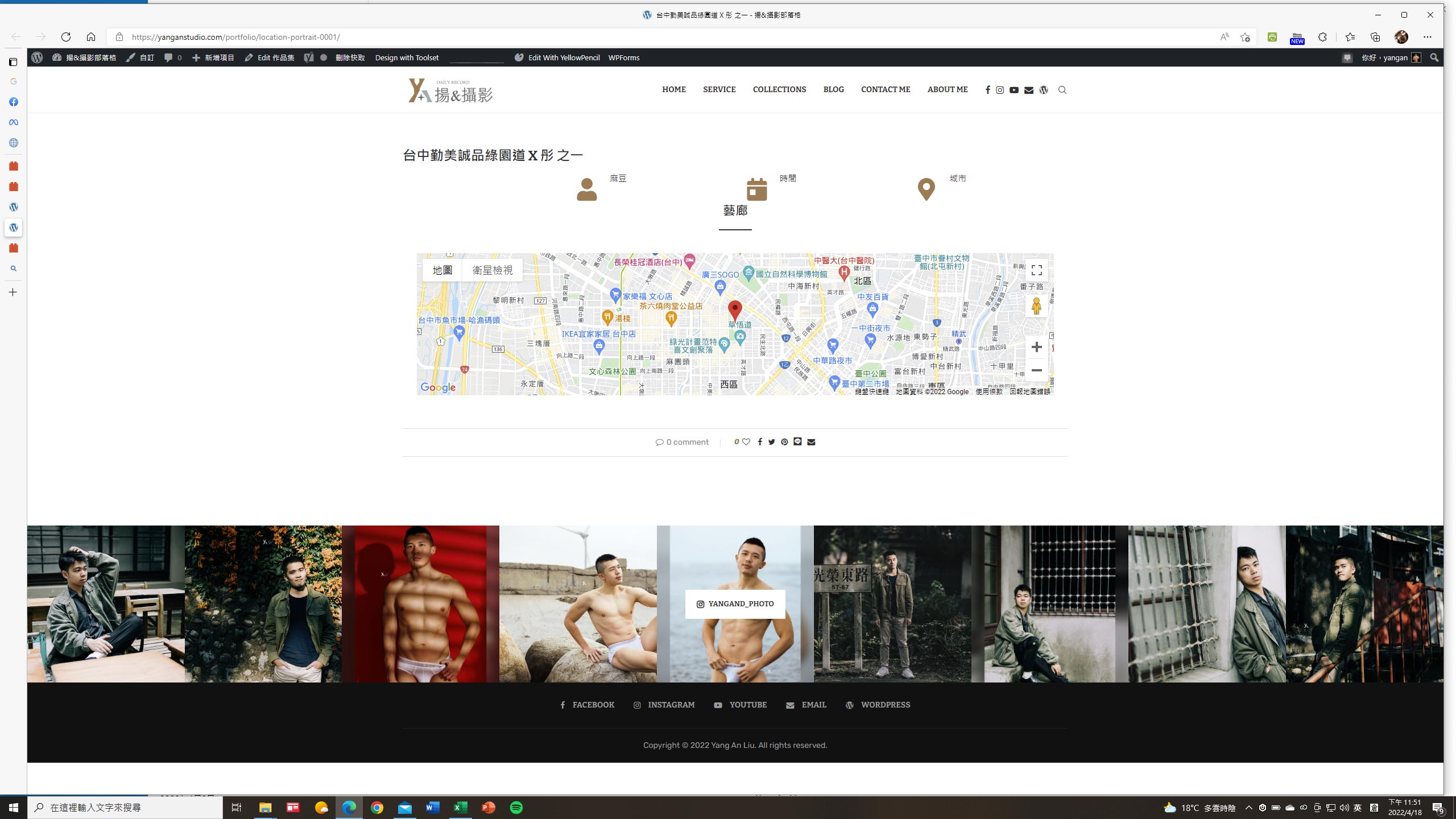
Front-end-post.jpg

I am trying to:
Design a portoflio template for my portofolio post type, and let my posts follow the layout of the template.

Link to a page where the issue can be seen:
This is what I got. Only the map item shows correctly. Other custum fields frome the post don't show.
versteckter Link

I expected to see:
I'd like to see my post in the front-end working like the template, as the uploaded images showed.

Instead, I got:
versteckter Link
As the uploaded image 'Front-end-post' or the link above showed.

#2344385

Hello,

Thanks for the details, there is a known issue when you use non-English characters in custom field group name.

I have done below modifications in your website:
1) Dashboard-> Toolset-> Custom fields, find and edit group "人像作品資料參數":
versteckter Link
change field group name to: Portfolio Group

2) Edit the content template "外拍作品":
versteckter Link
reset the Image block and Gallery block, test it in frontend:
versteckter Link

It works fine, please check if it is fixed, thanks. Currently, please avoid to use non-English characters in custom field group name

#2344985

My issue is resolved now. Thank you!