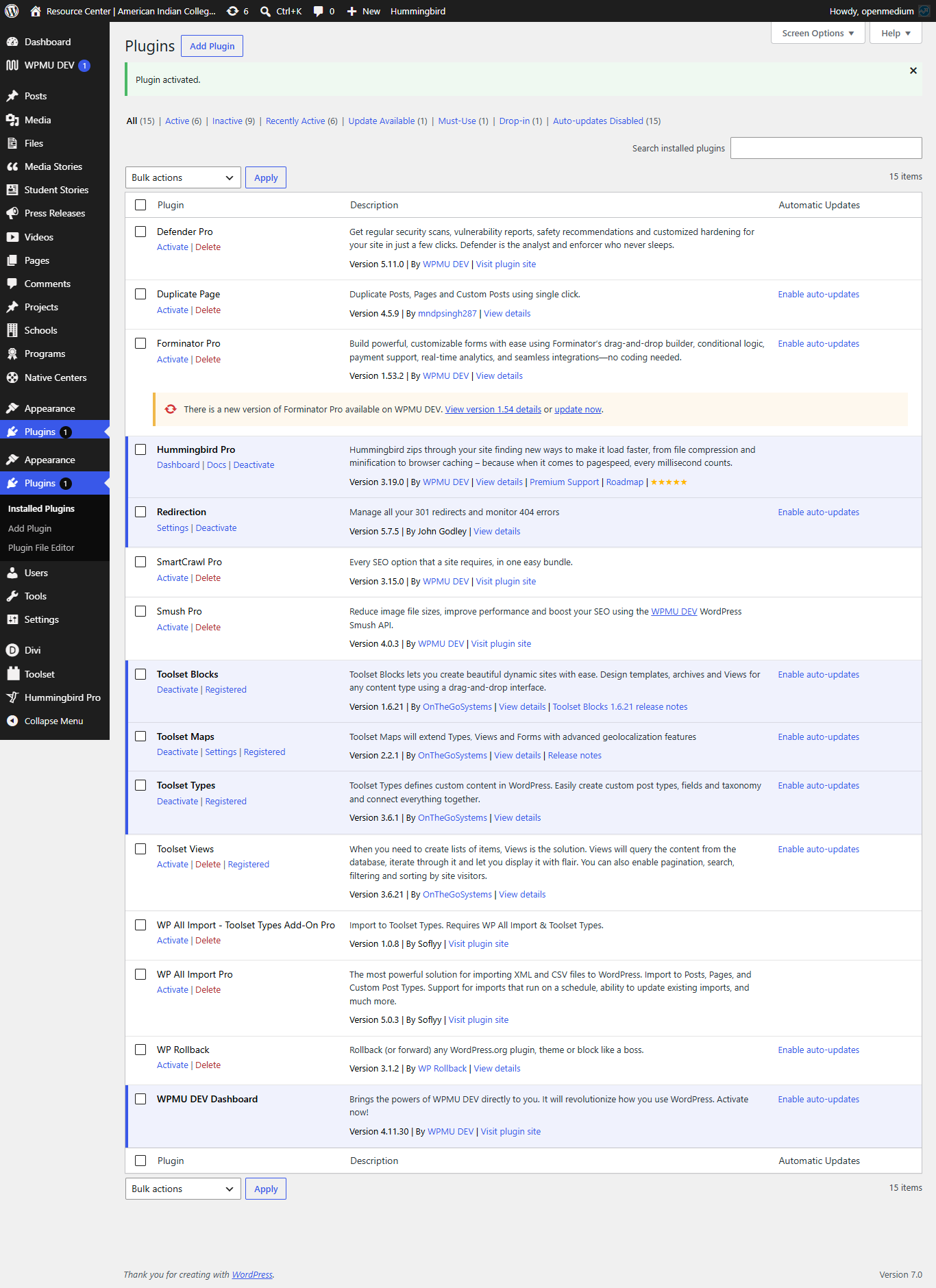
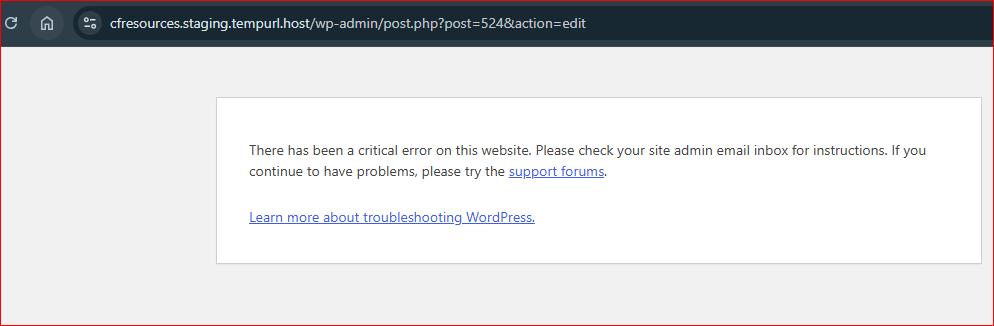
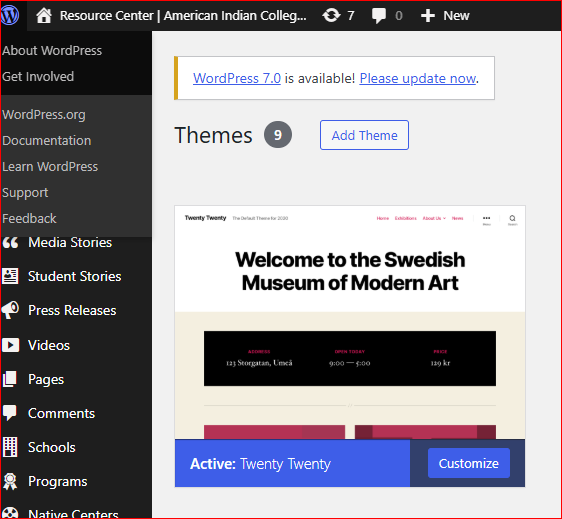
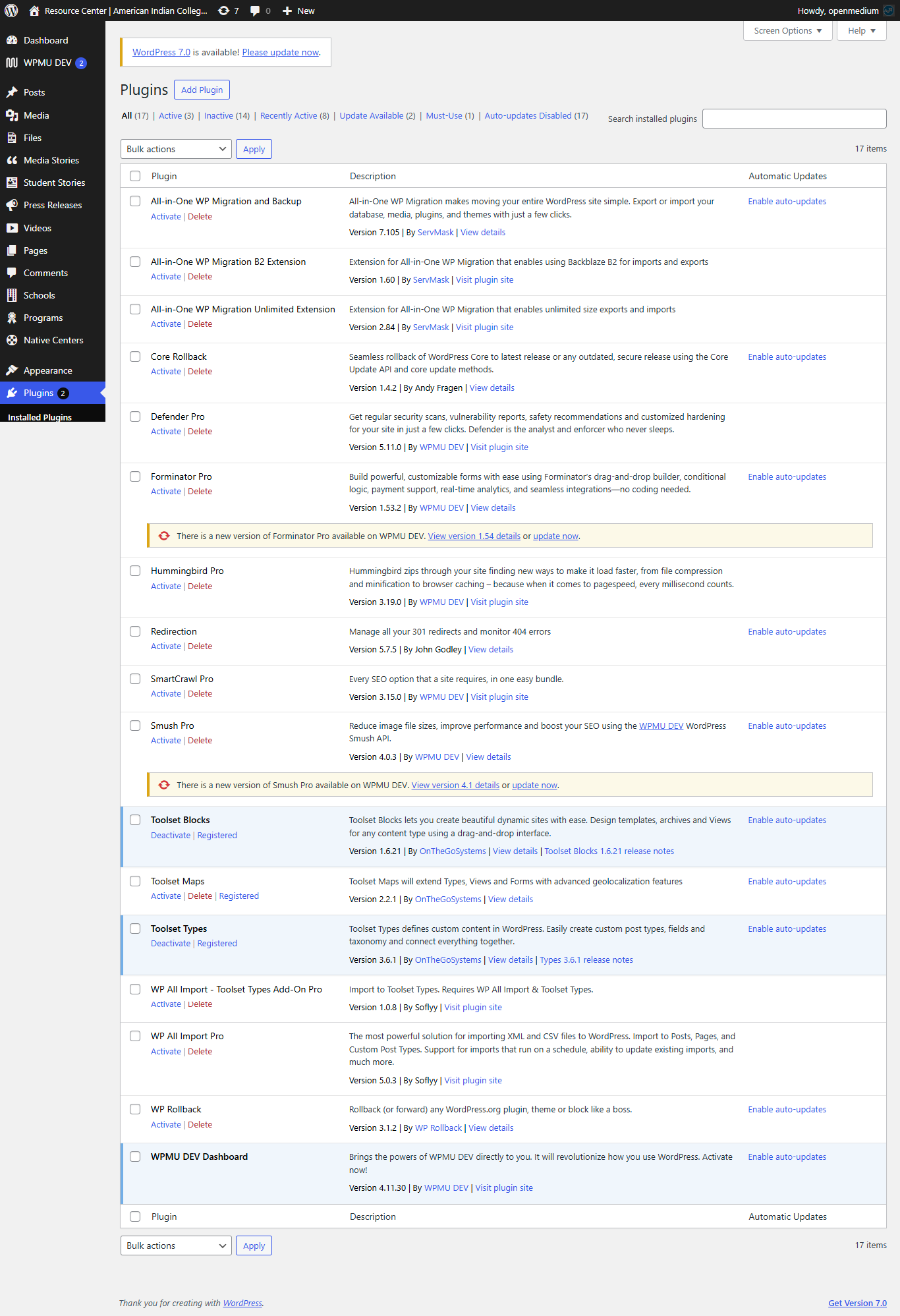
I have been trying to create a Toolset View using the plugins listed below. I have also updated them to the latest versions, but I am still facing a critical error when editing a page:
“There has been a critical error on this website. Please check your site admin email inbox for instructions. If you continue to have problems, please try the support forums.”
Could you please review this issue and let us know if you need anything from my side?
Hello. Thank you for contacting the Toolset support.
You do not share what fatal error you experince.
Can you please share problem URL and admin access details and exact steps I will have to follow that should help me to see the issue.
*** Please make a FULL BACKUP of your database and website.***
I would also eventually need to request temporary access (WP-Admin and FTP) to your site. Preferably to a test site where the problem has been replicated if possible in order to be of better help and check if some configurations might need to be changed.
I have set the next reply to private which means only you and I have access to it.
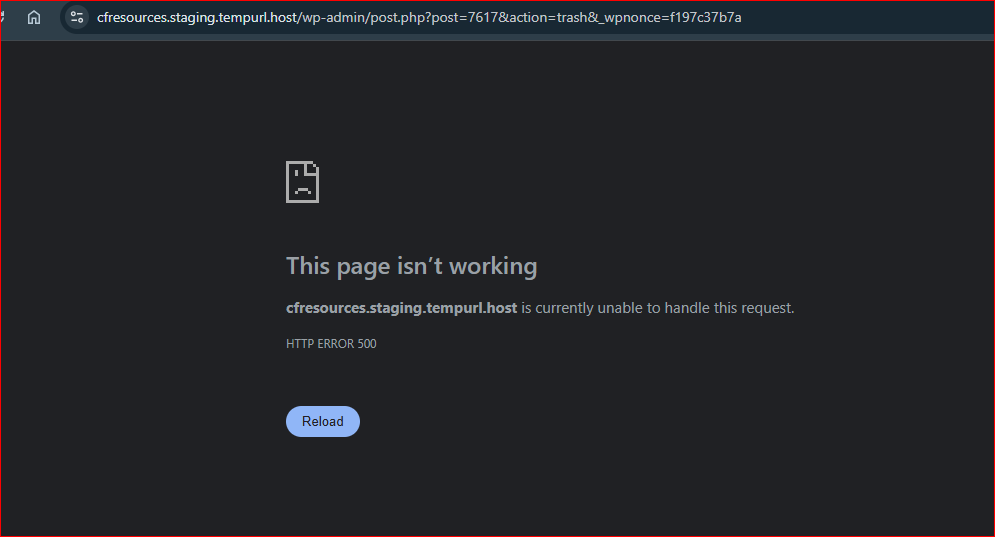
Do you mean you have a page where yoiu have added the Toolset view and you are trying to delete that page directly.
If yes:
- Can you please tell me what pages I can check against. Can you please share those page links or exact steps I will have to follow that should help me to see the issue.
1. Edit and remove this page: versteckter Link
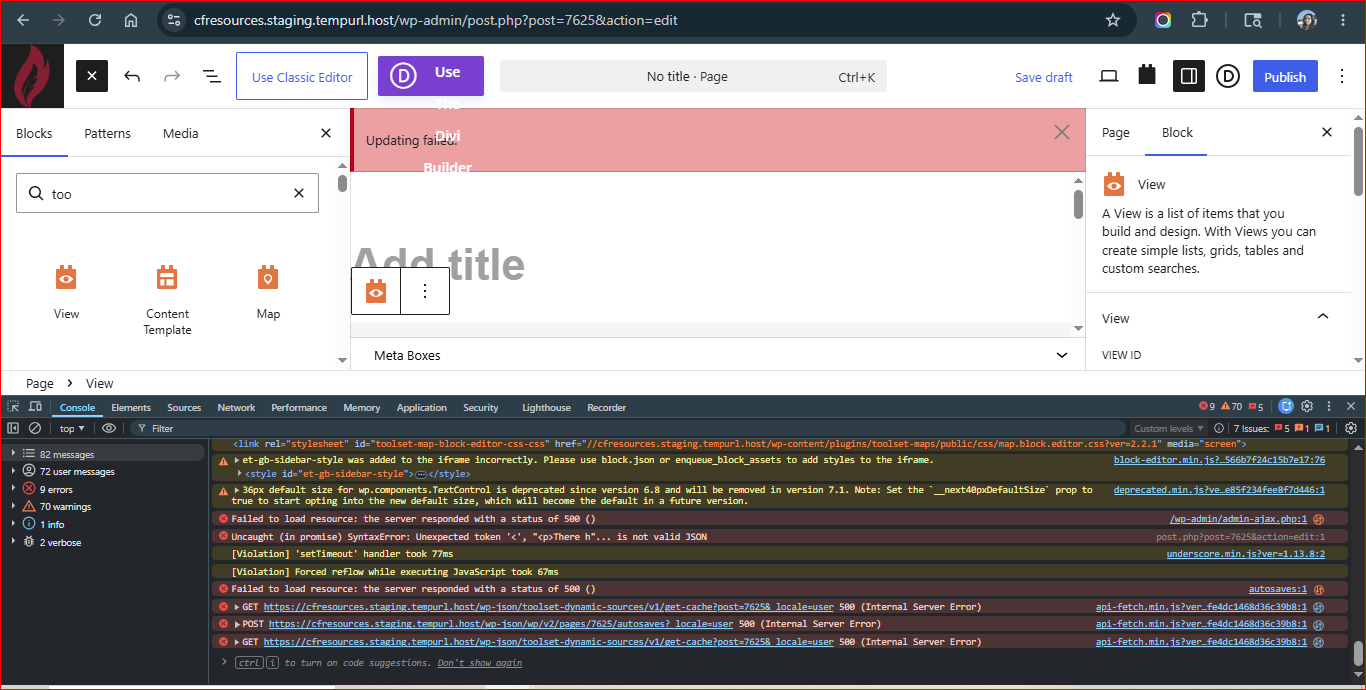
2. Create a new page named "Test Toolset Issue" and add the Toolset View block from the Gutenberg editor.
3. Select the existing view from the dropdown list: "Academic Program Development".
4. After updating the page, you will receive an "Update Failed" message, and an HTTP 500 error will appear in the browser console.
Could you please try to resolve your issue by deactivating all third-party plugins as well as switch to the default theme to check for any possible conflicts with any of the plugins or themes?
- Do you see any difference? If no:
What if you downgrage the PHP version to PHP 8.2.x - do you see any difference?
Also - if you do not add Toolset view block to your page and try to delete the page - do you stil see the issue?
I had already shared the site access with you few days ago for testing this issue.
I have checked all the below steps to resolve this issue but did not find any solution.
- Disabled all plugins except Toolset Plugins, and Activate default WordPress theme
- Reverted WordPress Core from version 7.0 to 6.9.4
- Updated Toolset Blocks, Toolset Maps, and Toolset Types to the latest versions
- Also tested with older versions of the Toolset plugins
- Downgrade and Upgrade PHP version 8.2 to 8.3 and 8.3 to 8.2
- Enabled WordPress debug mode
- Cleared cache and tested again