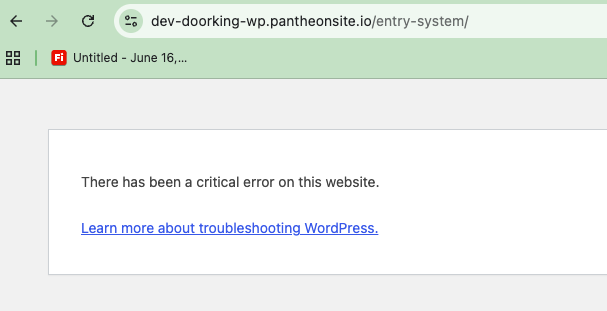
After updating our plugins, our Toolset Archive templates are throwing "There has been a critical error on this website" on the front-end. Single post templates load fine — it's specifically the Archive pages that are affected.
I isolated the cause by deactivating plugins one at a time: deactivating Elementor Pro resolves the issue and the archive loads normally. Reactivating it brings the error back immediately, so it appears to be a conflict between Toolset Blocks and Elementor Pro 4.2.1.
The affected archive templates use a Toolset View that outputs an Elementor template via shortcode (e.g. [elementor-template id="480405"]) in the Loop Output. The archive preview loads fine in the WP admin editor, but errors on the live front-end.
Site URL: versteckter Link versteckter Link versteckter Link versteckter Link versteckter Link
Could you take a look and let me know if this is a known compatibility issue with Elementor Pro 4.2.1, and whether there's a fix or workaround while we wait on an update?