Tell us what you are trying to do?
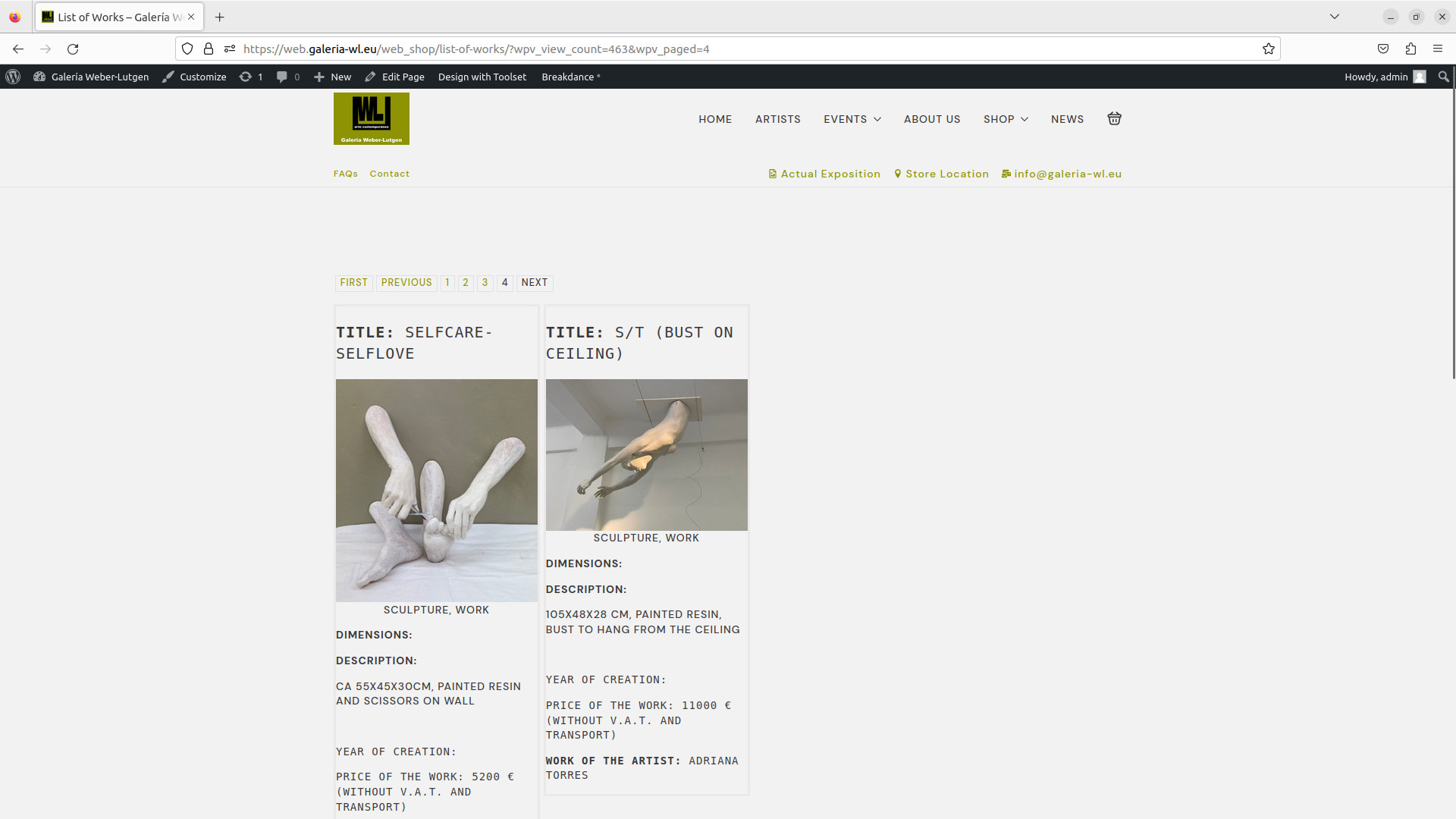
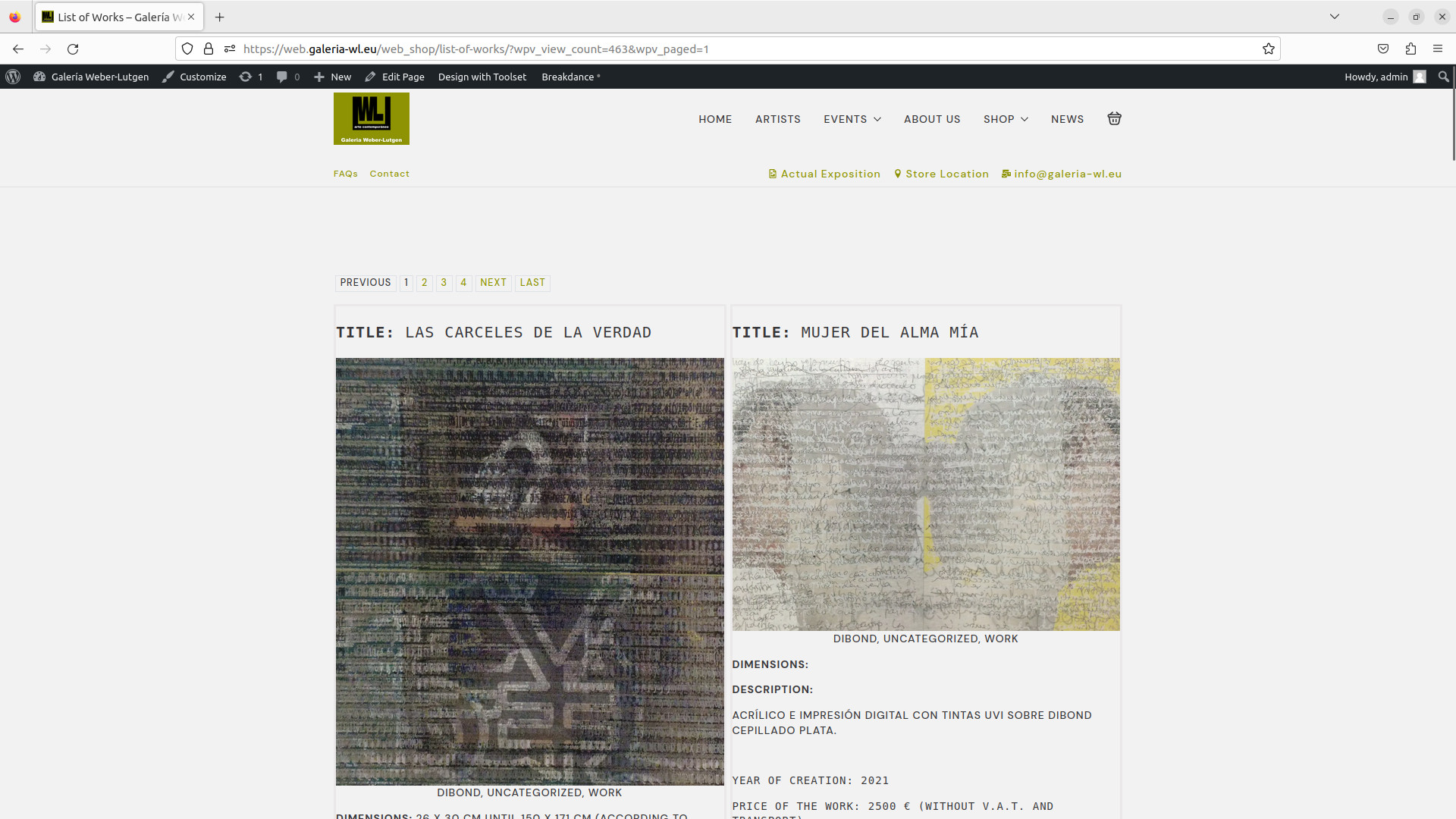
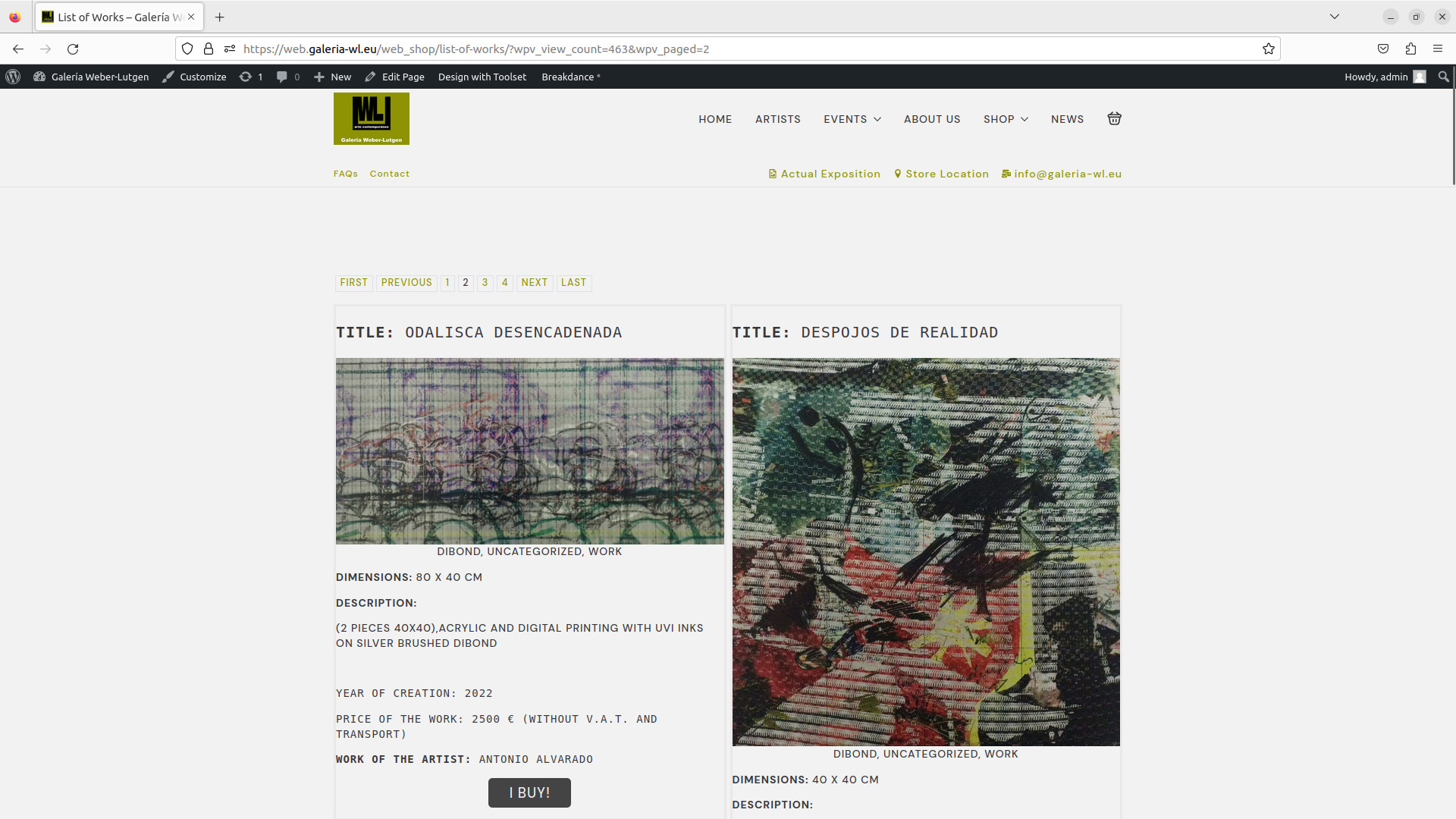
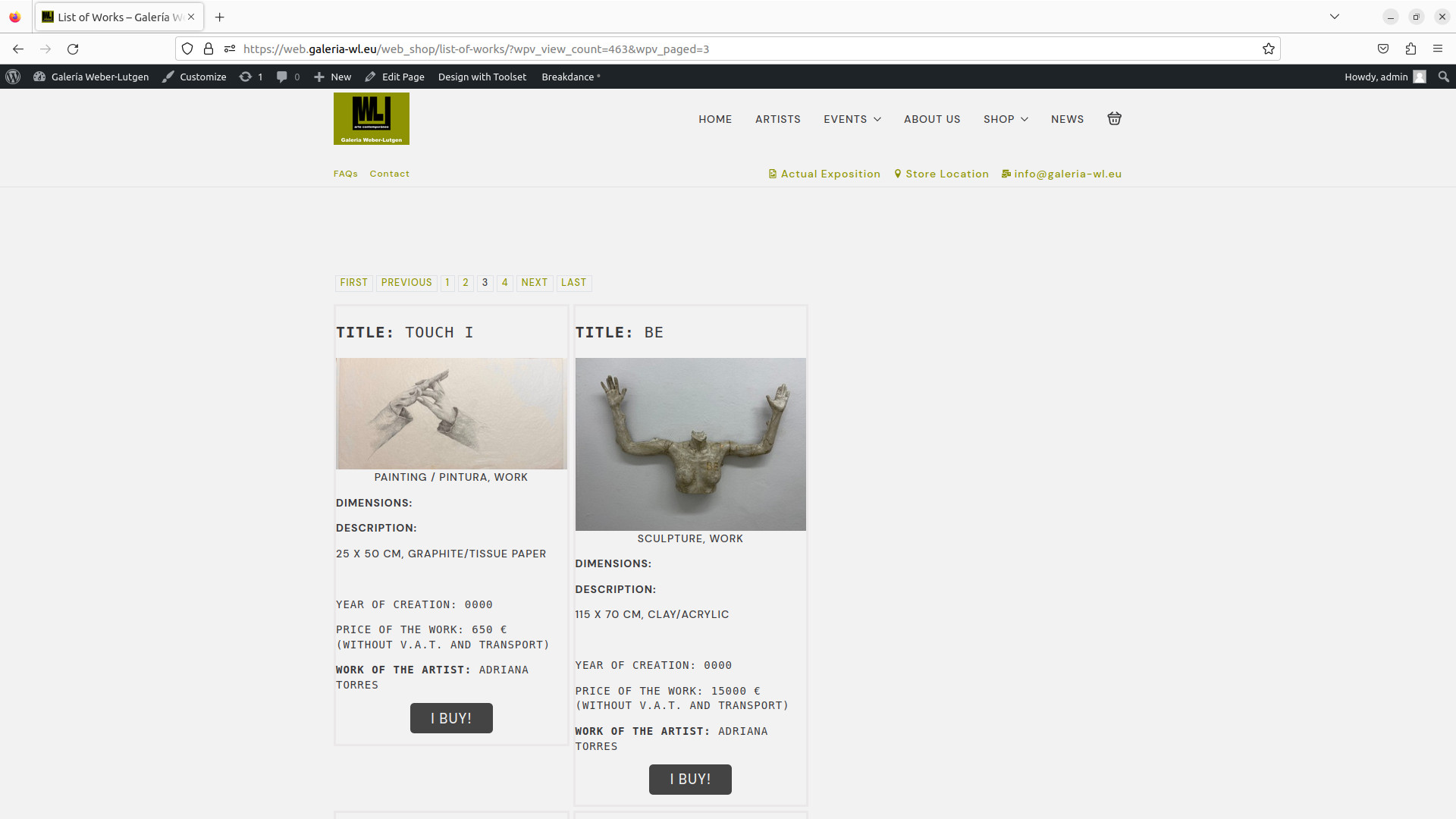
list of works changes column width!
Is there any documentation that you are following?
Is there a similar example that we can see?
What is the link to your site?
versteckter Link
extern3
hi
Minesh Unterstützer
Sprachen:
Englisch (English )
Zeitzone:
Asia/Kolkata (GMT+05:30)
I checked and it seems the issue is due to the CSS added by the plugin "Breakdance":versteckter Link
Following CSS is responsible for the conflict:
.breakdance .bde-code-block {
    max-width: 100%;
    display:flex;
    flex-direction: column;
    align-items: flex-start;
    text-align: left
}
If you remove the following CSS line of code:
Then it works. Can you please adjust it accordingly.
hi Minesh
sorry I still am kind of newbie.
first: I can't figure out where this CSS code is located!
thanks for answer
best
Ed.
I've added the following cod to your view's "Custom JS and CSS" section's JS box:
jQuery(document).ready(function($){

    jQuery("div.bde-code-block-7-101").removeClass("bde-code-block");

});
More info:https://toolset.com/course-lesson/adding-custom-css-to-templates-archives-and-views/#steps-for-adding-css-to-a-view
Can you please confirm it works as expected now.
hi
no it stays the same (I add the link of the page , page 1 and 2 are ok, from the 3rd no more) versteckter Link
I changed from 3 to 2 rows no change ...
still wondering where you put the css code -> investigating now.
I will come back when/if found or not.
The code I shared is added to the view added to the following page:versteckter Link
I can see the 3rd page is working as expected.
If you want the same on another page where you are using another view, then to that view as well you will have to add the following JS code I shared with my previous reply to your view's custom JS section:
jQuery(document).ready(function($){

    jQuery("div.bde-code-block-7-101").removeClass("bde-code-block");

});
hi
it is at the "content template" effectivamente on the right side at the bottom is the space to enter that code
thanks , that solves that problem