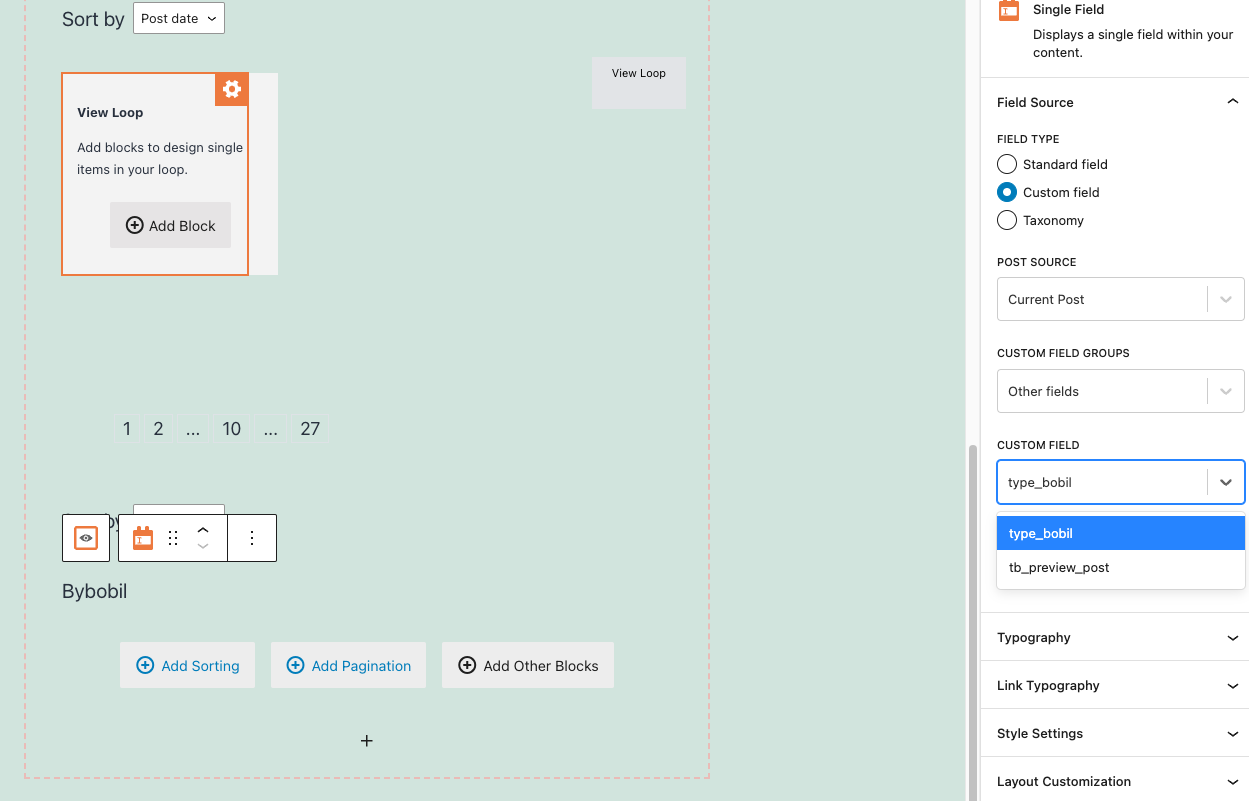
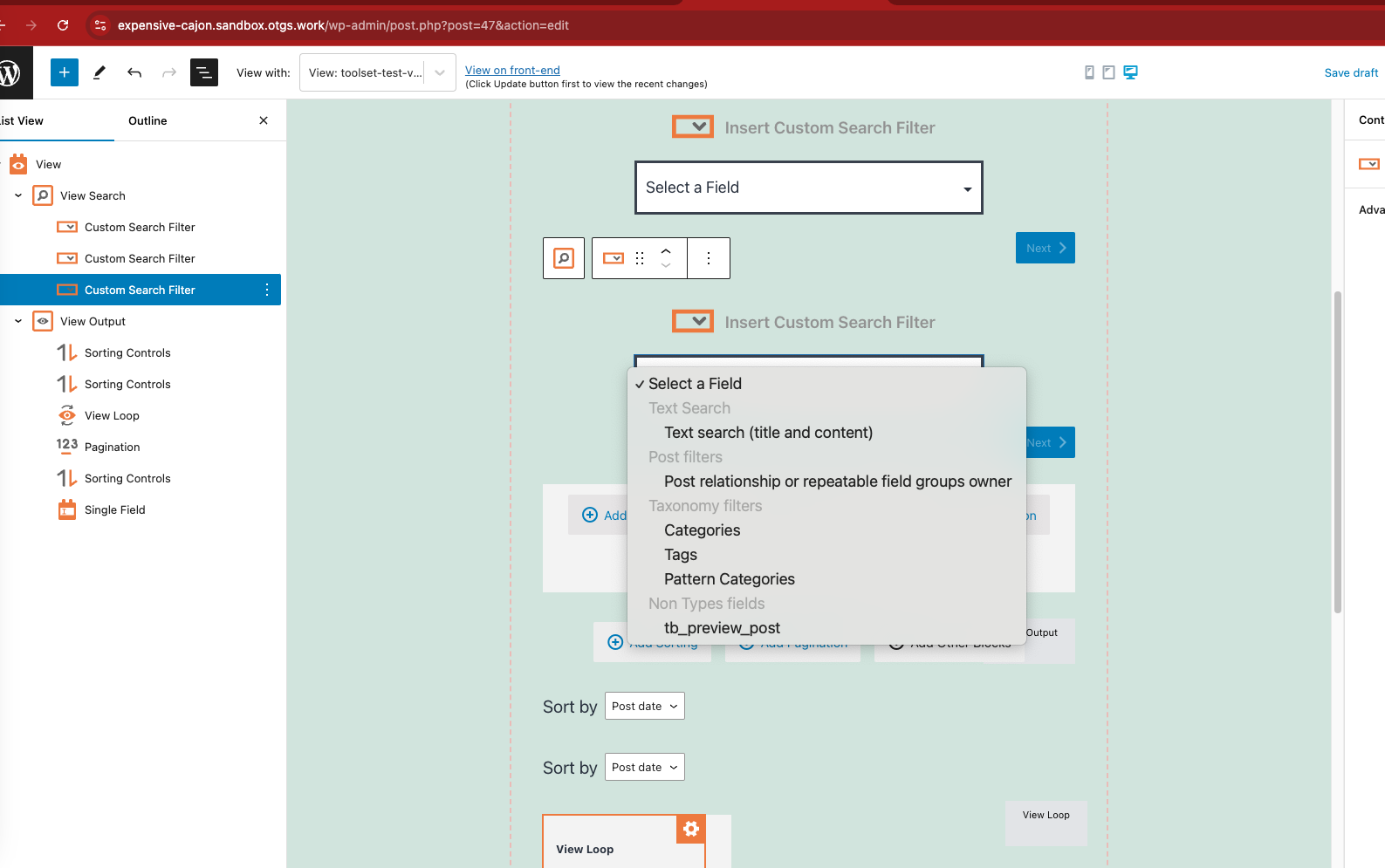
As you can see with the following page at bottom:
=> versteckter Link
Toolset Types only allow fields with names containing lowercase alphanumeric characters, dashes and underscores. The following third party fields are not supported:
, 1. gang reg., Aarsmodell, Ant. sovepl, Antall eiere, Antall seter, Avgiftsklasse, Bredde, Chassisnr, Chassistype, Co2-utslipp, Drivstoff, Effekt, Egenvekt, Farge, Garanti, Garantivarighet, Gir betegnelse, Girkasse, Hjuldrift, Kilometer, Kjøretøyet står i, Lengde, Merke, Modell, Neste EU år, Neste EU mnd, Passengers, Pris, Reg. nr., Salgskode, Status, Sylindervolum, Tilhengervekt B, Tilhengervekt BE, Tilstandsrapport, Totalvekt, Type bobil, Utsalgssted, Utstyr01, Utstyr02, Utstyr03, Utstyr04, Utstyr05, Utstyr06, Utstyr07, Utstyr08, Utstyr09, Utstyr10, Utstyr11, Utstyr12, Utstyr13, Utstyr14, Utstyr15, Utstyr16, Utstyr17, Utstyr18, Utstyr19, Utstyr20, Utstyr21, Utstyr22, Utstyr23, Utstyr24, Utstyr25, Utstyr26, Utstyr27, Utstyr28, Utstyr29, Utstyr30, Utstyr31, Utstyr32, Utstyr33, Utstyr34, Utstyr35, Utstyr36, Utstyr37, Utstyr38, Utstyr39, Utstyr40, Utstyr41, Utstyr42, Utstyr43, Utstyr44, Utstyr45, Utstyr46, Utstyr47, Utstyr48, Utstyr49, Utstyr50, Utstyr51, Utstyr52, Utstyr53, Utstyr54, Utstyr55, Utstyr56, Utstyr57, Utstyr58, Utstyr59, Utstyr60, Utstyr61, Utstyr62, Utstyr63, Utstyr64, Utstyr65, Utstyr66, Utstyr67, Utstyr68, Utstyr69, Utstyr70, Utstyr71, Utstyr72, Variant
So best way is before you import the content using your XML file, you should open the xml file and find and replace the value for the custom fields.
What if you open your XML file and try to find all "Type bobil" and replace with "type-bobil". You should do this for all the fields that has space and then try to run import again and check then if that help you to resolve the issue.