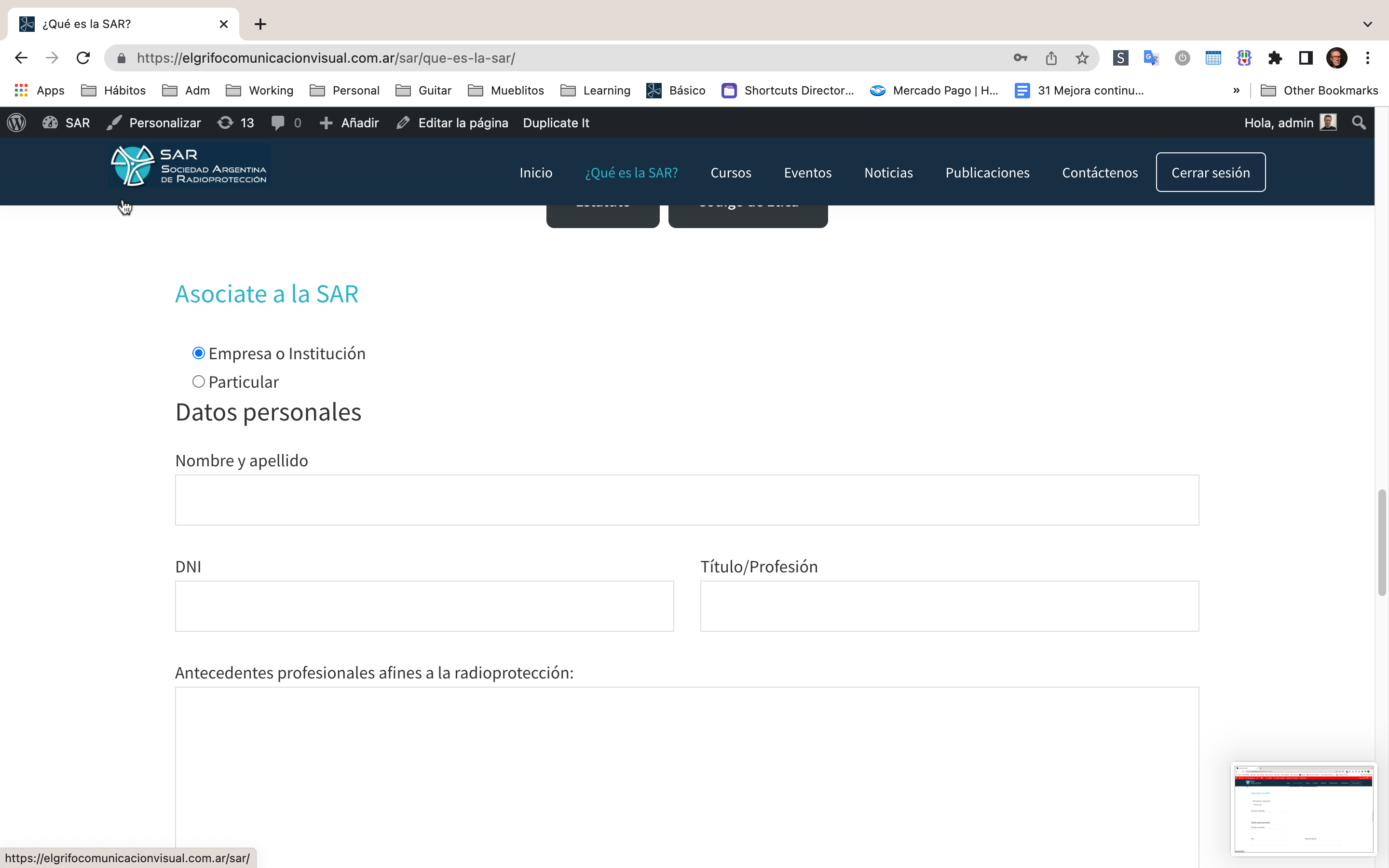
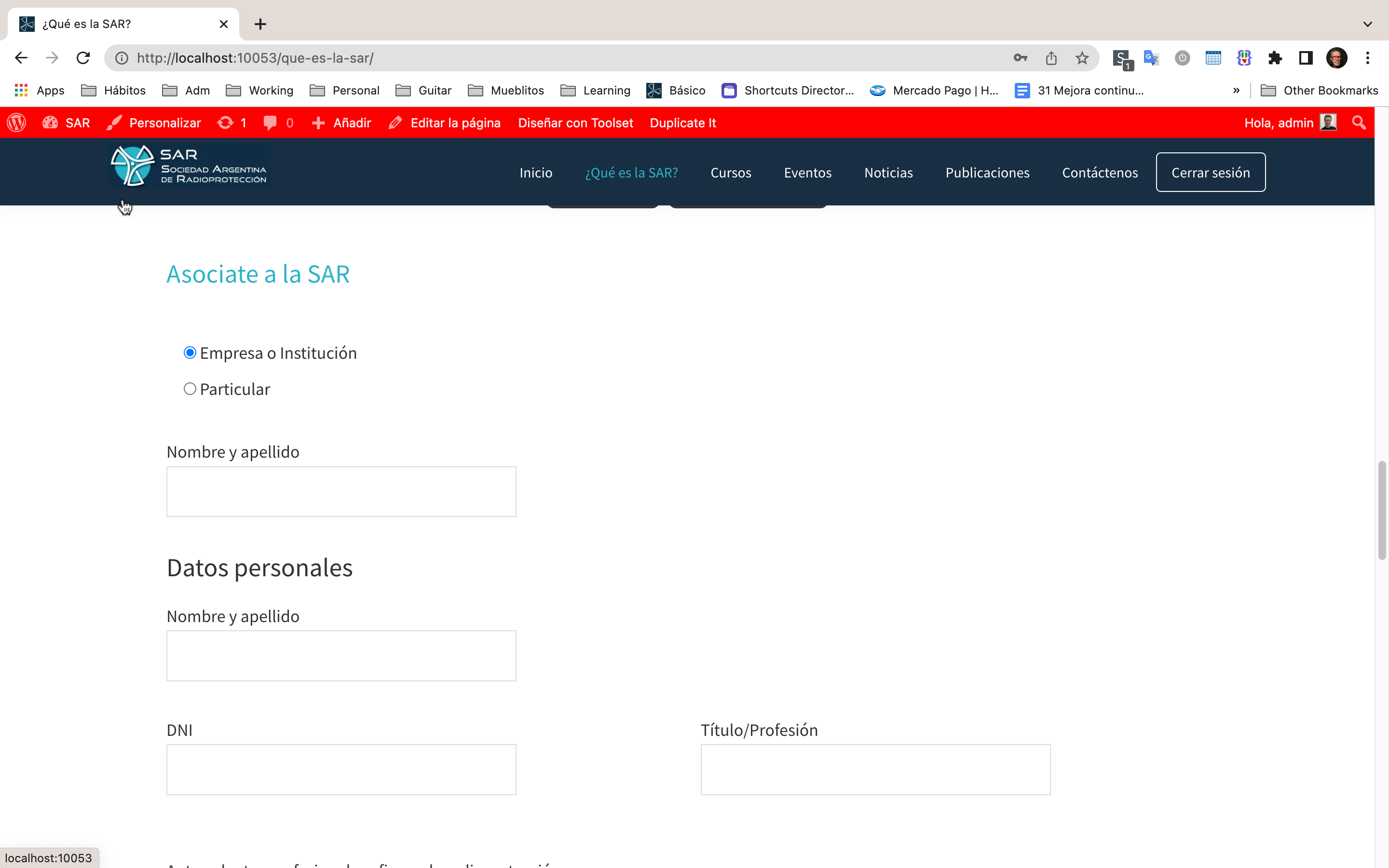
Tell us what you are trying to do?
I'm using Genesis theme form my site.
I have some contact form 7 in my site.
I added some Toolset forms to create cpts.
I enabled Bootstrap 3 or 4 in Toolset Settings
Problem: contact form 7 don't look as I made them.
Is there any documentation that you are following?
I couldn't find similar problem.
Is there a similar example that we can see?
What is the link to your site?
local
Hi Miguel
You have Bootstrap enabled within Toolset settings because you want Toolset form elements (either forms made with Toolset, or filter controls, pagination links etc. of Views to benefit from Bootstrap styling), yes?
But adding Bootstrap affects the styling of your Contact Form 7 forms, correct?
While it is not possible within the settings to only enable Bootstrap on certain pages, one solution would be to dequeue the Bootstrap assets on specific pages (where you have added a Contact Form 7).
See here for an example of code to do that; you would need to modify it so that it takes effect only on the pages you specify (using is_page):
versteckter Link
See: https://developer.wordpress.org/reference/functions/is_page/
Ah!! Great!
I added the snippet to theme functions.php
/**
 * Don't enqueue Bootstrap on "Qué es la SAR" y "Contáctenos" pages
 */
function dequeue_bootstrap(){

if ( is_page( array( 'que-es-la-sar', 'contactenos' ) ) ){

    // dequeue Bootstrap CSS
    function dequeue_bootstrap_css(){
      wp_dequeue_style( 'toolset_bootstrap_styles' );
      wp_dequeue_style( 'toolset_bootstrap_4' );
    }
    add_action( 'wp_print_styles', 'dequeue_bootstrap_css' );

    // dequeue Bootstrap JS
    function dequeue_bootstrap_js(){
      wp_dequeue_script( 'toolset_bootstrap' );
      wp_dequeue_script( 'toolset_bootstrap_4' );
    }
    add_action( 'wp_print_scripts', 'dequeue_bootstrap_js' );

  }

}
add_action( 'wp_enqueue_scripts', 'dequeue_bootstrap', 100 );
And worked perfectly!
Thank you!!