I am trying to:
Edit an Event - which is a type created with Toolset
Link to a page where the issue can be seen:
Backend admin page that shows when I click Edit Event - I'll need to provide an admin login
I expected to see:
Normally we get a form which allows editing of all the Event instance fields
Instead, I got:
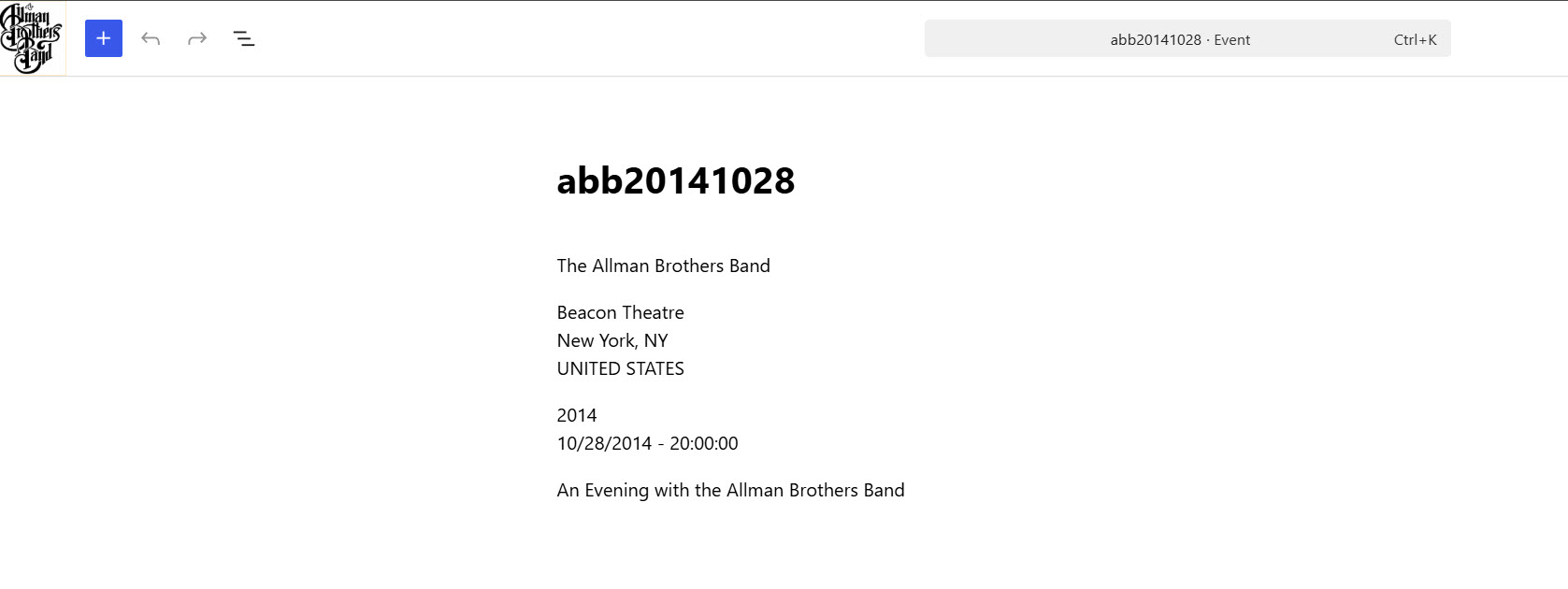
A page (attached) with just the header info and nothing else beneath it where the form normally shows.
The site recently updated to WordPress 7.01
Hello. Thank you for contacting the Toolset support.
Based ono the debug information you shared with us, I found that you are using the outdated Toolset plugins. We always recommond to run your site with latest Toolset plugins.
I suggest you setup a test/staging site where you can update the Toolset plugins to it's latest official release version.
To update the Toolset plugins to latest version:
- Go to Dashboard => Updates and click on the "Check Again" link.
- Go to Plugins → Add New Plugin and click the Commercial tab
- Click Check for updates
- Update your site to the newest Toolset plugins
Alternatively, log into your Toolset Account page, click Downloads in the left sidebar and then click Download Toolset manually. Finally, download the plugins you need, and manually upload them to your site.
If you see everything if working as expected then you can go ahead and update the latest plugins with your live/production site.
I created a staging site, updated all the Toolset plugins to the current versions.
No change in behavior, the problem as stated in the original post to this ticket remains.
Thanks,
Rowland
Can you please share admin access details for your staging site.
*** Please make a FULL BACKUP of your database and website.***
I would also eventually need to request temporary access (WP-Admin and FTP) to your site. Preferably to a test site where the problem has been replicated if possible in order to be of better help and check if some configurations might need to be changed.
I have set the next reply to private which means only you and I have access to it.
Login to Admin dashboard.
Click Events on the left to bring up Toolset type Events.
Click any event to bring it up in the editor. For example, click the first one, abb19701024.
The page only shows a few lines of basic info about the event.
Prior to this bug appearing, you would get an entire page full of form elements that let you edit the event details.
D'oh! That was off the bottom of my browser screen.
Thanks for pointing that out, and sorry for the waste of your time.
Sure seems like a useless update by WordPress but at least now I know.
Thanks again,
Rowland