Startseite›Toolset Professional Support›[In der nächsten Version behoben] A back office page is not displayed (blank page) since the wordpress 6.5 update
[In der nächsten Version behoben] A back office page is not displayed (blank page) since the wordpress 6.5 update
This support ticket is created 2 years, 6 months ago. There's a good chance that you are reading advice that it now obsolete.
This is the technical support forum for Toolset - a suite of plugins for developing WordPress sites without writing PHP.
Everyone can read this forum, but only Toolset clients can post in it. Toolset support works 6 days per week, 19 hours per day.
Sun
Mon
Tue
Wed
Thu
Fri
Sat
-
9:00 – 13:00
9:00 – 13:00
9:00 – 13:00
9:00 – 13:00
9:00 – 13:00
-
-
14:00 – 18:00
14:00 – 18:00
14:00 – 18:00
14:00 – 18:00
14:00 – 18:00
-
Zeitzone des Unterstützers: Asia/Karachi (GMT+05:00)
How I identified the Toolset Block plugin responsible for the bug :
- I deactivated all the plugins and reactivated them one by one, only to find that it was Toolset Block that was creating the bug.
I am trying to:
- access a back office page containing dynamic toolset blocks (images, container, grid...)
Link to a page where the issue can be seen:
- it's in the back office -> "Pages" => "Nos experts"
I expected to see:
- access the content page with blocks and be able to make modifications
Instead, I got:
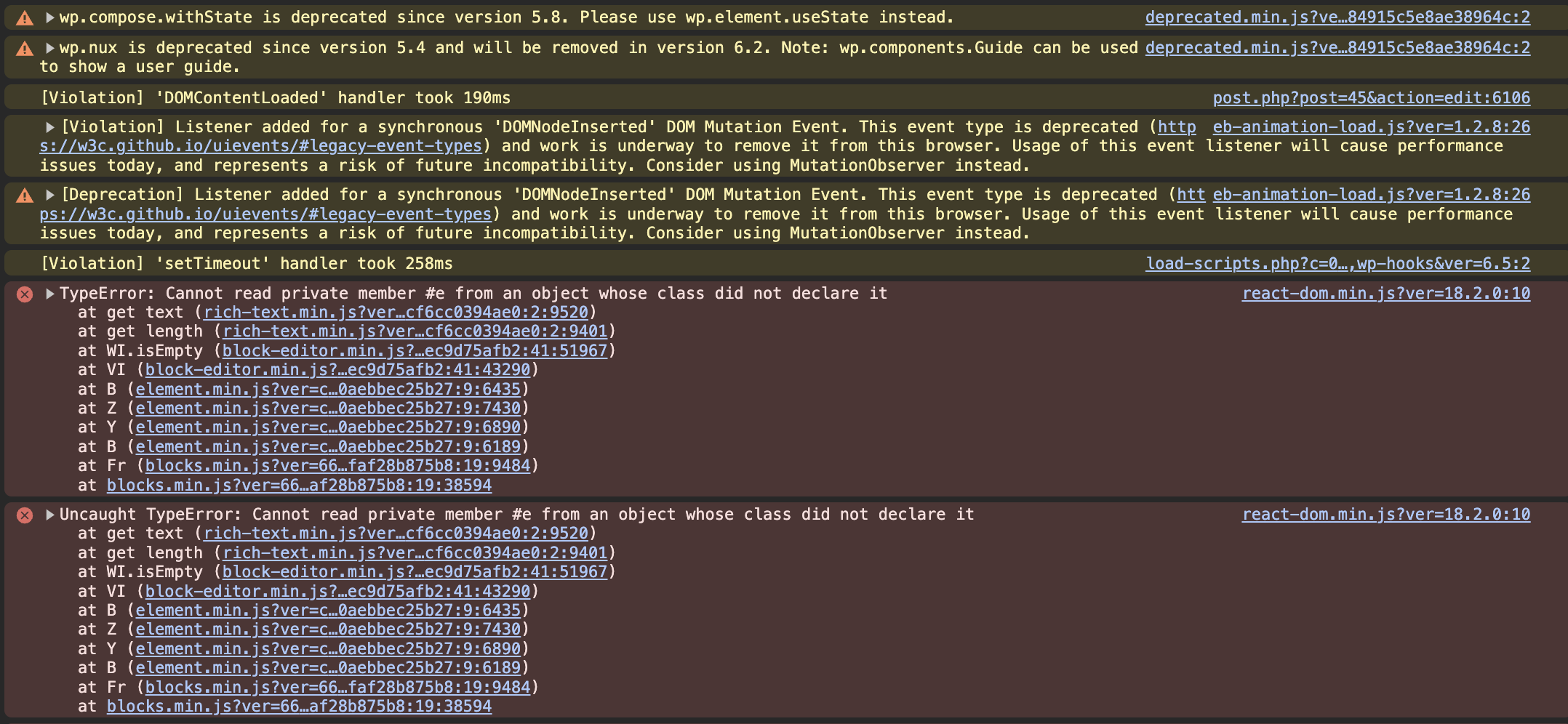
- a blank page with errors in console.
N.B : the front office of this page works
Hello. Thank you for contacting the Toolset support.
This is a known issue to us.
If you need to be able to edit the template or page in the meantime, there is no alternative but to downgrade WordPress to a previous version (e.g. 6.4.3). You could, then, edit the template or page.
I wanted to let you know that we published plugin updates today that include a fix for this issue.
If the updates do not show up on your plugin installer page (click the registered link beneath the plugin name to go to the custom installer page) click the the Check for Updates button to update the list.