Navigation überspringen

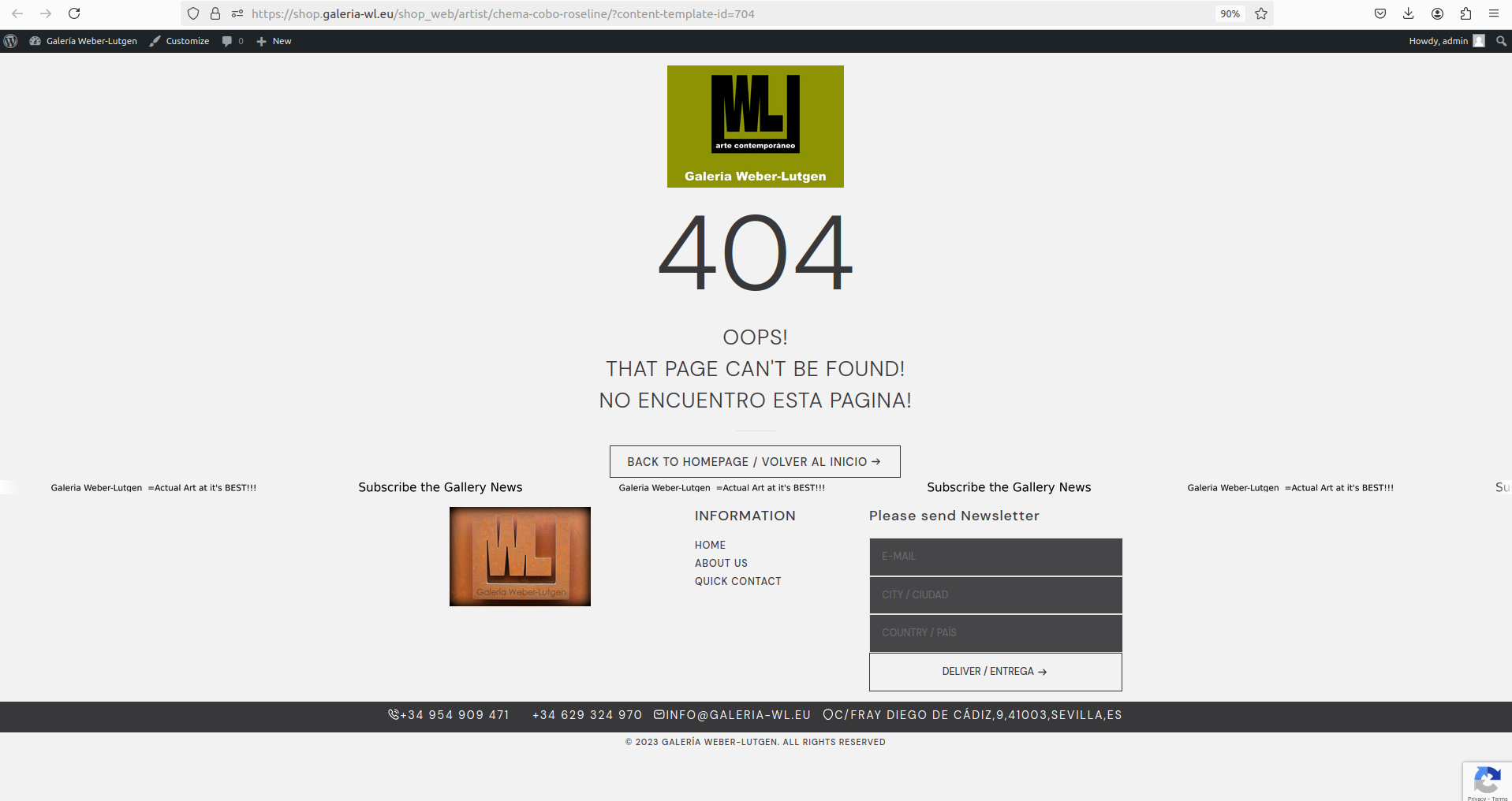
[Gelöst] 404 at "view on front-end" from content template

This support ticket is created vor 1 year, 11 months. There's a good chance that you are reading advice that it now obsolete.

This is the technical support forum for Toolset - a suite of plugins for developing WordPress sites without writing PHP.

Everyone can read this forum, but only Toolset clients can post in it. Toolset support works 6 days per week, 19 hours per day.

Sun Mon Tue Wed Thu Fri Sat
- 10:00 – 13:00 10:00 – 13:00 10:00 – 13:00 10:00 – 13:00 10:00 – 13:00 -
- 14:00 – 18:00 14:00 – 18:00 14:00 – 18:00 14:00 – 18:00 14:00 – 18:00 -

Zeitzone des Unterstützers: Asia/Kolkata (GMT+05:30)

Dieses Thema enthält 3 Antworten, hat 2 Stimmen.

Zuletzt aktualisiert von Minesh vor 1 year, 11 months.

Assistiert von: Minesh.

Author
Artikel
#2702776
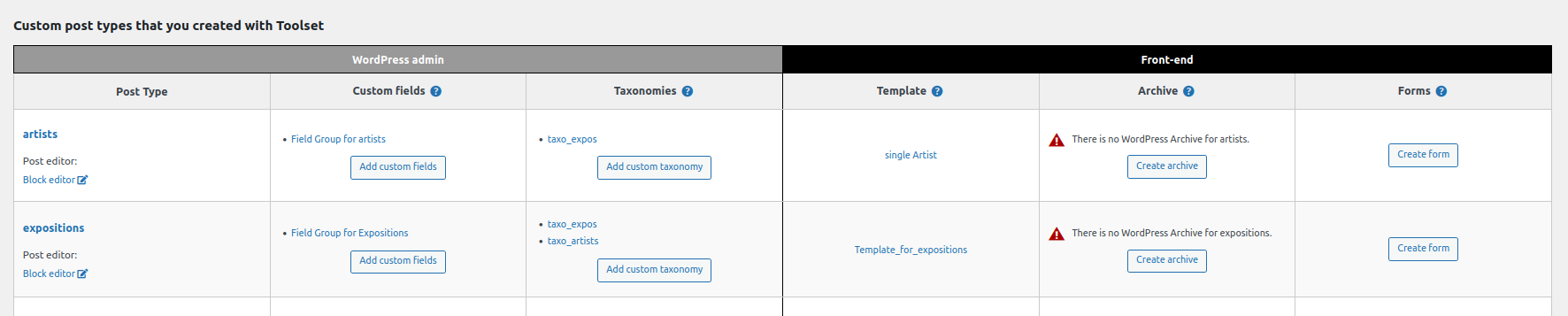
dashboard.png
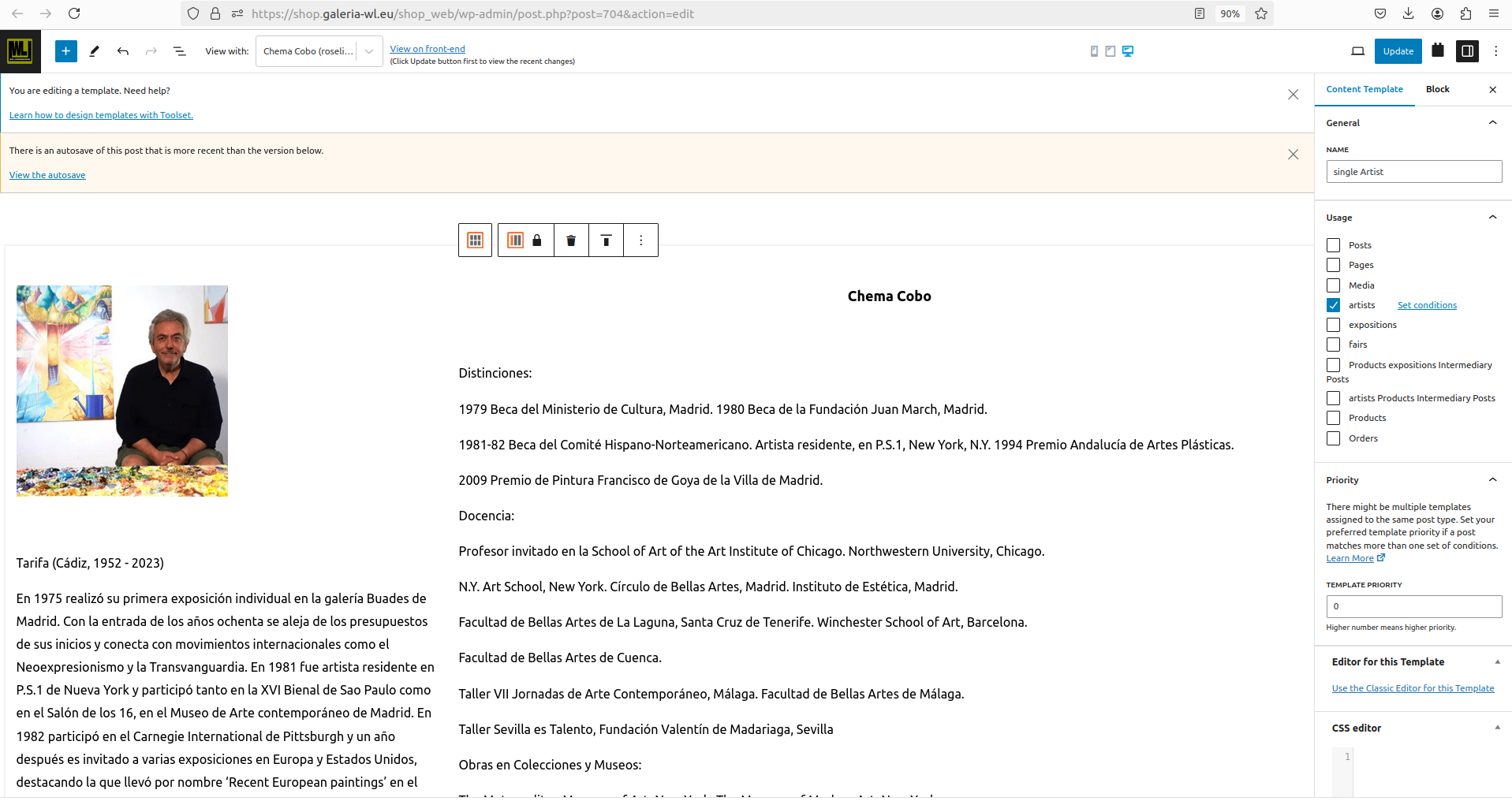
artist.png
404.png

Tell us what you are trying to do?

"view on front-end" from content template

Is there any documentation that you are following?

Is there a similar example that we can see?

What is the link to your site?
versteckter Link

access details removed

#2702966

Minesh
Unterstützer

Sprachen: Englisch (English )

Zeitzone: Asia/Kolkata (GMT+05:30)

Hello. Thank you for contacting the Toolset support.

Can you please check now.

I've tried to resave the permalinks from: Settings => Permalinks

I can see that the "view on front-end" from content template is working now.

Can you please confirm it works as expected.

#2703195

I confirm you did it "very well"
But could you please explain how you did "resave the permalinks from: Settings => Permalinks "

thanks in advance

#2703197

Minesh
Unterstützer

Sprachen: Englisch (English )

Zeitzone: Asia/Kolkata (GMT+05:30)

I just navigate to: Settings => Permalinks page
- versteckter Link

And just click on the "Save Changes" button at bottom of this page.

#2703340

ok

albeit not understanding why/how, will try at next occurrence.

thanks

Ed.