Dieser Thread wurde gelöst. Hier ist eine Beschreibung des Problems und der Lösung.
Problem:
I am experiencing an error when trying to save a content template in Toolset, despite not making any changes. The error appears randomly and persists even after duplicating the template.
Solution:
The issue was traced back to a custom code snippet added in Toolset's settings, which caused a fatal error during the save process. By modifying the custom code to apply only when viewing specific post types , the issue was resolved, and the template can now be saved without errors.
This support ticket is created vor 2 years, 2 months. There's a good chance that you are reading advice that it now obsolete.
This is the technical support forum for Toolset - a suite of plugins for developing WordPress sites without writing PHP.
Everyone can read this forum, but only Toolset clients can post in it. Toolset support works 6 days per week, 19 hours per day.
*** Please make a FULL BACKUP of your database and website.***
I would also eventually need to request temporary access (WP-Admin and FTP) to your site. Preferably to a test site where the problem has been replicated if possible in order to be of better help and check if some configurations might need to be changed.
I have set the next reply to private which means only you and I have access to it.
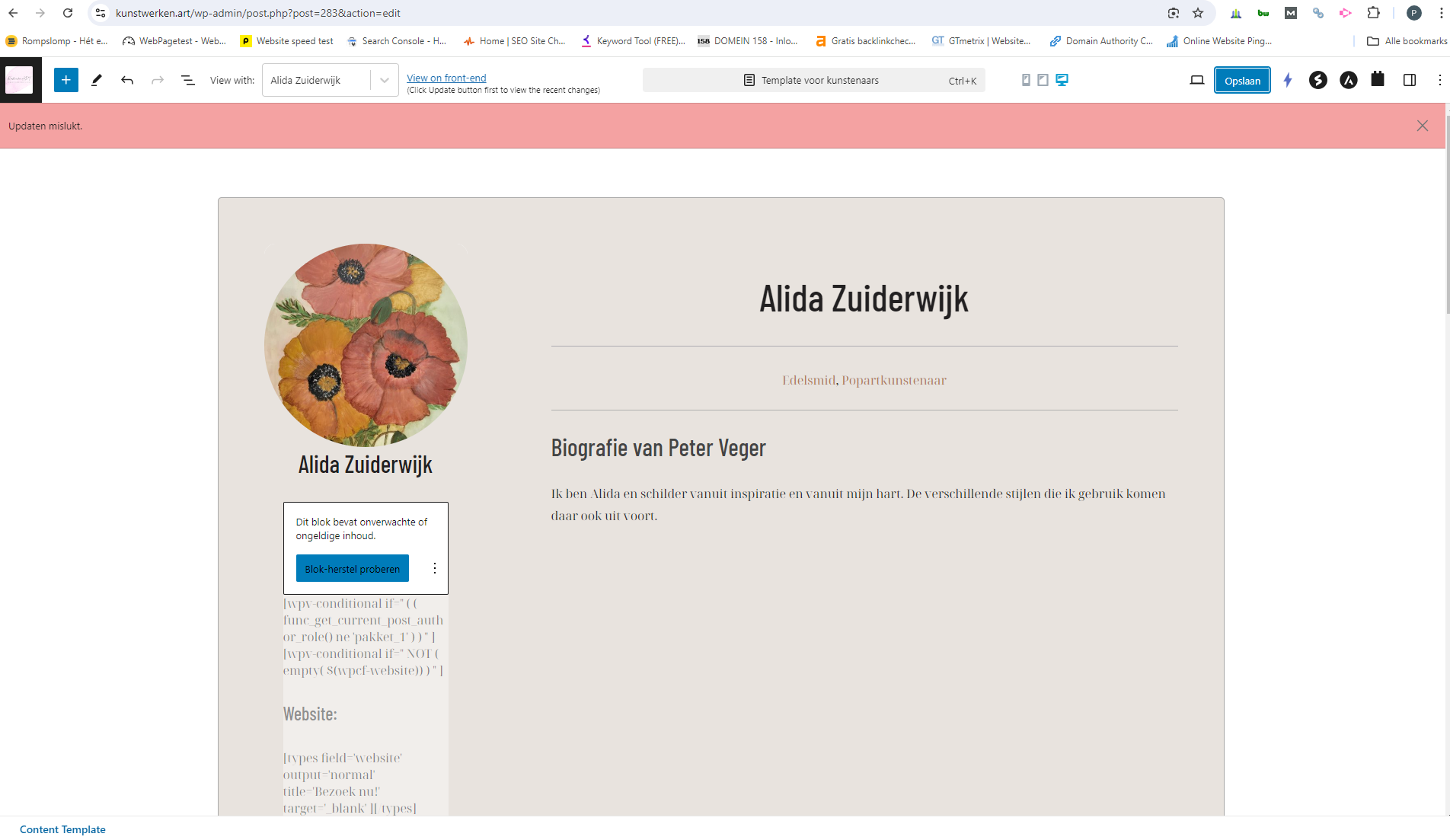
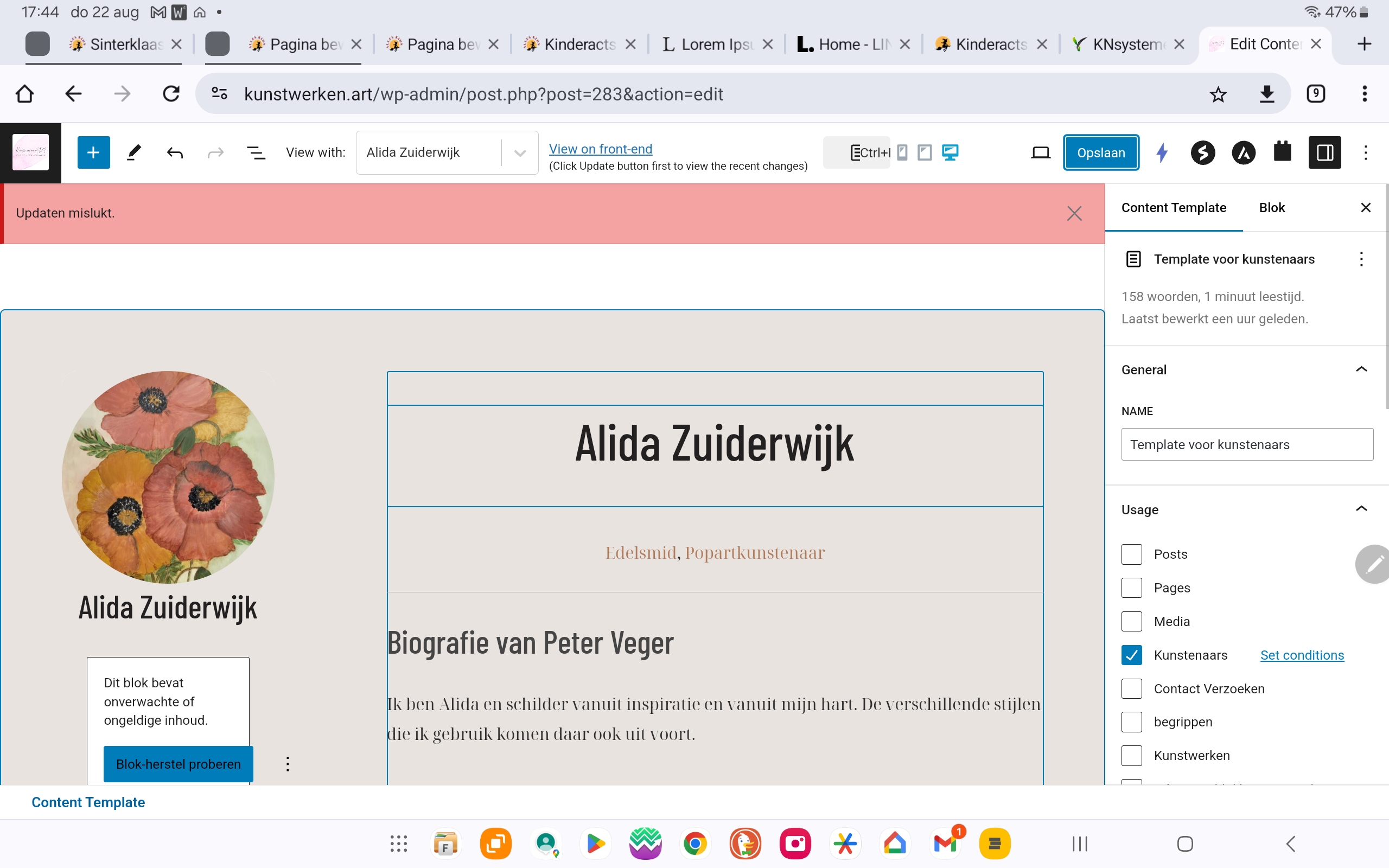
oh, that's weird. Because when i go to that page/template and change nothing and click on update, i get this error. see screenshot. I just tried it again
Minesh is on vacation and I took over the ticket. I logged in and I see the issue. I am not sure why this is happening but it might be a temporary thing.
Would you please go to the content template list in Toolset and hover over the template in question and click the Duplicate option and see if the duplicated template has the same issue?
If so, we will need a staging version of the website to be able to do troubleshooting.
Please set the next reply a private and provide the copy of the website for further investigation.
Sorry for the delay in receiving an update, and for this bouncing around supporters. Christopher has been off sick, and his weekend has now started.
I logged in and took a look, I can see that there are errors shown in the browser console as well as indications that there are server errors, so let me look into those and see if I can identify what is wrong.
I disabled all but the Toolset plugins and edited the template, and didn't see any errors.
I reactivated plugins, trying to isolate if any were responsible for conflicting with Toolset and producing the error, but the errors didn't recur, even after re-activating all of the plugins.
It seems to be working correctly now, if you could please check and verify.
It seems I was testing the wrong template. I also get the error when saving that template.
I did some more testing, and established that the problem occurs because of the custom code you added at Toolset > Settings > Custom Code, which causes a fatal error when trying to save the template.
I disabled the snippet you have active, and that fixed the problem with the template.
I suggest you review the code you added there and change it so that it does what is intended only where and when intended.
It's quite important because now the social media icons are not showing. This paying kunstenaar / artist has these links filled in: versteckter Link versteckter Link
And this is a free account that also has his links filled in, but they should be/stay hidden at the front: versteckter Link
We offer free accounts (users types) and payed accounts. the free accounts should not show their website url and social media accounts at the front page.