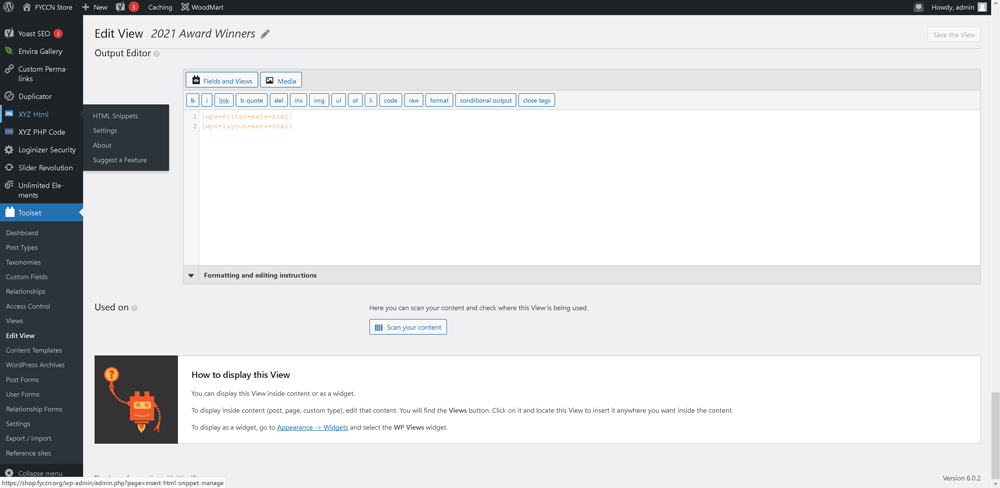
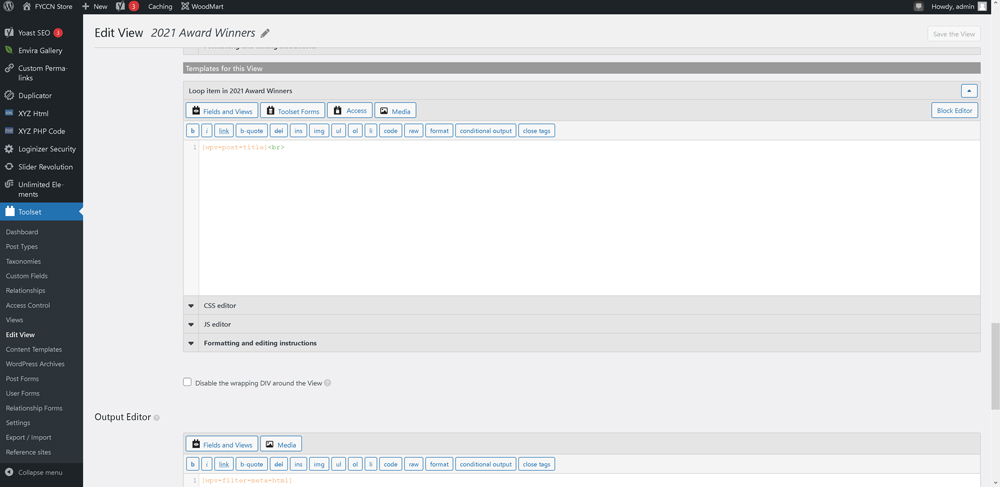
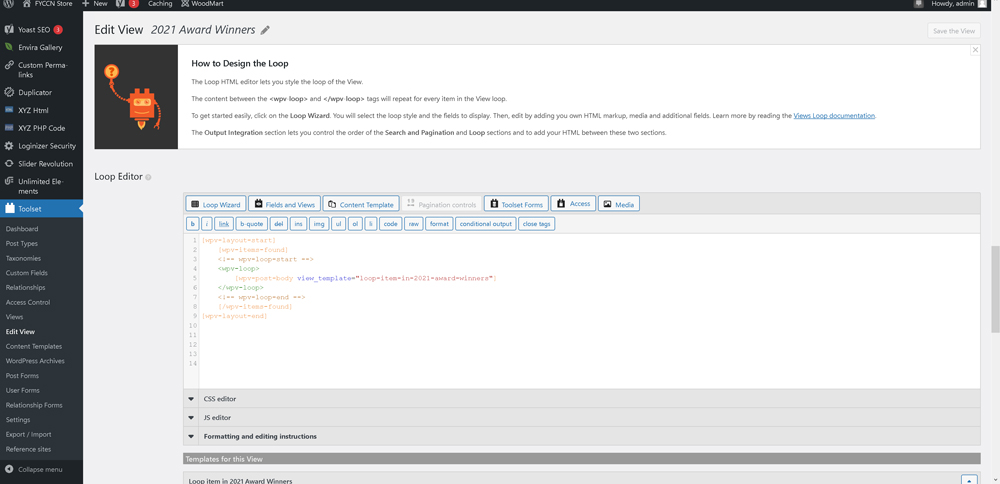
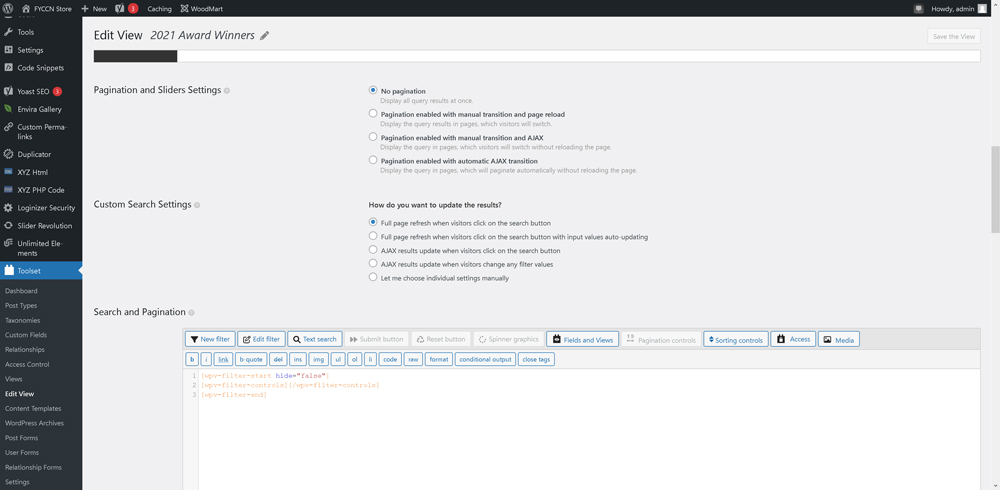
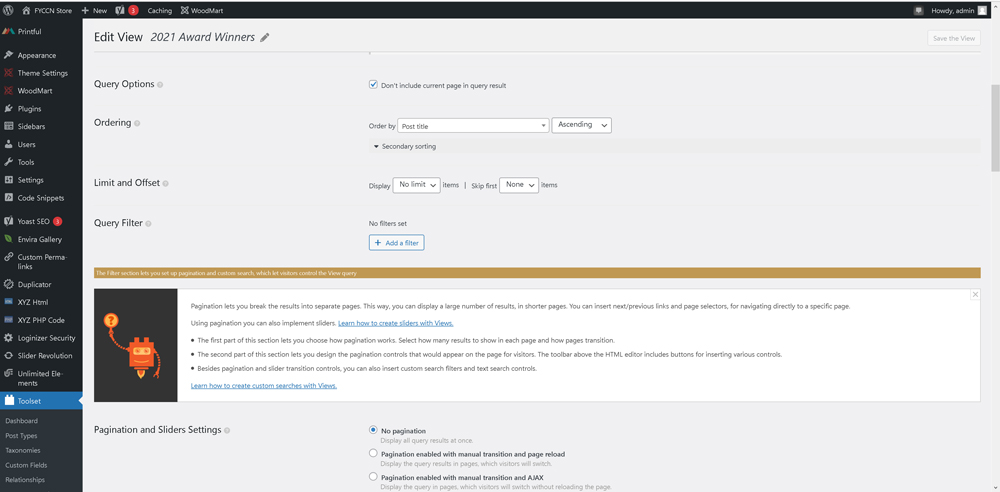
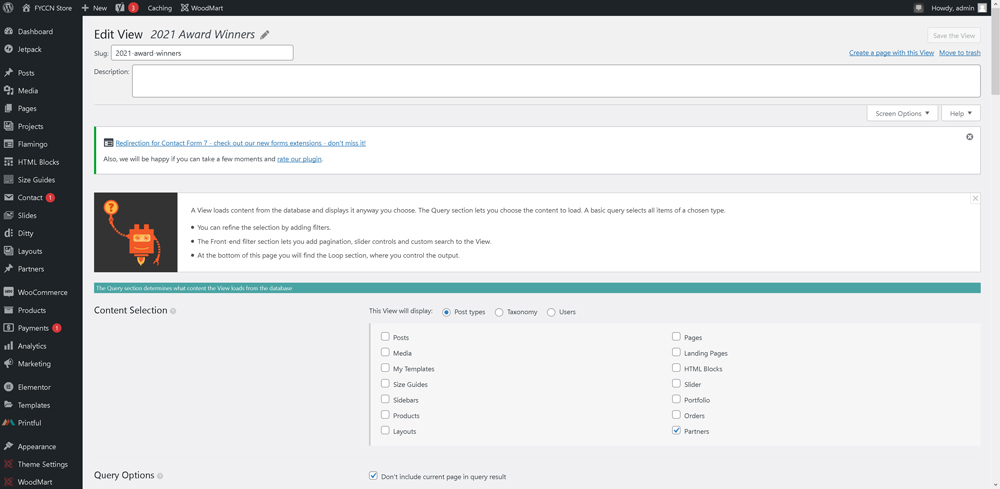
I am trying to set up a simple view that will display site contents on a page and am experiencing baffling results. I have set up a view called 2021 Award Winners. This view should only display Post types of the Partner content type. I've set up a view successfully doing this before on the site. But for some reason this new view is not displaying the correct results. I have it set to only show the Post Title right now just for testing and the results are not correct. It is showing a small number of Post Titles that are Partners, but it is also showing Post Titles from some other content types and it is not showing anything close to all of the Partners.
Right now, I just want to get it to display the correct Post Titles list. Once I have it doing that, I want to add a conditional output that will limit the display to only Partners that have the option 2021 Award Winner selected in a custom field called Partner Awards. Once I have all the correct Post Titles displaying for those Partners that have 2021 Award Winner selected, then I'll add all other fields needed.
But for now, can you assist in just figuring out why the correct Post Titles aren't displaying on the simplest version of this View? The page where I have this view displaying is here:
enlace oculto
The view setup is here:
enlace oculto
Another page where I have a Partners only view working properly is here:
enlace oculto
Hi,
Thank you for contacting the support.
May I ask for the debug information of your website for an overview of your setup? Please see https://toolset.com/faq/provide-debug-information-faster-support/ for more information.
I've enabled the debug information section for your next reply.
Additionally you can also take a look at https://toolset.com/faq/making-sure-your-site-meets-the-requirements/ and cross-check for a few initial fixes.
Please see https://toolset.com/toolset-support-policy/ for details on privacy and security.
Also, if you can provide some screenshots of view setup, that 'll also be helpful.
Regards.
I pasted the debug information into the correct area, but when I submitted this reply, it said "The debug information is not valid". I do not know why it said that, but to get this reply submitted, I had to delete the debug information and choose the I cannot provide the debug information checkbox. I'll be happy to provide it for you if you can get me past this problem.
As far as system requirements, we increased the PHP memory limit to a huge number previously due to unrelated issues we were having. Toolset is working fine on all the other views we've set up, so I don't think it's a system requirement issue. This one view is just producing very confusing results for reason unknown. I thought this would be very simple to set this up because I've set up other views displaying the same sort of content several times without this issue happening. I don't know what I'm doing wrong this time.
6 screencaps of the view are attached. Right now, I'm just displaying the post titles to see if I can get the correct output. If I can get the correct output, I'll then add all the other fields, HTML code and styling to the view.
The results include the titles of few pages that are of the Partner content type, but several other pages that are not.
Debug info 2nd attempt. I think I had an incomplete paste last time.
Looks like the debug info went through successfully on the 2nd attempt.
Hi,
Thank you for providing the information.
Since I am not sure (at this point), that how Award Winners and Partners are related together. I mean either these both are custom posts or one is acting as a taxonomy. May I ask you to look into the following guides and see if these help achieving the results?
- https://toolset.com/documentation/legacy-features/views-plugin/using-a-child-view-in-a-taxonomy-view-layout/
- https://toolset.com/documentation/legacy-features/views-plugin/ -> Several guides, specially "Filtering Queries", "Post Relationships" and "Conditional Output in Views".
If none of these help, can you please explain that how this content is setup and related for better understanding?
Regards.
Award Winners is a checkbox custom field within the Partners content type.
But right now, I have the View simply set up to display the post titles of all Partners and it previously not displaying the correct results at all. I just wanted to get it to where it displayed the correct titles for the most basic content type filter before trying to get it to only display results for either of the options on the checkbox field.
But reloading the page now, and I'm seeing it is displaying the correct page titles. So I'm closer now.
The next thing is to filter on the Partner Awards field to only show results when specific options are selected. I'm looking in the Query Filter section of the View and I click the Add A Filter button, but the field I need is not among the fields showing in the Field Group for Partners section. It is only showing 5 fields among the selections.
OK, I figured out that I can filter this by using Conditional Output in the Loop Item. So now I'm much closer to what we need.
Wait, now I'm confused again. I thought I had it correctly filtering based on the input of the Partner Awards field, but I'm now seeing that I don't.
On the Partner Awards field, I had the two options defined as follows:
Title - 2021 Award Winner
Value to Store - 1
Show one of these two values
Not Selected: No
Selected: 2021
Title - 2022 Award Winner
Value to Store - 1
Show one of these two values
Not Selected: No
Selected: 2022
I then set the filter to check if the value stored was 1 with this code:
[wpv-conditional if="( $(wpcf-partner-awards) eq '1' )"][wpv-post-title]<br>[/wpv-conditional]
That did filter the results as hoped, but then I realized it was showing both 2021 and 2022 winners. That's because I didn't realize I had the Value to Store setting set as 1 for both. I figured that out later in the process.
I then tried changing Value to Store to 2021 and 2022 and then changed the code to:
[wpv-conditional if="( $(wpcf-partner-awards) eq '2021' )"][wpv-post-title]<br>[/wpv-conditional]
to see if that would show only the 2021 Award Winners as we're trying to do, but it showed no results. So I'm still not clear on how this works.
Please advise on what I'm doing wrong at this point.
At this point I'm worried that the empty results I'm getting is because all of my already published Partner pages have this field stored with a value of 1 when either of the two Partner Awards options are checked because of my error in not making these values unique. I'm worried that changing this Value to Store to 2021 for the first option and 2022 for the second option is only going to apply to future partners being added to the site and that all the ones already on the site will keep the value of 1 that was initially assigned to them. If that's the case, then I'll have to change this value for each Partner within the site database somehow to get the correct results to display through the view. Is that the case? If I'm correct with this fear, can you point me in the right direction for where this value will be stored within the site database?
Hi,
Thank you for providing the details.
I'll suggest that after changing the stored-values for checkbox field, you should try with a few new posts to see if you achieve the results by using conditionals. When this is proved, then you'll have to re-save previous posts to store the updated values.
Please note followings regarding your query about storing these values in the database:
- When you save a post with custom fields, the data is stored in wp_postmeta table for that custom field.
- For a "checkbox" field, this is stored in pretty straight-forward manners and you can find your field in the said table. Look for wpcf-your-field-name (replace your-field-name with proper field slug). For this you can use a custom SQL query to search and update the values. See this article for details enlace oculto. Remember to backup your database beforehand.
- For "checkboxes" field, this is quite complex because checkboxes fields are stored as serialized data and shouldn't be tempered directly. You'll have to re-save your posts to store new values.
Regards.
Totally bizarre. I resaved one of the partners that has both 2021 and 2022 awards. I refreshed my page for the 2021 awards using the 2021 awards View and it worked. But then I refreshed my page for the 2022 awards using the 2022 awards View and it isn't working. I believe I set up the 2021 and 2022 Views the same way.
This says to me the condition I'm using isn't right. I'm thinking it is not seeing the second option being selected. In the case of this partner with both 2021 and 2022 selected, when I check if the field equals 2021, it is finding that option to be true. But when I check if the field equals 2022, it is finding that option to not be true, likely because it sees 2021 first in the sequence.
Hmmm, I tested this theory by temporarily setting this partner to only have 2022 selected, but that didn't work either. So something else is causing the 2022 Award view to not work. Any ideas as to why this would happen?
I'm definitely getting closer. One of the two pages looks like it will produce correct results.
I'm now resaving all partners one by one. The 2021 page is working as expected with all partners as I resave them. The 2022 page is still not showing any results.
You can see the two pages here:
enlace oculto
enlace oculto
I've set the 2022 one to show debug information, but I can't tell what it is doing that is causing it to not display any of the page titles it should be displaying.
Hi,
May I ask for admin access to your website to check the issue in detail? You can create a separate admin user for this purpose, which can be deleted afterwards.
Also please provide following detail to investigate/observe the issue:
- detailed steps to reproduce the issue
- links to pages in admin and on frontend
- screenshots or screen recording if needed to explain
- any other relevant information to observe/investigate the issue
Please remember to take full backup of your website and database before proceeding. However, a staging/test site is highly recommended, because I may need to try some changes/fixes on the site, which may cause conflicts with the live site otherwise. Please confirm it in your next reply or let me know if you do not agree with the mentioned.
I've set your next reply as private to share this information safely.
IMPORTANT: If you don't see the section for providing access information, please do not write in the message box or the information may appear as public.
Please see followings for details on privacy, security and support policy:
- https://toolset.com/toolset-support-policy/
- https://toolset.com/privacy-policy-and-gdpr-compliance/how-to-remove-personal-information-from-your-database-for-support/
- https://toolset.com/privacy-policy-and-gdpr-compliance/
Before continuing on the site, I'll need your confirmation and approval on each of the followings also:
1) Is this a Live or Staging/Dev site?
2) Is it OK to work on this site?
3) Is it OK to try some changes/fixes on the site and/or activate/deactivate/install a plugin on the site, which may cause conflicts with the other parts of the site?
4) Have you taken full backup of your website and database?
Please confirm, thanks.
Hi,
Thank you for providing the details and confirmations.
I am working on this and 'll get back to you as soon as I find something or have a solution.
Regards.