Saltar navegación

[Resuelto] Block editor is not working

Este hilo está resuelto. Aquí tiene una descripción del problema y la solución.

Problem:

The customer wanted to create a search form with drop-down options for filtering academic texts on their website, aiming to replicate a search functionality similar to that on the Jeb Dunnuck site. They faced difficulties implementing this using Toolset Views with the legacy editor.

Solution:

To achieve the desired search functionality, the customer was advised to add a select dropdown for post type filters within their view and use the following code for implementation:

[wpml-string context="wpv-views"]Post Type:[/wpml-string] [wpv-control url_param="wpv-post-type" type="select" values=",page,post" display_values="All,Page,Post"]

Next, they were instructed to add a custom function to their theme’s functions.php file to modify the query based on the selected post type:

add_filter('wpv_filter_query', 'post_type_filter_func', 10, 3);
   
function post_type_filter_func($query_args, $settings, $view_id) {
    if ($view_id == 9999 && isset($_GET['wpv-post-type'][0]) && !empty($_GET['wpv-post-type'][0])) {
        $query_args['post_type'] = $_GET['wpv-post-type'][0];
    }
    return $query_args;
}

The customer was reminded to replace 9999 with the actual View ID.

For displaying the search form and results on different pages, they were guided to insert the View on the results page using:

[wpv-view name="my-search-view" view_display="layout"]

And on the search form page with:

[wpv-form-view name="my-search-view" target_id="123"]

Here, 123 should be replaced with the ID of the results page.

Relevant Documentation:
https://toolset.com/documentation/user-guides/views-filters/wpv_filter_query/
https://toolset.com/course-lesson/displaying-search-results-on-a-different-page/

This is the technical support forum for Toolset - a suite of plugins for developing WordPress sites without writing PHP.

Everyone can read this forum, but only Toolset clients can post in it. Toolset support works 6 days per week, 19 hours per day.

Sun Mon Tue Wed Thu Fri Sat
- 9:00 – 12:00 9:00 – 12:00 9:00 – 12:00 9:00 – 12:00 9:00 – 12:00 -
- 13:00 – 18:00 13:00 – 18:00 13:00 – 18:00 13:00 – 18:00 13:00 – 18:00 -

Zona horaria del colaborador: America/Sao_Paulo (GMT-03:00)

Este tema contiene 5 respuestas, tiene 3 mensajes.

Última actualización por Mateus Getulio 1 year, 8 months ago.

Asistido por: Mateus Getulio.

Autor
Mensajes
#2744889

I am trying to create a simple search form with drop-down. But when I go to block editor it is not working
Can you please help me . I created a video
enlace oculto

You can see the search here
enlace oculto

Access is same which I shared previously

#2744905

Nigel
Colaborador

Idiomas: Inglés (English ) Español (Español )

Zona horaria: Europe/London (GMT+01:00)

Hi there

I watched the video you shared, but it is not clear what the problem is you intended to communicate. The video jumps between different site urls on the front end and the back end, so it is not even clear which site you are referring to.

Could you please describe what the problem is you are experiencing?

If it is something we should be able to see on the front end, can you link to where we can see it, and describe what "it" is.

Thanks

#2744906
Screenshot (2).png

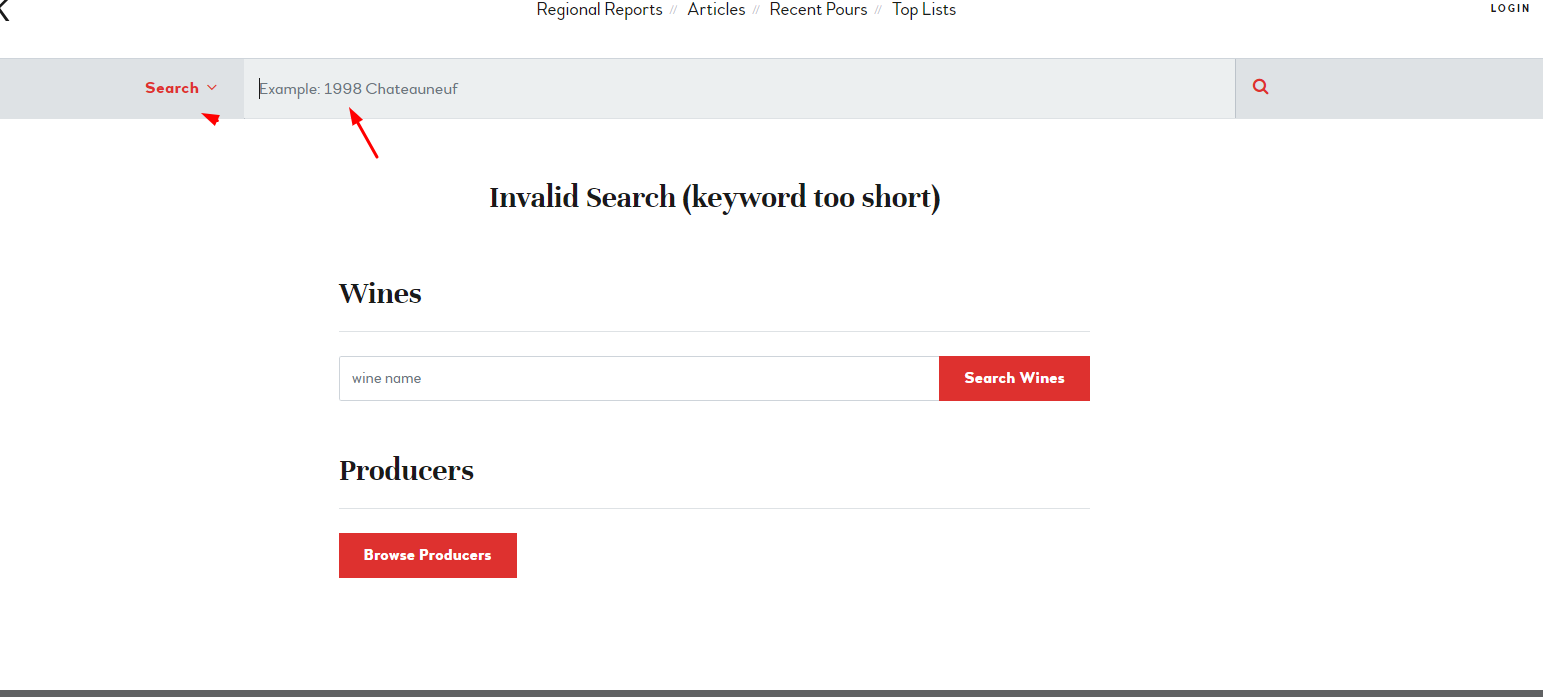
I am trying to create a search functionality like enlace oculto. Where there will be 2 options drop down and a search input.

I want to create a shortcode but I am not able to do it using view. The above video I am trying to explain same. Can you please help me creating a search like this under views?

#2745096

Mateus Getulio
Colaborador

Idiomas: Inglés (English )

Zona horaria: America/Sao_Paulo (GMT-03:00)

Hello. Thank you for contacting the Toolset support.

While there's no built-in feature that would allow you to do it, you can accomplish it with a bit of custom code.

Please check the following example for the post types post and page:
1) edit your view, in section "Filter", add a select dropdown for post type filters into your filter form:

[wpml-string context="wpv-views"]Post Type:[/wpml-string] [wpv-control url_param="wpv-post-type" type="select" values=",page,post" display_values="All,Page,Post"]

You can manually edit/add post type into it.

2) add below codes into your theme/functions.php:

add_filter( 'wpv_filter_query', 'post_type_filter_func', 10, 3 );
 
function post_type_filter_func( $query_args, $settings, $view_id ) {
    if ( $view_id == 9999 && isset($_GET['wpv-post-type'][0]) && !empty($_GET['wpv-post-type'][0]) ) {
        $query_args['post_type'] = $_GET['wpv-post-type'][0];
    }
    return $query_args;
}

Whhere:
- Replace 9999 with your original View ID.

More info:
=> https://toolset.com/documentation/user-guides/views-filters/wpv_filter_query/

#2745584

I did it as you said and here is the result
enlace oculto
I want the search be displayed in another page like Different for Regions and Different for Post.
Initially, it will be just a search box with auto-suggest like this enlace oculto

Can you please help me to get me to the milestone I am looking for. I will put that shortcode into the homepage.

#2747201

Mateus Getulio
Colaborador

Idiomas: Inglés (English )

Zona horaria: America/Sao_Paulo (GMT-03:00)

Hello there,

I apologize for the delay caused by the weekend.

I tried accessing the link but I got a warning saying 'Access from your Country was disabled by the administrator.'

It depends if you're using Blocks or the legacy views. For the blocks, we have a tutorial here with the steps to show the results in a different page: https://toolset.com/course-lesson/displaying-search-results-on-a-different-page/

If you're using legacy views, what you could do is to add the search view to two different pages, one containing the search form and the other meant to display the results.

When you are ready to insert the View, on the page you want to display only the results, insert the View using the wpv-view shortcode, like so:

[wpv-view name="my-search-view" view_display="layout"]

Make a note of the ID of this page designed to show the results.

Then where you want to insert the View search form, insert the same View but using the wpv-form-view shortcode, like so:

[wpv-form-view name="my-search-view" target_id="123"]

(where 123 is the ID of the page where the View results will be shown).